shadcn.io is not affiliated with official shadcn/ui
Shaders
ProExtruded Mobius Spiral Shader for React
Rainbow hexagonal blocks packed into interlocking Möbius spirals on a tilted floor, drawn in 3D on the GPU: the blocks rise and fall in waves and stream from eye to eye. For React with Base UI, when a playful hero, a creative tool or a launch wants bold color and depth.
Extruded Mobius Spiral Shader tiles a floor with hexagonal blocks that wind into spirals. Toward each spiral's eye the blocks shrink to points; away from it they grow into big slabs. Each block's top is a saturated hue of the rainbow, with a black outline and a darker hexagon inset in it. The blocks rise and fall in slow waves, cast soft shadows on the floor between them, and stream steadily out of one eye of each pair and into the other, so the spirals seem to turn. A WGSL fragment shader on WebGPU ray marches the blocks in 3D. The spirals come from complex numbers: a Möbius map and a logarithm bend an ordinary hex grid into them.
Use it behind a playful hero, a creative or design tool, a music or event launch, anywhere bold color and a bit of mathematical wonder fit. For a flat honeycomb in plain CSS, with no GPU, use the Honeycomb background; for another pattern bent by Möbius maps, Mobius Sierpinski Shader. It runs only while it's on screen, holds a still frame with reduced motion, and shows a rainbow conic gradient in browsers without WebGPU.
Installation
Usage
import {
  ExtrudedMobiusSpiralShader,
} from "@/components/ui/extruded-mobius-spiral-shader";<ExtrudedMobiusSpiralShader className="flex min-h-[32rem] items-center justify-center">
<div className="rounded-xl bg-black/60 px-8 py-6">
<h1 className="text-5xl font-semibold text-white">Make it pop</h1>
</div>
</ExtrudedMobiusSpiralShader>Extruded Mobius Spiral Shader is a container: your content sits on top of the blocks, in normal flow. It fills its own box, so give it a height or content. For a backdrop behind the whole page, render it empty with className="fixed inset-0 -z-10". The band of spiral eyes runs along the box's longer side, so it turns upright in a tall box. The pattern is busy and bright in both color schemes, so no bare text color reads everywhere: put copy on a panel, like the bg-black/60 one above.
Demos
One spiral, with holes
doubleSpiral={false} keeps one pair of eyes, so a single S-shaped spiral fills the box, with no giant blocks. holes cuts a hexagonal hole through every block, down to the dark floor, which turns the tops into rings.
In a card
hueShift={0.55} turns the color wheel a little over halfway, so different hues land on the big blocks, and speed={0.5} halves the streaming and the waves for a small surface.
Performance
Extruded Mobius Spiral Shader renders at quality={0.75} by default: three quarters of the screen's resolution, a little over half the pixels. On an M2 Max laptop at 1280×720, a frame takes about 1.7 ms of GPU time at that default, 2.5 ms at quality={1}, which draws the outlines crisper, and 0.9 ms at quality={0.5}, where the outlines start to soften. Slower GPUs take several times longer, so keep the default on large screens. Your own quality prop overrides it. The animation stops when the shader scrolls out of view, and the browser pauses it in a hidden tab. Every shader on a page shares one GPU device and one frame loop, and vgpu (about 50 KB gzipped) loads only when the first one mounts.
Browser support
The shader needs WebGPU: Chrome and Edge, Safari 26 and later, and Firefox on Windows and macOS. Elsewhere, and until the first frame, the box shows a conic rainbow gradient, so the layout never jumps. data-state on the root reads unsupported there, if you want to style around it. See Shader Canvas.
Accessibility
The pattern is decoration: it's hidden from assistive tech and lets every click through to your content. With reduced motion it draws one still frame, both spiral pairs across the box, and stops. Nothing flashes: the blocks drift out of the eyes over several seconds, the waves take about four and a half seconds to pass, and the colors stay with their blocks. Blocks smaller than a few pixels, round the eyes, blend into a smooth swirl of the same hues, so they don't shimmer as they move. The colors are bright and change everywhere, so never set text on them bare: a bg-black/60 panel keeps white text above 5.9:1 everywhere, and bg-black/70 above 8.7:1.
FAQ
How does a hex grid turn into spirals?
Each point of the floor is treated as a complex number and sent through a Möbius map, which sends one eye of a pair to zero and the other to infinity. Its complex logarithm then unrolls the circles round each eye into straight rows, and a hex grid is laid on that. One turn round an eye shifts the grid by an exact number of hexagons, 12 one way and 6 the other, so the rows meet up again and wind into spirals. The map preserves angles, so the hexagons stay hexagons, only larger or smaller.
What's the difference between one spiral and two?
doubleSpiral (on by default) multiplies two Möbius maps, so two pairs of eyes interlock across the box. Between the pairs, the combined map folds over on itself, and there the blocks grow very large: those are the big slabs near the top and bottom of a wide box. With doubleSpiral={false} there's a single pair of eyes and a single S-shaped spiral, with no fold.
What do holes, raised, ridges and spokes do?
They decorate every block. holes cuts a hexagonal hole through each one, down to the floor. raised lifts the inset hexagon into a second, smaller step. ridges cuts concentric grooves across the tops, and spokes draws dark lines from the center of each top to its six corners. insets, on by default, is the darker outlined hexagon in the middle. Mix them freely: all four together add about a fifth to the GPU time.
Can the blocks be squares or triangles?
Not in this shader: the spirals depend on a lattice that closes up exactly after one turn round an eye, and the shading is written for hexagons. shadcn.io's version had a shape prop, but it never changed anything, so it's gone here.
Can I change the colors?
hueShift turns the whole color wheel, from 0 to 1 for a full turn, so hueShift={0.5} swaps every hue for its opposite. The hues step around the wheel from block to block and close up exactly round each eye, so the rainbow is the design; there are no color props.
Will it slow my page down?
It's a 3D ray marcher, so it's one of the heavier shaders, but it's built to be quick: about 1.7 ms of GPU time a frame at 1280×720 on an M2 Max laptop at its default quality={0.75}, and several times that on a phone. It stops when it's off screen. quality={0.5} costs about 0.9 ms, with slightly softer outlines. doubleSpiral barely changes the cost, and all four decorations together add about a fifth.
Credits
Inspired by Extruded Mobius Spiral (opens in a new tab) by Shane on Shadertoy, through shadcn.io's version. The idea, a hex grid bent into Möbius spirals by a complex logarithm, then extruded into blocks with soft shadows, is the same; the code, the layout of the eyes, the palette and the decorations are ours, written from scratch. It draws a frame in about 40% of the GPU time shadcn.io's version took at full resolution. The hash is lowbias32 by Chris Wellons (public domain).
API Reference
ExtrudedMobiusSpiralShader
data-slot="extruded-mobius-spiral-shader"
doubleSpiral?boolean
Two interlocking spiral pairs (four eyes) instead of one pair. @default true.
- Default
true
fallback?string
What shows until the first frame and in browsers without WebGPU: a CSS
background value (gradients, sizes, a colour) that looks like the
shader. It can use the colour props' --shader-<field> variables.
holes?boolean
Cuts a hexagonal hole through every block, down to the floor. @default false.
- Default
false
hueShift?number
Turns the palette, from 0 to 1 (a full turn of the color wheel). @default 0.
- Default
0
insets?boolean
A darker, outlined hexagon inset in the top of every block. @default true.
- Default
true
interactive?boolean
Whether u.pointer follows the pointer. @default false.
paused?boolean
Holds the current frame. @default false.
quality?number
Render scale, from 0.25 to 1, of the screen's pixels (capped at 2×). @default 1.
- Default
0.75
raised?boolean
Raises the inset hexagon into a second, smaller step. @default false.
- Default
false
ridges?boolean
Concentric grooves across the top of every block. @default false.
- Default
false
speed?number
Animation speed: 1 is normal, 0 holds the frame. @default 1.
spokes?boolean
Dark lines from the center of every top to its six corners. @default false.
- Default
false
time?number
A fixed moment, in seconds: draws it and doesn't animate.
render?ReactElement | ((props: object, state: object) => ReactElement)
Replace the host element or compose it with another component.
- Type
ReactElement | ((props: object, state: object) => ReactElement)
className?string
Forwarded to the part.
Related
- Pro
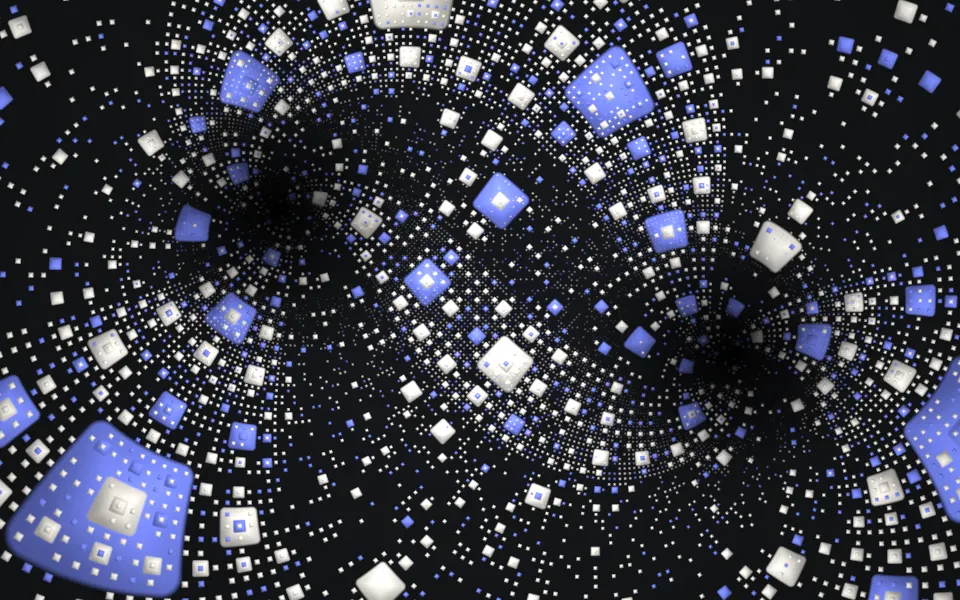
Mobius Sierpinski Shader
Tunnels & 3DAnother pattern bent by Möbius maps
- Pro
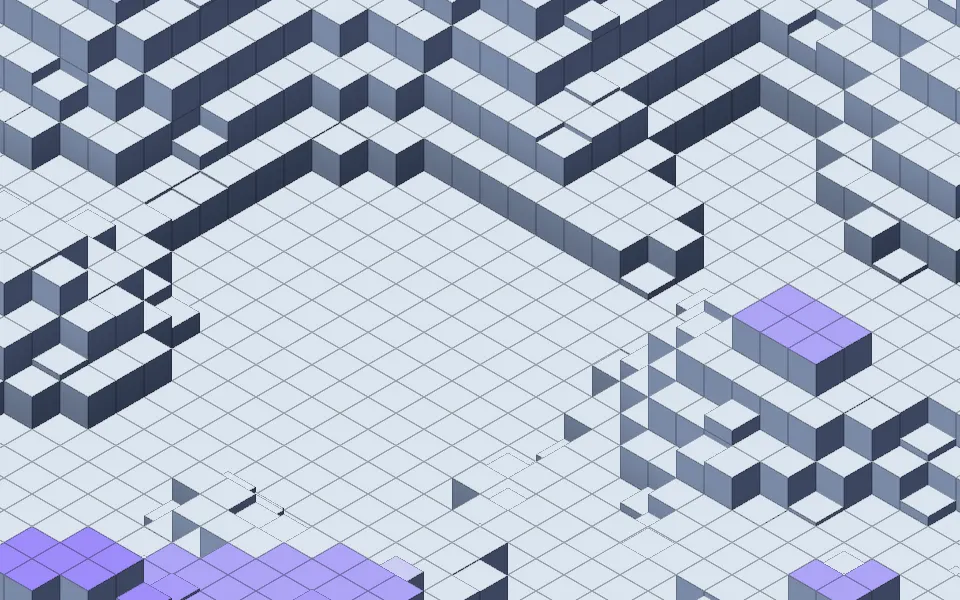
Isometric Blocks Shader
GeometryBlocks rising in waves, in slate
- Pro
Hexagon Grid Pattern Shader
Patterns & tilingsHex cells as flat op-art
- Pro
Voxel Flyover Shader
Water & landscapesA playful 3D world of blocks
- Pro
Truchet Shader
Patterns & tilingsBold color geometry, flat
- Pro
Soap Bubbles 2D Shader
Water & landscapesBright, bouncy motion for a playful hero