shadcn.io is not affiliated with official shadcn/ui
Hexagon Grid Pattern Shader tiles the frame with hexagonal cells. Each cell holds six blocks, hexagons pointing at its corners and filled with concentric stripes down to a small core, and each block tucks under the next like a pinwheel of tumbling blocks, with a soft shadow where it meets the one on top and an ink mark at the cell's center. Each cell turns its pinwheel its own way, at random, so the sheet never quite repeats. A WGSL fragment shader on WebGPU draws every pixel each frame while the sheet drifts slowly up and to the right.
Use it for an event poster, a gallery or exhibition page, or a brand that wants bold, graphic pattern, with copy on a solid panel. For a honeycomb that answers the pointer, in plain CSS, use the Hexagon background; for colorful folded tiles, Truchet Shader. It runs only while it's on screen, holds a still frame with reduced motion, and shows a CSS hatch of stripes in the same colors in browsers without WebGPU.
Installation
Usage
import {
  HexagonGridPatternShader,
} from "@/components/ui/hexagon-grid-pattern-shader";<HexagonGridPatternShader className="flex min-h-[32rem] items-center justify-center">
<div className="rounded-xl bg-background/85 px-8 py-6">
<h1 className="text-5xl font-semibold text-foreground">Ship faster</h1>
</div>
</HexagonGridPatternShader>Hexagon Grid Pattern Shader is a container: your content sits on top of the pattern, in normal flow. It fills its own box, so give it a height or content. For a backdrop behind the whole page, render it empty with className="fixed inset-0 -z-10". The stripes run from ink to paper every few pixels, so no text reads on them bare: put copy on a solid panel, like the bg-background/85 one above, which keeps your foreground text above 13:1 in both color schemes.
Demos
Grid
grid outlines every cell and marks its center in accentColor, vermilion by default, so you can see how the pattern is built. Here stripes={1.5} packs each block with half again as many stripes, and inkColor and paperColor set classic black and white.
In a card
The cells keep their size in CSS pixels, so a small box shows fewer of them: scale={8} fits eight cells across 800 pixels, for a finer pattern at card size. Rust on peach makes a warm duotone; keep the ink darker than the paper, or the shadows turn into highlights.
Performance
About 0.3 ms of GPU time a frame at 1280×720 on an M2 Max laptop: six blocks per pixel, each a hexagon distance and a stripe. Slower GPUs take several times longer. It keeps full quality: the stripes are a few pixels wide and blur at half resolution. The animation stops when the shader scrolls out of view, and the browser pauses it in a hidden tab. Every shader on a page shares one GPU device and one frame loop, and vgpu (about 50 KB gzipped) loads only when the first one mounts.
Browser support
The shader needs WebGPU: Chrome and Edge, Safari 26 and later, and Firefox on Windows and macOS. Elsewhere, and until the first frame, the box shows a CSS hatch of stripes in three directions, in the same colors, so the layout never jumps. data-state on the root reads unsupported there, if you want to style around it. See Shader Canvas.
Accessibility
The pattern is decoration: it's hidden from assistive tech and lets every click through to your content. With reduced motion it draws one still frame and stops. Nothing flashes: the sheet drifts one cell every twelve seconds, and at the default size and speed a stripe slides past any one point less than twice a second. Dense, high-contrast stripes can be uncomfortable to look at for some people, especially in motion: keep it behind short copy on a solid panel, soften it by bringing inkColor and paperColor closer together, or hold it with paused.
FAQ
How is the pattern built?
On a grid of hexagonal cells, each cell draws six hexagons pointing at its corners, each filled with concentric stripes. Each hexagon is cut where the next one overlaps it, so it seems to tuck under its neighbor, all the way round, like a pinwheel; a soft shadow along each cut gives the stacked-paper depth. Each cell picks clockwise or anticlockwise at random.
Can I show the grid?
Yes: grid outlines every cell and fills its center mark in accentColor. It suits a technical or blueprint look, and shows how the blocks sit in each cell.
How do I change the stripe count?
stripes scales the number of stripes in each block: 0.5 gives a few broad bands, the default about five, and 2 fine lines. scale changes the size of the cells themselves, as the number that fit 800 CSS pixels.
Can I use my brand colors?
Yes: inkColor is the stripes, the shadows and the center marks, paperColor the ground between them, and accentColor the grid. They take any CSS color, var(--primary) included, and follow a theme switch. Keep the ink darker than the paper: the shadows darken toward the ink, so a light ink makes them glow instead.
Is high-contrast op-art OK for everyone?
Not always: dense, high-contrast stripes can cause discomfort, and for a few people with photosensitivity, more than that. Use it behind short copy rather than long reading, lower the contrast by moving the two colors closer, and slow or pause it. With reduced motion it holds still.
Credits
Inspired by a hexagon grid pattern (opens in a new tab) by Shane on Shadertoy, through shadcn.io's version. This is a new shader written from the idea, not a port: six striped hexagons per cell, each cut by the next, stay; the cell geometry, the random turn of each pinwheel, the shading, the drift and the colors are ours. The hash is lowbias32 by Chris Wellons, in the public domain.
API Reference
HexagonGridPatternShader
data-slot="hexagon-grid-pattern-shader"
accentColor?string
The grid lines and the cell centers, when grid is on. Any CSS color. @default "#e4572e".
- Default
"#e4572e"
fallback?string
What shows until the first frame and in browsers without WebGPU: a CSS
background value (gradients, sizes, a colour) that looks like the
shader. It can use the colour props' --shader-<field> variables.
grid?boolean
Outlines every hexagonal cell and marks its center in accentColor. @default false.
- Default
false
inkColor?string
The stripes, the cell centers and the shadows. Any CSS color. @default "#1f2a5c".
- Default
"#1f2a5c"
interactive?boolean
Whether u.pointer follows the pointer. @default false.
paperColor?string
The ground between the stripes. Any CSS color. @default "#f4efe4".
- Default
"#f4efe4"
paused?boolean
Holds the current frame. @default false.
quality?number
Render scale, from 0.25 to 1, of the screen's pixels (capped at 2×). @default 1.
scale?number
How many cells fit 800 CSS pixels, from 2 (big, bold blocks) to 10. @default 5.
- Default
5
speed?number
Animation speed: 1 is normal, 0 holds the frame. @default 1.
stripes?number
How many stripes each block has, from 0.5 (a few broad bands) to 2 (fine lines). @default 1.
- Default
1
time?number
A fixed moment, in seconds: draws it and doesn't animate.
render?ReactElement | ((props: object, state: object) => ReactElement)
Replace the host element or compose it with another component.
- Type
ReactElement | ((props: object, state: object) => ReactElement)
className?string
Forwarded to the part.
Related
- Pro
Truchet Shader
Patterns & tilingsColorful folded tiles
- Pro
Pyramid Pattern Shader
Patterns & tilingsA studded surface of lit metal
- Pro
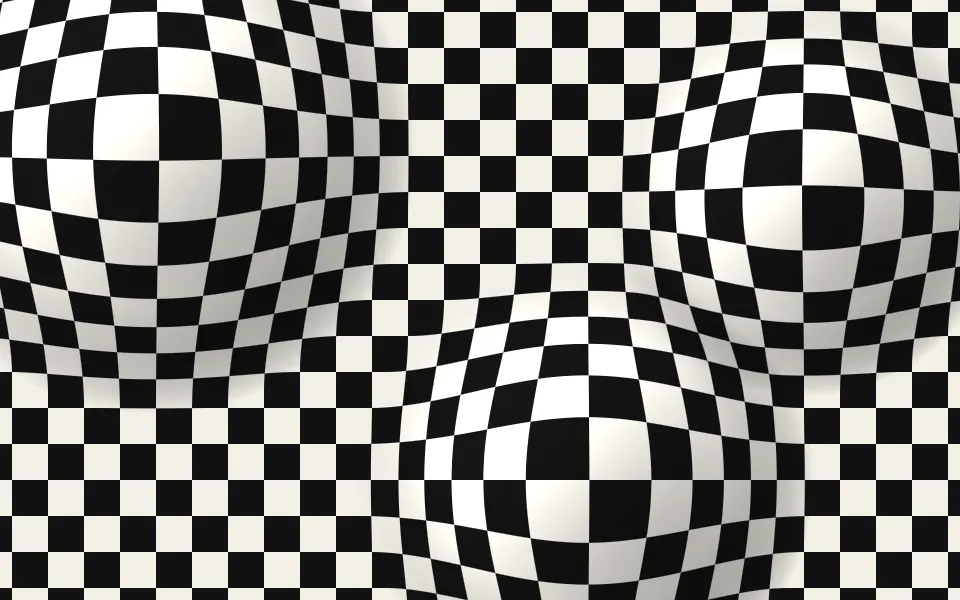
Op Art Bulge Shader
GeometryAnother op-art illusion, in black and white
- Pro
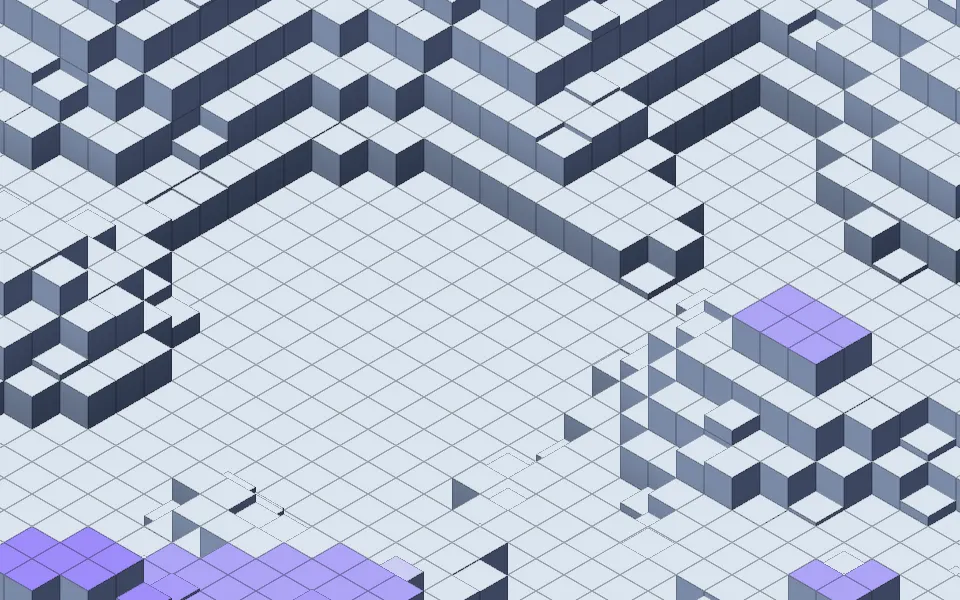
Isometric Blocks Shader
GeometryStacked cubes in isometric view
- Pro
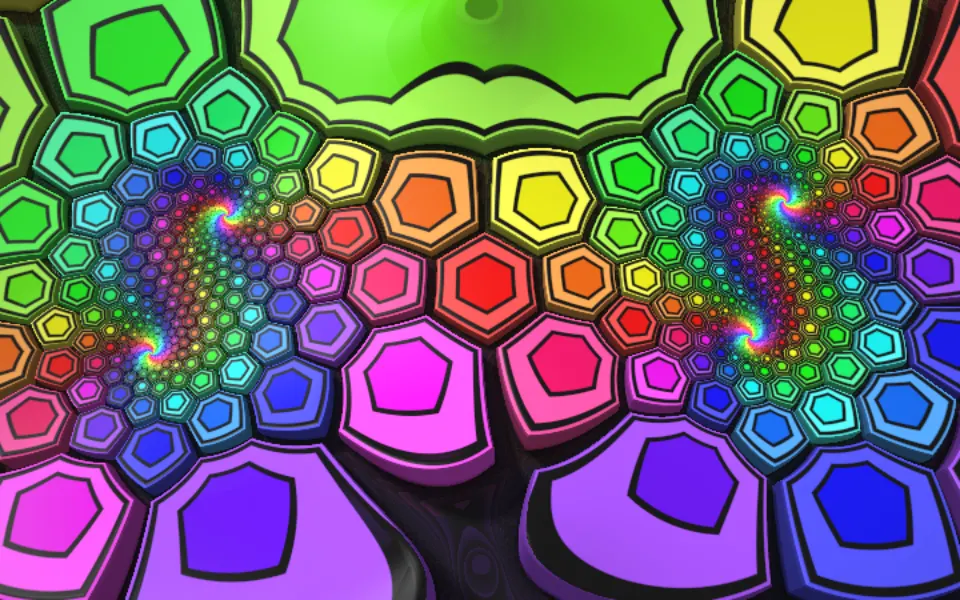
Extruded Mobius Spiral Shader
Tunnels & 3DHexagon blocks wound into spirals, in 3D
- Pro
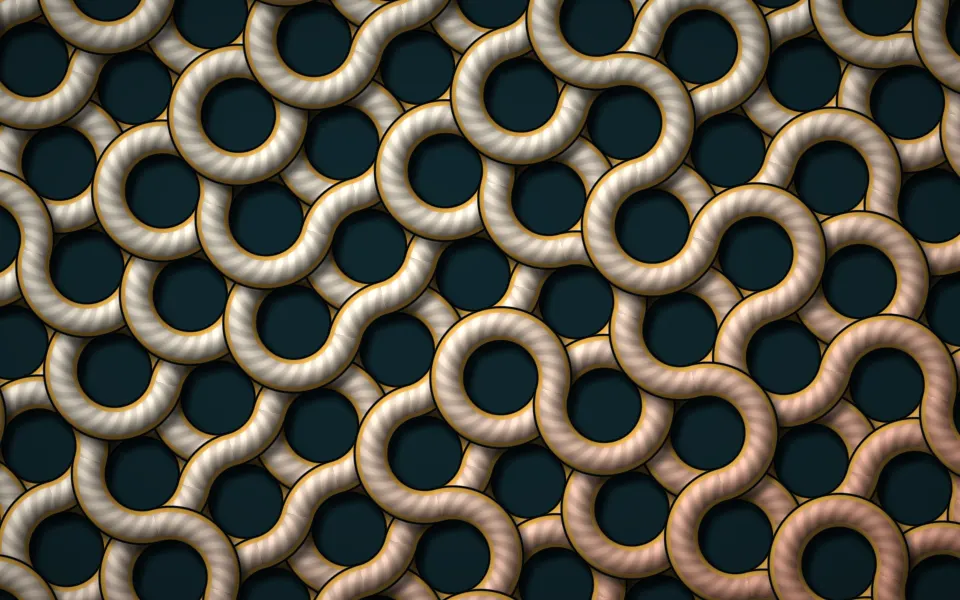
Simplex Truchet Weave Shader
Patterns & tilingsA woven, tactile pattern