shadcn.io is not affiliated with official shadcn/ui
Smooth Voronoi Contours Shader cuts a blended cellular field into contour bands, like a topographic map drawn for a concert poster. The bands cycle ink, cream, ink and sunflower yellow, ringed by crisp ink outlines, so every hill becomes an eye of concentric rings and one level is flooded hot pink in puddles around them. The points under the field circle slowly, so the blobs swell, merge and pinch like slow lava, and nothing scrolls. A WGSL fragment shader on WebGPU draws every pixel each frame, for about a millisecond of GPU time.
Use it behind a music, art or event page, an album or a launch that wants something loud and graphic. For thin, even contour lines over soft noise, use Smooth Noise Contours Shader; for glossy enamel bands in red and silver, Noise Contours Shader; for the hard-walled cells themselves, Worley Noise Shader; for a calm map in plain CSS, the Topography background. It runs only while it's on screen, holds a still frame with reduced motion, and shows CSS rings in the same colors in browsers without WebGPU.
Installation
Usage
import {
  SmoothVoronoiContoursShader,
} from "@/components/ui/smooth-voronoi-contours-shader";<SmoothVoronoiContoursShader className="flex min-h-[32rem] items-center justify-center">
<div className="rounded-xl bg-white px-8 py-6">
<h1 className="text-5xl font-semibold text-black">Ship faster</h1>
</div>
</SmoothVoronoiContoursShader>Smooth Voronoi Contours Shader is a container: your content sits on top of the pattern, in normal flow. It fills its own box, so give it a height or content. For a backdrop behind the whole page, render it empty with className="fixed inset-0 -z-10". The pattern is half ink and half bright fills, so no text color reads on it bare: put copy on a solid label, like the white one above, or on a bg-black/60 panel, which keeps white text above 6:1 everywhere.
Demos
Glossy
glossy shades every band as a rounded terrace, deeper at its foot and paler at its top, with a thin glint along its upper edge, so the map turns into stacked lacquer. bands={8} cuts the field into fewer, broader levels, which suits the terraces.
In a card
The four colors are props. Here fillColor is mint, accentColor orange and paperColor a warmer cream, for a card or an album cover. The outlines keep their width in CSS pixels, so they stay crisp at any size: keep full quality for this one.
Performance
About 1 ms of GPU time a frame at 1280×720 on an M2 Max laptop; slower GPUs take several times longer. Each pixel sums its distance to 32 moving points, 16 for each of two sizes of blob, and gets the field's slope from the same sum, so the outlines cost nothing extra. bands and glossy don't change the cost. The outlines are thin lines, so keep quality at 1 where you can; on a large retina screen quality={0.75} saves almost half the work and softens them only slightly. The animation stops when the shader scrolls out of view, and the browser pauses it in a hidden tab. Every shader on a page shares one GPU device and one frame loop, and vgpu (about 50 KB gzipped) loads only when the first one mounts.
Browser support
The shader needs WebGPU: Chrome and Edge, Safari 26 and later, and Firefox on Windows and macOS. Elsewhere, and until the first frame, the box shows concentric CSS rings of ink, cream and yellow with a pink spot, so the layout never jumps. data-state on the root reads unsupported there, if you want to style around it. See Shader Canvas.
Accessibility
The pattern is decoration: it's hidden from assistive tech and lets every click through to your content. With reduced motion it draws one still frame and stops. Nothing flashes: each point takes 7 to 14 seconds to circle, so the bands creep rather than jump. The pattern swings from ink to cream within a few pixels, so never set text on it bare: a solid bg-white label keeps black text at full contrast, a bg-black/60 panel keeps white text above 6:1, and bg-black/70 above 8.8:1.
FAQ
What is smooth Voronoi?
A Voronoi pattern measures each pixel's distance to the nearest of many scattered points, which leaves hard walls between the cells. Smooth Voronoi blends the distances to all the nearby points instead, so the cells melt into each other and the field has no creases. Cut into levels, it gives the rounded, merging blobs you see here.
How do I get more or fewer lines?
bands sets how many contour levels the field is cut into, from 6 to 24. Fewer give broad, poster-like blobs; more give tight rings, like a detailed map. The accent always floods the middle level, so it stays in view at any count.
What does glossy change?
Each band is shaded as a rounded terrace, deeper at its foot and paler at its top, with a thin glint along its upper edge, so the flat poster becomes stacked lacquer. It's shading painted on each level, not a reflection: there's no light or environment behind it.
Why do the outlines keep the same width?
Along a contour, the field changes faster in some places than others, so a line drawn at a fixed slice of the field would be thick where it's flat and thin where it's steep. The shader computes the field's exact slope at each pixel and divides by it, which turns the distance to the nearest level into pixels, so every outline is 2.5 CSS pixels wide on any screen.
Can I change the colors?
Yes, all four: inkColor for the outlines and every other band, paperColor for the light rings, fillColor for the bright rings and the gradient toward the bottom right, and accentColor for the flooded level. They take any CSS color, var(--primary) included, and follow a theme switch. Keep the ink dark and the paper light, or the rings lose their outlines.
Credits
Inspired by a smooth Voronoi contours shader (opens in a new tab) by Shane on Shadertoy. This is a new shader written from the idea, not a port: its own field, with an exact gradient instead of extra samples, its own band cycle, glossy shading and colors.
API Reference
SmoothVoronoiContoursShader
data-slot="smooth-voronoi-contours-shader"
accentColor?string
The one level flooded with a loud colour, in puddles. Any CSS colour. @default "#ff2d8a".
- Default
"#ff2d8a"
bands?number
How many contour levels the field is cut into, from 6 (broad blobs) to 24 (fine rings). @default 12.
- Default
12
fallback?string
What shows until the first frame and in browsers without WebGPU: a CSS
background value (gradients, sizes, a colour) that looks like the
shader. It can use the colour props' --shader-<field> variables.
fillColor?string
Every other ring of fill, and the gradient's far corner. Any CSS colour. @default "#ffd21f".
- Default
"#ffd21f"
glossy?boolean
Shades each band as a rounded terrace with a glint along its upper edge. @default false.
- Default
false
inkColor?string
The outlines and every other band. Any CSS colour. @default "#0c0a10".
- Default
"#0c0a10"
interactive?boolean
Whether u.pointer follows the pointer. @default false.
paperColor?string
The light rings between the bands. Any CSS colour. @default "#fff9ec".
- Default
"#fff9ec"
paused?boolean
Holds the current frame. @default false.
quality?number
Render scale, from 0.25 to 1, of the screen's pixels (capped at 2×). @default 1.
speed?number
Animation speed: 1 is normal, 0 holds the frame. @default 1.
time?number
A fixed moment, in seconds: draws it and doesn't animate.
render?ReactElement | ((props: object, state: object) => ReactElement)
Replace the host element or compose it with another component.
- Type
ReactElement | ((props: object, state: object) => ReactElement)
className?string
Forwarded to the part.
Related
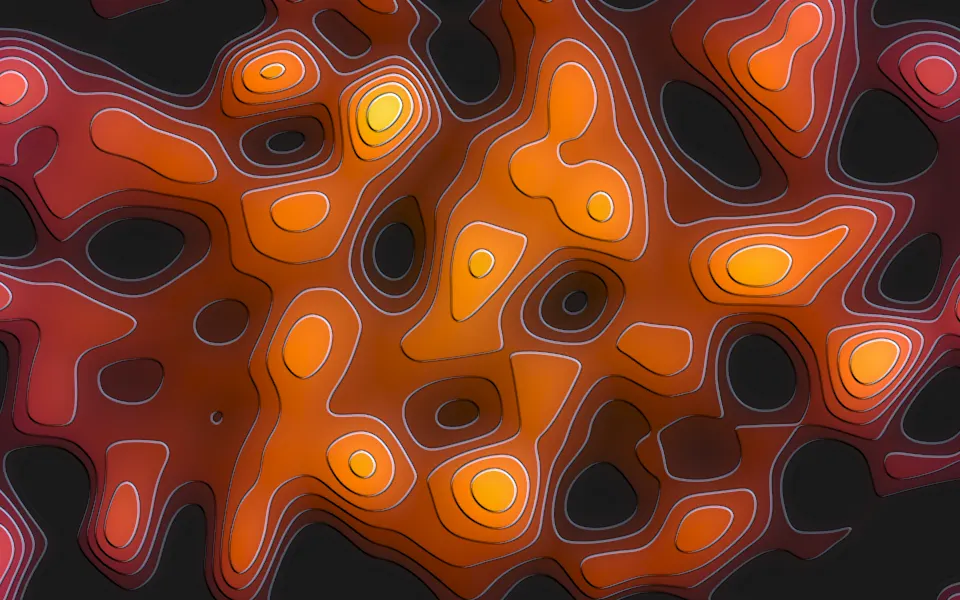
Smooth Noise Contours Shader
Patterns & tilingsTerraced contours over soft noise, free
- Pro
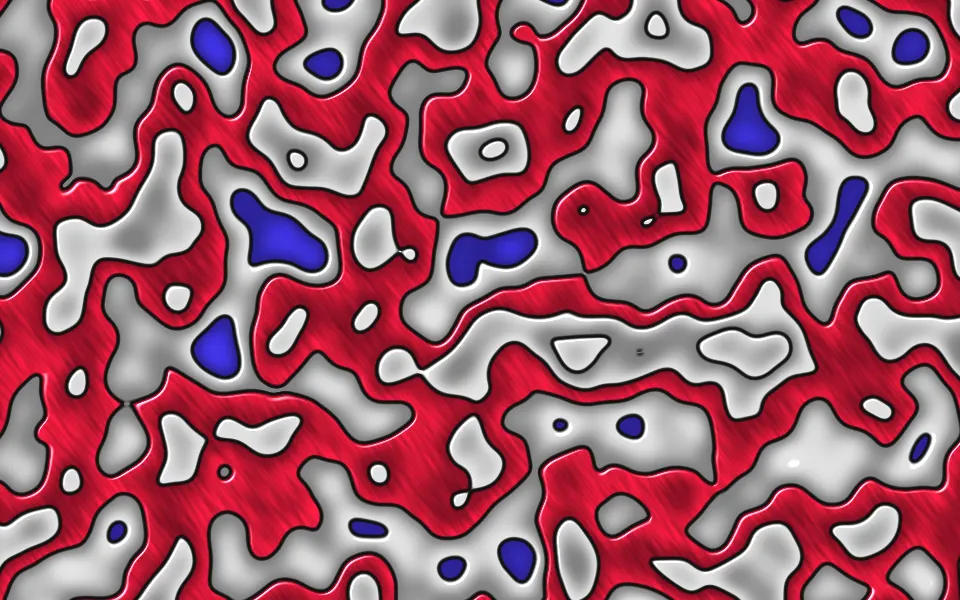
Noise Contours Shader
Patterns & tilingsGlossy enamel bands in red and silver
- Pro
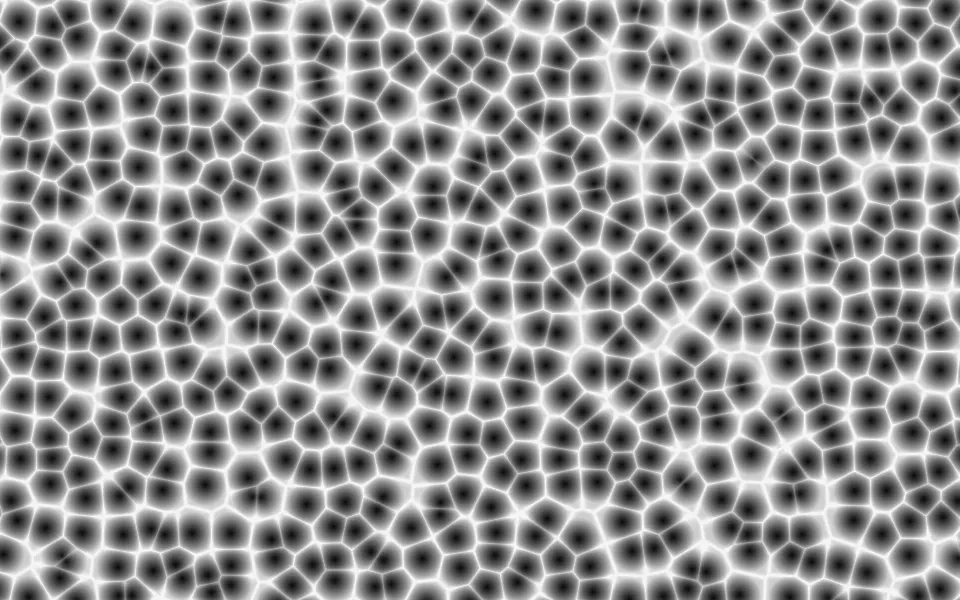
Worley Noise Shader
Patterns & tilingsThe hard-walled cells themselves
- Pro
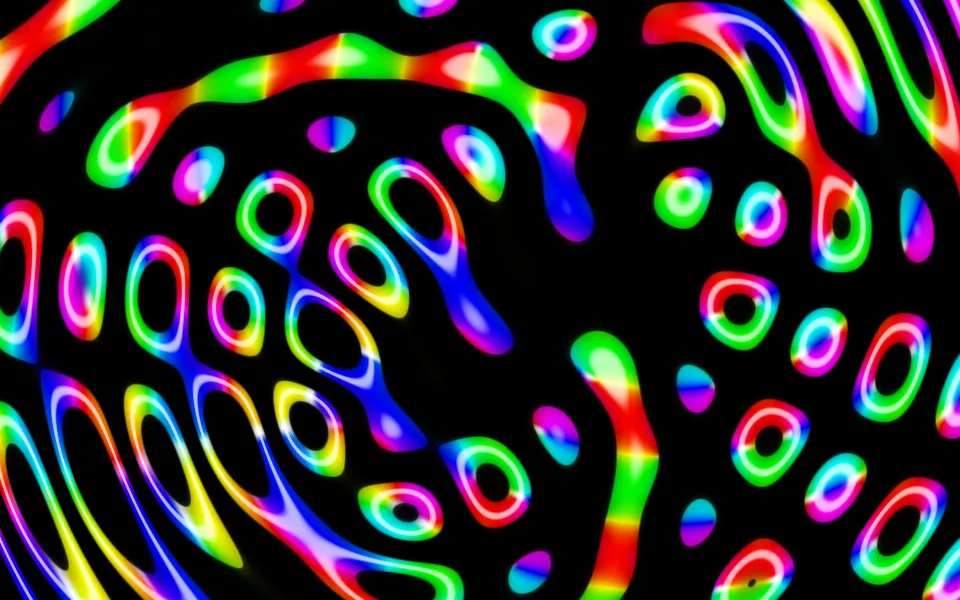
Ripples in Black Shader
Water & landscapesPsychedelic neon cells on black
- Pro
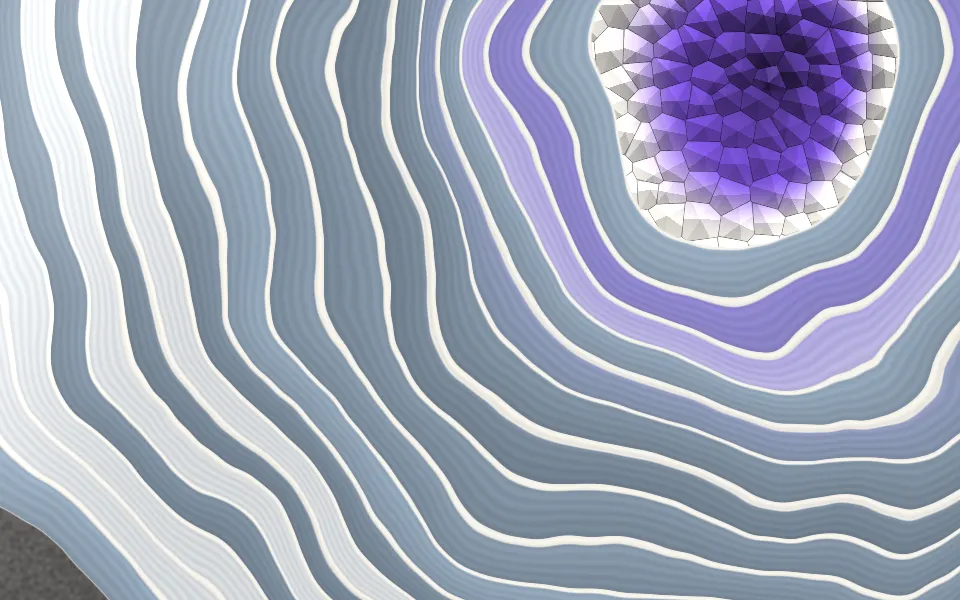
Agate Geode Shader
SpaceContour bands in polished stone
- Pro
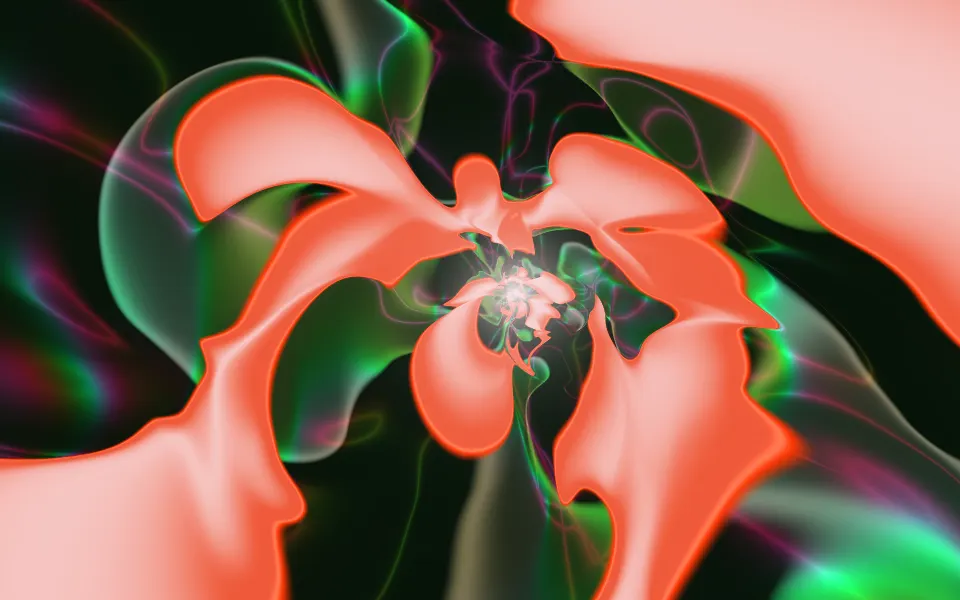
Sigmoids Sines Shader
Flow & gradientsAnother loud hero for a music page