shadcn.io is not affiliated with official shadcn/ui
Pyramid Pattern Shader draws a panel of square pyramids in tilted rows, like a studded metal plate. There's no geometry: each pyramid is a height map of four flat faces, the shader works out each face's tilt, and lights the pixel. A warm key light roves near the middle and makes a hot spot, cool glints catch the faces turned away from you toward the edges, and fine streaks give the metal a brushed grain. Each pyramid's tip wanders on slow noise, so its faces turn into and out of the light while the panel drifts sideways.
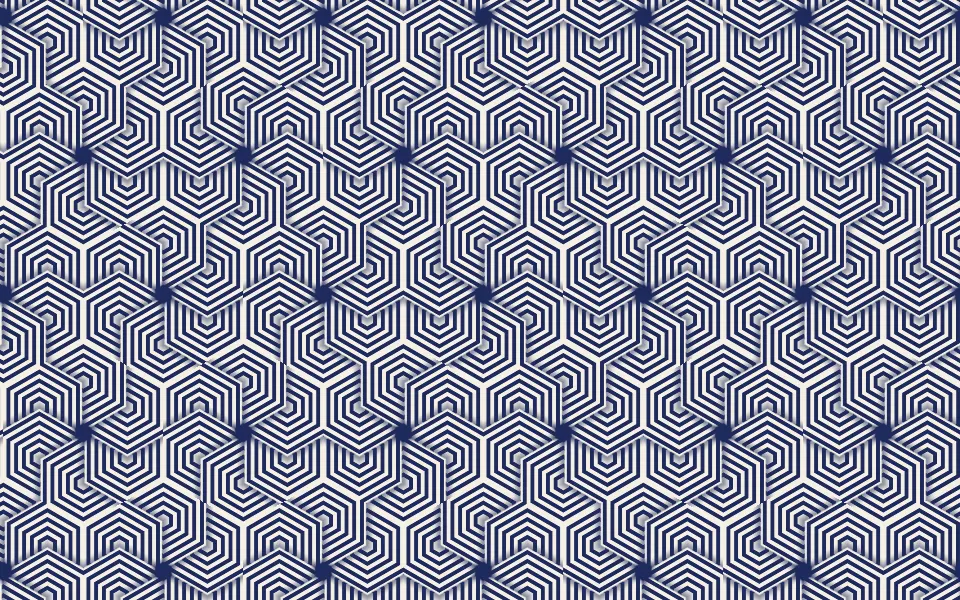
Use it behind a dark, premium hero, a hardware or audio product page, or a launch that wants a surface you could touch. For low-poly facets in your theme's tones, in plain CSS with no GPU, use the Facets background; for a flat, op-art pattern, Hexagon Grid Pattern Shader. It runs only while it's on screen, holds a still frame with reduced motion, and shows a striped CSS panel with the same glow in browsers without WebGPU.
Installation
Usage
import {
  PyramidPatternShader,
} from "@/components/ui/pyramid-pattern-shader";<PyramidPatternShader className="flex min-h-[32rem] items-center justify-center">
<div className="rounded-xl bg-black/50 px-8 py-6">
<h1 className="text-5xl font-semibold text-white">Ship faster</h1>
</div>
</PyramidPatternShader>Pyramid Pattern Shader is a container: your content sits on top of the panel, in normal flow. It fills its own box, so give it a height or content. For a backdrop behind the whole page, render it empty with className="fixed inset-0 -z-10". The panel is dark, so white text reads on most of it, at about 12:1 on a typical spot, but the hot spot behind a centered headline drops it to 2:1. Put copy on a panel: bg-black/50 keeps white text above 4.8:1 everywhere, as above.
Demos
Copper
highlightColor and rimColor recolor the two lights, here copper and teal. stagger={false} lines the pyramids up in a square grid instead of brick rows, and relief={1.3} makes them taller, so the faces tilt further and catch more of the rim light.
In a card
The pyramids keep their size in CSS pixels, so a small box shows fewer of them. scale={0.75} makes them smaller, so a card still shows a field of them. It keeps full quality: the creases are a pixel wide and blur at half resolution, and a card-sized box costs the GPU next to nothing.
Performance
About 0.3 ms of GPU time a frame at 1280×720 on an M2 Max laptop; slower GPUs take several times longer. Each pixel looks up one pyramid, computes its face analytically and runs three small noise lookups, with no loops. quality={0.5} renders a quarter of the pixels, but the creases and the grain go soft. The animation stops when the shader scrolls out of view, and the browser pauses it in a hidden tab. Every shader on a page shares one GPU device and one frame loop, and vgpu (about 50 KB gzipped) loads only when the first one mounts.
Browser support
The shader needs WebGPU: Chrome and Edge, Safari 26 and later, and Firefox on Windows and macOS. Elsewhere, and until the first frame, the box shows a CSS sketch of the panel, tilted dark stripes with a warm glow in the middle and the rim color at the sides, so the layout never jumps. data-state on the root reads unsupported there, if you want to style around it. See Shader Canvas.
Accessibility
The panel is decoration: it's hidden from assistive tech and lets every click through to your content. With reduced motion it draws one still frame, the hot spot just off center, and stops. Nothing flashes: the light takes about 30 seconds to circle, and a face takes seconds to turn into or out of it. White text reads on most of the panel but not on the hot spot, so set copy on a bg-black/50 panel (white text above 4.8:1 everywhere) or bg-black/60 (above 6.8:1).
FAQ
How does it look 3D without any geometry?
Each pyramid is a height map: four flat faces rising from a square base to a tip. For every pixel the shader finds the face it's on and that face's tilt, which gives a surface normal, then lights it with a point light, a soft fill, a specular highlight and a Fresnel term for the glints at grazing angles. The creases between faces are drawn from the same math, a pixel wide.
Why do the faces keep changing?
Each pyramid's tip wanders on slow noise, a little toward one side and then another, so its faces tilt into and out of the light. Meanwhile the panel drifts slowly along its rows and the key light circles near the middle. speed scales all three; speed={0} or paused holds the frame.
What does stagger do?
It shifts every other row by half a pyramid, like bricks, which is the default. stagger={false} lines them up in a square grid, so the valleys run straight both ways.
What's the fine texture?
Brushed metal: thin streaks along the rows, about a CSS pixel across, that darken and lighten the faces and the glints. grain sets how strong they are, from 0 (smooth, satin faces) to 1.
Can I change the light colors?
Yes: highlightColor is the key light, its hot spot and highlights, and rimColor the glints toward the edges. They take any CSS color, var(--primary) included, and follow a theme switch. The metal itself stays a dark neutral gray, so both lights read on it; a dark rim color makes the edges fade to black.
Credits
Inspired by Pyramid Pattern (opens in a new tab) by Shane on Shadertoy: a bump-mapped panel of pyramids with wandering tips under a roving light. This shader is our own code and design, written from scratch: analytic face normals and creases, a brushed-metal grain, and its own lighting, layout and colors.
API Reference
PyramidPatternShader
data-slot="pyramid-pattern-shader"
fallback?string
What shows until the first frame and in browsers without WebGPU: a CSS
background value (gradients, sizes, a colour) that looks like the
shader. It can use the colour props' --shader-<field> variables.
grain?number
The brushed streaks in the metal, from 0 (smooth) to 1. @default 1.
- Default
1
highlightColor?string
The key light's color: the warm hot spot and its highlights. Any CSS color. @default "#ffc98a".
- Default
"#ffc98a"
interactive?boolean
Whether u.pointer follows the pointer. @default false.
paused?boolean
Holds the current frame. @default false.
quality?number
Render scale, from 0.25 to 1, of the screen's pixels (capped at 2×). @default 1.
relief?number
How tall the pyramids stand, from 0 (flat) to 2. @default 1.
- Default
1
rimColor?string
The glints on facets turned away from you, toward the edges. Any CSS color. @default "#8a6cff".
- Default
"#8a6cff"
scale?number
The pyramids' size, from 0.5 to 2. @default 1.
- Default
1
speed?number
Animation speed: 1 is normal, 0 holds the frame. @default 1.
stagger?boolean
Offsets every other row by half a pyramid, like bricks. @default true.
- Default
true
time?number
A fixed moment, in seconds: draws it and doesn't animate.
render?ReactElement | ((props: object, state: object) => ReactElement)
Replace the host element or compose it with another component.
- Type
ReactElement | ((props: object, state: object) => ReactElement)
className?string
Forwarded to the part.
Related
- Pro
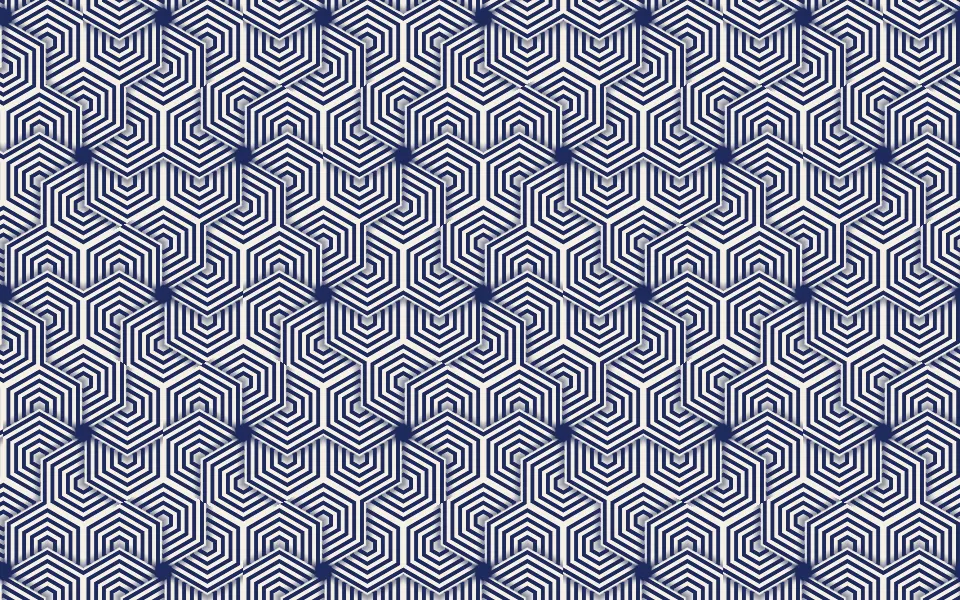
Hexagon Grid Pattern Shader
Patterns & tilingsA flat, op-art pattern
- Pro
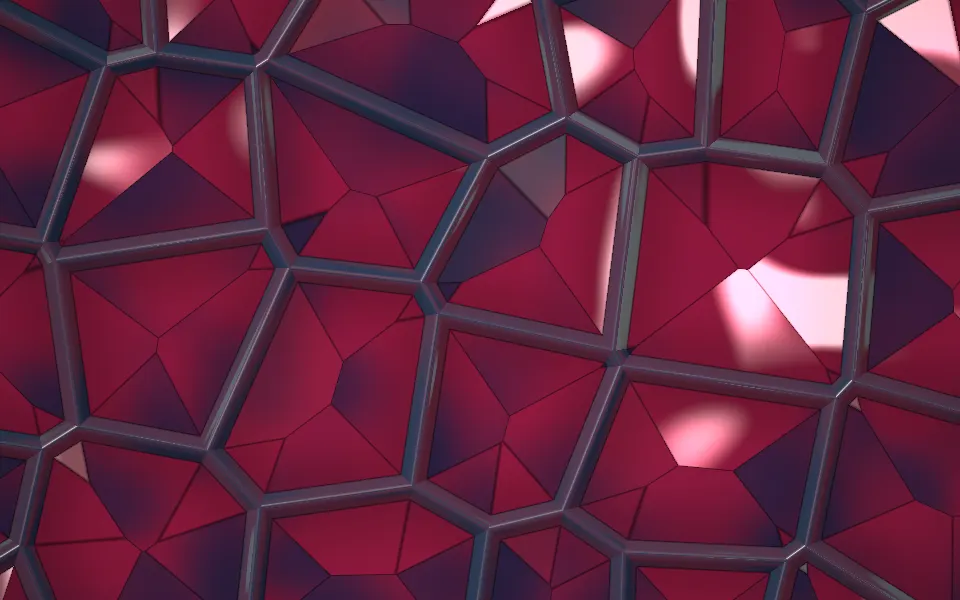
Perspex Web Lattice Shader
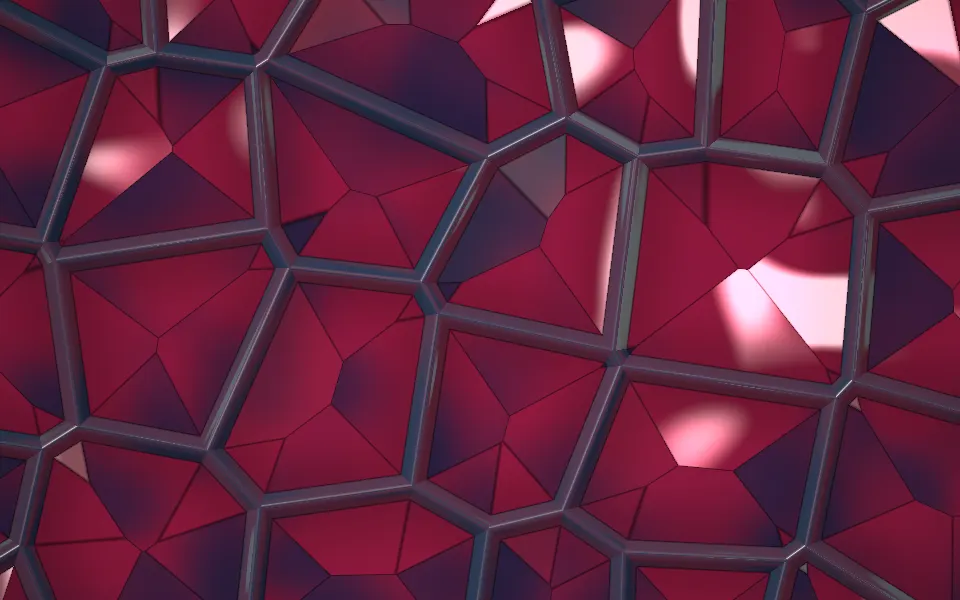
Tunnels & 3DFaceted cells in a dark web
- Pro
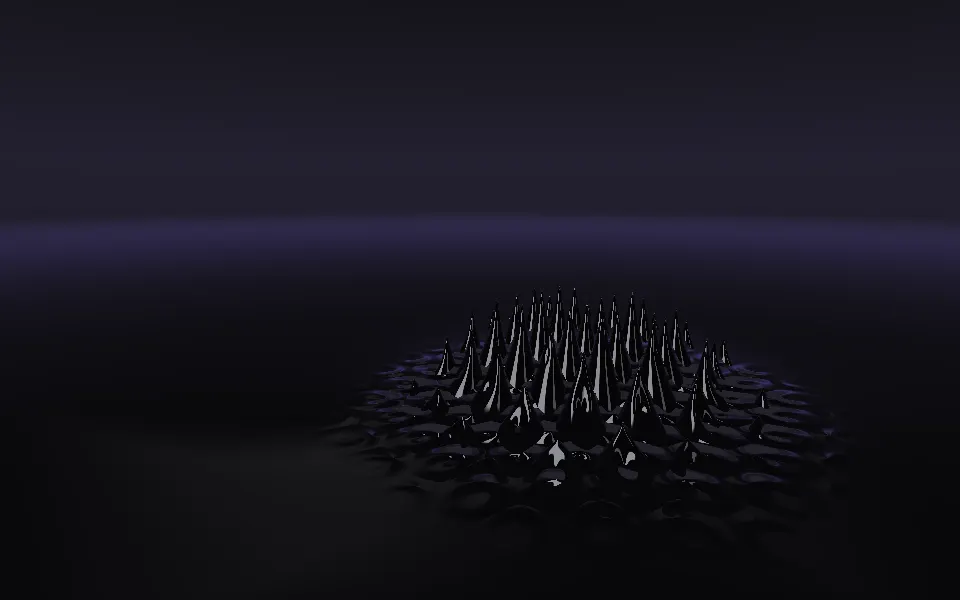
Ferrofluid Shader
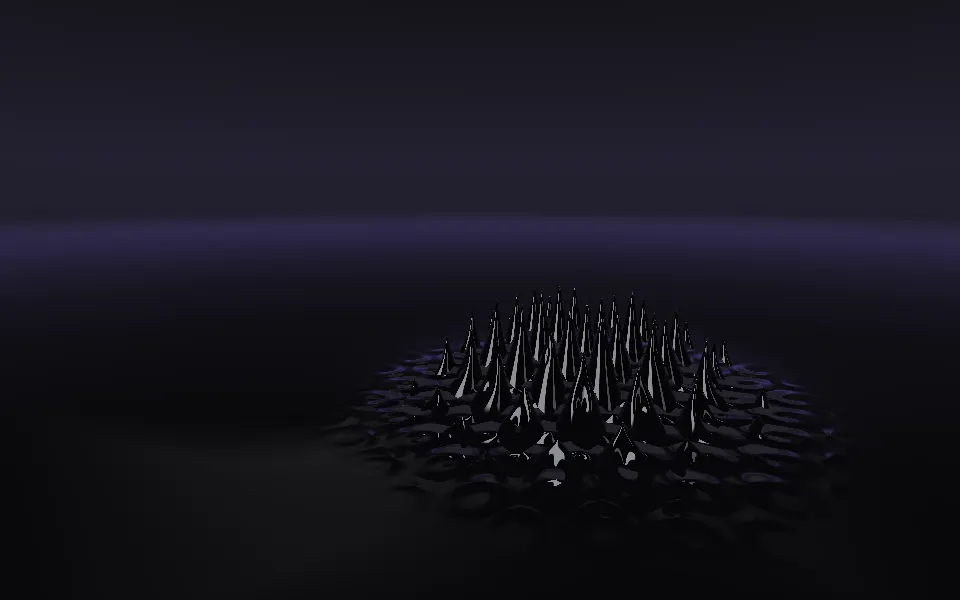
Flow & gradientsBlack spikes rising round a magnet
- Pro
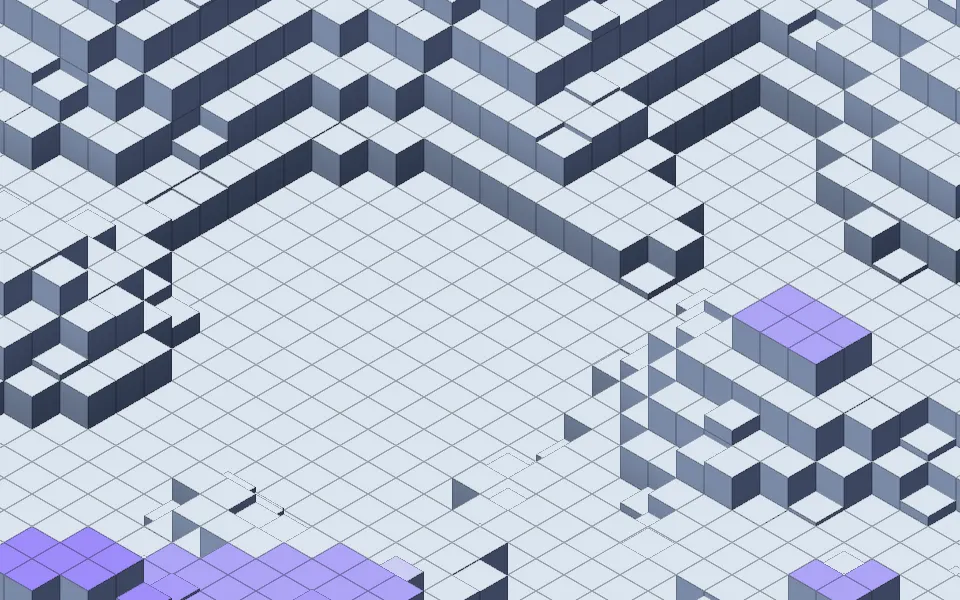
Isometric Blocks Shader
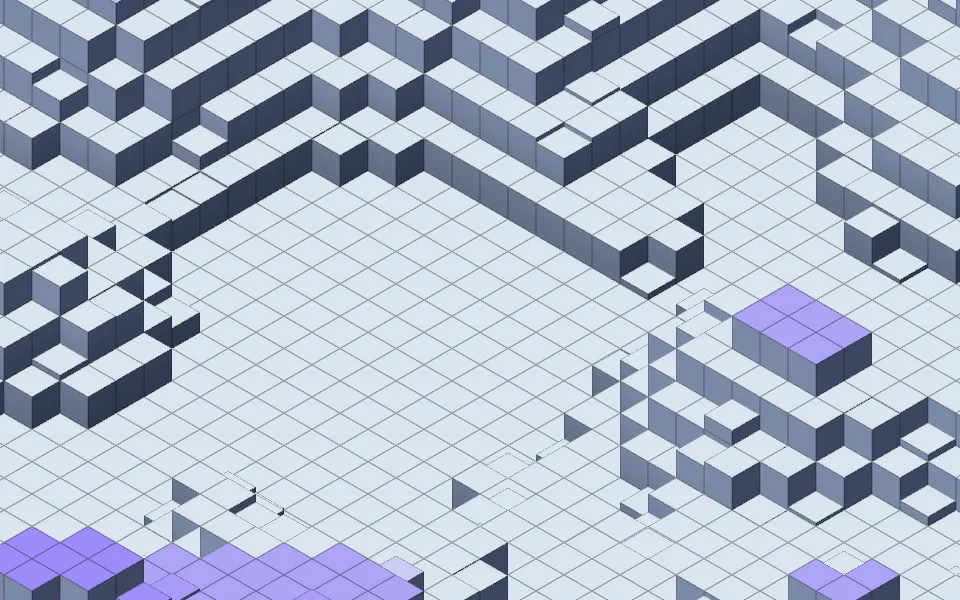
GeometryStacked cubes rising in waves
- Pro
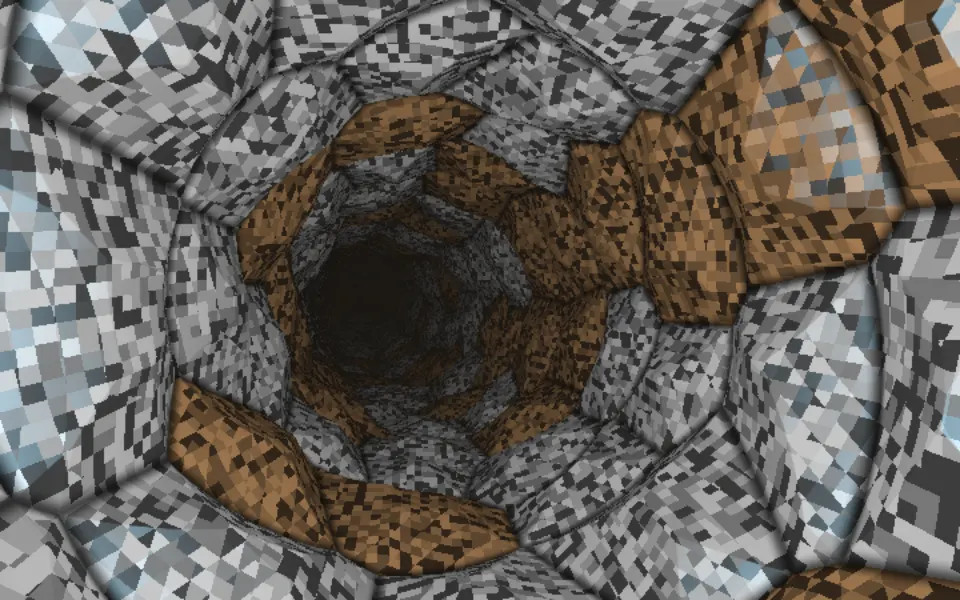
Cellular Tiled Tunnel Shader
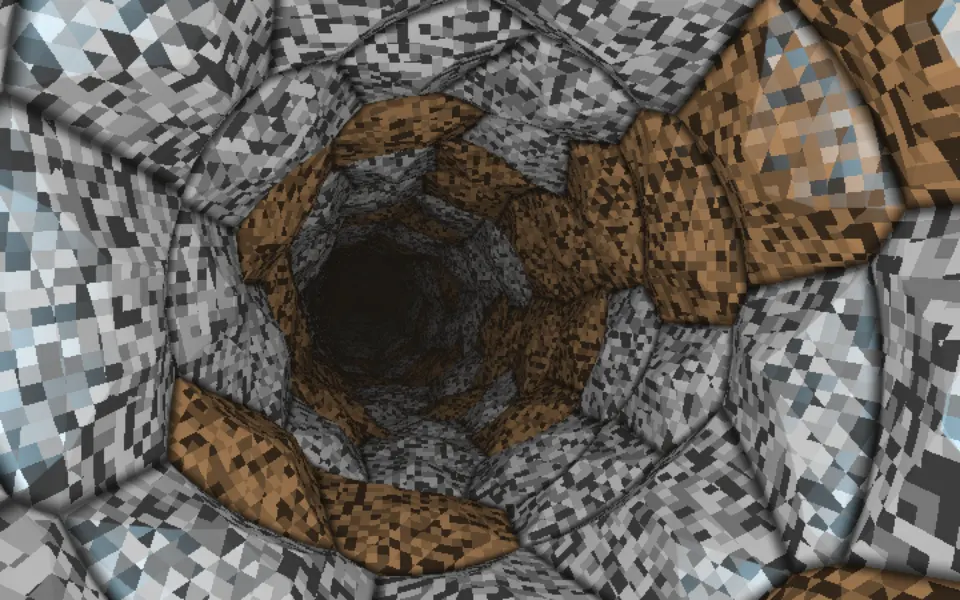
Tunnels & 3DFaceted metal plates, in a tunnel
- Pro
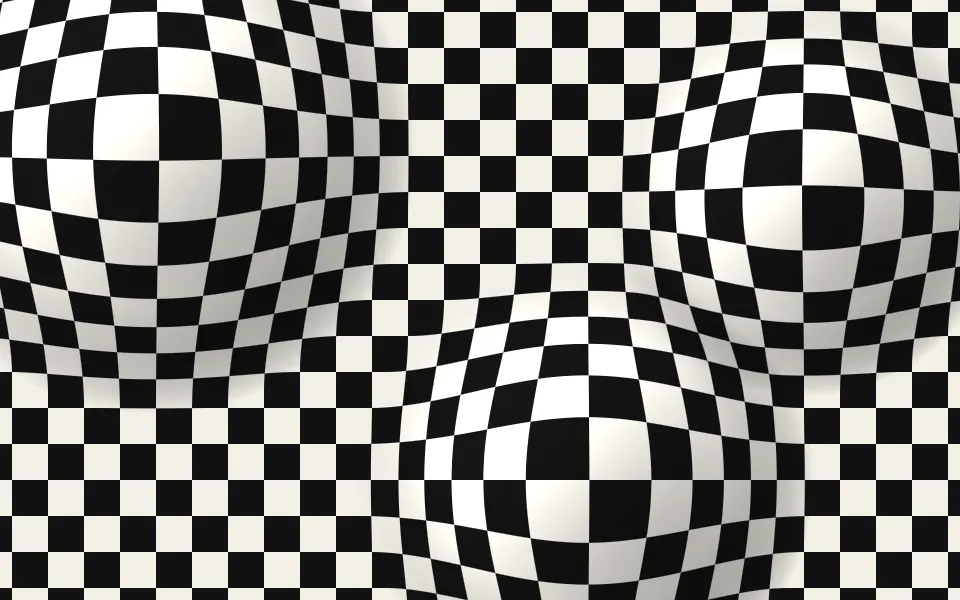
Op Art Bulge Shader
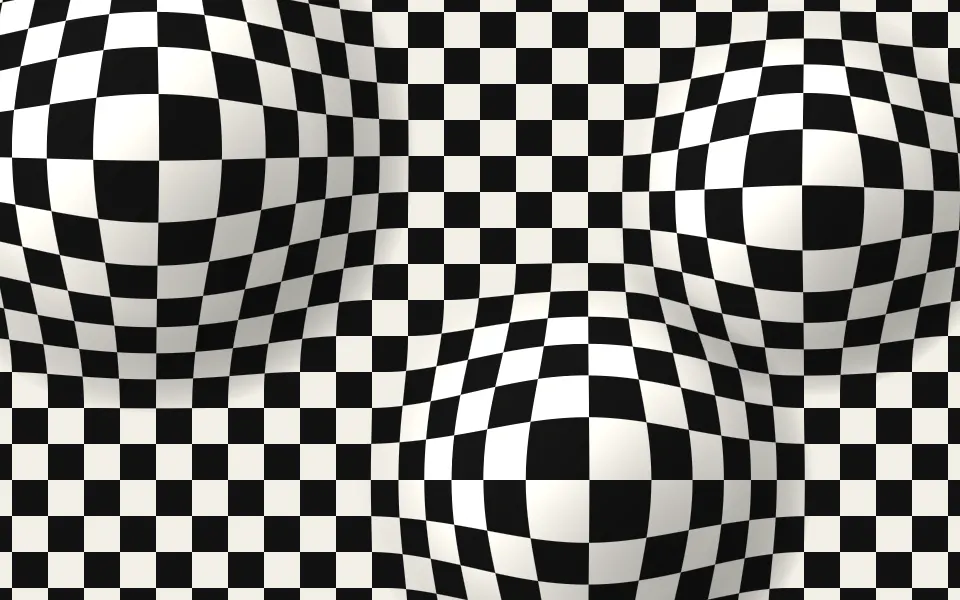
GeometryA surface that swells toward you