shadcn.io is not affiliated with official shadcn/ui
Shaders
ProPerspex Web Lattice Shader for React
A wall of faceted perspex cells in a dark web: jewel-like facets that reflect drifting clouds and catch sharp white glints while the cells slowly reshape. For React with Base UI, when a premium, jewellery or luxury page needs a rich, crafted surface behind its copy.
Perspex Web Lattice Shader draws a wall of perspex cells, each cut into facets like a shallow pyramid, held in a dark web with rounded ridges. The facets reflect drifting clouds of deep blue, the glass color and white, so each one catches its own tone, and sharp white glints slide across them. The seeds of the cells wander, so the cells slowly reshape, and the whole wall turns. A WGSL fragment shader on WebGPU finds each pixel's cell and its distance to the cell's borders, builds the bevelled height and its normal from them, and lights it, with no raymarching.
Use it behind a premium, jewellery or luxury page, or a pricing card that should feel crafted. For a softer glass mosaic in plain CSS, in your theme's colors, use the Voronoi background; for a flat low-poly relief, Facets. It runs only while it's on screen, holds a still frame with reduced motion, and shows a gradient of the same colors in browsers without WebGPU.
Installation
Usage
import {
  PerspexWebLatticeShader,
} from "@/components/ui/perspex-web-lattice-shader";<PerspexWebLatticeShader className="flex min-h-[32rem] items-center justify-center">
<div className="rounded-xl bg-black/60 px-8 py-6 backdrop-blur">
<h1 className="text-5xl font-semibold text-white">Ship faster</h1>
</div>
</PerspexWebLatticeShader>Perspex Web Lattice Shader is a container: your content sits on top of the wall, in normal flow. It fills its own box, so give it a height or content. For a backdrop behind the whole page, render it empty with className="fixed inset-0 -z-10". The wall is dark in both color schemes, so use white text: a large headline reads on it directly, and body text belongs on a panel such as bg-black/60, because the white glints cross everything.
Demos
Emerald
glassColor="#10b981" turns the cells to emerald, density={0.6} makes them fewer and larger, and edges={0} drops the dark lines in the creases, so the facets meet in soft folds of light.
In a card
The wall scales with its box. speed={0.5} halves the drift of the cells and the clouds, which suits a premium plan or a membership card. The creases are the detail here, so the card keeps full quality; the shader is light enough for it.
Performance
About 1.6 ms of GPU time a frame at 1280×720 on an M2 Max laptop (median 1.2 ms); slower GPUs take several times longer. Each pixel looks at its 3×3 nearest cells, then 5×5 for the exact borders, and lights the result once, with no raymarching. At quality={0.5} the creases and the web's highlights blur, so keep it for slow GPUs. The animation stops when the shader scrolls out of view, and the browser pauses it in a hidden tab. Every shader on a page shares one GPU device and one frame loop, and vgpu loads only when the first one mounts.
Browser support
The shader needs WebGPU: Chrome and Edge, Safari 26 and later, and Firefox on Windows and macOS. Elsewhere, and until the first frame, the box shows a CSS gradient of the same colors, a net of web-colored lines over the darkened glass color with patches of blue and two white glints, so the layout never jumps. data-state on the root reads unsupported there, if you want to style around it. See Shader Canvas.
Accessibility
The wall is decoration: it's hidden from assistive tech and lets every click through to your content. With reduced motion it draws one still frame and stops. Nothing flashes: the glints slide across the facets as the clouds drift, over seconds. Across the renders we measured, white text reaches 4.5:1 on 95% of the shader, and black text on 5%; the misses are the white glints. White text on a bg-black/60 panel stayed above 5.8:1 on every pixel.
FAQ
It's a flat plane: why does it look 3D?
Every pixel gets a real surface normal. The shader computes the distance to its cell's nearest border, which rises in straight slopes toward the middle, so each cell is a pyramid of flat facets; along the borders the height curves into a rounded ridge, the web. The normal of that height field lights it and aims the reflections.
Why does it read as perspex?
Three things: the glass color deepens toward the middle of each cell, where the perspex would be thickest; each facet reflects drifting clouds, so neighbors take different tones; and the brightest clouds reflect as crisp white glints with hard edges, as on polished acrylic.
How do I change the size of the cells?
density sets how many cells fill the view, from 0.5 (a few large ones) to 2 (many small ones). The web keeps the same width relative to the cells.
What do edges and the colors do?
edges sets how dark the lines are in the creases between facets and at the foot of the web, from 0 to 1. glassColor sets the cells and latticeColor the web, both any CSS color; the highlights always run toward white.
Credits
Inspired by Perspex Web Lattice (opens in a new tab) by Shane on Shadertoy. This is a new shader written from a description of the look, not a port: the height profile, the lighting, the cloud reflections, the palette and the code are ours, and it isn't raymarched. The exact Voronoi border distance follows Inigo Quilez's Voronoi edges (opens in a new tab) article, under the MIT licence, and the hash is lowbias32 by Chris Wellons, in the public domain; both keep their credit lines in the WGSL.
API Reference
PerspexWebLatticeShader
data-slot="perspex-web-lattice-shader"
density?number
How many cells fill the view, from 0.5 (a few large ones) to 2 (many small ones). @default 1.
- Default
1
edges?number
How dark the creases between facets are, from 0 (none) to 1. @default 1.
- Default
1
fallback?string
What shows until the first frame and in browsers without WebGPU: a CSS
background value (gradients, sizes, a colour) that looks like the
shader. It can use the colour props' --shader-<field> variables.
glassColor?string
The perspex cells; their highlights run toward white. Any CSS colour. @default "#e0245e".
- Default
"#e0245e"
interactive?boolean
Whether u.pointer follows the pointer. @default false.
latticeColor?string
The web that holds the cells. Any CSS colour. @default "#2b3445".
- Default
"#2b3445"
paused?boolean
Holds the current frame. @default false.
quality?number
Render scale, from 0.25 to 1, of the screen's pixels (capped at 2×). @default 1.
speed?number
Animation speed: 1 is normal, 0 holds the frame. @default 1.
spin?number
How fast the wall turns, from 0 (still) to 2. @default 1.
- Default
1
time?number
A fixed moment, in seconds: draws it and doesn't animate.
render?ReactElement | ((props: object, state: object) => ReactElement)
Replace the host element or compose it with another component.
- Type
ReactElement | ((props: object, state: object) => ReactElement)
className?string
Forwarded to the part.
Related
- Pro
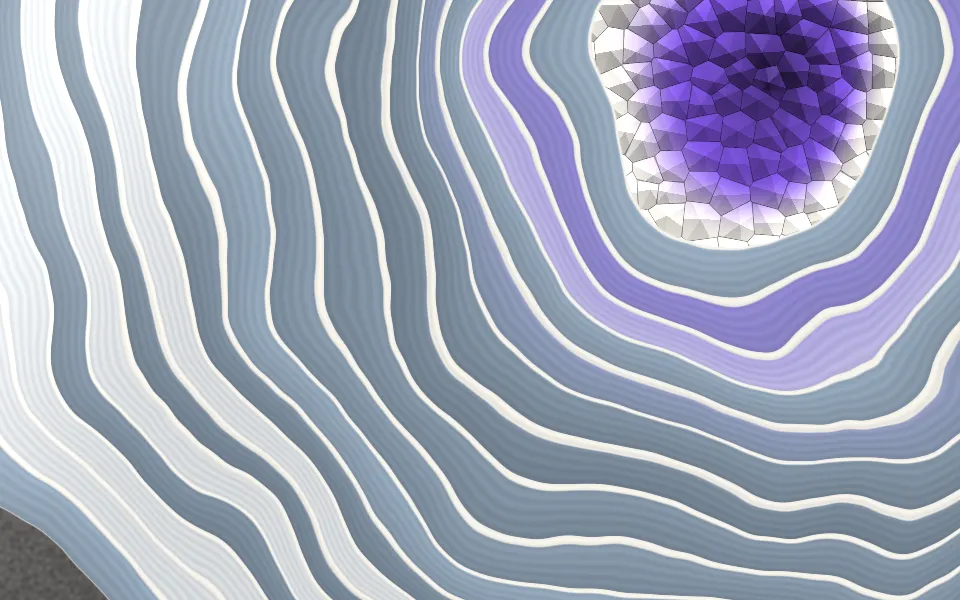
Agate Geode Shader
SpacePolished stone for a jewellery page
- Pro
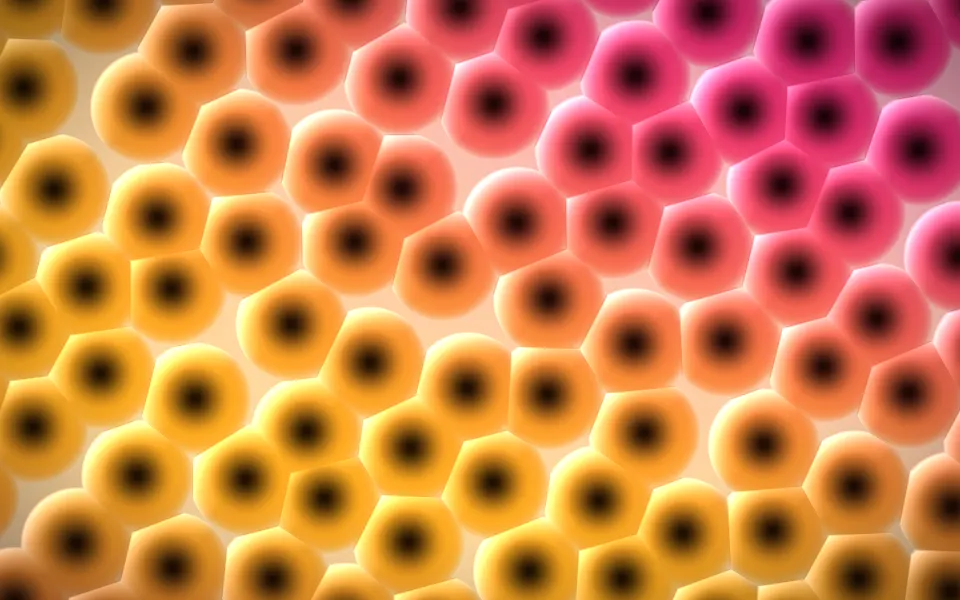
Three-Tap Voronoi Shader
Patterns & tilingsEmbossed cells that glow, lighter
- Pro
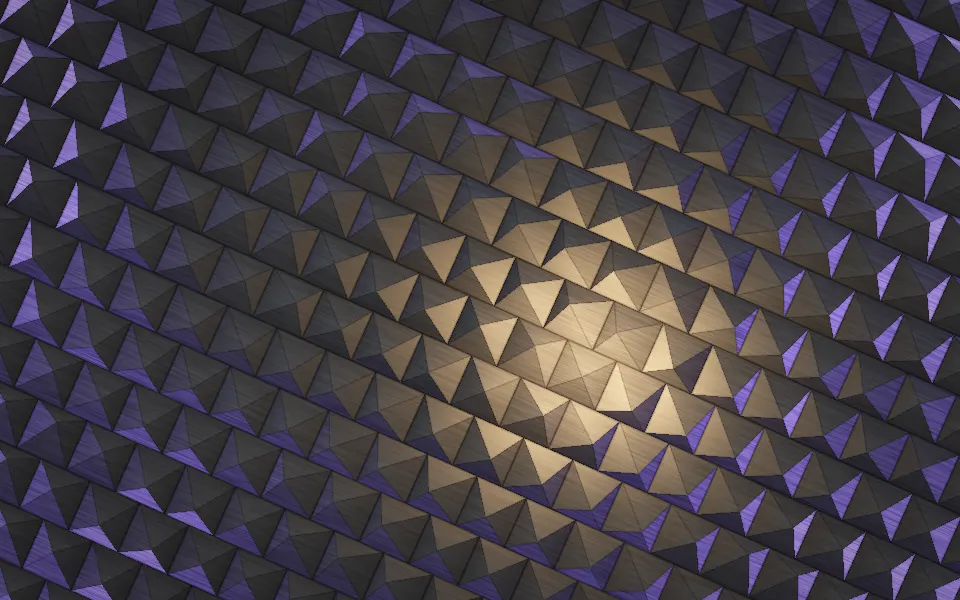
Pyramid Pattern Shader
Patterns & tilingsLit metal facets in rows
- Pro
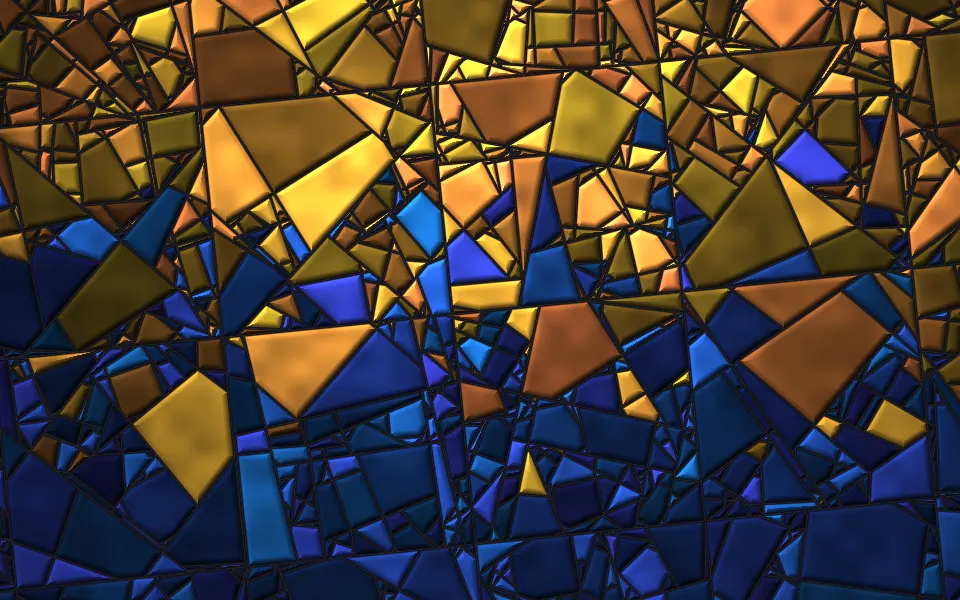
Random Grid Subdivision Shader
Patterns & tilingsStained glass that shifts
- Pro
Drapery Shader
Flow & gradientsSatin for a luxury hero
- Pro
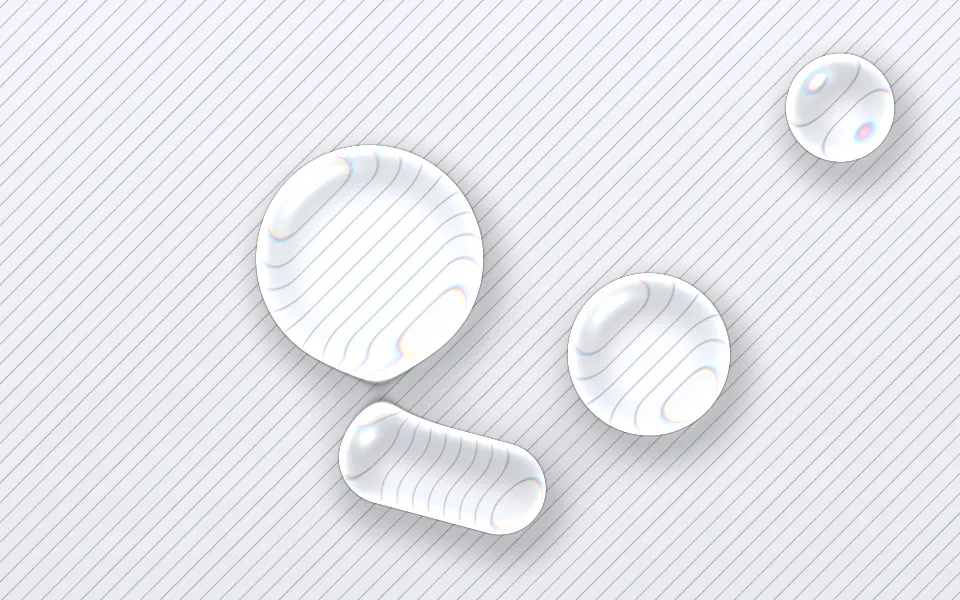
Liquid Glass Shader
Light & glassGlass that really refracts, on a light page