shadcn.io is not affiliated with official shadcn/ui
Drapery Shader drapes heavy champagne satin across its box in deep diagonal folds. The folds fan out down their length, as if the cloth were gathered just above the frame, wander gently, and breathe slowly, as if air moved underneath. Long, sharp highlights run along each ridge with the stretched sheen of woven silk, the slopes turned away from the light glow softly, and the valleys sink into rich shadow. A WGSL fragment shader on WebGPU builds the cloth from a few rounded ridges that meet in soft creases and lights it like fabric, for under half a millisecond of GPU time.
Use it as the hero of a fashion, jewelry, beauty or luxury page, or behind a product shot. For sheer, translucent layers instead of heavy satin, use Chiffon Shader; for soft silk color without the geometry, in plain CSS, the Silk background. It runs only while it's on screen, holds a still frame with reduced motion, and shows a CSS gradient of the same folds in browsers without WebGPU.
Installation
Usage
import { DraperyShader } from "@/components/ui/drapery-shader";<DraperyShader className="flex min-h-[32rem] items-center justify-center">
<div className="rounded-xl bg-black/60 px-8 py-6">
<h1 className="text-5xl font-semibold text-white">The evening edit</h1>
</div>
</DraperyShader>Drapery Shader is a container: your content sits on top of the cloth, in normal flow. It fills its own box, so give it a height or content. For a backdrop behind the whole page, render it empty with className="fixed inset-0 -z-10". The satin runs from deep shadow to bright highlights, so no text color reads on it bare everywhere: put copy on a panel, like the bg-black/60 one above, which keeps white text above 5.5:1 everywhere.
Demos
Black satin
color sets the cloth where the light falls, highlightColor the highlights and the sheen, and shadowColor the valleys. Here the satin is near-black with cool, blue-white highlights, for a night or tech look.
In a card
folds={3} makes fewer, broader folds that read at card size, and angle={-60} turns them steeper, to run down a tall box. It keeps full quality: it's cheap, and the highlights are thin lines that half resolution would soften.
Performance
About 0.4 ms of GPU time a frame at 1280×720 on an M2 Max laptop: light for a shader, since the folds are a few formulas per pixel, with no tracing or noise. folds={8} costs a little more. The animation stops when the shader scrolls out of view, and the browser pauses it in a hidden tab. Every shader on a page shares one GPU device and one frame loop, and vgpu (about 50 KB gzipped) loads only when the first one mounts.
Browser support
The shader needs WebGPU: Chrome and Edge, Safari 26 and later, and Firefox on Windows and macOS. Elsewhere, and until the first frame, the box shows a diagonal CSS gradient of the same folds, in your colors, so the layout never jumps. data-state on the root reads unsupported there, if you want to style around it. See Shader Canvas.
Accessibility
The cloth is decoration: it's hidden from assistive tech and lets every click through to your content. With reduced motion it draws one still frame and stops. Nothing flashes: the folds breathe over several seconds and the highlights slide along them. On the bare satin, white text reads in the shadows but drops below 2.4:1 on the brightest twentieth of the frame, and black text below 1.6:1 in the valleys; a bg-black/60 panel keeps white text above 5.5:1 everywhere.
FAQ
How is the cloth drawn?
Each fold is a rounded ridge whose center line wanders and fans out down its length. Where two folds meet, a smooth maximum built on a soft absolute value pinches them into a crease. The slope of that surface gives a normal at every pixel, and the thread runs along the fold, so the shading can treat it as woven fabric.
Why do the highlights look like silk?
Satin reflects light differently along its threads than across them. The highlights use Ward's anisotropic model: sharp across the thread and long along it, so each ridge gets a long, thin line of light. A Charlie sheen lobe, made for cloth, adds the soft glow on the slopes turned away from you, and the valleys darken by how far below the ridges they sit.
What do folds, depth, angle and sheen do?
folds sets how many folds cross the frame, from 2 to 8. depth sets how deep and steep they are, from 0 (nearly flat) to 1. angle turns them, in degrees from horizontal, from -90 to 90. sheen sets the soft glow on the slopes, from 0 to 1, and intensity the strength of the highlights along the ridges, from 0 to 2.
Can I change the colors?
Yes: color is the cloth in the light, shadowColor the valleys and highlightColor the highlights and sheen. They take any CSS color, var(--primary) included, and the CSS fallback follows them too. Keep the shadow darker than the cloth, or the folds lose their depth.
API Reference
DraperyShader
data-slot="drapery-shader"
angle?number
The direction the folds run, in degrees from horizontal, from -90 to 90. @default -30.
- Default
-30
color?string
The satin's colour where the light falls on it. Any CSS colour. @default "#d9c3a0".
- Default
"#d9c3a0"
depth?number
How deep the folds are, from 0 (nearly flat) to 1 (deep, steep folds). @default 0.6.
- Default
0.6
fallback?string
What shows until the first frame and in browsers without WebGPU: a CSS
background value (gradients, sizes, a colour) that looks like the
shader. It can use the colour props' --shader-<field> variables.
folds?number
How many folds cross the frame, from 2 to 8. @default 5.
- Default
5
highlightColor?string
The highlights along the ridges and the sheen at grazing angles. Any CSS colour. @default "#fff6e5".
- Default
"#fff6e5"
intensity?number
How strong the highlights along the ridges are, from 0 to 2. @default 1.
- Default
1
interactive?boolean
Whether u.pointer follows the pointer. @default false.
paused?boolean
Holds the current frame. @default false.
quality?number
Render scale, from 0.25 to 1, of the screen's pixels (capped at 2×). @default 1.
shadowColor?string
The shadow in the valleys. Any CSS colour. @default "#1a1410".
- Default
"#1a1410"
sheen?number
The soft silky glow on the slopes turned away from you, from 0 to 1. @default 0.7.
- Default
0.7
speed?number
Animation speed: 1 is normal, 0 holds the frame. @default 1.
time?number
A fixed moment, in seconds: draws it and doesn't animate.
render?ReactElement | ((props: object, state: object) => ReactElement)
Replace the host element or compose it with another component.
- Type
ReactElement | ((props: object, state: object) => ReactElement)
className?string
Forwarded to the part.
Related
- Pro
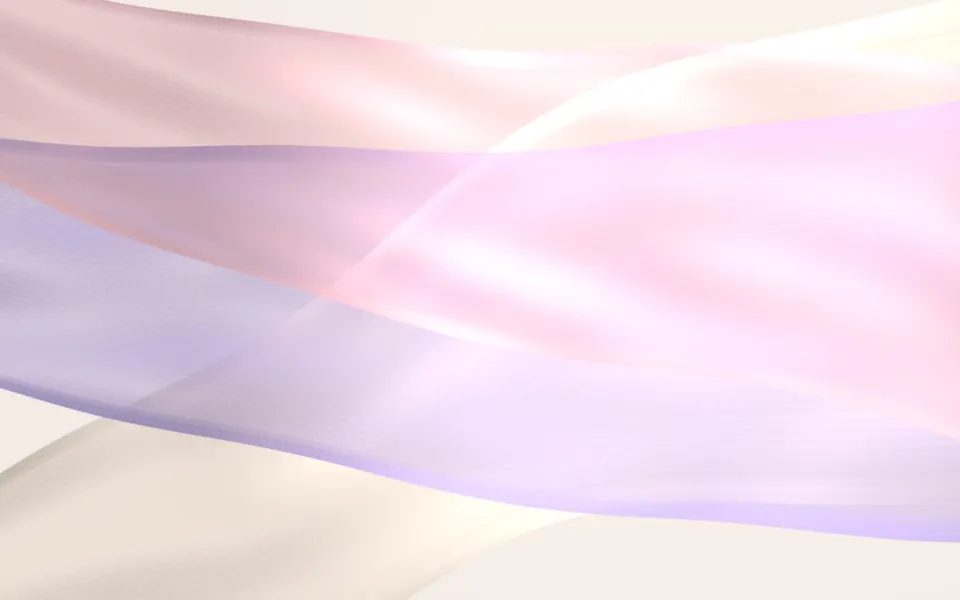
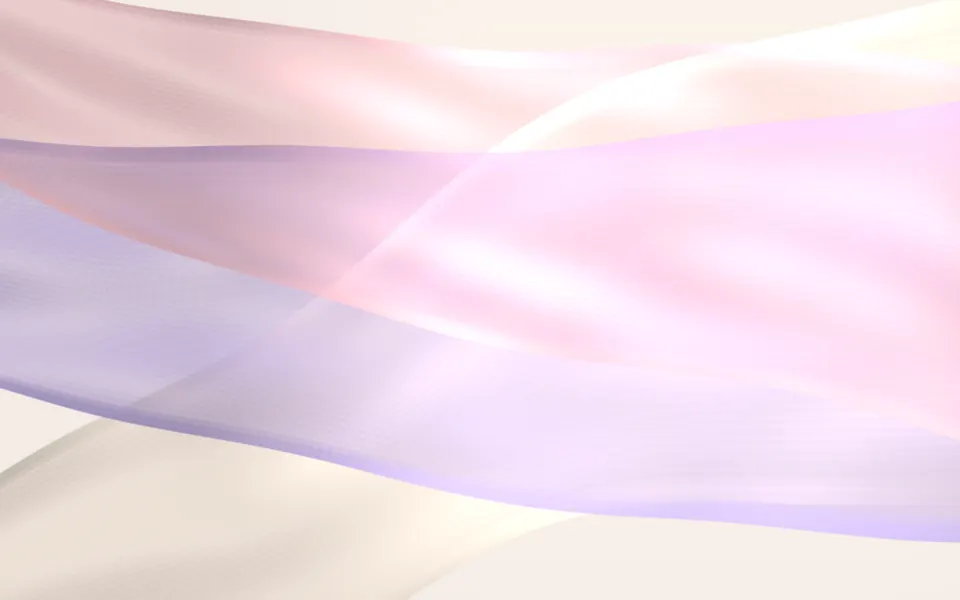
Chiffon Shader
Flow & gradientsSheer, light layers instead of heavy satin
- Pro
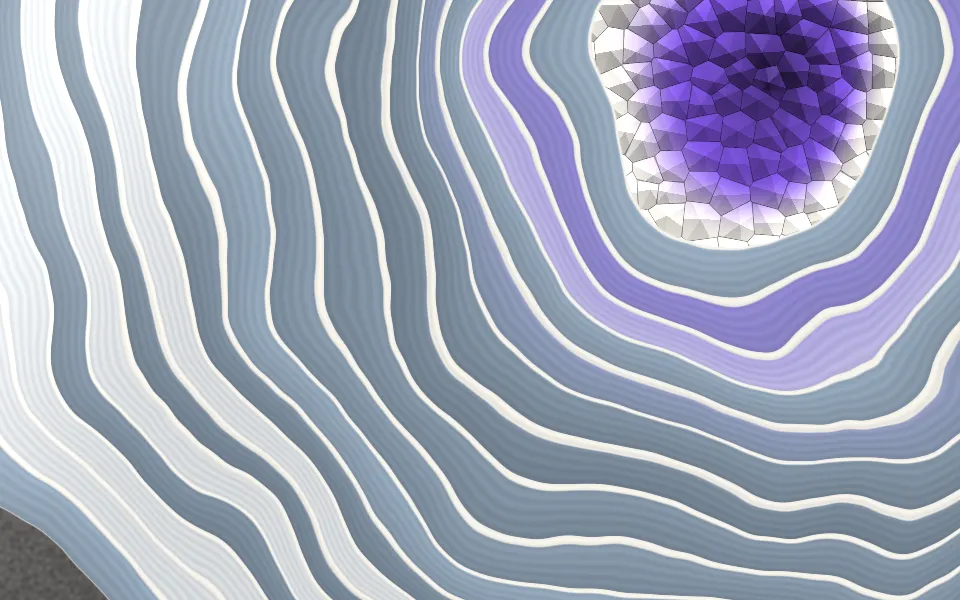
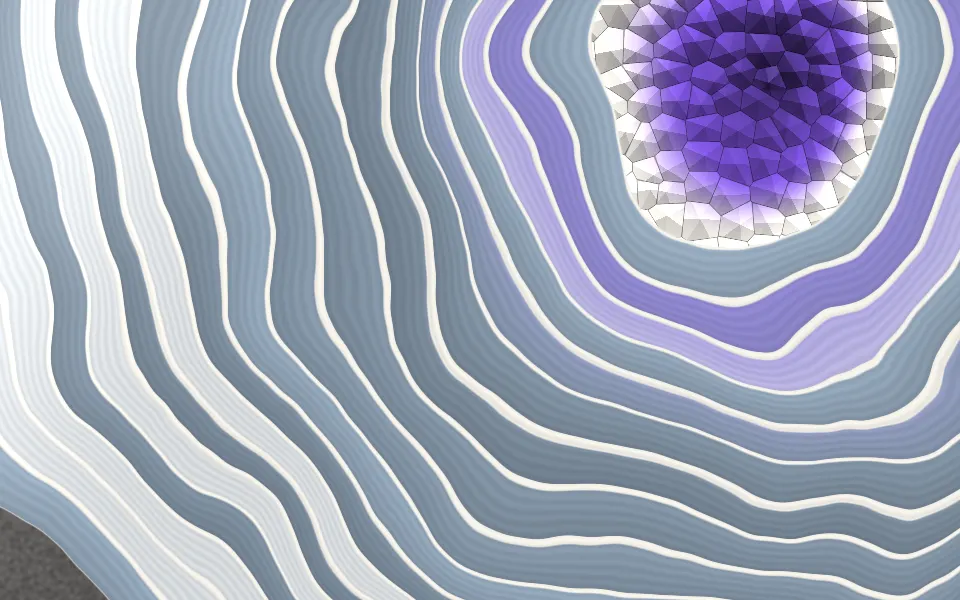
Agate Geode Shader
SpacePolished stone for a jewellery page
- Pro
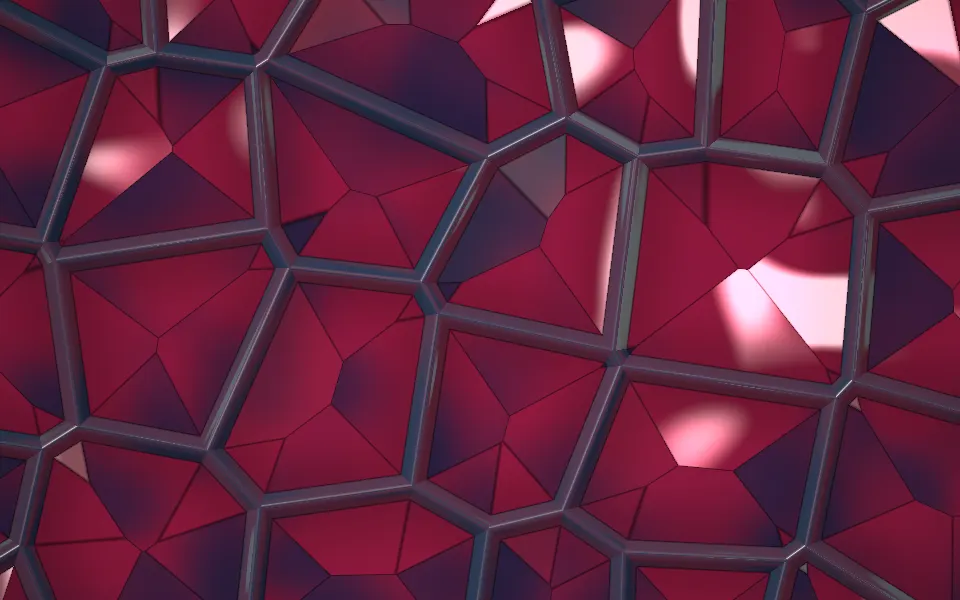
Perspex Web Lattice Shader
Tunnels & 3DJewel-like facets for a luxury page
- Pro
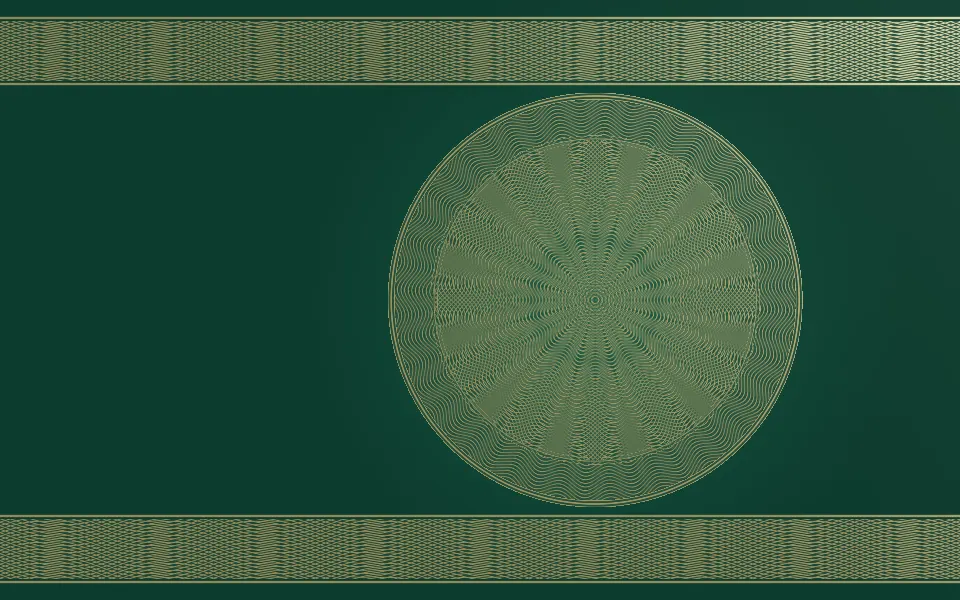
Guilloche Shader
GeometryGold engraving for a premium tier
- Pro
Glass Caustics Shader
Light & glassCalm light on cream, for a light page
- Pro
Ferrofluid Shader
Flow & gradientsAnother glossy, tactile hero, in black