shadcn.io is not affiliated with official shadcn/ui
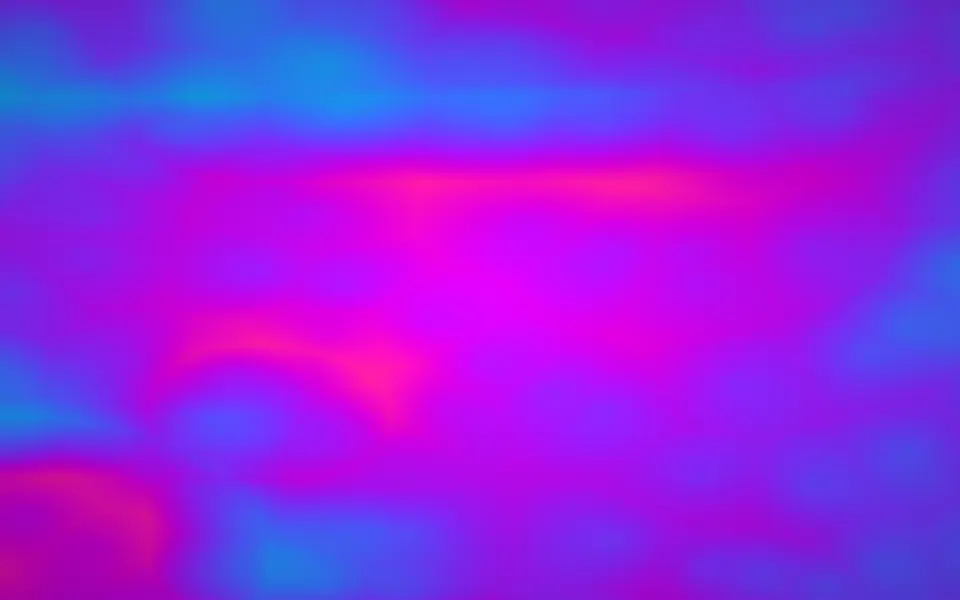
Warped Noise Shader fills its box with marbled, smoky swirls, like ink folding through milk. It's fractal noise warped through two more layers of itself, so the folds bunch up into dark ribbons with fine filaments along their edges, while the open water between them rises to pale pink and near-white. A five-color ramp, from deep plum through hot pink to milk, colors the result, and every layer drifts on its own slow current. A WGSL fragment shader on WebGPU draws every pixel each frame, for about a millisecond of GPU time.
Use it behind a hero, a creative portfolio or a launch that wants liquid color with no visible pattern. For the plain fractal noise without the folding, use Noise Shader; for rising plumes, Smoke Shader; for ink in plain CSS, with no GPU, the Ink background. It runs only while it's on screen, holds a still frame with reduced motion, and shows a soft gradient of the same colors in browsers without WebGPU.
Installation
Usage
import { WarpedNoiseShader } from "@/components/ui/warped-noise-shader";<WarpedNoiseShader className="flex min-h-[32rem] items-center justify-center">
<div className="rounded-xl bg-black/60 px-8 py-6">
<h1 className="text-5xl font-semibold text-white">Fluid by design</h1>
</div>
</WarpedNoiseShader>Warped Noise Shader is a container: your content sits on top of the swirls, in normal flow. It fills its own box, so give it a height or content. For a backdrop behind the whole page, render it empty with className="fixed inset-0 -z-10". The swirls run from near-black plum to near-white, so neither white nor black text reads on them bare: put copy on a panel, like the bg-black/60 one above, which keeps white text above 6:1 everywhere.
Demos
Lagoon
colors replaces the ramp: five CSS colors, from the dense folds to the brightest swirls. Here it runs from deep teal to mint and white. Keep the first color the darkest and the last the lightest, so the folds stay dark and the open swirls bright.
In a card
warp={2} folds the noise harder, so the swirls tighten into fine marbling that reads at card size. quality={0.5} renders at half resolution: the field is soft, so you can't tell, and the GPU does a quarter of the work.
Performance
About 1.1 ms of GPU time a frame at 1280×720 on an M2 Max laptop; slower GPUs take several times longer. quality={0.5} renders a quarter of the pixels, and the soft swirls look the same. The animation stops when the shader scrolls out of view, and the browser pauses it in a hidden tab. Every shader on a page shares one GPU device and one frame loop, and vgpu (about 50 KB gzipped) loads only when the first one mounts.
Browser support
The shader needs WebGPU: Chrome and Edge, Safari 26 and later, and Firefox on Windows and macOS. Elsewhere, and until the first frame, the box shows a CSS gradient of the same colors, so the layout never jumps. data-state on the root reads unsupported there, if you want to style around it. See Shader Canvas.
Accessibility
The swirls are decoration: they're hidden from assistive tech and let every click through to your content. With reduced motion it draws one still frame and stops. Nothing flashes: the folds drift and change over seconds. Text needs a panel: on the bare swirls, white text drops below 1.7:1 on the brightest twentieth of the frame and black text below 1.3:1 on the darkest. A bg-black/60 panel keeps white text above 6:1 everywhere.
FAQ
What is domain warping?
Instead of reading the noise at each pixel's own position, the shader first moves that position by another noise, and that noise was itself read at a moved position. The result is noise folded into itself: smooth areas stretch into ribbons, and the fine detail gathers along the folds, the way ink spreads through milk.
What does warp do?
warp sets how far each layer moves the next, from 0 to 3. At 0 the noise is plain soft clouds; at 1 it folds into smoky swirls; from 2 up it tightens into fine marbling. scale sets how big the swirls are, from 0.3 (one huge fold across the box) to 3 (many small ones), measured across the width.
How do I change the colors?
colors takes five CSS colors, from the dense folds to the brightest swirls, var(--primary) included, and they follow a theme switch. Keep them in order from dark to light. brightness scales the whole result, from 0.5 to 1.5; above 1 the light swirls clip to white.
Why does it look the same on light and dark pages?
It's opaque: the shader paints every pixel, so the page behind it never shows through. The ramp is the shader's own look in both color schemes. To follow your theme, pass theme colors to colors.
Will it slow my page down?
It costs about 1.1 ms of GPU time a frame at 1280×720 on a laptop: five layers of fractal noise per pixel, light for a shader. The CPU only sets a few numbers each frame, and it stops when it's off screen. On a slow GPU or a large screen, quality={0.5} renders a quarter of the pixels and looks the same.
Credits
Inspired by trinketMage's warped noise (opens in a new tab) on Shadertoy. The code is ours, written from the general technique: Inigo Quilez's domain warping (opens in a new tab), on value noise with an integer hash (lowbias32, by Chris Wellons, public domain). The composition, the drift and the color ramp are new.
API Reference
WarpedNoiseShader
data-slot="warped-noise-shader"
brightness?number
Overall brightness, from 0.5 (dim) to 1.5 (bright). @default 1.
- Default
1
colors?[string, string, string, string, string]
The colour ramp, five CSS colours from the dense folds to the brightest swirls. @default ["#2a0634", "#7a0d5c", "#e8177d", "#f78fdc", "#fff3fa"].
- Type
[string, string, string, string, string]- Default
DEFAULT_COLORS
fallback?string
What shows until the first frame and in browsers without WebGPU: a CSS
background value (gradients, sizes, a colour) that looks like the
shader. It can use the colour props' --shader-<field> variables.
interactive?boolean
Whether u.pointer follows the pointer. @default false.
paused?boolean
Holds the current frame. @default false.
quality?number
Render scale, from 0.25 to 1, of the screen's pixels (capped at 2×). @default 1.
scale?number
How big the swirls are, from 0.3 (one huge fold) to 3 (many small ones). @default 1.
- Default
1
speed?number
Animation speed: 1 is normal, 0 holds the frame. @default 1.
time?number
A fixed moment, in seconds: draws it and doesn't animate.
warp?number
How far the noise folds into itself, from 0 (soft clouds) to 3 (tight marbling). @default 1.
- Default
1
render?ReactElement | ((props: object, state: object) => ReactElement)
Replace the host element or compose it with another component.
- Type
ReactElement | ((props: object, state: object) => ReactElement)
className?string
Forwarded to the part.
Related
Noise Shader
Flow & gradientsThe plain fractal noise, free and lighter
- Pro

Smoke Shader
Ink, smoke & fireRising plumes instead of swirls
- Pro
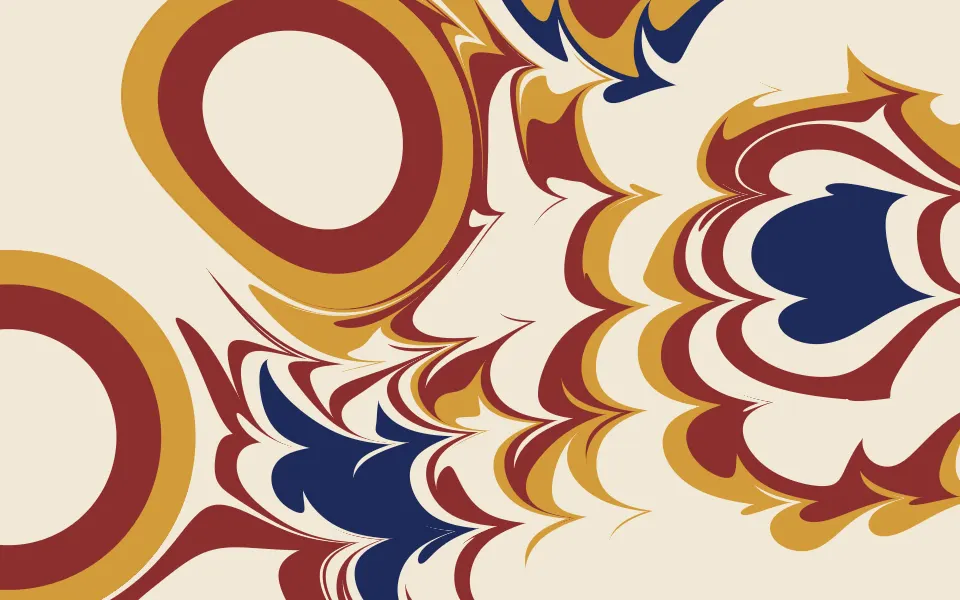
Marbling Shader
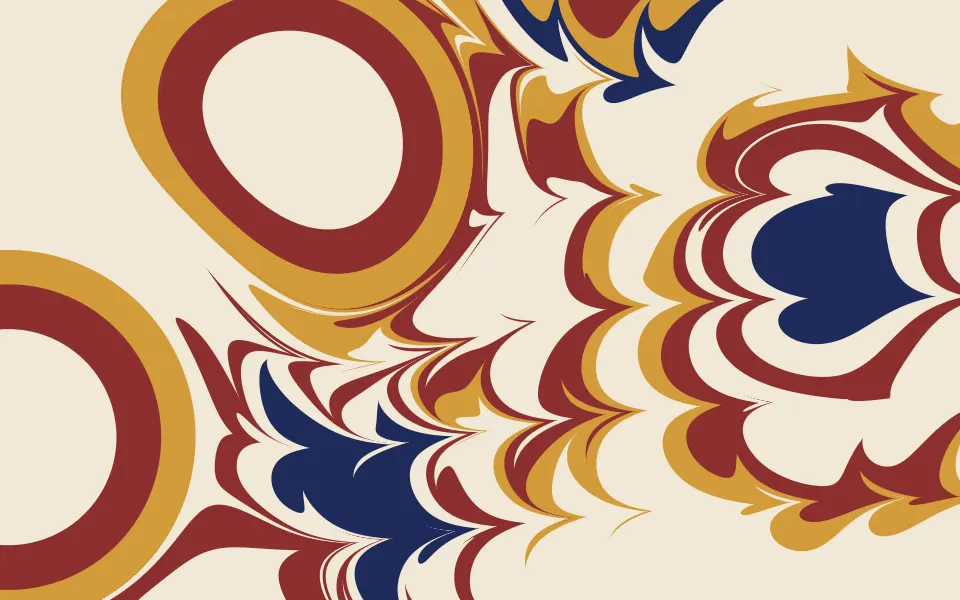
Ink, smoke & fireInk combed into feathers on paper
- Pro
Ink Vortex Shader
Ink, smoke & fireInk rings sinking through water
- Pro
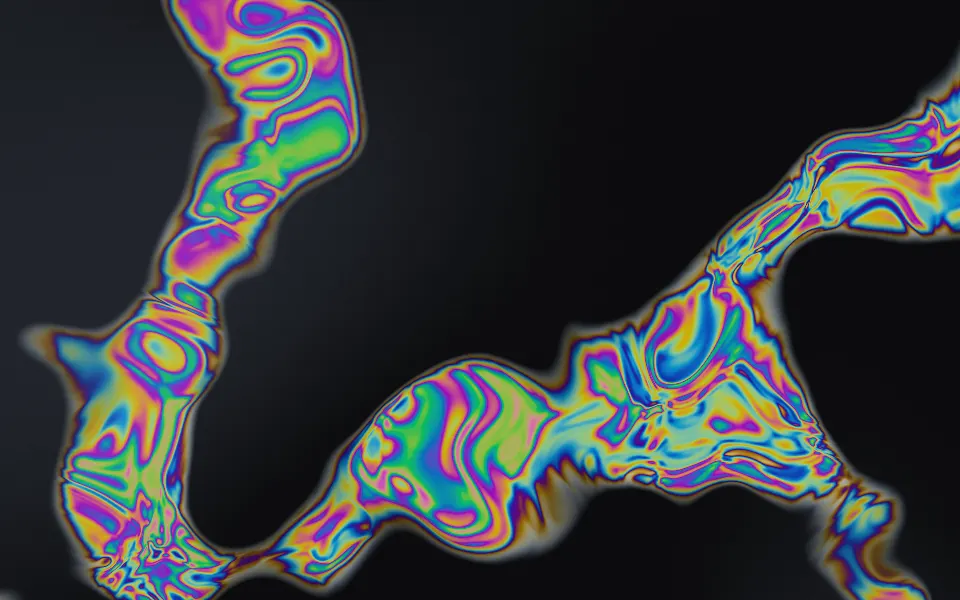
Oil Slick Shader
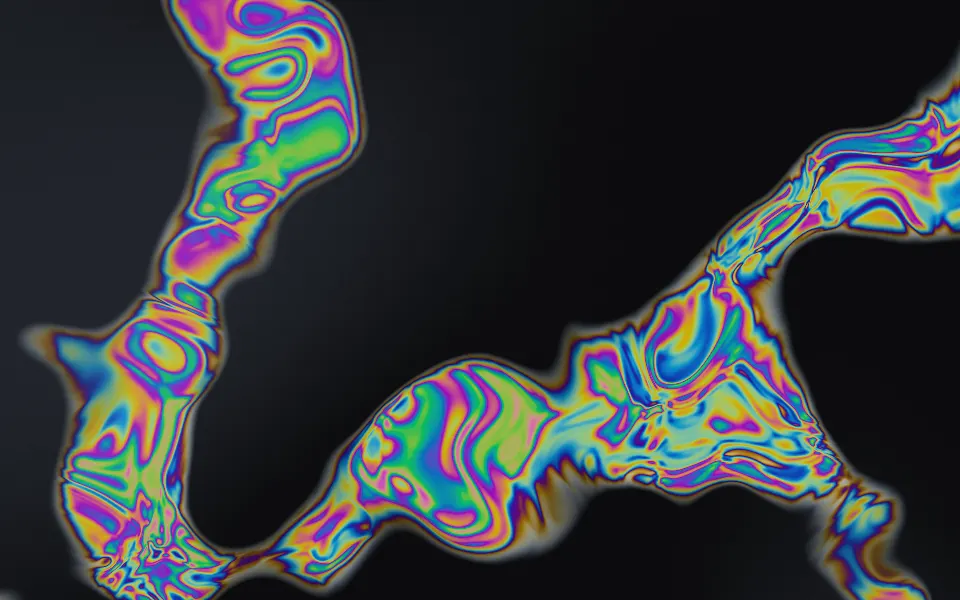
Flow & gradientsSwirls as an iridescent oil film
- Pro
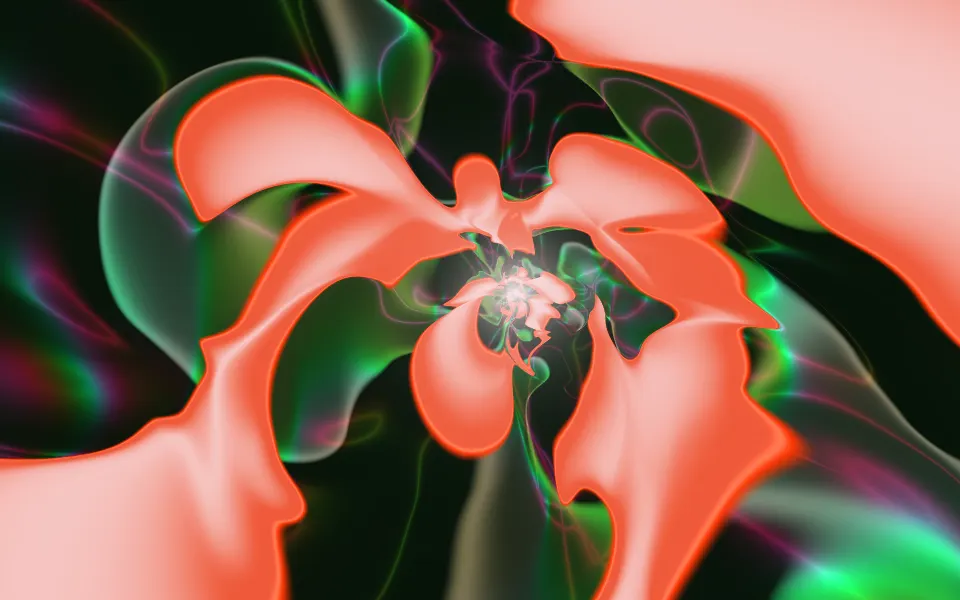
Sigmoids Sines Shader
Flow & gradientsLouder folds, zooming down a tunnel