shadcn.io is not affiliated with official shadcn/ui
Shaders
ProBurning Paper Shader for React
A sheet of cream paper burning in from its edges, drawn on the GPU: a thin glowing front creeps along charred black, browning the paper ahead and shedding embers. For React with Base UI, when a Halloween, limited-offer or storytelling hero wants drama around clean space for its copy.
Burning Paper Shader draws a sheet of cream paper whose edges are on fire. A thin front, white-yellow at its leading edge and orange to deep red behind, runs all the way round the sheet along a ragged line; it creeps slowly in and out, browns the paper just ahead of it, and leaves black char behind, flecked with grey ash and a few glowing specks. Now and then an ember leaves the front and rises a little way before it burns out. The front is a rounded frame roughened by noise, its glow is black-body light from Planck's law, and a WGSL fragment shader on WebGPU computes every pixel, every frame. The middle of the sheet stays clean.
Use it behind a Halloween or limited-time offer, a story's opening, or any hero that wants its message on a page that's going up in flames. It's one of the few light shaders: dark text sits in the middle of the sheet. For plain paper in CSS, with no GPU and no fire, use the Paper background; for heat that fills the whole frame, Magma Shader or Embers Shader; for open flame, Fire 3D Shader. It runs only while it's on screen, holds a still frame with reduced motion, and shows a CSS frame of paper, glow and char in browsers without WebGPU.
Installation
Usage
import {
  BurningPaperShader,
} from "@/components/ui/burning-paper-shader";<BurningPaperShader className="flex min-h-[32rem] items-center justify-center">
<h1 className="text-5xl font-semibold text-stone-950">Last chance</h1>
</BurningPaperShader>Burning Paper Shader is a container: your content sits on top of the paper, in normal flow. It fills its own box, so give it a height or content. For a backdrop behind the whole page, render it empty with className="fixed inset-0 -z-10". The paper is cream in both color schemes, so put dark text over it, such as text-stone-950, and keep it in the middle, away from the burning edges.
Demos
Deep burn
burn={0.55} lets the fire eat about halfway to the middle, roughness={0.9} makes the front raggeder, with deeper bays and tongues, and temperature={1800} burns it hotter, so more of the front glows yellow-white. What's left is an island of paper for a short headline.
In a card
The burn is measured from the box's height, so in a small card the same burn takes a bigger share of the width. burn={0.35} shows more of the fire in a small surface, and embers={0.8} sends up more embers.
Performance
About 1.4 ms of GPU time a frame at 1280×720 on an M2 Max laptop; slower GPUs take several times longer. The front is a thin line, so it renders at full resolution by default: quality={0.5} costs a quarter as much, but blurs the front and the embers. The animation stops when the shader scrolls out of view, and the browser pauses it in a hidden tab. Every shader on a page shares one GPU device and one frame loop, and vgpu (about 50 KB gzipped) loads only when the first one mounts.
Browser support
The shader needs WebGPU: Chrome and Edge, Safari 26 and later, and Firefox on Windows and macOS. Elsewhere, and until the first frame, the box shows a CSS frame of char and a glowing line round the paper, in the paper, char and scorch colors, so the layout never jumps. data-state on the root reads unsupported there, if you want to style around it. See Shader Canvas.
Accessibility
The fire is decoration: it's hidden from assistive tech and lets every click through to your content. With reduced motion it draws one still frame, five seconds in, and stops. Nothing flashes: the front creeps and brightens over seconds, and each ember is a few pixels wide. In the middle of the sheet (the central 60% of its width and half its height), stone-950 text stays above 14:1 at the default burn. White text doesn't read on the paper; use it only on the char, or not at all.
FAQ
How is the burning drawn?
Every pixel measures how far it is in from a rounded frame, set back by burn and pushed in and out by noise. Below zero it's char, above zero it's paper, and right at zero is the front. The front's temperature falls away behind it, and Planck's law turns that temperature into the glow's color, white-yellow to orange to red. The paper browns with distance ahead of the front, and the embers are a dozen points at most, each rising from the front on its own loop.
Can the page burn in as you scroll?
Yes: set burn from your scroll progress, 0 at the top and 1 at the bottom, and the fire eats in as the reader goes down. A new burn updates the running shader, with no remount. At 0 the paper is barely singed at the edges; at 1 only a strip in the middle survives.
Can I change the colors?
paperColor, charColor and scorchColor set the sheet, the burnt paper and the brown band ahead of the front, and take any CSS color, so var(--background) works; they follow a theme switch. The glow's color comes from temperature: 1000 K is a deep red, the default 1500 K orange and yellow, and 2200 K close to white-hot. intensity sets its strength, from 0, char with no glow, to 2.
Does it work on a dark page?
The sheet is light in both color schemes, which makes it a bright, warm panel on a dark page. For a darker sheet, set paperColor to a dark tone such as #2a2420 and scorchColor to #5a3a1e, and use light text; keep charColor darker than the paper, or the front loses its edge.
Will it slow my page down?
It costs about 1.4 ms of GPU time a frame at 1280×720 on an M2 Max laptop, and the CPU only sets a few numbers each frame. It stops when it's off screen. embers changes the cost slightly, a dozen points at most; burn, roughness and temperature don't change it. On a slow GPU, quality={0.5} renders a quarter of the pixels, at the cost of a softer front.
API Reference
BurningPaperShader
data-slot="burning-paper-shader"
burn?number
How far the burn reaches in from the edges, from 0 (barely singed) to 1 (most of the sheet). @default 0.25.
- Default
0.25
charColor?string
The burnt paper behind the front. Any CSS colour. @default "#141110".
- Default
"#141110"
embers?number
How many embers rise from the front, from 0 (none) to 1 (a dozen). @default 0.5.
- Default
0.5
fallback?string
What shows until the first frame and in browsers without WebGPU: a CSS
background value (gradients, sizes, a colour) that looks like the
shader. It can use the colour props' --shader-<field> variables.
intensity?number
How bright the burning front glows, from 0 (no glow, just char) to 2. @default 1.
- Default
1
interactive?boolean
Whether u.pointer follows the pointer. @default false.
paperColor?string
The clean sheet. Any CSS colour. @default "#f2e8d5".
- Default
"#f2e8d5"
paused?boolean
Holds the current frame. @default false.
quality?number
Render scale, from 0.25 to 1, of the screen's pixels (capped at 2×). @default 1.
roughness?number
How ragged the front is, from 0 (a smooth rounded frame) to 1 (deep bays and tongues). @default 0.6.
- Default
0.6
scorchColor?string
The brown scorch just ahead of the front. Any CSS colour. @default "#8a5a2b".
- Default
"#8a5a2b"
speed?number
Animation speed: 1 is normal, 0 holds the frame. @default 1.
temperature?number
The front's temperature in kelvin, from 1000 (deep red) to 2200 (white-hot): it sets the glow's colour. @default 1500.
- Default
1500
time?number
A fixed moment, in seconds: draws it and doesn't animate.
render?ReactElement | ((props: object, state: object) => ReactElement)
Replace the host element or compose it with another component.
- Type
ReactElement | ((props: object, state: object) => ReactElement)
className?string
Forwarded to the part.
Related
- Pro
Magma Shader
Ink, smoke & fireHeat that fills the whole frame
- Pro
Embers Shader
Ink, smoke & fireGlowing coals under grey ash
- Pro
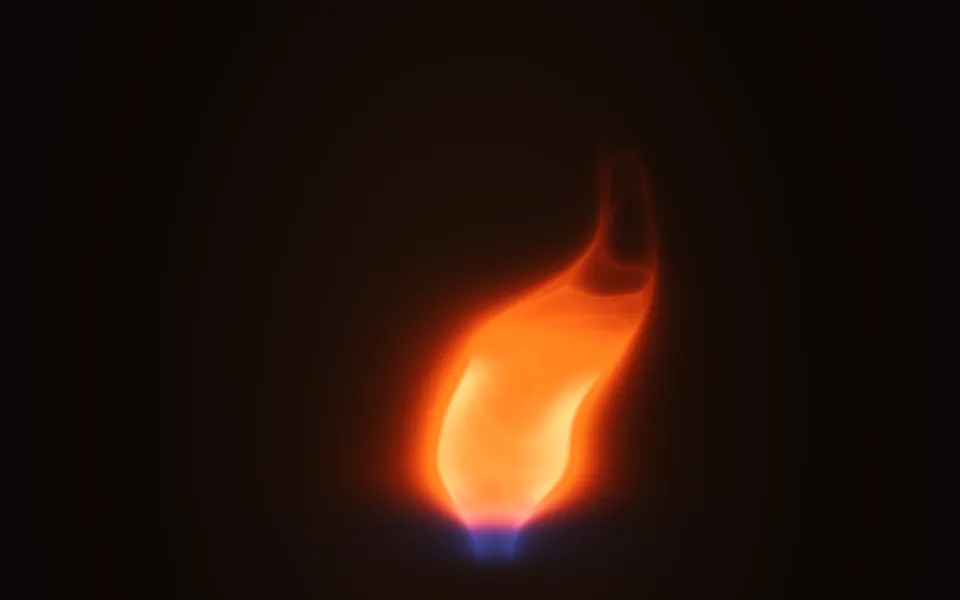
Fire 3D Shader
Ink, smoke & fireOpen flame
- Pro
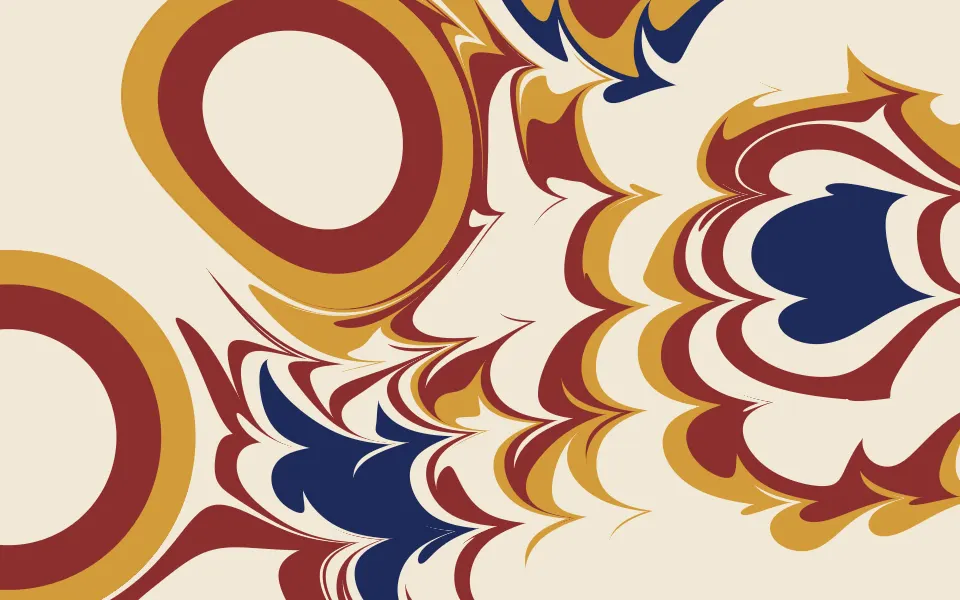
Marbling Shader
Ink, smoke & fireCream paper, inked instead of burned
Light Leak Shader
Light & glassWarm light bleeding in from the edges, free
- Pro
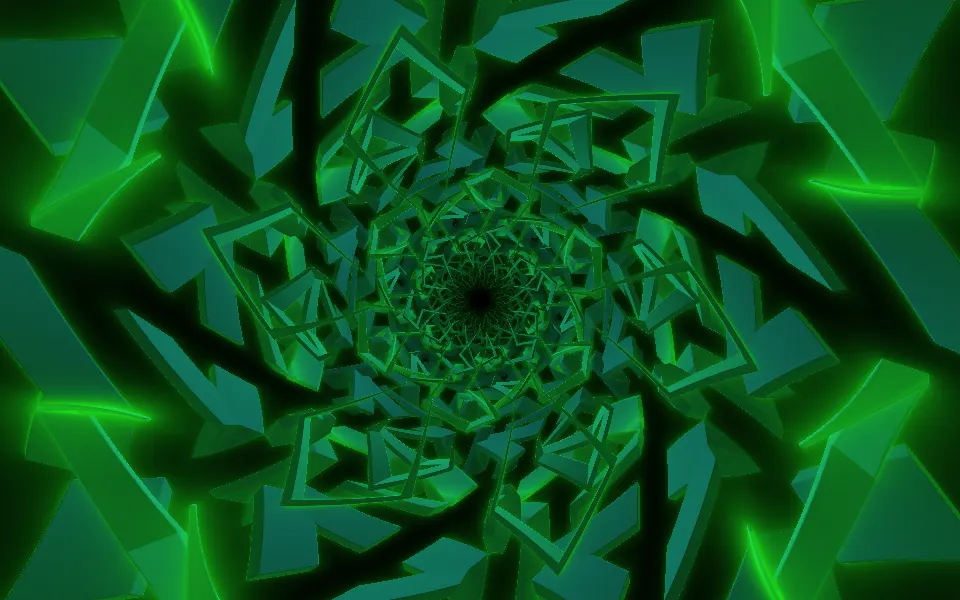
Monster Tunnel Shader
Tunnels & 3DAnother Halloween hero, darker and wilder