shadcn.io is not affiliated with official shadcn/ui
Sparks Drifting Shader draws a low fire along the bottom of the box, on black. Golden flames lick upward and keep changing shape, a soft grey column of smoke rises over them and widens, and sparks drift up out of the fire, each wobbling as it climbs, trailing a short streak and burning out at its own height. The flames are rising fractal noise, warped and cut off with height, colored as black-body light from Planck's law; the sparks are a grid of cells that scrolls upward, each column at its own pace, with at most one spark per cell. A WGSL fragment shader on WebGPU draws every pixel, every frame. With interactive, the pointer is a wind: move it to one side and the flames lean, the smoke bends and the sparks drift that way.
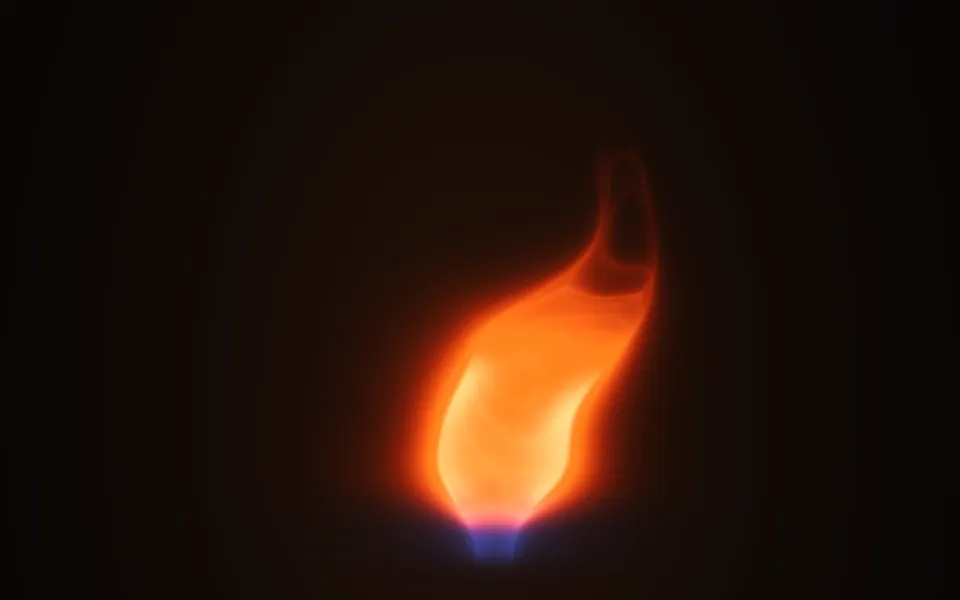
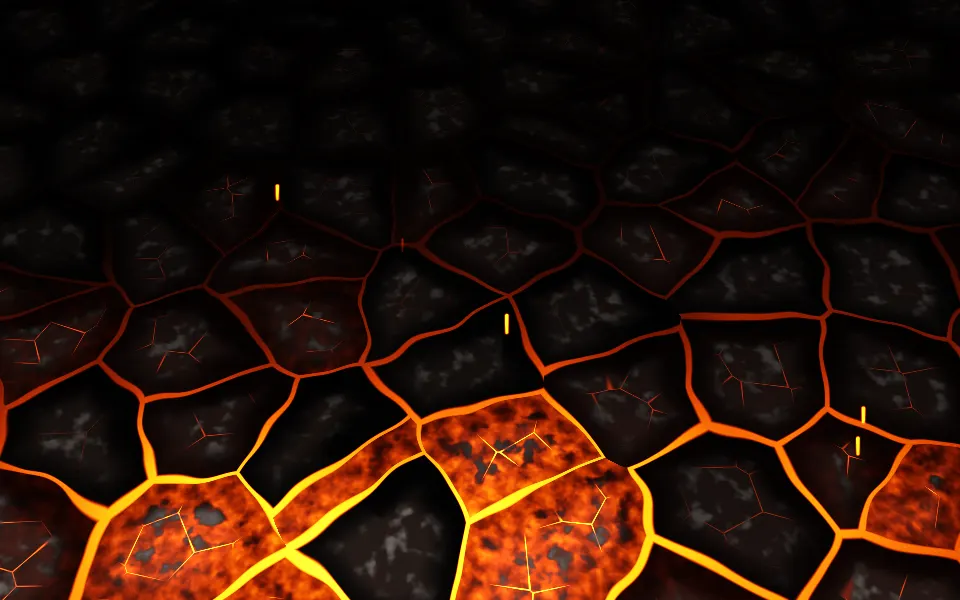
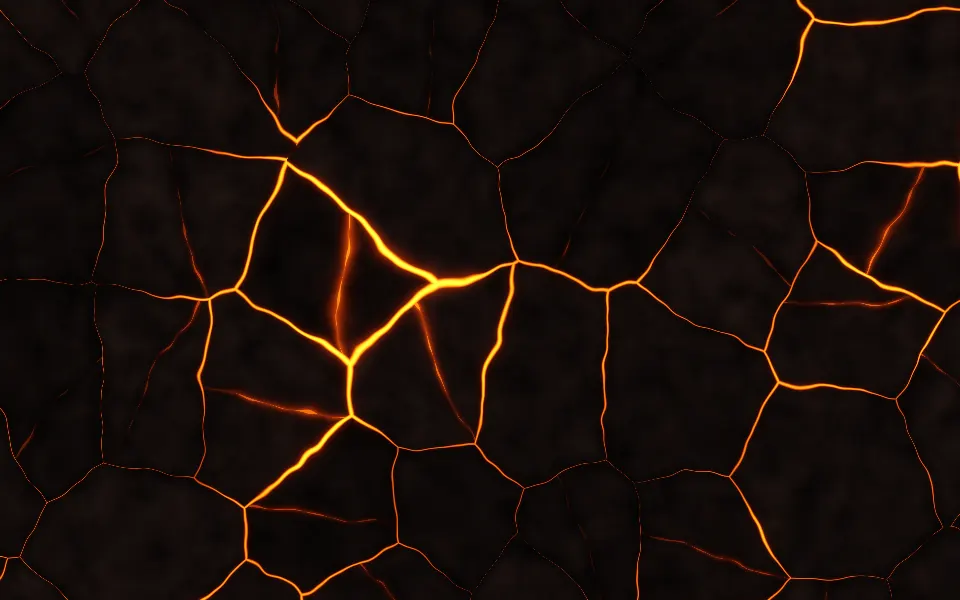
Use it behind a dark hero, a launch, a gaming or "streak" page, with the headline in the upper half, above the fire. Everything is sized in CSS pixels, so the fire keeps its height in a tall box and the space above it stays dark. For a single, tall flame, use Fire 3D Shader; for a bed of glowing coals, Embers Shader; for lava, Magma Shader; and for a fire in plain CSS, with no GPU, the Fireplace background. It runs only while it's on screen, holds a still frame with reduced motion, and shows a CSS glow along the bottom in browsers without WebGPU.
Installation
Usage
import {
  SparksDriftingShader,
} from "@/components/ui/sparks-drifting-shader";<SparksDriftingShader className="flex min-h-[32rem] items-start justify-center pt-24">
<h1 className="text-5xl font-semibold text-white">On fire this week</h1>
</SparksDriftingShader>Sparks Drifting Shader is a container: your content sits on top of the fire, in normal flow. It fills its own box, so give it a height or content. For a backdrop behind the whole page, render it empty with className="fixed inset-0 -z-10". The box is black in both color schemes, so put white or light text over it, in the upper half.
Demos
Wind
interactive turns the pointer into a wind: the further it is from the middle, the harder the flames lean, the smoke bends and the sparks drift its way, and they settle back when it leaves. sparkSize={1.8} makes the sparks bigger and smoke={0.4} thins the smoke, so they show. Touch doesn't move it.
In a card
The fire is sized in CSS pixels, not to the box, so in a card the default 200-pixel flames would take most of it. flameHeight={120} keeps them low, and smoke={0.6} thins the smoke over them.
Performance
About 0.7 ms of GPU time a frame at 1280×720 on an M2 Max laptop; slower GPUs take several times longer. The sparks are a few pixels wide, so it renders at full resolution by default; quality={0.5} costs a quarter as much but blurs them. The animation stops when the shader scrolls out of view, and the browser pauses it in a hidden tab. Every shader on a page shares one GPU device and one frame loop, and vgpu (about 50 KB gzipped) loads only when the first one mounts.
Browser support
The shader needs WebGPU: Chrome and Edge, Safari 26 and later, and Firefox on Windows and macOS. Elsewhere, and until the first frame, the box shows a CSS still: an orange glow along the bottom, a faint smoke above and three sparks in the spark color, on black, so the layout never jumps. data-state on the root reads unsupported there, if you want to style around it. See Shader Canvas.
Accessibility
The fire is decoration: it's hidden from assistive tech and lets every click through to your content. With reduced motion it draws one still frame, two and a half seconds in, with sparks in flight, and stops. Nothing flashes: the sparks shimmer gently, under once a second, and each is a few pixels wide. In the upper half of a 360-pixel-tall box, white text reaches 4.5:1 everywhere but on the sparks themselves; over the whole box it's 4.5:1 on 99%. Keep text above the flames.
FAQ
How do I change the sparks?
sparkSize scales them, from 0, no sparks at all, to 3. sparkColor sets their color, any CSS color, and their hot cores are a paler shade of it; it follows a theme switch, so var(--primary) works. The sparks rise at 110 to 200 pixels a second, each column at its own pace, and each burns out within about two flame heights of the fire.
How do I adjust the fire?
intensity sets how bright the flames burn, from 0, sparks and smoke only, to 2. flameHeight sets how tall they reach, in CSS pixels, from 80 to 400. The flames' colors are the shader's own, black-body orange to gold; speed sets how fast they and everything else move.
How do I control the smoke?
smoke sets how thick it is, from 0, none, to 2. It's a soft column that starts just above the flames and widens as it rises, drifting slowly; with interactive, it bends with the wind, more the higher it is.
Does it react to the mouse?
Only with interactive. Then the pointer's distance from the middle of the box is a wind: the flames lean, the smoke bends and the sparks drift with it, more the higher they are, and everything eases back when the pointer leaves. It follows a mouse or a pen, not touch, and it never blocks clicks.
Credits
Inspired by a sparks shader (opens in a new tab) by Sjeiti on Shadertoy, through shadcn.io's Sparks Drifting. This is a new shader written from a description of the look, not a port: the flames, their black-body colors, the smoke column, the spark grid with its streaks and burn-out heights, the wind and the code are ours. The hash is lowbias32 by Chris Wellons, in the public domain.
API Reference
SparksDriftingShader
data-slot="sparks-drifting-shader"
fallback?string
What shows until the first frame and in browsers without WebGPU: a CSS
background value (gradients, sizes, a colour) that looks like the
shader. It can use the colour props' --shader-<field> variables.
flameHeight?number
How tall the flames reach, in CSS pixels, from 80 to 400: they don't grow with the box. @default 200.
- Default
200
intensity?number
How bright the fire burns, from 0 (only sparks) to 2. @default 1.
- Default
1
interactive?boolean
Whether u.pointer follows the pointer. @default false.
paused?boolean
Holds the current frame. @default false.
quality?number
Render scale, from 0.25 to 1, of the screen's pixels (capped at 2×). @default 1.
smoke?number
How thick the smoke over the fire is, from 0 (none) to 2. @default 1.
- Default
1
sparkColor?string
The sparks' colour; their hot cores are a paler shade of it. Any CSS colour. @default "#ff6a1a".
- Default
"#ff6a1a"
sparkSize?number
How big the sparks are, from 0 (none) to 3. @default 1.
- Default
1
speed?number
Animation speed: 1 is normal, 0 holds the frame. @default 1.
time?number
A fixed moment, in seconds: draws it and doesn't animate.
render?ReactElement | ((props: object, state: object) => ReactElement)
Replace the host element or compose it with another component.
- Type
ReactElement | ((props: object, state: object) => ReactElement)
className?string
Forwarded to the part.
Related
- Pro
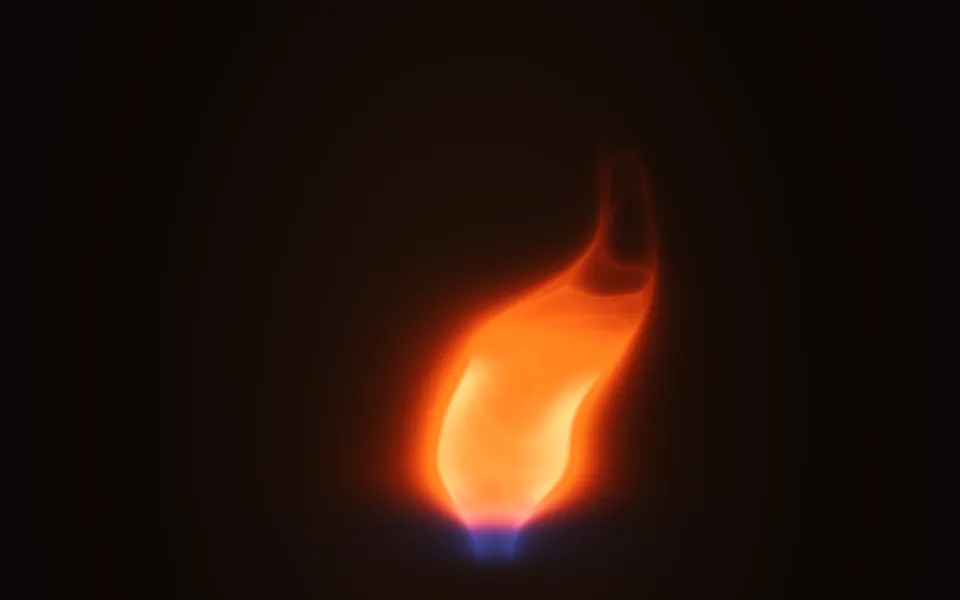
Fire 3D Shader
Ink, smoke & fireA single, tall flame
- Pro
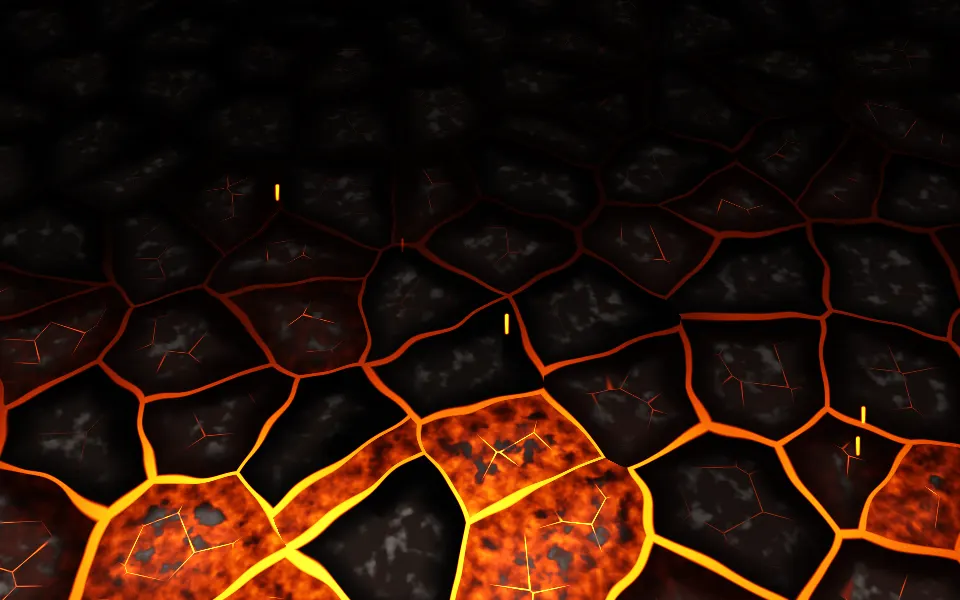
Embers Shader
Ink, smoke & fireA bed of glowing coals
- Pro
Magma Shader
Ink, smoke & fireLava seen from above
- Pro
Smoke Shader
Ink, smoke & fireThe smoke alone, as broad plumes
- Pro
Synthwave Canyon Shader
Water & landscapesA neon sunset for a gaming page
Streamlines Shader
Flow & gradientsLines that part round the pointer, free