shadcn.io is not affiliated with official shadcn/ui
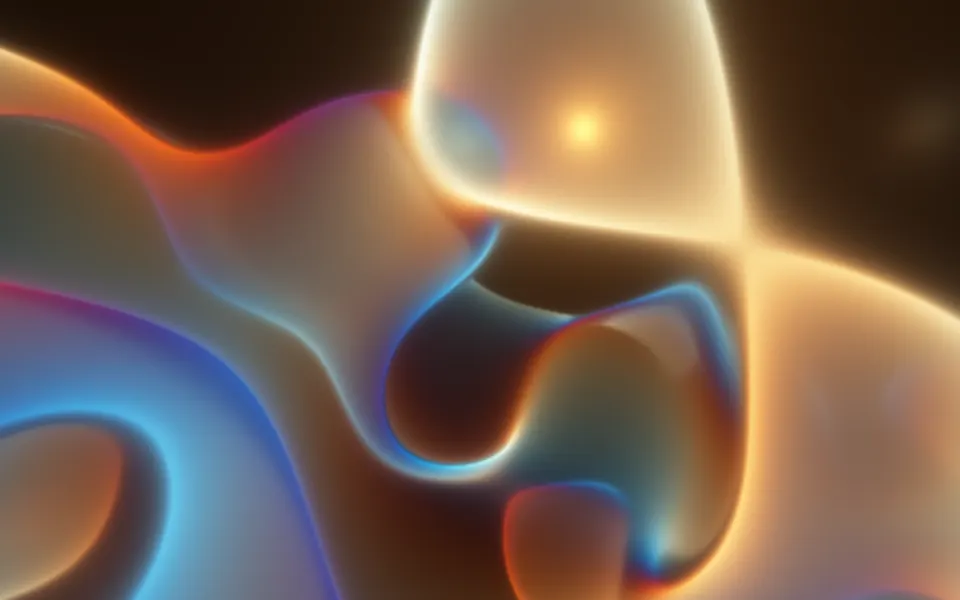
Sigmoids Sines Shader pours glossy folds of molten glass down an endless tunnel. Coral lobes with milky pink cores and hot rims swell out of a glowing vanishing point, between dark green troughs where glassy neon pools and violet and magenta glints catch the light. The field is built in eight passes: each one sums four sine waves, shifts each by the other terms of the pass before, and squashes the result through a soft sigmoid, x / (1 + |x|). Wrapped round a tunnel, moving down it is an endless zoom. A WGSL fragment shader on WebGPU draws it, nine samples per pixel, for about 3 ms of GPU time a frame.
Use it as the hero of a music release, an art or event page, or a launch that wants to be loud. For calmer swirls with no perspective, use Warped Noise Shader; for soft drifting color, Gradient Mesh Shader. It runs only while it's on screen, holds a still frame with reduced motion, and shows a CSS rosette of the same colors in browsers without WebGPU.
Installation
Usage
import {
  SigmoidsSinesShader,
} from "@/components/ui/sigmoids-sines-shader";<SigmoidsSinesShader className="flex min-h-[32rem] items-center justify-center">
<div className="rounded-xl bg-black/60 px-8 py-6">
<h1 className="text-5xl font-semibold text-white">Beyond the infinite</h1>
</div>
</SigmoidsSinesShader>Sigmoids Sines Shader is a container: your content sits on top of the folds, in normal flow. It fills its own box, so give it a height or content. For a backdrop behind the whole page, render it empty with className="fixed inset-0 -z-10". It runs from near-black troughs to milky lobes, so no text color reads on it bare: put copy on a panel, like the bg-black/60 one above, which keeps white text above 6.5:1 everywhere.
Demos
Accent
accentColor tints the rim where each lobe meets the dark, here cyan instead of the default red-orange, and contrast={1.4} pushes the waves harder into the sigmoid, so the folds come out crisper and more numerous.
In a card
samples={5} takes five samples per pixel instead of nine, which cuts the GPU time from about 3 ms to under 2 ms at 1280×720. The edges stay smooth: the samples are spread across the pixel and a few milliseconds apart.
Performance
About 3 ms of GPU time a frame at 1280×720 on an M2 Max laptop with the default nine samples: medium for a shader, since each sample runs eight passes of four sine waves. samples={5} takes about 1.8 ms and samples={1} about 0.5 ms, with slightly jagged edges near the vanishing point. quality={0.5} renders a quarter of the pixels; slower GPUs take several times longer. The animation stops when the shader scrolls out of view, and the browser pauses it in a hidden tab. Every shader on a page shares one GPU device and one frame loop, and vgpu (about 50 KB gzipped) loads only when the first one mounts.
Browser support
The shader needs WebGPU: Chrome and Edge, Safari 26 and later, and Firefox on Windows and macOS. Elsewhere, and until the first frame, the box shows a CSS rosette of coral, milk and green around a pale center, so the layout never jumps. data-state on the root reads unsupported there, if you want to style around it. See Shader Canvas.
Accessibility
The folds are decoration: they're hidden from assistive tech and let every click through to your content. With reduced motion it draws one still frame and stops. Nothing flashes: the zoom and the morphing are slow and smooth, and the brightest parts move rather than blink. The picture is intense, so prefer it for a hero rather than behind long reading. On the bare folds, white text drops to 1.6:1 on the milky lobes and black text to 1.1:1 in the troughs; a bg-black/60 panel keeps white text above 6.5:1 everywhere, and bg-black/70 above 9.5:1.
FAQ
What does the sigmoid do?
x / (1 + |x|) squashes any number into the range −1 to 1, gently: small values pass through, big ones flatten toward ±1. Fed back eight times, it turns plain sine waves into broad flat lobes with smooth, glossy edges between them, which is where the molten-glass look comes from.
What do contrast, brightness and drift do?
contrast is the gain into the sigmoid, from 0.5 to 2: higher makes crisper edges and more, smaller folds. brightness scales the final color, from 0.5 to 1.5. drift sets how far the vanishing point sways from side to side, from 0 (held in the middle) to 2.
How is it anti-aliased and motion-blurred?
Each pixel averages samples readings of the field, nine by default, on a small spiral across the pixel and spread over a few milliseconds of the animation. That smooths the edges and blurs the zoom a little, like a camera's shutter. Five samples are almost as smooth; one is the cheapest and shows some jagged edges near the center.
Why does it seem to zoom forever?
The field is wrapped round a tunnel: the angle around the vanishing point goes round its wall, and the logarithm of the distance goes down its length. In that mapping every step down the tunnel looks like the same zoom, so the folds stream outward from the center endlessly while the waves keep morphing. The center itself glows milky white, which hides the detail that gets finer and finer there.
Credits
Inspired by victor_shepardson's sigmoids and sines (opens in a new tab) on Shadertoy. The code is ours: the iterated field, the tunnel, the shading and the palette are new, built from the general idea of feeding sine sums back through a soft sigmoid. The neon glints use Inigo Quilez's cosine palette (opens in a new tab) (MIT).
API Reference
SigmoidsSinesShader
data-slot="sigmoids-sines-shader"
accentColor?string
The tint of the dark seams between the folds. Any CSS colour. @default "#ff3300".
- Default
"#ff3300"
brightness?number
Overall brightness, from 0.5 (dim) to 1.5 (bright). @default 1.
- Default
1
contrast?number
How hard the waves are pushed into the sigmoid, from 0.5 (soft, few folds) to 2 (crisp, many). @default 1.
- Default
1
drift?number
How far the vanishing point sways sideways, from 0 (held in the middle) to 2. @default 1.
- Default
1
fallback?string
What shows until the first frame and in browsers without WebGPU: a CSS
background value (gradients, sizes, a colour) that looks like the
shader. It can use the colour props' --shader-<field> variables.
interactive?boolean
Whether u.pointer follows the pointer. @default false.
paused?boolean
Holds the current frame. @default false.
quality?number
Render scale, from 0.25 to 1, of the screen's pixels (capped at 2×). @default 1.
samples?1 | 5 | 9
Samples per pixel, spread in space and time: 9 is smooth, 5 or 1 cheaper. @default 9.
- Type
1 | 5 | 9- Default
9
speed?number
Animation speed: 1 is normal, 0 holds the frame. @default 1.
time?number
A fixed moment, in seconds: draws it and doesn't animate.
render?ReactElement | ((props: object, state: object) => ReactElement)
Replace the host element or compose it with another component.
- Type
ReactElement | ((props: object, state: object) => ReactElement)
className?string
Forwarded to the part.
Related
- Pro
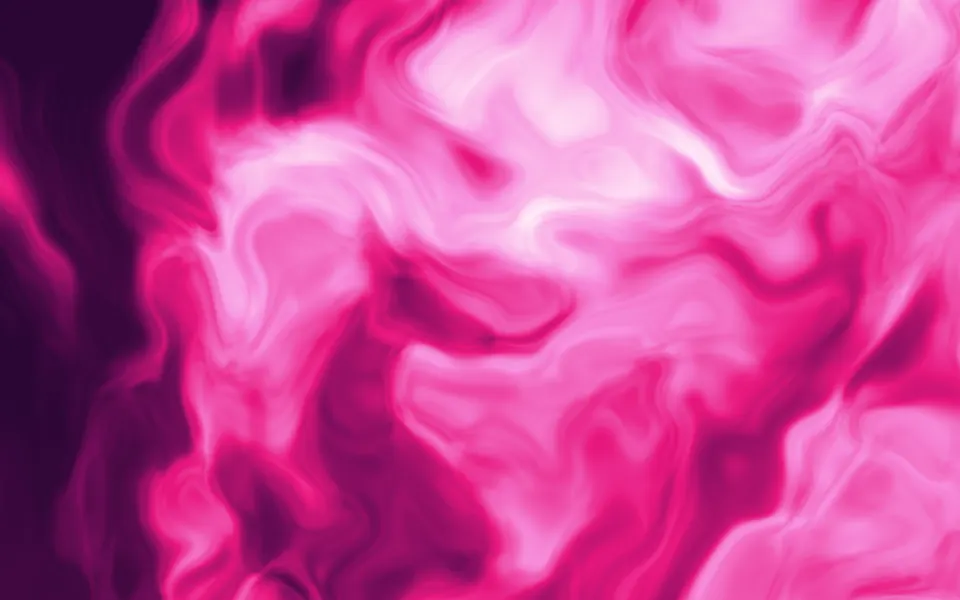
Warped Noise Shader
Flow & gradientsCalmer swirls with no perspective
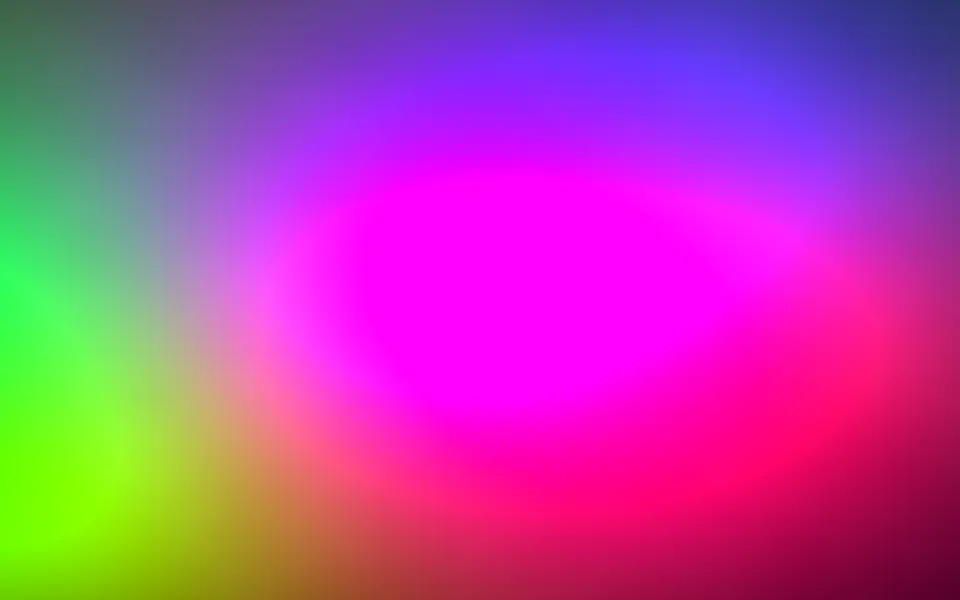
Gradient Mesh Shader
Flow & gradientsSoft drifting color, free and far lighter
- Pro
Kaleidoscope Shader
Patterns & tilingsA vivid bloom that holds the center
- Pro
Raymarching Shader
Tunnels & 3DGlowing sculptural folds in the dark
- Pro
Starry Planes Shader
SpaceAnother endless flight, through star-cut planes
- Pro
Ripples in Black Shader
Water & landscapesPsychedelic neon cells on black