shadcn.io is not affiliated with official shadcn/ui
Ripples in Black Shader draws neon interference on black. Three hidden sources wander on slow, looping paths, and each sends out rings in one color channel: red, green or blue. Where the mean of the three crosses a threshold, it lights up as a tube whose hue slides around the rainbow with the mix of channels, with a white-hot core and a faint halo; everywhere else stays black. The tubes close into oval cells that swim, grow, merge and split as the sources move. A WGSL fragment shader on WebGPU computes it for every pixel, every frame.
Use it behind a club night, a music release, a festival or any creative page that wants to be loud. For calm rings in a single brand color, use Ripple Shader. It runs only while it's on screen, holds a still frame with reduced motion, and shows neon CSS rings on black in browsers without WebGPU.
Installation
Usage
import {
  RipplesInBlackShader,
} from "@/components/ui/ripples-in-black-shader";<RipplesInBlackShader className="flex min-h-[32rem] items-center justify-center">
<div className="rounded-xl bg-black/60 px-8 py-6">
<h1 className="text-5xl font-semibold text-white">Night shift</h1>
</div>
</RipplesInBlackShader>Ripples in Black Shader is a container: your content sits on top of the neon, in normal flow. It fills its own box, so give it a height or content. For a backdrop behind the whole page, render it empty with className="fixed inset-0 -z-10". The ground is black in both color schemes, but the pattern is busy and bright, so put white text on a dark scrim, as above.
Demos
Sparse
threshold={0.8} lights only the very crests of the field, so most of the frame is black and the neon reads as scattered loops. frequency={0.6} widens the ripples, so the loops are larger and fewer. It's the calmest setting, and the easiest to put text on.
In a card
threshold={0.6} thins the tubes and intensity={0.8} dims them, so a small surface doesn't overwhelm what's around it.
Performance
About 0.1 ms of GPU time a frame at 1280×720 on an M2 Max laptop, among the cheapest shaders in the collection; slower GPUs take several times longer, which still leaves plenty of room. The animation stops when the shader scrolls out of view, and the browser pauses it in a hidden tab. Every shader on a page shares one GPU device and one frame loop, and vgpu (about 50 KB gzipped) loads only when the first one mounts.
Browser support
The shader needs WebGPU: Chrome and Edge, Safari 26 and later, and Firefox on Windows and macOS. Elsewhere, and until the first frame, the box shows a few neon ovals on black, drawn in CSS, so the layout never jumps. data-state on the root reads unsupported there, if you want to style around it. See Shader Canvas.
Accessibility
The neon is decoration: it's hidden from assistive tech and lets every click through to your content. With reduced motion it draws one still frame of the cells and stops. Nothing flashes: tubes fade in and out at their edges over seconds, and the cells morph slowly. The colors are saturated and the pattern is busy, so bare white text is lost on it: it reads at better than 20:1 on the black half of the frame but under 2:1 on a tenth of it. Behind a bg-black/60 scrim, white text stays above 7:1 on three quarters of the frame and above 3.5:1 on nine tenths, fine for a large headline; put small text on a solid panel.
FAQ
How does it choose between neon and black?
The three sources' rings are averaged into one field, and that field is banded into closed contours. threshold sets where a band lights up: at the default 0.4 a little over half the frame is black; at -1 almost everything is neon; at 1 only thin lines remain. The edge is antialiased, so tubes stay smooth at any setting.
How do I make the rings tighter or wider?
frequency scales how close each source's rings are: 2 packs them twice as tight, so the cells get smaller and more numerous; 0.5 makes a few large loops. The pattern is sized to the box's height, so a card shows the same cell size as a full-screen hero.
What are the three sources?
Three points that wander on slow, looping paths across the box. Each sends out rings in one channel, red, green or blue. Where one channel dominates the tube turns that color, where two balance it turns cyan, magenta or yellow, and where all three are equal it turns white, which is why the hue slides smoothly around each ring.
Is it safe for photosensitive visitors?
It's built to be: nothing flashes or strobes, the tubes fade in at their edges, and the cells morph over seconds. With reduced motion it shows a single still frame. It's still a vivid, busy pattern, so keep it away from long-form reading, and use speed below 1 to calm it further.
Credits
Inspired by Ripples in Black (opens in a new tab) by DwayneBrah on Shadertoy. The code is our own: three wandering sources mapped to color channels, banded by their mean, is the shared idea. The source paths, the banding, the hue from the channels, the neon tubes with their cores and halos, and the props are new.
API Reference
RipplesInBlackShader
data-slot="ripples-in-black-shader"
fallback?string
What shows until the first frame and in browsers without WebGPU: a CSS
background value (gradients, sizes, a colour) that looks like the
shader. It can use the colour props' --shader-<field> variables.
frequency?number
How tight the ripples are, from 0.5 (wide cells) to 2 (fine ones). @default 1.
- Default
1
intensity?number
How bright the neon is, from 0.5 (dim) to 1.5 (glaring). @default 1.
- Default
1
interactive?boolean
Whether u.pointer follows the pointer. @default false.
paused?boolean
Holds the current frame. @default false.
quality?number
Render scale, from 0.25 to 1, of the screen's pixels (capped at 2×). @default 1.
speed?number
Animation speed: 1 is normal, 0 holds the frame. @default 1.
threshold?number
Where neon starts, from -1 (almost all neon) to 1 (almost all black). @default 0.4.
- Default
0.4
time?number
A fixed moment, in seconds: draws it and doesn't animate.
render?ReactElement | ((props: object, state: object) => ReactElement)
Replace the host element or compose it with another component.
- Type
ReactElement | ((props: object, state: object) => ReactElement)
className?string
Forwarded to the part.
Related
Ripple Shader
Water & landscapesCalm rings in one brand color, free
Plasma Shader
Flow & gradientsFull-spectrum blobs, free and lighter
- Pro
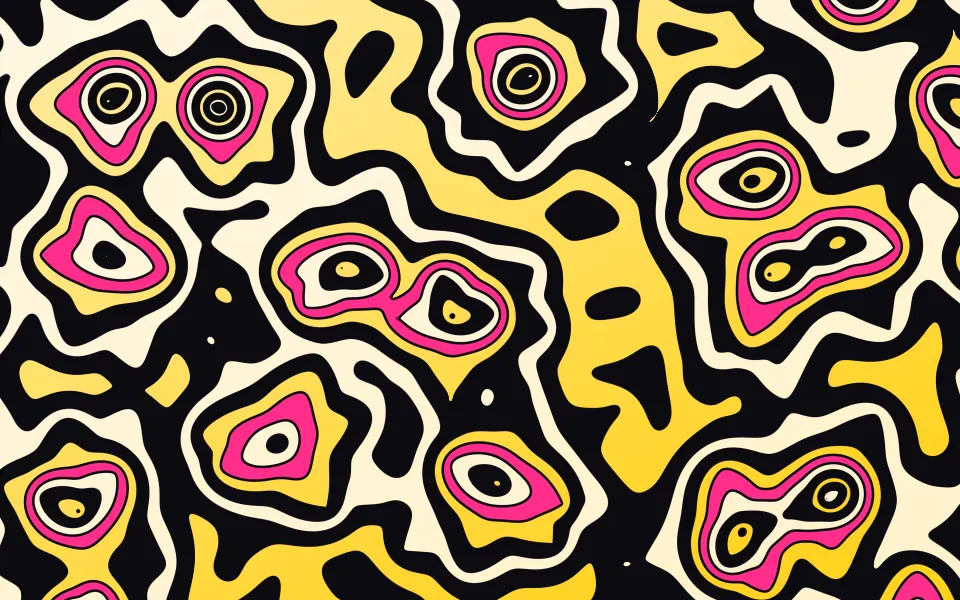
Smooth Voronoi Contours Shader
Patterns & tilingsLoud, graphic contour rings
- Pro
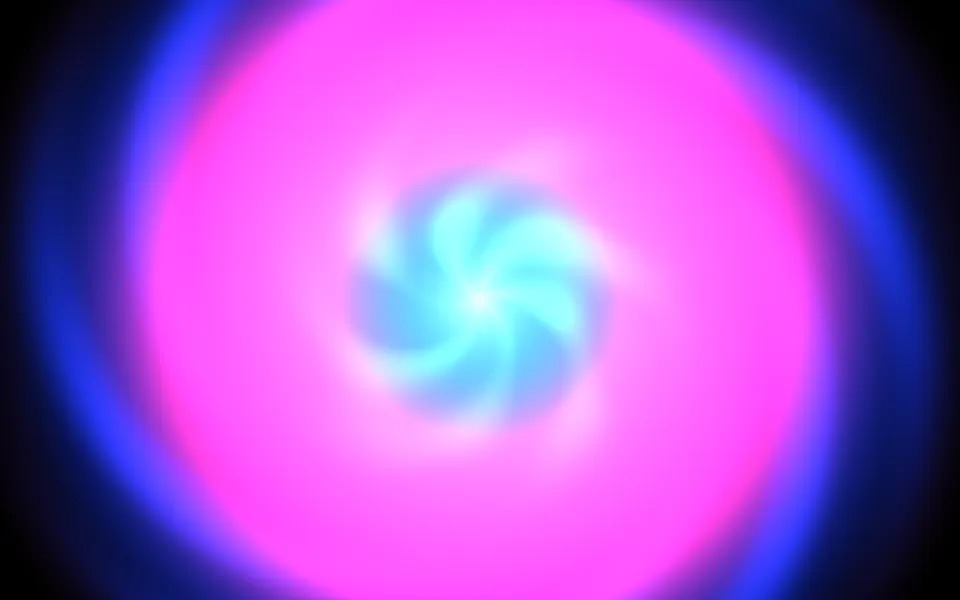
Kaleidoscope Shader
Patterns & tilingsA vivid bloom for a music page
- Pro
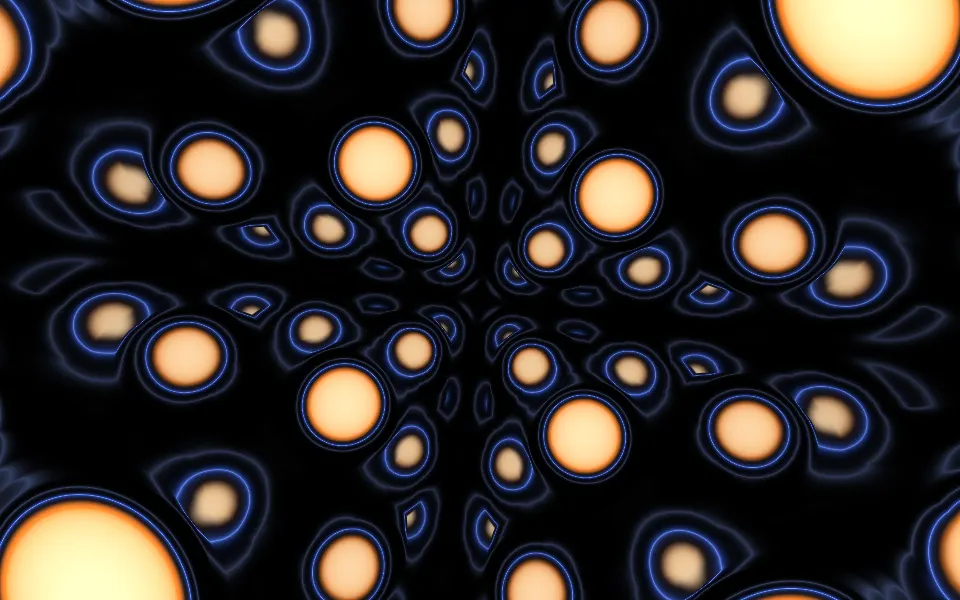
Sphere Field Shader
Tunnels & 3DGlowing spheres for an event page
- Pro
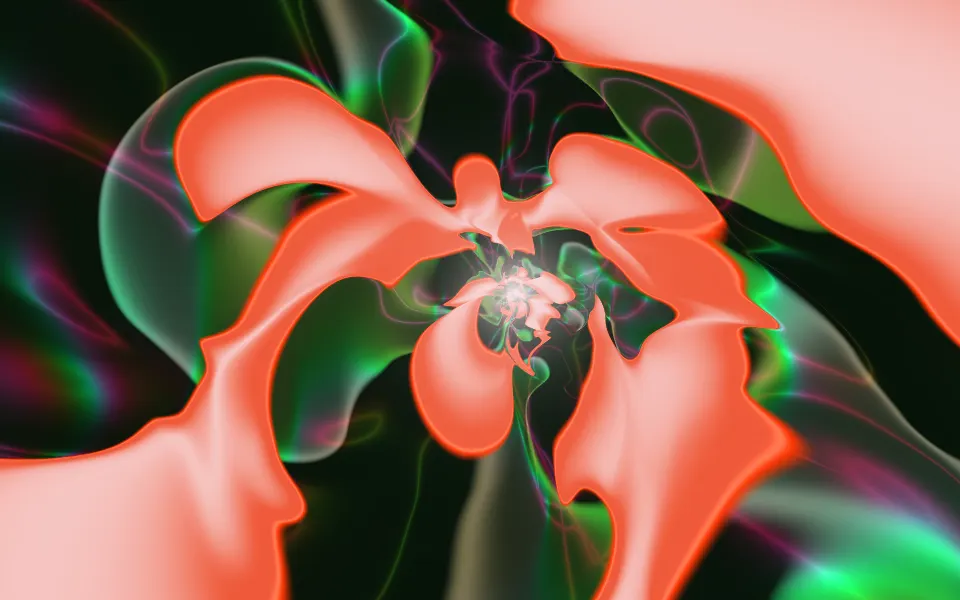
Sigmoids Sines Shader
Flow & gradientsA psychedelic flight down a tunnel