shadcn.io is not affiliated with official shadcn/ui
Aurora 3D Shader stands you by a still lake at night, looking up and out. Folded curtains of aurora hang in perspective across a starry sky: their lower hems are sharp and bright green, their rays rise and fade into violet, and slow ripples travel along each curtain as it folds. A thin dark shore crosses the horizon, and the lake below mirrors the lights, softened by small ripples. A WGSL fragment shader on WebGPU computes every pixel each frame: each sky ray crosses the band of altitudes where the aurora glows in 32 slices, and each slice adds the light of every curtain there. It's a ray marcher, the heavy kind of shader, so it renders at half resolution by default.
Use it behind a travel, outdoor or space hero, an expedition or a stargazing page, or a calm full-screen intro. For the flat, 2D version, a band of light drifting over black, use Aurora Shader; for themed CSS curtains with no GPU, the Aurora background; for the same calm by day, Valley Mist Shader. It runs only while it's on screen, holds a still frame with reduced motion, and shows a soft glow of the same colors over a dark lake in browsers without WebGPU.
Installation
Usage
import { Aurora3dShader } from "@/components/ui/aurora-3d-shader";<Aurora3dShader className="flex min-h-[32rem] items-center justify-center">
<h1 className="text-5xl font-semibold text-white">Chase the lights</h1>
</Aurora3dShader>Aurora 3D Shader is a container: your content sits on top of the scene, in normal flow. It fills its own box, so give it a height or content. For a backdrop behind the whole page, render it empty with className="fixed inset-0 -z-10". The night is dark in both color schemes, so use white text. It reads best in the dark band of sky between the hems and the horizon, or over the lake; across the curtains themselves, keep to large headings.
Demos
Southern lights
lowColor="#ff6ad5" turns the hems pink and highColor="#4f7bff" the rays blue, like the aurora australis; the lake mirrors the new colors. curtains={3} hangs a third curtain behind the first two, for a fuller sky.
In a card
In a small box, height={0.3} lowers the curtains toward the horizon, so their hems and the reflection both fit, and intensity={1.3} brightens them for the smaller surface.
Performance
Aurora 3D Shader renders at quality={0.5} by default: half the screen's resolution, a quarter of the pixels. On an M2 Max laptop at 1280×720, a frame takes about 2.3 ms of GPU time at that default, and about 4.5 ms at quality={1}. Slower GPUs take several times longer, so keep the default on large screens; the light is soft, so half resolution hardly shows. Your own quality prop overrides it. The animation stops when the shader scrolls out of view, and the browser pauses it in a hidden tab. Every shader on a page shares one GPU device and one frame loop, and vgpu (about 50 KB gzipped) loads only when the first one mounts.
Browser support
The shader needs WebGPU: Chrome and Edge, Safari 26 and later, and Firefox on Windows and macOS. Elsewhere, and until the first frame, the box shows a CSS still: a soft glow of the hem and ray colors over the sky, and a darker lake below the horizon, built from the same color props, so the layout never jumps. data-state on the root reads unsupported there, if you want to style around it. See Shader Canvas.
Accessibility
The scene is decoration: it's hidden from assistive tech and lets every click through to your content. With reduced motion it draws one still frame of the curtains and stops. Nothing flashes: the folds ripple over seconds, and the stars only swell and fade gently over several. White text stays above 17:1 on 95% of the dark sky between the hems and the horizon, and above 6:1 everywhere on the lake. Over the curtains it falls to about 1.4:1 on the brightest hems, so put body text below them, or on a bg-black/50 panel, which keeps it above 5:1.
FAQ
How does it draw curtains in 3D?
Each curtain is a vertical sheet of light standing on the ground plane, along a line that folds and ripples with noise. Every sky ray crosses the band of altitudes where the aurora glows in 32 slices, crowded toward the bottom where the hems are, and each slice adds the glow of every curtain at that point: brightest just above the sharp lower hem, fading upward in rays of different heights, and green below, violet above. A ray that runs along a fold passes through more of the sheet, so the folds light up as bright streaks, as in the real thing.
How is it different from Aurora Shader?
Aurora Shader is 2D: layers of noise drifting in a band across a black screen, light enough for any GPU. Aurora 3D Shader is a scene: curtains in perspective, a horizon, stars and a lake that mirrors them, ray marched on the GPU. It costs more, so it renders at half resolution by default.
Can I change the colors?
Yes: lowColor is the hems, highColor the rays they fade into, skyColor the night overhead and horizonColor the glow above the horizon and the lake's own tone. They take any CSS color, var(--primary) included, and follow a theme switch. The southern lights demo above shows pink and blue.
How do I move the curtains or the lake?
height sets how high the curtains hang, from 0, low over the horizon, to 1, high overhead. curtains sets how many hang across the sky, from 1 to 4. reflection sets how much of the sky the lake mirrors, from 0, dark water, to 1, a clear mirror; intensity brightens or dims the aurora, from 0 to 2.
Will it slow my page down, or drain a phone?
It's a heavy shader, so it renders at half resolution by default: about 2.3 ms of GPU time a frame at 1280×720 on an M2 Max laptop, and several times that on a phone. It stops when it's off screen. quality is the knob that matters: quality={0.35} halves the pixels again, and the soft light hides it. curtains adds a little cost per curtain; the colors cost nothing.
API Reference
Aurora3dShader
data-slot="aurora-3d-shader"
curtains?number
How many curtains hang across the sky, from 1 to 4. @default 2.
- Default
2
fallback?string
What shows until the first frame and in browsers without WebGPU: a CSS
background value (gradients, sizes, a colour) that looks like the
shader. It can use the colour props' --shader-<field> variables.
height?number
How high the curtains hang, from 0 (low over the horizon) to 1 (high overhead). @default 0.5.
- Default
0.5
highColor?string
The upper rays, which the light fades into as it rises. Any CSS color. @default "#a855f7".
- Default
"#a855f7"
horizonColor?string
The sky just above the horizon, and the lake's own tone. Any CSS color. @default "#0b1a2a".
- Default
"#0b1a2a"
intensity?number
How bright the aurora is, from 0 (dark) to 2. @default 1.
- Default
1
interactive?boolean
Whether u.pointer follows the pointer. @default false.
lowColor?string
The curtains' sharp lower hems. Any CSS color. @default "#3dff9a".
- Default
"#3dff9a"
paused?boolean
Holds the current frame. @default false.
quality?number
Render scale, from 0.25 to 1, of the screen's pixels (capped at 2×). @default 1.
- Default
0.5
reflection?number
How much of the sky the lake mirrors, from 0 (dark water) to 1 (a clear mirror). @default 0.6.
- Default
0.6
skyColor?string
The night sky overhead. Any CSS color. @default "#050a14".
- Default
"#050a14"
speed?number
Animation speed: 1 is normal, 0 holds the frame. @default 1.
time?number
A fixed moment, in seconds: draws it and doesn't animate.
render?ReactElement | ((props: object, state: object) => ReactElement)
Replace the host element or compose it with another component.
- Type
ReactElement | ((props: object, state: object) => ReactElement)
className?string
Forwarded to the part.
Related
Aurora Shader
Flow & gradientsThe flat version, free and lighter
Valley Mist Shader
Water & landscapesThe same calm by day, free
- Pro
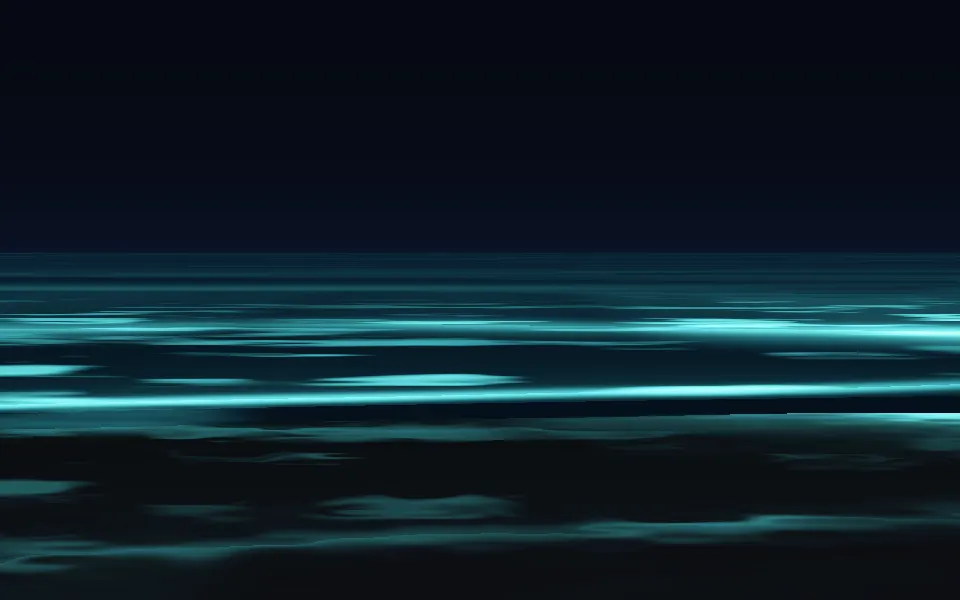
Bioluminescence Shader
Water & landscapesGlowing surf on a night beach
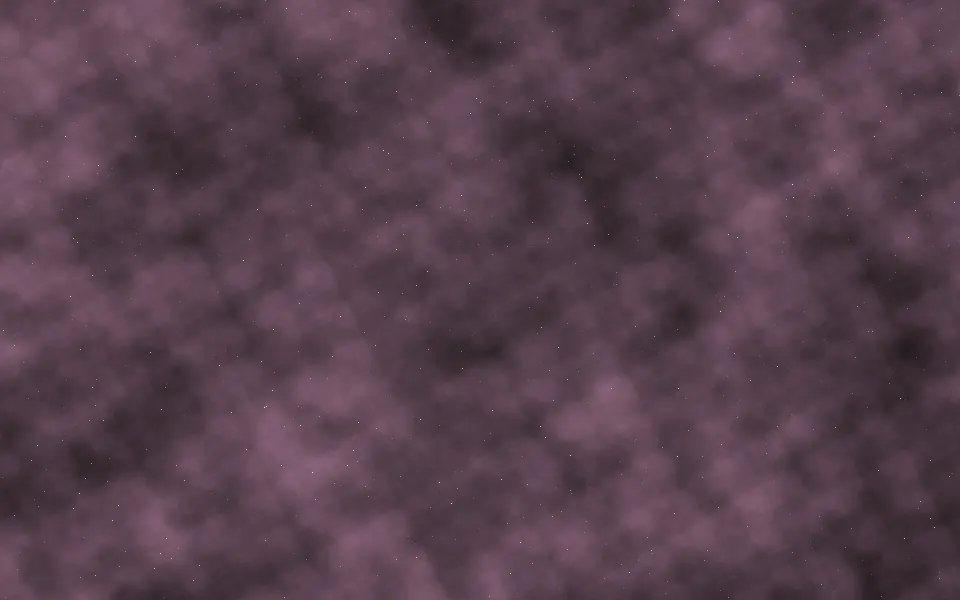
Nebula Shader
SpaceSoft cosmic clouds, free
- Pro
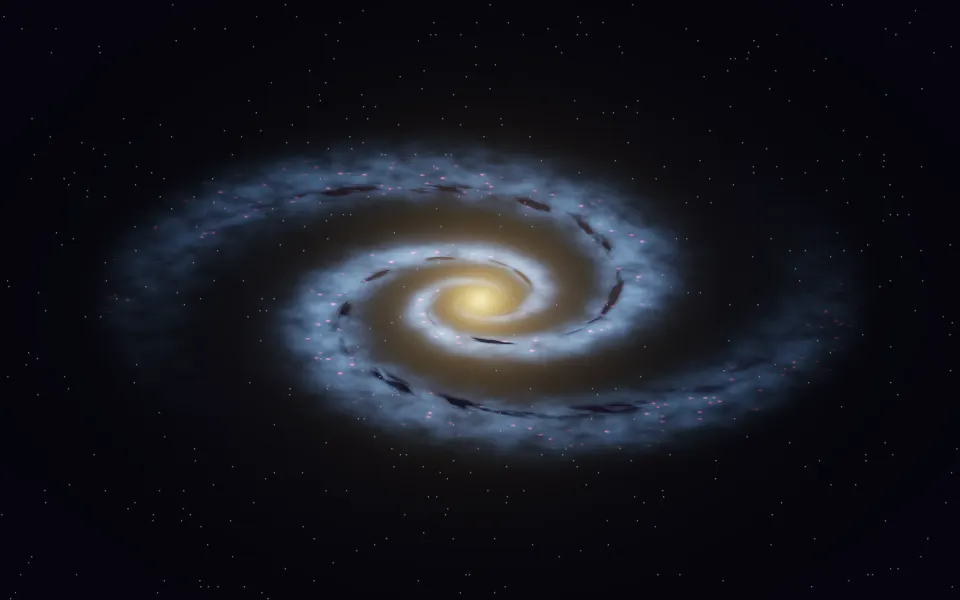
Spiral Galaxy Shader
SpaceA galaxy for a stargazing page
- Pro
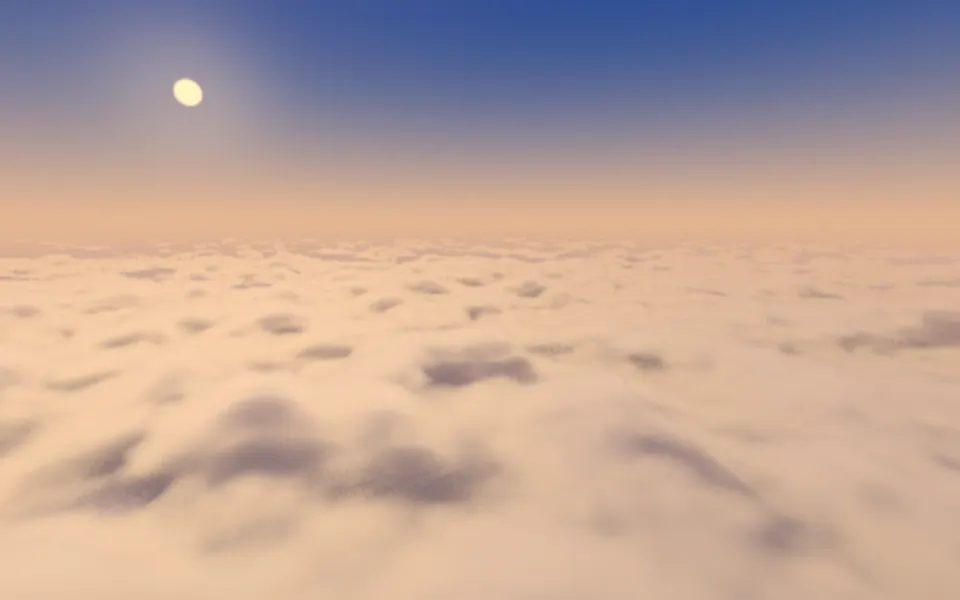
Cloud Sea Shader
Water & landscapesGolden hour above the clouds