shadcn.io is not affiliated with official shadcn/ui
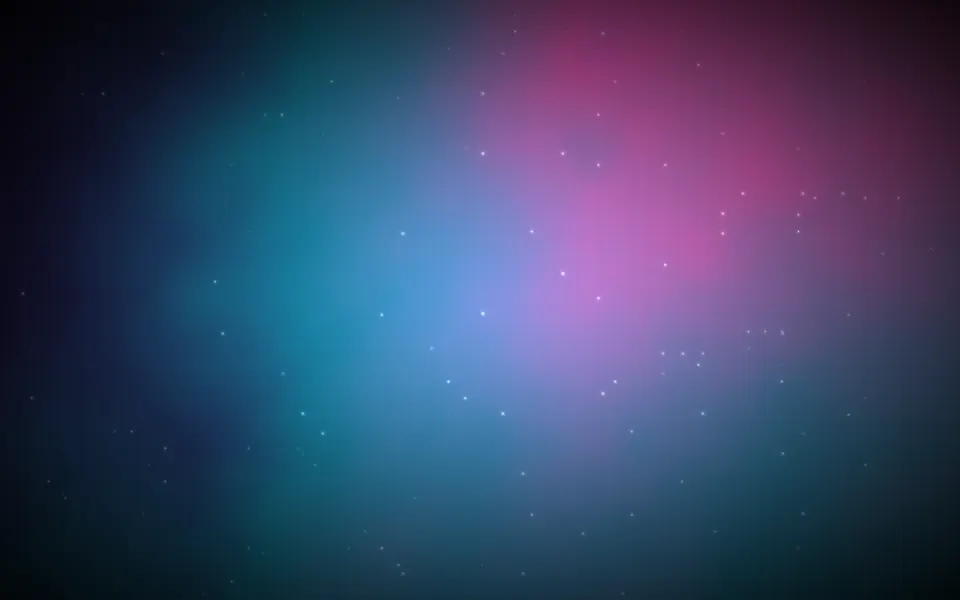
Nebula Shader fills its box with a cloud of gas. Three layers of fractal noise, at three sizes, add up to soft billows that are brighter where the cloud is dense and fall to near-black in the gaps, tinted dusty mauve with a pink glow in the thickest parts. The whole cloud drifts slowly down and to the left and breathes in brightness over about two minutes, while fine stars twinkle in front of it, each on its own beat. A WGSL fragment shader on WebGPU computes every pixel each frame, for under a millisecond of GPU time.
Use it behind a dark hero, a space or science page, or an intro screen that should feel calm and deep. For a composed nebula in plain CSS, with filaments, dust lanes and your theme's colors, use the Nebula background; for one glowing cloud whose colors cycle, Cosmic Waves Shader; for northern lights, Aurora Shader. It runs only while it's on screen, holds a still frame with reduced motion, and shows a soft gradient of the same tint in browsers without WebGPU.
Installation
Usage
import { NebulaShader } from "@/components/ui/nebula-shader";<NebulaShader className="flex min-h-[32rem] items-center justify-center">
<h1 className="text-5xl font-semibold text-white">Explore the unknown</h1>
</NebulaShader>Nebula Shader is a container: your content sits on top of the clouds, in normal flow. It fills its own box, so give it a height or content. For a backdrop behind the whole page, render it empty with className="fixed inset-0 -z-10". The clouds stay dark in both color schemes, so put white or light text over them.
Demos
Cool
cloudColor="#6699ff" and highlightColor="#66ccff" turn the gas into a blue reflection nebula. scale={0.7} makes the billows larger and softer, and density={1.2} fills more of the frame with cloud.
In a card
The clouds scale with their box. cloudColor="#ff6633" and highlightColor="#ffcc66" make a warm, glowing emission nebula, and stars={1.5} brightens the stars for the smaller surface.
Performance
About 0.75 ms of GPU time a frame at 1280×720 on an M2 Max laptop; slower GPUs take several times longer. quality={0.5} renders a quarter of the pixels. The props don't change the cost. The clouds are soft, so quality={0.5} hides well, but the stars get coarser. The animation stops when the shader scrolls out of view, and the browser pauses it in a hidden tab. Every shader on a page shares one GPU device and one frame loop, and vgpu loads only when the first one mounts.
Browser support
The shader needs WebGPU: Chrome and Edge, Safari 26 and later, and Firefox on Windows and macOS. Elsewhere, and until the first frame, the box shows a CSS gradient of soft clouds in the same tint, which follows cloudColor, so the layout never jumps. data-state on the root reads unsupported there, if you want to style around it. See Shader Canvas.
Accessibility
The clouds are decoration: they're hidden from assistive tech and let every click through to your content. With reduced motion it draws one still frame of the clouds and stars, and stops. Nothing flashes: each star fades in and out over about two seconds, out of step with the others, and the whole cloud dims and brightens by about a fifth over two minutes. With the default colors, white text reaches 4.5:1 on 99.8% of the shader and 7:1 on 90%, measured over 90 seconds of frames; only the stars themselves are brighter. A light cloudColor lifts the clouds, so check the contrast if you change it.
FAQ
How do I tint the clouds?
cloudColor sets the gas: the dense parts take it at full strength, the gaps a darker shade of it. highlightColor is the glow mixed into the thickest clouds. Both take any CSS color and follow a theme switch, so var(--primary) works. Try #6699ff for a cool blue nebula or #ff6633 for a warm red one.
Can I have fewer or brighter stars?
stars sets their brightness, from 0 (none) to 2; their number and places are fixed. Each one twinkles on its own beat and is one CSS pixel wide at any screen ratio.
What do density and scale do?
density and scale do?density sets how much of the frame is cloud: low leaves thin wisps on black, high a bright, even haze. scale zooms the clouds: below 1 they're larger and softer, above 1 smaller and busier. Neither adds detail or changes the cost.
Is it a real nebula simulation?
No: it's layered fractal noise, three sizes of soft random values added together, then shaded by how dense the sum is. It looks like gas because real nebulae have the same kind of detail at every scale.
API Reference
NebulaShader
data-slot="nebula-shader"
cloudColor?string
The clouds' tint: the dense parts take it brighter, the gaps darker. Any CSS colour. @default "#b38099".
- Default
"#b38099"
density?number
How much of the frame the clouds fill, from 0.2 (thin wisps on black) to 1.8 (a bright, even haze). @default 1.
- Default
1
fallback?string
What shows until the first frame and in browsers without WebGPU: a CSS
background value (gradients, sizes, a colour) that looks like the
shader. It can use the colour props' --shader-<field> variables.
highlightColor?string
The glow mixed into the densest clouds. Any CSS colour. @default "#cc4db3".
- Default
"#cc4db3"
interactive?boolean
Whether u.pointer follows the pointer. @default false.
paused?boolean
Holds the current frame. @default false.
quality?number
Render scale, from 0.25 to 1, of the screen's pixels (capped at 2×). @default 1.
scale?number
The size of the clouds, from 0.5 (large, soft billows) to 2 (small, busy ones). @default 1.
- Default
1
speed?number
Animation speed: 1 is normal, 0 holds the frame. @default 1.
stars?number
How bright the stars are, from 0 (none) to 2; their number is fixed. @default 1.
- Default
1
time?number
A fixed moment, in seconds: draws it and doesn't animate.
render?ReactElement | ((props: object, state: object) => ReactElement)
Replace the host element or compose it with another component.
- Type
ReactElement | ((props: object, state: object) => ReactElement)
className?string
Forwarded to the part.
Related
- Pro
Cosmic Waves Shader
SpaceOne glowing cloud whose colors cycle
Aurora Shader
Flow & gradientsNorthern lights, free
- Pro
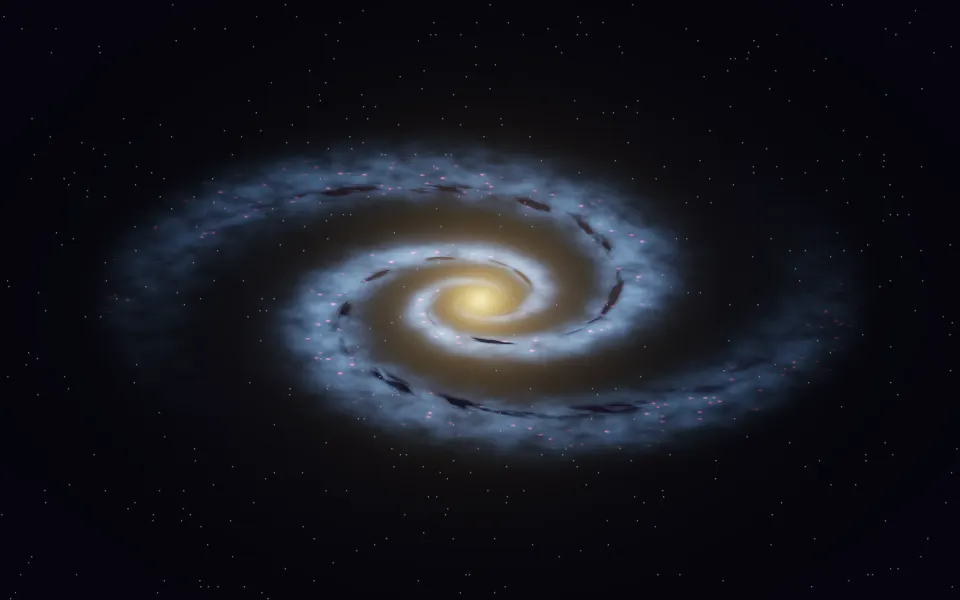
Spiral Galaxy Shader
SpaceA whole galaxy instead of gas
- Pro
Smoke Shader
Ink, smoke & fireSlow plumes on dark, from below
Planet Shader
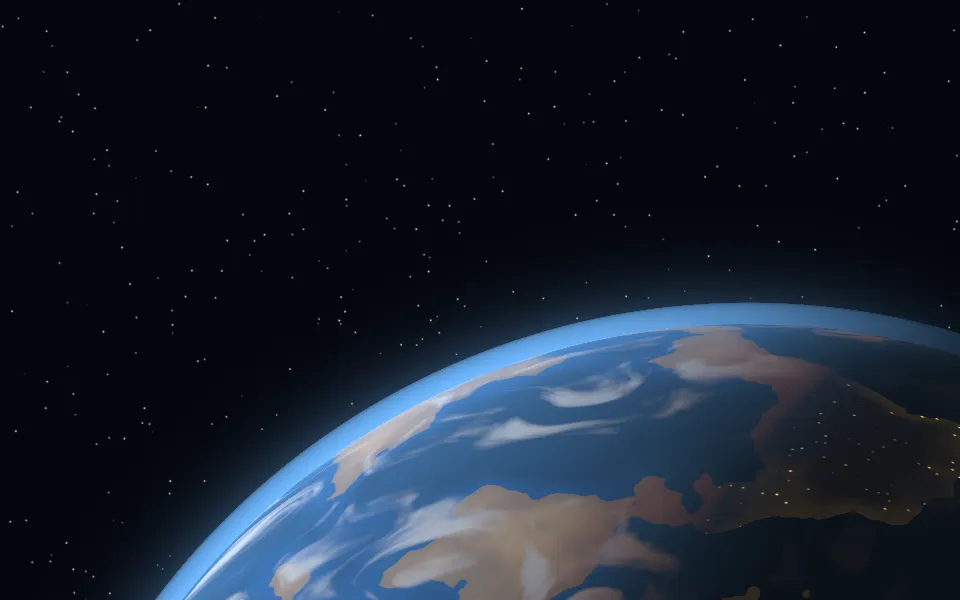
SpaceA single world, free
- Pro
Singularity Shader
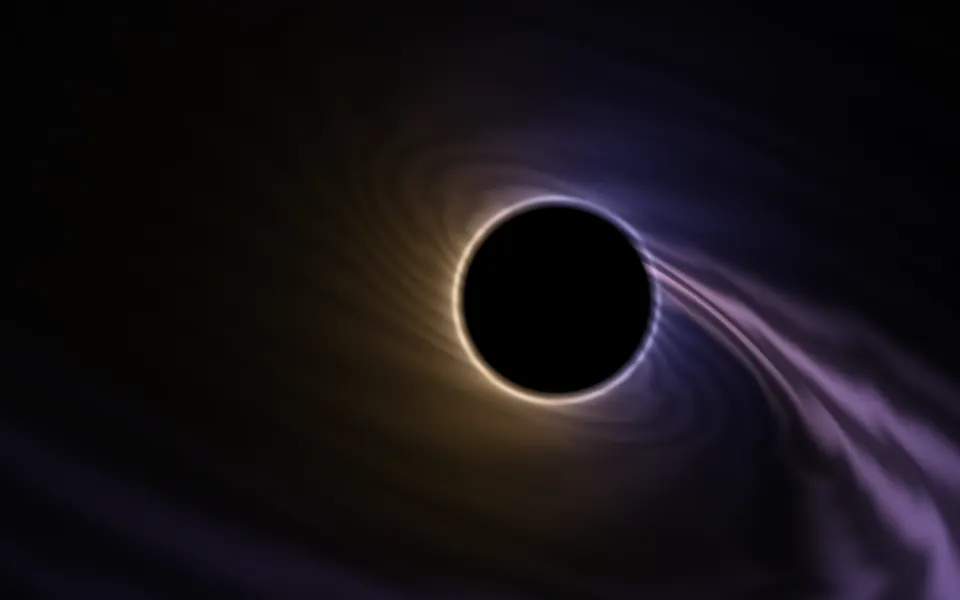
SpaceA calm black hole beside your copy