shadcn.io is not affiliated with official shadcn/ui
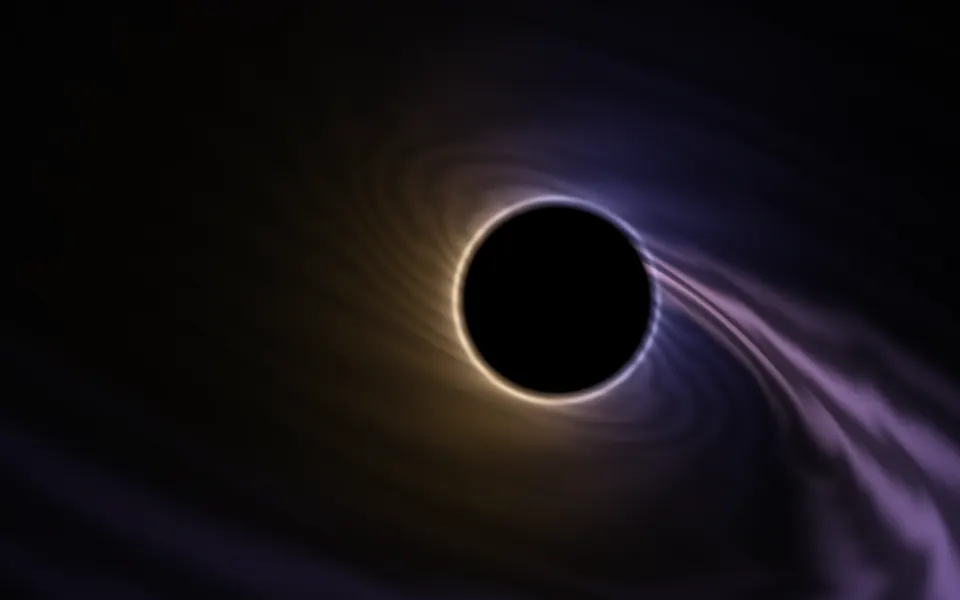
Accretion Shader draws a black hole seen from just above its disc. Hot gas orbits a black shadow, white-gold at the inner edge and orange-red further out, churning in torn streaks that wind tighter near the hole, where it orbits faster. The hole bends light, so the far side of the disc shows up twice more: arched over the top of the shadow and as a thin ring beneath it. The side of the disc turning toward you is brighter. A WGSL fragment shader on WebGPU traces each pixel's ray through the glowing gas, bending it toward the hole at every step.
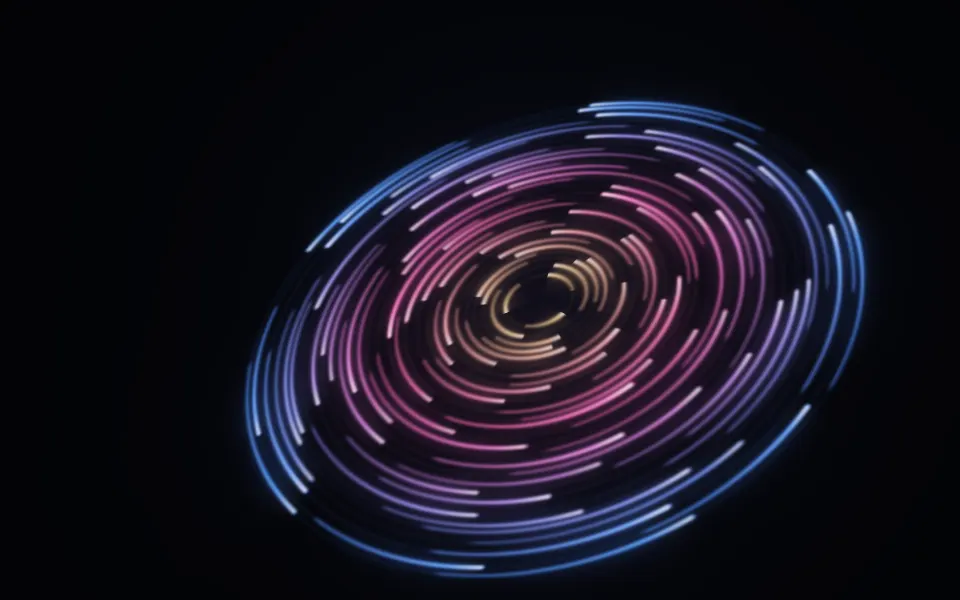
Use it as the centerpiece of a space, science or launch hero, with the headline above or below the hole, where the frame stays dark. For a flatter, quieter black hole, use Singularity Shader; for a tilted disc of orbiting rings of light, Cosmic Discs Shader; for a whirlpool in plain CSS, with no GPU, the Vortex background. It runs only while it's on screen, holds a still frame with reduced motion, and shows a gradient of the same colors in browsers without WebGPU.
Installation
Usage
import { AccretionShader } from "@/components/ui/accretion-shader";<AccretionShader className="flex min-h-[32rem] flex-col justify-end pb-10 text-center">
<h1 className="text-5xl font-semibold text-white">Beyond the horizon</h1>
</AccretionShader>Accretion Shader is a container: your content sits on top of the black hole, in normal flow. It fills its own box, so give it a height or content. For a backdrop behind the whole page, render it empty with className="fixed inset-0 -z-10". The hole sits in the middle and the disc runs across it, so put white or light text in the dark band above or below, in both color schemes.
Demos
Calm
turbulence={0.2} smooths the gas into long, even streaks, and tilt={0.15} lowers the view toward the disc's edge, so the arch over the hole stands taller. innerColor="#e6f4ff" and outerColor="#3b82f6" cool it to a blue-white glow.
In a card
The black hole scales to fit its box. tilt={0.45} looks down on the disc a little more, so its gas fills more of a small surface, and quality={0.5} renders a quarter of the pixels, which the soft glow hides.
Performance
About 1.7 ms of GPU time a frame at 1280×720 at its default quality of 0.75, on an M2 Max laptop (2.4 ms at full resolution, 0.85 ms at quality={0.5}); slower GPUs take several times longer. Each pixel's ray takes up to 96 steps, and the steps inside the disc each read the gas twice, so it renders at three-quarter resolution unless you set quality. The glow is soft, so quality={0.5} looks nearly the same; only the thin rings near the hole soften. The props don't change the cost. The animation stops when the shader scrolls out of view, and the browser pauses it in a hidden tab. Every shader on a page shares one GPU device and one frame loop, and vgpu loads only when the first one mounts.
Browser support
The shader needs WebGPU: Chrome and Edge, Safari 26 and later, and Firefox on Windows and macOS. Elsewhere, and until the first frame, the box shows a CSS gradient of a black disc in a gold ring over an orange band, which follows your color props, so the layout never jumps. data-state on the root reads unsupported there, if you want to style around it. See Shader Canvas.
Accessibility
The black hole is decoration: it's hidden from assistive tech and lets every click through to your content. With reduced motion it draws one still frame and stops. Nothing flashes: the gas churns and streams over seconds. Measured over 20 seconds of frames in a wide box, white text reaches 7:1 on nearly all of the top and bottom fifths, and 4.5:1 on 95% of the whole frame; keep text off the disc and the ring.
FAQ
How is it drawn?
By raymarching: for each pixel, the shader walks a ray from the camera in up to 96 steps, short ones inside the disc's thin layer of gas and long ones elsewhere, adding up the light the gas gives off and dimming what's behind it. At every step the ray is bent toward the hole, more the closer it passes; rays that fall in stay black.
Why is there a ring over and under the hole?
That's the bending: light from the far side of the disc, which the hole hides, curves over the top and under the bottom on its way to you, so the disc shows up as an arch above the shadow and a thin ring below it. Nothing draws the ring separately.
Is it physically accurate?
Partly. The light bending follows a well-known approximation of how light moves near a black hole, so the shadow and the ring land in the right places, and the gas orbits faster near the hole. But the gas is sine-warped bands, not a simulation, there's no redshift, and the bright side is an artistic nod to the real effect, not a calculation.
What does turbulence do?
turbulence do?It sets how much the gas churns: at 0 it's smooth bands that orbit the hole, and higher values fold them, in three layers of sine waves, into torn streaks and flares. The inner gas orbits faster than the outer, so the streaks also wind into spirals.
Can I change the colors?
Yes: innerColor is the hot inner edge, which also runs toward white where the gas is hottest, and outerColor the cooler gas further out. They take any CSS color and follow a theme switch, so var(--primary) works. brightness scales the whole glow, and tilt sets how far above the disc you look from.
Will it slow my page down?
It's the heaviest kind of shader, a raymarch, at about 1.7 ms of GPU time a frame at 1280×720 on a laptop at its default three-quarter resolution, and the CPU only sets a few numbers each frame. It stops when it's off screen. On a slow GPU, quality={0.5} halves the cost again, and the soft glow hides it.
Credits
Inspired by an accretion disc shader (opens in a new tab) by Xor on Shadertoy, a churning, glowing black hole. This is a new shader written from a description of that look, not a port: the bent-ray march, the orbiting gas, the lit side, the palette and the code are ours. The light bending uses the standard approximation for light near a black hole, a force of 1.5 h²/r⁵ toward it.
API Reference
AccretionShader
data-slot="accretion-shader"
brightness?number
The disc's glow, from 0.3 (dim embers) to 2 (blazing). @default 1.
- Default
1
fallback?string
What shows until the first frame and in browsers without WebGPU: a CSS
background value (gradients, sizes, a colour) that looks like the
shader. It can use the colour props' --shader-<field> variables.
innerColor?string
The hot inner edge of the disc, which runs toward white. Any CSS colour. @default "#ffc46b".
- Default
"#ffc46b"
interactive?boolean
Whether u.pointer follows the pointer. @default false.
outerColor?string
The cooler outer disc. Any CSS colour. @default "#ff4a1c".
- Default
"#ff4a1c"
paused?boolean
Holds the current frame. @default false.
quality?number
Render scale, from 0.25 to 1, of the screen's pixels (capped at 2×). @default 1.
- Default
0.75
speed?number
Animation speed: 1 is normal, 0 holds the frame. @default 1.
tilt?number
How far above the disc you look from, from 0 (edge-on) to 1 (well above it). @default 0.3.
- Default
0.3
time?number
A fixed moment, in seconds: draws it and doesn't animate.
turbulence?number
How much the gas churns, from 0 (smooth bands) to 2 (torn, streaming flares). @default 1.
- Default
1
render?ReactElement | ((props: object, state: object) => ReactElement)
Replace the host element or compose it with another component.
- Type
ReactElement | ((props: object, state: object) => ReactElement)
className?string
Forwarded to the part.
Related
- Pro
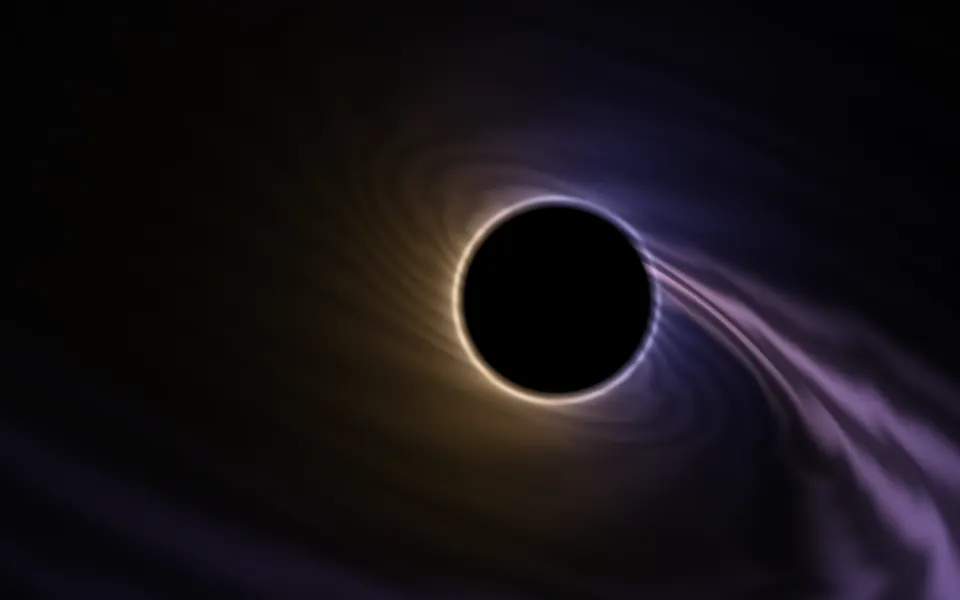
Singularity Shader
SpaceA flatter, quieter black hole, lighter
- Pro
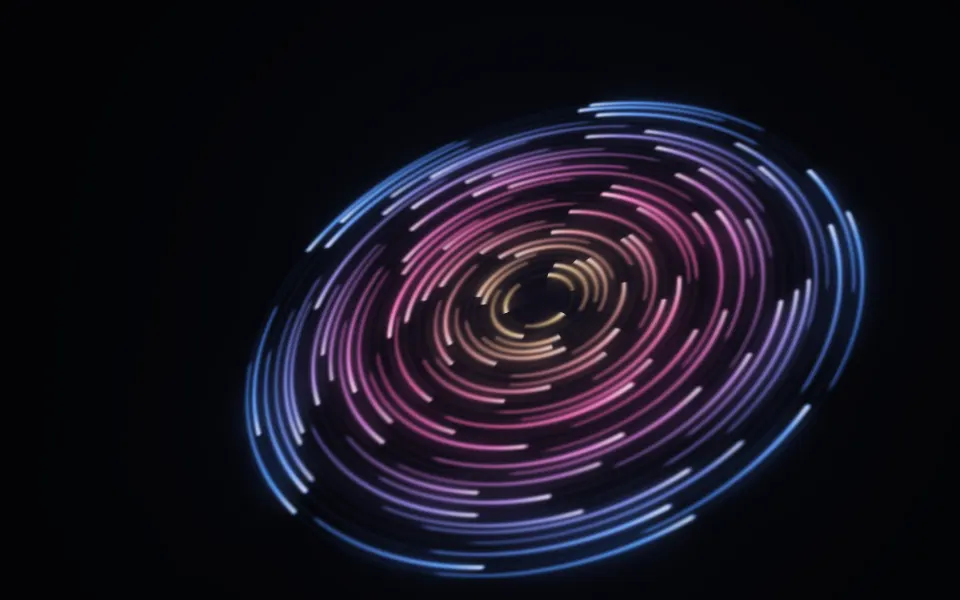
Cosmic Discs Shader
SpaceA tilted disc of orbiting rings
- Pro
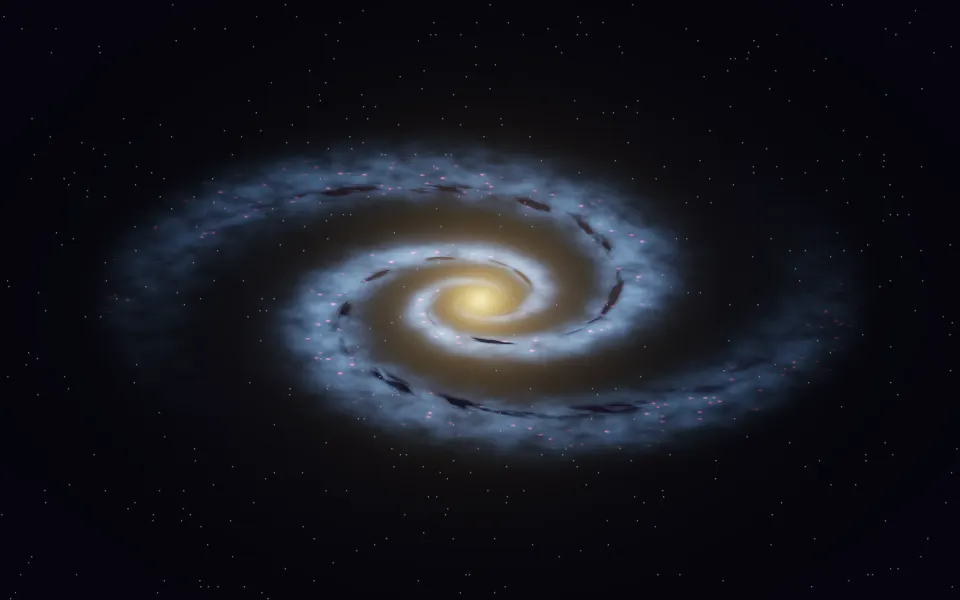
Spiral Galaxy Shader
SpaceA whole galaxy turning
- Pro
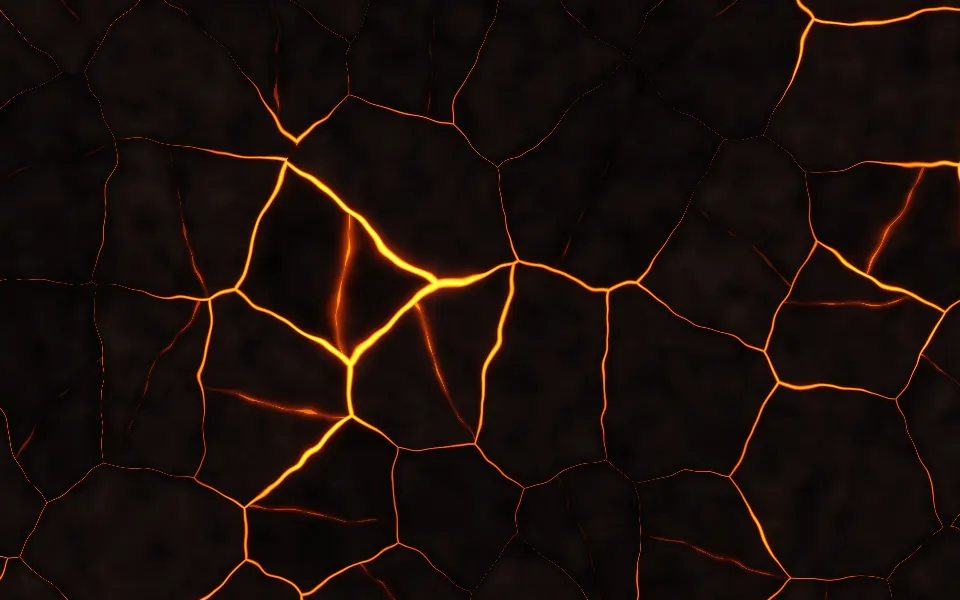
Magma Shader
Ink, smoke & fireThe same black-body glow, as lava
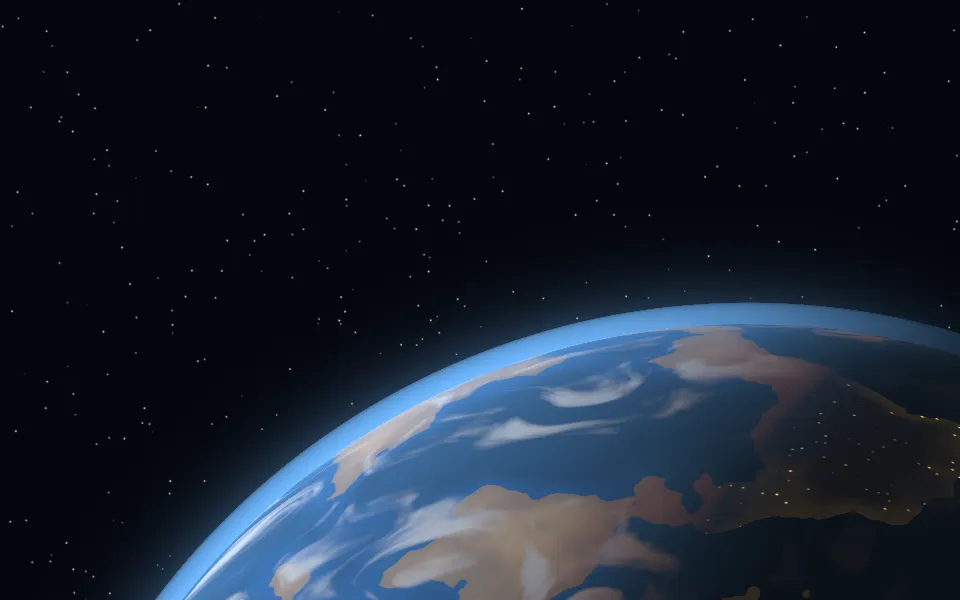
Planet Shader
SpaceA single lit world, free
- Pro
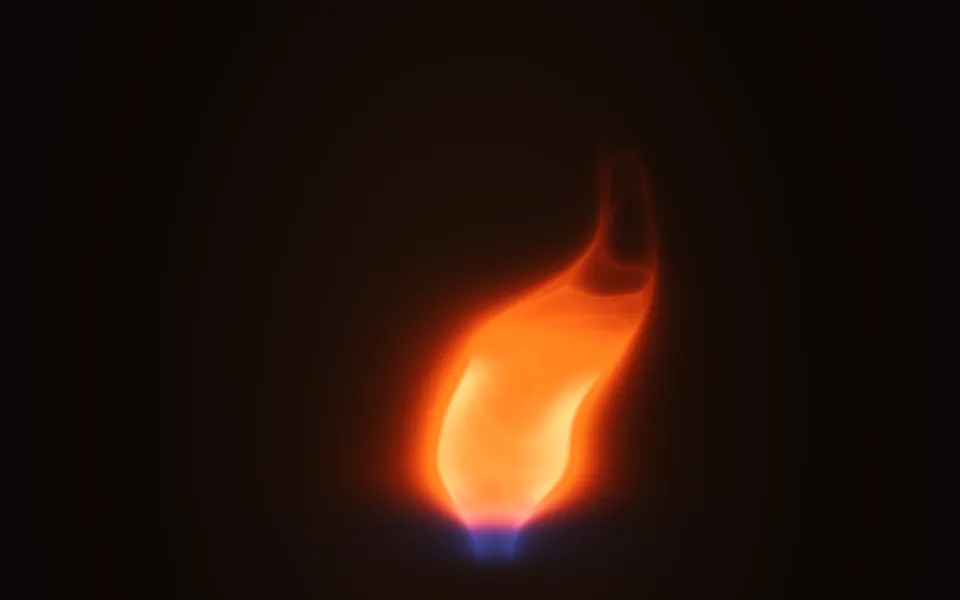
Fire 3D Shader
Ink, smoke & fireAnother glowing centerpiece, a flame