shadcn.io is not affiliated with official shadcn/ui
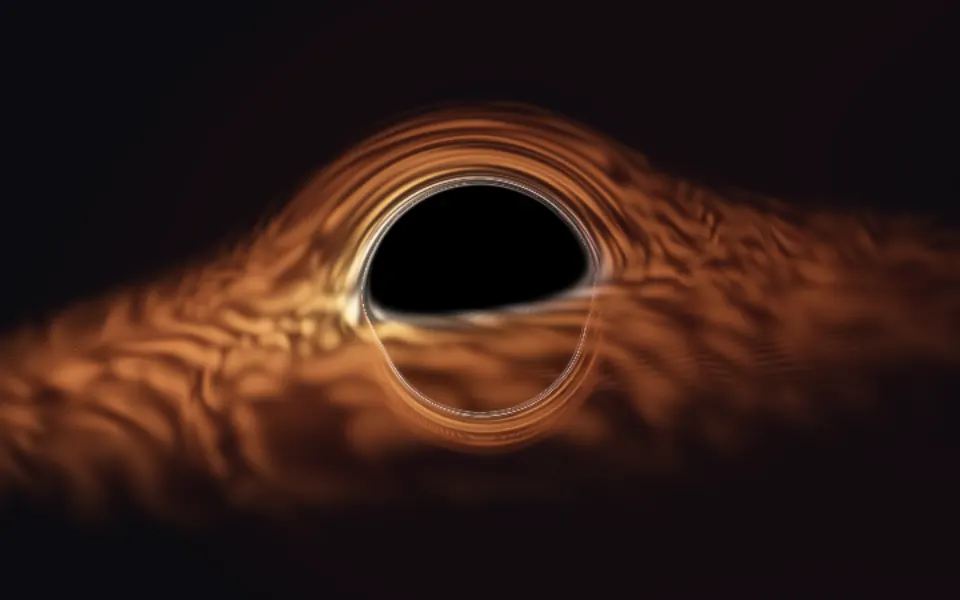
Singularity Shader draws a black hole as a flat, graphic picture. A thin, bright ring circles a pitch-black shadow, gold on one side and violet on the other, wrapped in a soft corona. One stream of gas curls in from the lower right along a spiral, violet far out and warming to gold as it falls toward the ring, made of fine strands that churn and stream inward while the shape itself holds still. A WGSL fragment shader on WebGPU computes it in one pass, with no 3D scene, for a fifth of a millisecond of GPU time.
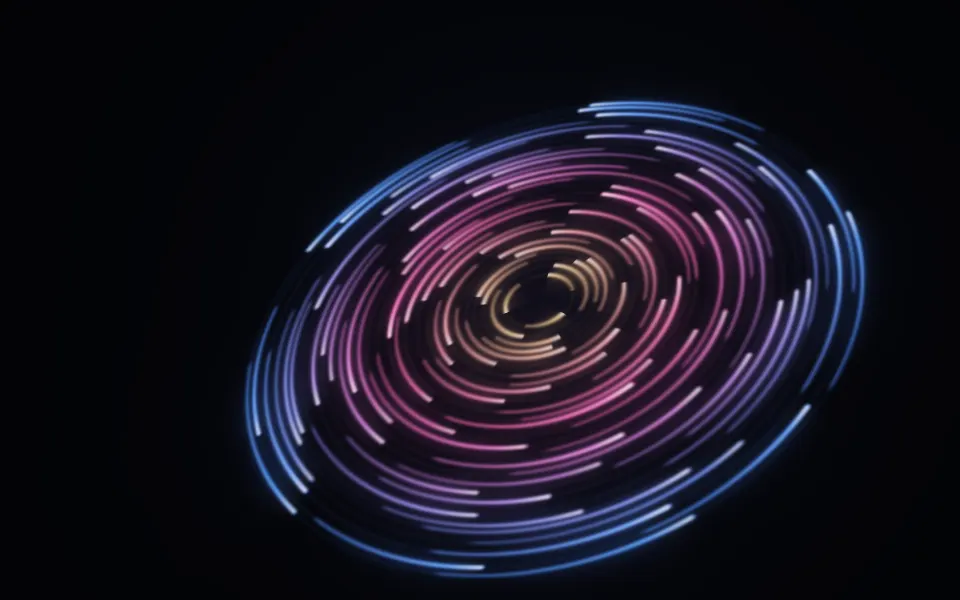
Use it beside a headline in a hero, or behind a pricing or launch section: the hole sits right of center, and the left of the box stays nearly black, so copy reads there. For a 3D black hole with a churning disc and bent light, use Accretion Shader; for a tilted disc of orbiting rings of light, Cosmic Discs Shader; for a whirlpool in plain CSS, with no GPU, the Vortex background. It runs only while it's on screen, holds a still frame with reduced motion, and shows a CSS gradient of the same ring in browsers without WebGPU.
Installation
Usage
import { SingularityShader } from "@/components/ui/singularity-shader";<SingularityShader className="flex min-h-[32rem] items-center">
<h1 className="max-w-xs px-10 text-5xl font-semibold text-white">
Ship faster
</h1>
</SingularityShader>Singularity Shader is a container: your content sits on top of the black hole, in normal flow. It fills its own box, so give it a height or content. For a backdrop behind the whole page, render it empty with className="fixed inset-0 -z-10". The frame is near-black in both color schemes, so use white or light text, on the left of the box.
Demos
Small
size={0.6} shrinks the black hole and its stream, leaving more dark room around it. turbulence={1.6} tears the strands into wisps, and warmColor="#f472b6" with coolColor="#22d3ee" turn the palette to pink and cyan.
In a card
The black hole scales to fit its box, staying 58% across. size={0.8} gives it room in a small card, and intensity={1.3} brightens the glow for the smaller surface. It's light enough to keep full quality, which keeps the ring sharp.
Performance
About 0.2 ms of GPU time a frame at 1280×720 on an M2 Max laptop; slower GPUs take several times longer. It's one flat pass with six folds of sine waves per pixel, no raymarching, so it keeps full quality: the ring is a fine line that blurs at quality={0.5}. The props don't change the cost. The animation stops when the shader scrolls out of view, and the browser pauses it in a hidden tab. Every shader on a page shares one GPU device and one frame loop, and vgpu loads only when the first one mounts.
Browser support
The shader needs WebGPU: Chrome and Edge, Safari 26 and later, and Firefox on Windows and macOS. Elsewhere, and until the first frame, the box shows a CSS gradient of a black disc in a gold ring with a violet glow below it, which follows your color props, so the layout never jumps. data-state on the root reads unsupported there, if you want to style around it. See Shader Canvas.
Accessibility
The black hole is decoration: it's hidden from assistive tech and lets every click through to your content. With reduced motion it draws one still frame and stops. Nothing flashes: the strands stream slowly and the shape never moves, at any speed. Measured over 20 seconds of frames, white text reaches 7:1 on all of the left 40% of a wide box, and 4.5:1 on 99% of the whole frame.
FAQ
How does it fake a black hole?
With flat geometry, not physics. The ring is a circle drawn with a sharp glow, and the black shadow inside it simply hides everything. The stream lives on a flat disc tipped away from you, squashed into an ellipse, and turned, so it reads as a disc in perspective. For a black hole that actually bends light, use Accretion Shader.
Why a logarithmic spiral?
Gas falling into a black hole winds around it many times, more tightly as it gets closer. A logarithmic spiral does exactly that: each turn is a fixed fraction closer than the last, so the stream looks the same at every scale, from the frame's edge down to the ring.
What makes the stream churn?
Six layers of sine waves fold the stream's coordinates, each finer and weaker than the last, and the fine strands are drawn on top of the folded coordinates. turbulence sets how far they fold: 0 leaves smooth, even strands, and 2 tears them into wisps. The strands flow inward over time; the stream's shape stays where it is.
Why is one side warm and the other cool?
It's an artistic nod to real black holes, where gas heats as it falls in and the side moving toward you looks brighter. Here the stream shades from coolColor far out to warmColor near the ring, and the ring is warm on one side and cool on the other. Both take any CSS color and follow a theme switch, so var(--primary) works.
Credits
Inspired by a singularity shader (opens in a new tab) by Xor on Shadertoy, a glowing ring and a wispy stream around a black core. This is a new shader written from a description of that look, not a port: the tipped disc, the single spiral stream, its strands and heating, the ring and corona, the palette and the code are ours.
API Reference
SingularityShader
data-slot="singularity-shader"
coolColor?string
The cool side of the ring and the stream. Any CSS colour. @default "#7c6cff".
- Default
"#7c6cff"
fallback?string
What shows until the first frame and in browsers without WebGPU: a CSS
background value (gradients, sizes, a colour) that looks like the
shader. It can use the colour props' --shader-<field> variables.
intensity?number
The glow's strength, from 0.3 (faint) to 2 (blazing). @default 1.
- Default
1
interactive?boolean
Whether u.pointer follows the pointer. @default false.
paused?boolean
Holds the current frame. @default false.
quality?number
Render scale, from 0.25 to 1, of the screen's pixels (capped at 2×). @default 1.
size?number
The black hole's size, from 0.5 to 2. @default 1.
- Default
1
speed?number
Animation speed: 1 is normal, 0 holds the frame. @default 1.
time?number
A fixed moment, in seconds: draws it and doesn't animate.
turbulence?number
How much the stream churns, from 0 (smooth, even strands) to 2 (torn wisps). @default 1.
- Default
1
warmColor?string
The warm side of the ring and the stream. Any CSS colour. @default "#ffb347".
- Default
"#ffb347"
render?ReactElement | ((props: object, state: object) => ReactElement)
Replace the host element or compose it with another component.
- Type
ReactElement | ((props: object, state: object) => ReactElement)
className?string
Forwarded to the part.
Related
- Pro
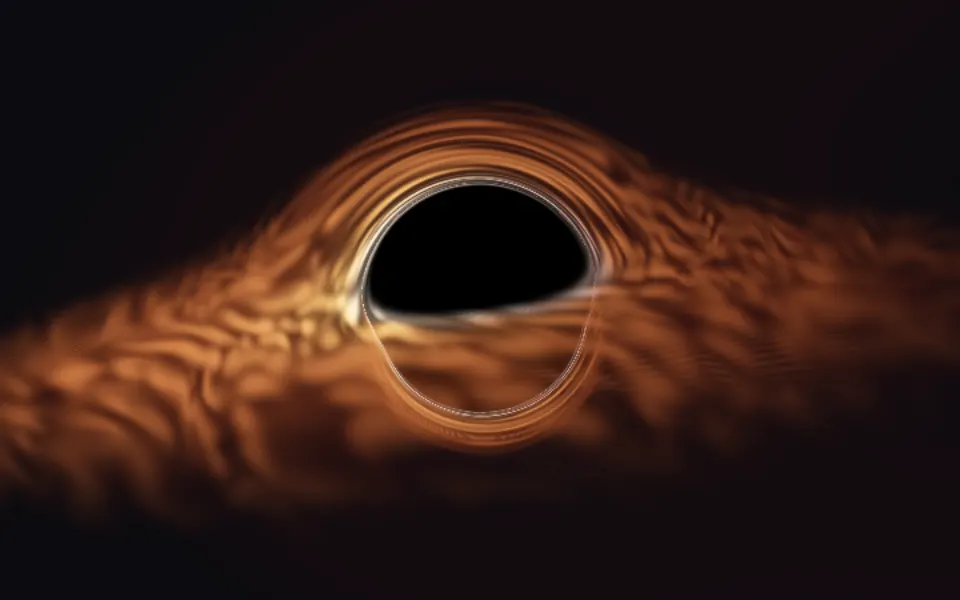
Accretion Shader
SpaceA 3D black hole with bent light
- Pro
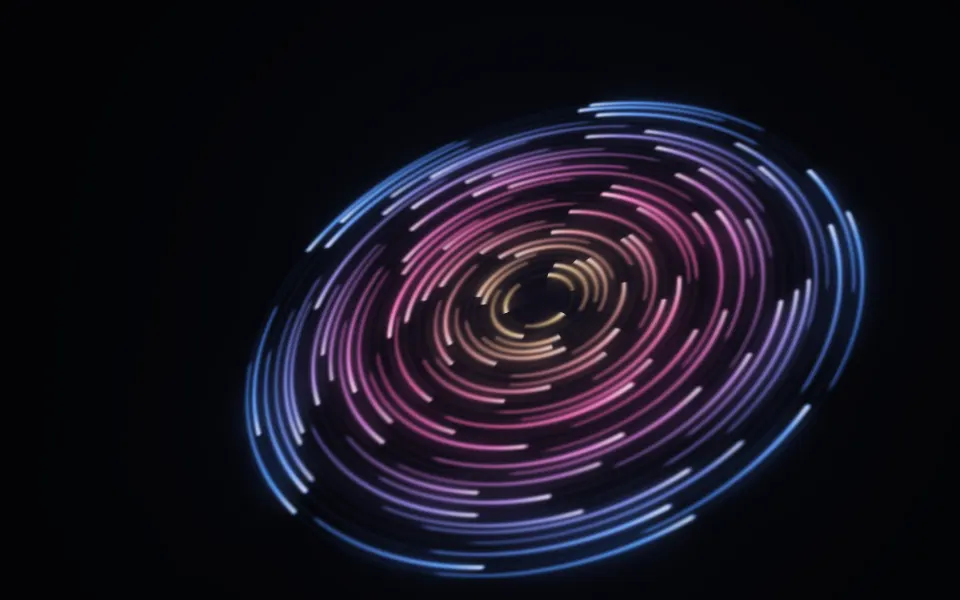
Cosmic Discs Shader
SpaceA disc of orbiting light
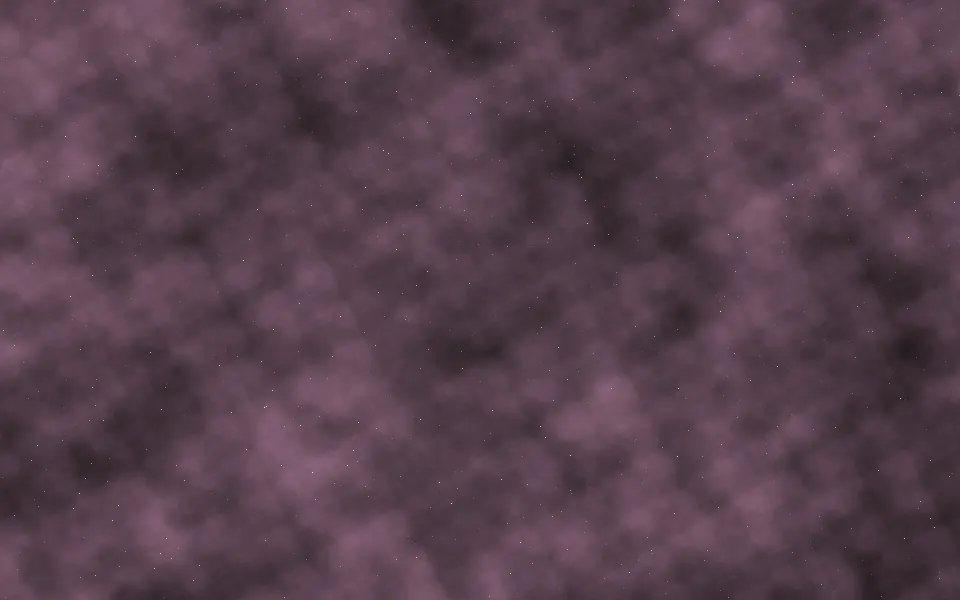
Nebula Shader
SpaceA calm, deep backdrop, free
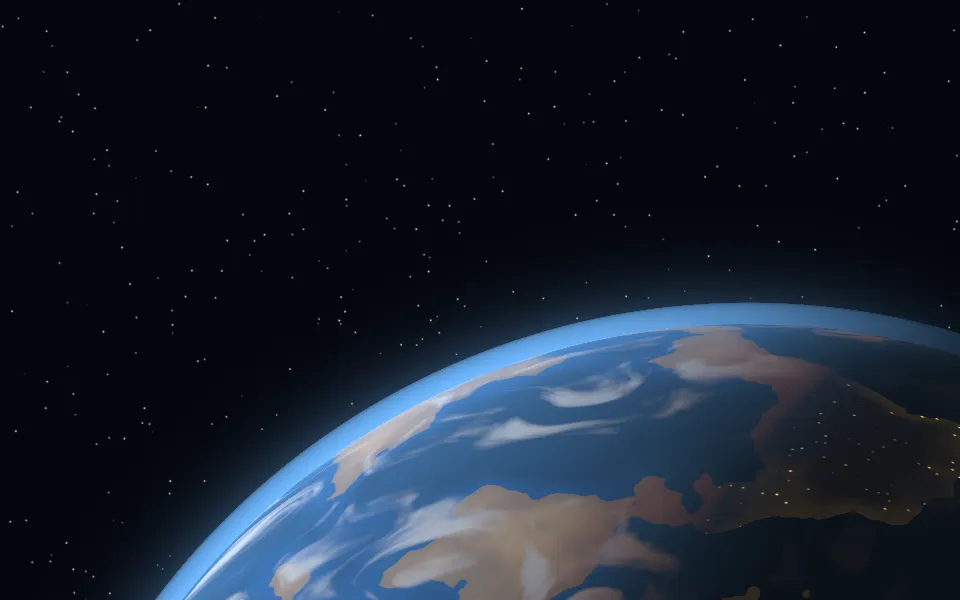
Planet Shader
SpaceA world rising beside your copy, free
- Pro
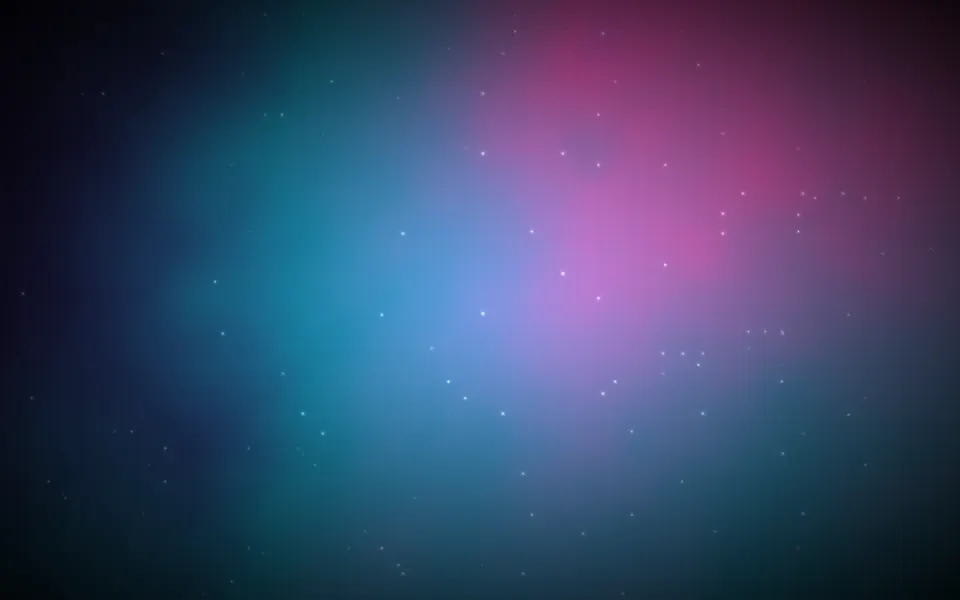
Cosmic Waves Shader
SpaceOne soft glow in your colors
- Pro
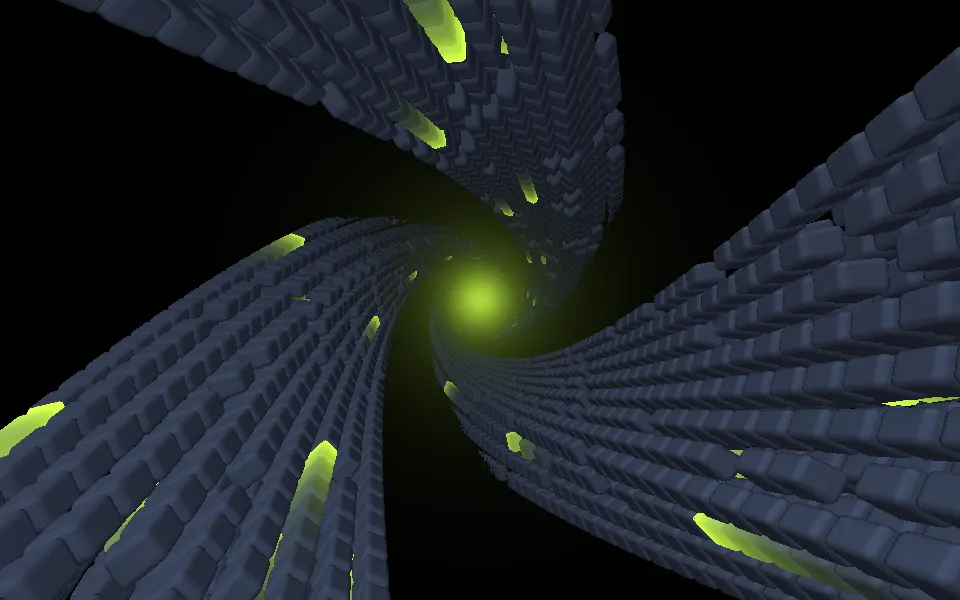
Abstract Mod Shader
Tunnels & 3DA sun at the end of a vortex