shadcn.io is not affiliated with official shadcn/ui
Desert Sand Shader flies you low over a field of dunes in the afternoon. Long, gentle slopes rise to sharp, wandering crests, and past each crest a steep slip face drops into shade. Fine wind ripples cover the sunlit sand, the dunes recede in ranks to a warm haze at the horizon, and thin cirrus streaks a pale blue sky. A WGSL fragment shader on WebGPU ray marches the dune field for every pixel, then lights it with a soft shadow from the low sun, bump-mapped ripples, a speckle of sand grains and drifting dust. It's the heavy kind of shader, so it renders at half resolution by default.
Use it behind a travel, outdoor or editorial hero, or a full-screen intro that should feel wide and quiet. For the same idea in plain CSS, with no GPU, use the Dunes background; for a desert at dusk with heat haze, Mirage Shader; for open water, Sea Shader. It runs only while it's on screen, holds a still frame with reduced motion, and shows a gradient of the same sky and sand in browsers without WebGPU.
Installation
Usage
import { DesertSandShader } from "@/components/ui/desert-sand-shader";<DesertSandShader className="flex min-h-[32rem] items-center justify-center">
<h1 className="text-5xl font-semibold text-stone-950">Go further</h1>
</DesertSandShader>Desert Sand Shader is a container: your content sits on top of the desert, in normal flow. It fills its own box, so give it a height or content. For a backdrop behind the whole page, render it empty with className="fixed inset-0 -z-10". The scene is light in both color schemes, so use dark text such as text-stone-950: it passes 4.5:1 on 99% of the frame, and only dips below in the deepest slip-face shadows. White text doesn't read on the sand or the pale sky on its own; put it on a panel such as bg-black/50.
Demos
Soft and dusty
ripples={0.3} smooths the sand to a faint texture, and dust={2} thickens the haze over the dunes, so the far ranks fade sooner and streaks of dust drift low across the view. It's a softer, quieter backdrop for longer text.
In a card
The flight scales with its box. speed={0.5} halves it to one unit a second, calmer next to a booking form or a list. In a small box at the default quality={0.5} the ripples fade out sooner, because the shader drops detail finer than a few pixels rather than let it shimmer.
Performance
Desert Sand Shader renders at quality={0.5} by default: half the screen's resolution, a quarter of the pixels. On an M2 Max laptop at 1280×720, a frame takes about 2.4 ms of GPU time at that default, and about 4.2 ms at quality={1}. Slower GPUs take several times longer, so keep the default on large screens; your own quality prop overrides it. Most of the work is the march over the dunes, so ripples, grain and dust change the look, not the cost. The animation stops when the shader scrolls out of view, and the browser pauses it in a hidden tab. Every shader on a page shares one GPU device and one frame loop, and vgpu loads only when the first one mounts.
Browser support
The shader needs WebGPU: Chrome and Edge, Safari 26 and later, and Firefox on Windows and macOS. Elsewhere, and until the first frame, the box shows a CSS gradient of the same scene, a blue sky over a warm haze and sand, so the layout never jumps. data-state on the root reads unsupported there, if you want to style around it. See Shader Canvas.
Accessibility
The desert is decoration: it's hidden from assistive tech and lets every click through to your content. With reduced motion it draws one still frame, a long crest running away from you with its slip face in shade, and stops. Nothing flashes: the camera glides at two units a second and rises over the crests rather than through them. Across the flight, text-stone-950 reached 4.5:1 on 99% of the frame (3.4:1 at worst, in the darkest shade), and white text on a bg-black/50 panel stayed above 5.6:1 everywhere.
FAQ
How is the desert drawn without 3D models?
The dunes are one height function: a lopsided sawtooth across the wind, with a long windward slope, a sharp brink and a slip face at sand's angle of repose, its crests bent by slow sines and noise. For every pixel the shader steps a ray from the camera until it drops below that height, then bisects the crossing to find the sand exactly. It lights that point with the sun, a soft shadow marched back toward it, sky light and light bounced off the sand.
Where do the ripples come from?
They're not in the geometry: two fields of fine, wandering ridges about a quarter unit apart tilt the surface normal, so the low sun picks them out. They fade on the steep slip faces, as real ripples do, and wherever they'd be finer than a few pixels, so they never shimmer. ripples sets their depth, from 0 (smooth sand) to 2.
Can I steer the camera?
No: it follows a fixed, gently weaving path, two units a second, riding a little above the dunes and pitching with them. speed sets how fast it flies (0 holds the frame), paused stops it, and time draws one fixed moment, in seconds, which is handy for a poster.
What do dust and grain do?
dust sets the wind-blown dust low over the sand and the haze toward the horizon: 0 is clear air, 2 a dusty afternoon where the far dunes fade sooner. grain sets the size of the sand's speckle, from 0.5 (coarse) to 2 (fine); it's subtle, and shows only close to the camera.
Will it slow my page down, or drain a phone?
It's the heaviest kind of shader, so it renders at half resolution by default: about 2.4 ms of GPU time a frame at 1280×720 on an M2 Max laptop, and several times that on a phone. It stops when it's off screen. quality is the knob that matters: quality={0.35} draws half as many pixels again, and the soft dunes hide it, though the ripples fade sooner. The other props change the look, not the cost.
Can I change the colors?
Yes. sandColor sets the sunlit sand; the shaded sand is a deeper, warmer shade of it. skyColor sets the sky overhead, which pales to a warm haze at the horizon and tints the shadows. Both take any CSS color and follow a theme switch. For a redder, peachier desert, try sandColor="#e8a476".
Credits
Inspired by Desert Sand (opens in a new tab) by Shane on Shadertoy. The code, the dune shapes, the composition and the palette are our own; only the idea is shared: a ray-marched desert with bump-mapped ripples, a soft shadow and drifting dust.
API Reference
DesertSandShader
data-slot="desert-sand-shader"
dust?number
Wind-blown dust low over the sand, from 0 (clear air) to 2 (a dusty haze). @default 1.
- Default
1
fallback?string
What shows until the first frame and in browsers without WebGPU: a CSS
background value (gradients, sizes, a colour) that looks like the
shader. It can use the colour props' --shader-<field> variables.
grain?number
The size of the sand's speckle, from 0.5 (coarse) to 2 (fine). @default 1.
- Default
1
interactive?boolean
Whether u.pointer follows the pointer. @default false.
paused?boolean
Holds the current frame. @default false.
quality?number
Render scale, from 0.25 to 1, of the screen's pixels (capped at 2×). @default 1.
- Default
0.5
ripples?number
How deep the wind ripples are, from 0 (smooth sand) to 2 (deep ridges). @default 1.
- Default
1
sandColor?string
The sunlit sand; the shaded sand is a deeper, warmer shade of it. Any CSS colour. @default "#f2cf9c".
- Default
"#f2cf9c"
skyColor?string
The sky overhead; it pales to a warm haze at the horizon. Any CSS colour. @default "#4f86cc".
- Default
"#4f86cc"
speed?number
Animation speed: 1 is normal, 0 holds the frame. @default 1.
time?number
A fixed moment, in seconds: draws it and doesn't animate.
render?ReactElement | ((props: object, state: object) => ReactElement)
Replace the host element or compose it with another component.
- Type
ReactElement | ((props: object, state: object) => ReactElement)
className?string
Forwarded to the part.
Related
- Pro
Mirage Shader
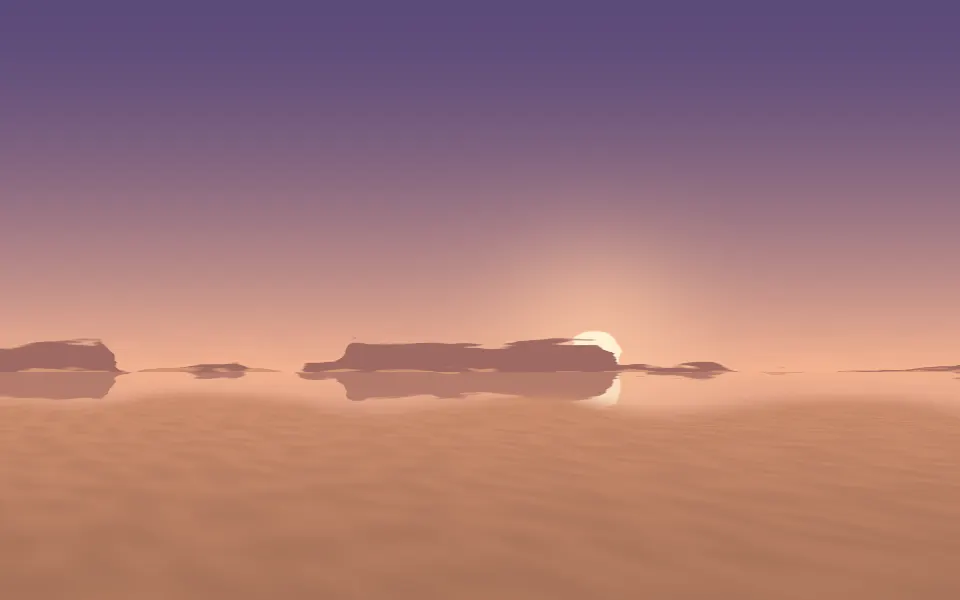
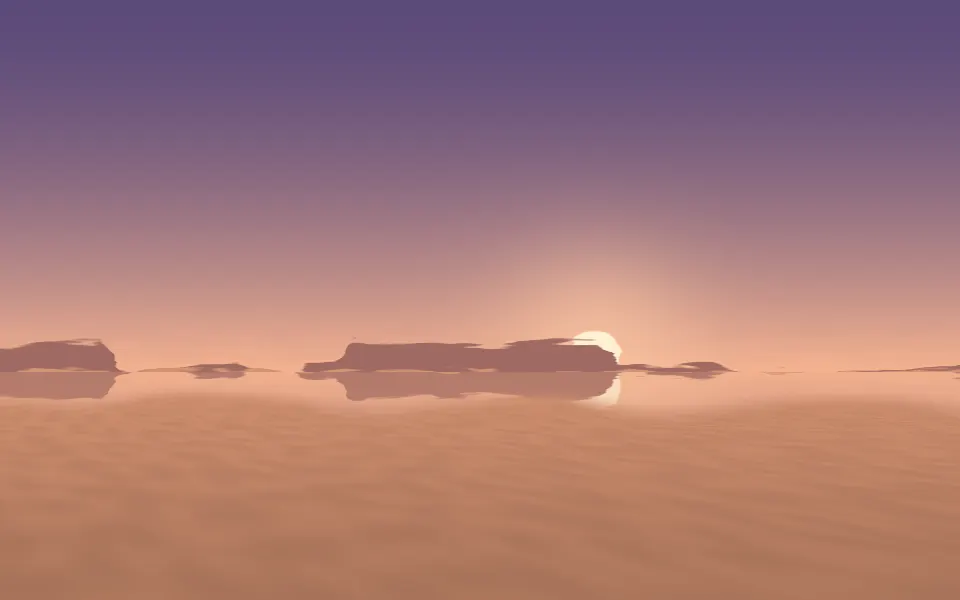
Light & glassA desert at dusk, with heat haze
- Pro
Sea Shader
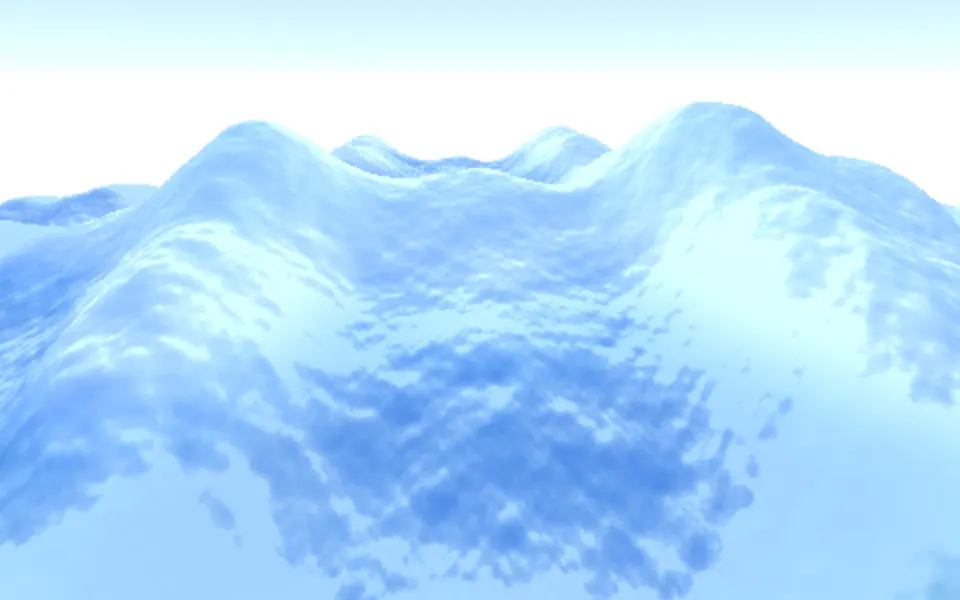
Water & landscapesOpen water on the same kind of flight
- Pro
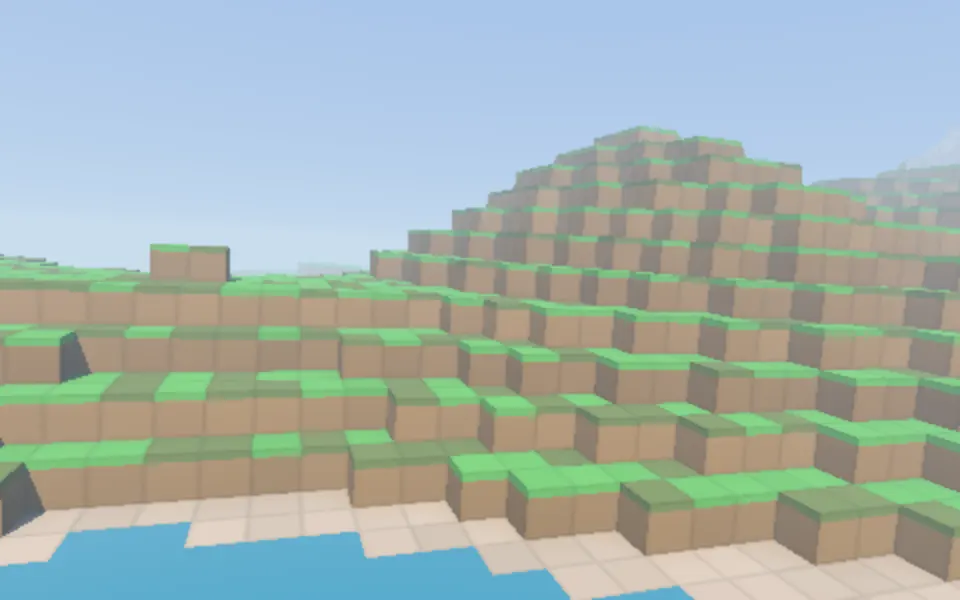
Voxel Flyover Shader
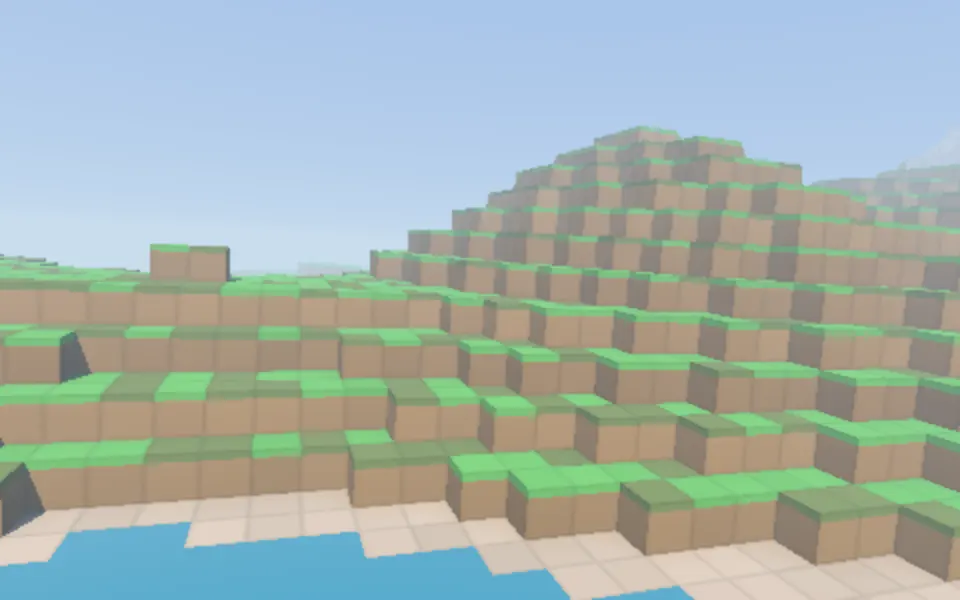
Water & landscapesHills in blocks instead of dunes
- Pro
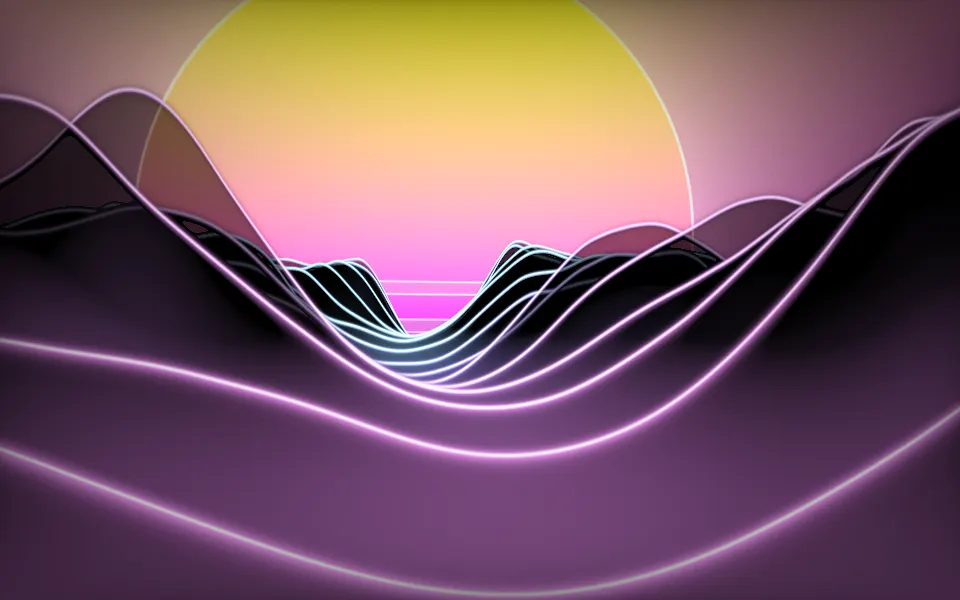
Synthwave Canyon Shader
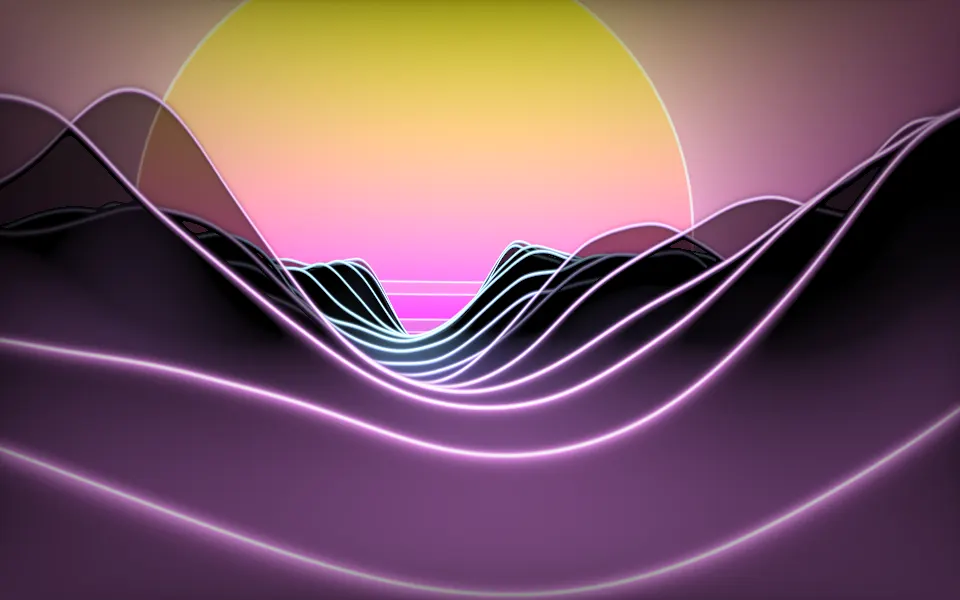
Water & landscapesRidges at a neon sunset
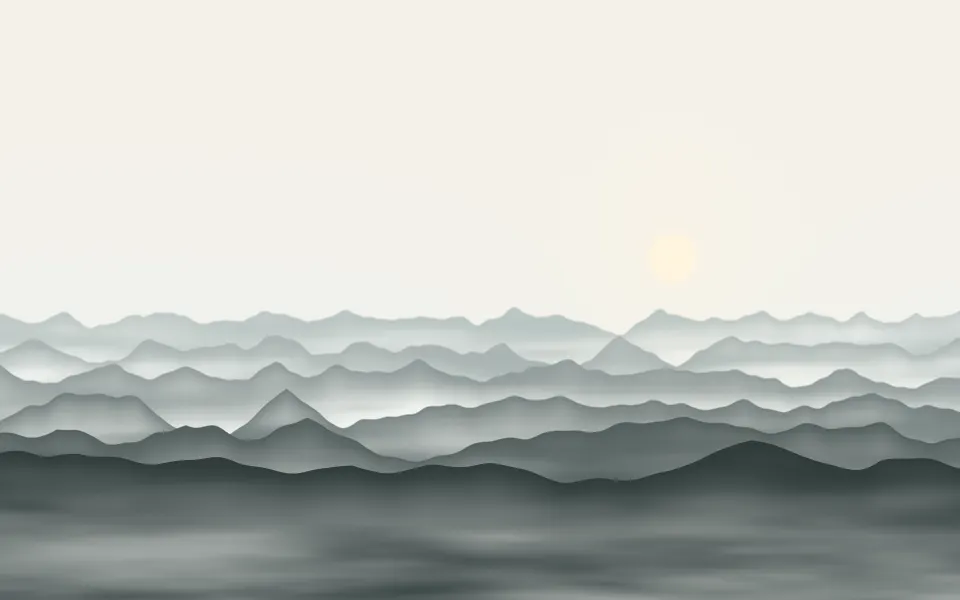
Valley Mist Shader
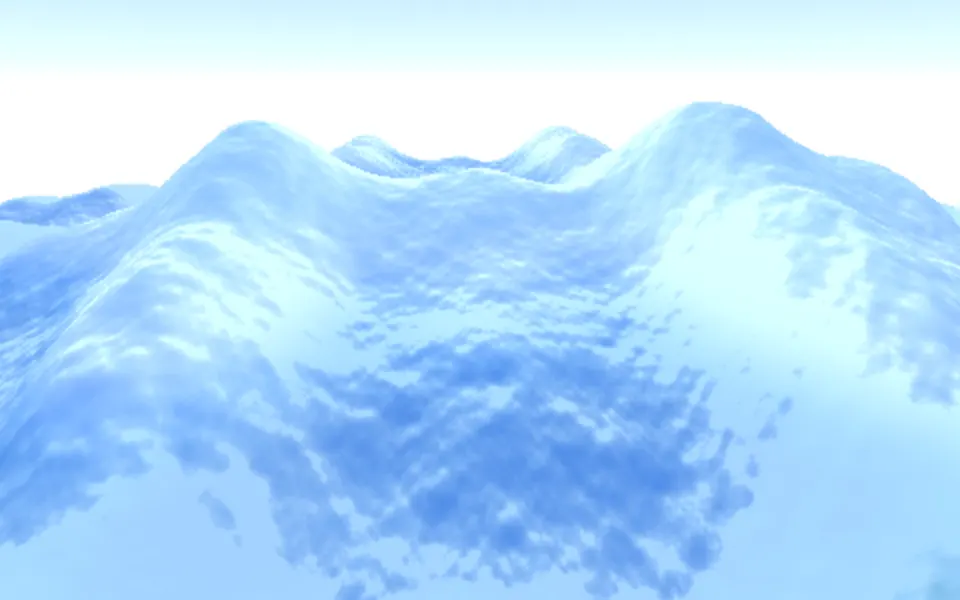
Water & landscapesCalm hills, free and lighter
- Pro
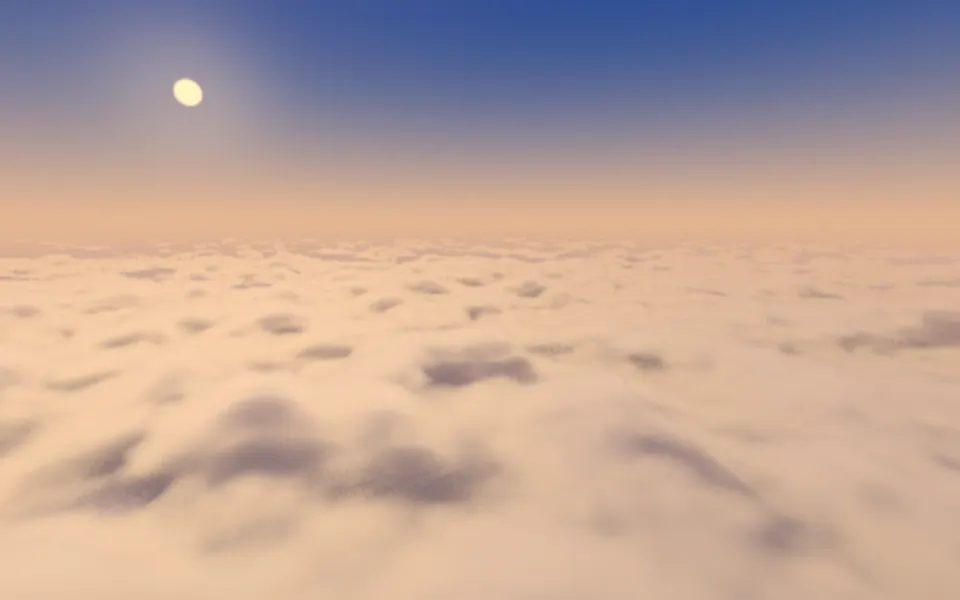
Cloud Sea Shader
Water & landscapesAbove the clouds, at golden hour