shadcn.io is not affiliated with official shadcn/ui
Shaders
ProCity Lights Shader for React
A night city seen from a plane, drawn on the GPU: sodium-orange streets, white main roads with flowing traffic, lit windows and a black river, sliding slowly past. For React with Base UI, when a mobility, logistics or fintech hero wants a living city behind its copy.
City Lights Shader draws a city at night from high above, tilted 45° like the view from a plane's window. Every avenue cell is split two or three times at random into blocks, so the sodium-orange streets meet in T-junctions as they do in a real city. One avenue in three is a main road: brighter, white, carried over the river on a bridge, and full of traffic, with headlights streaming one way and red tail lights the other. Dark blocks are dotted with window lights, some districts glow brighter than others, and a black river winds through, catching a little of the lamps along its banks. The ground slides past slowly with a gentle bank, and the top and bottom soften like a tilt-shift photo. A WGSL fragment shader on WebGPU computes every pixel each frame: it projects the pixel onto the ground, then measures its distance to every kind of street.
Use it behind a mobility, logistics, delivery or fintech hero, a "global network" section, or a footer band. For a flat, abstract grid instead of a city, use the Laser Grid background; for signals racing along circuit traces, Circuit; for the whole planet at night, Planet Shader. It runs only while it's on screen, holds a still frame with reduced motion, and shows a faint CSS grid of orange streets in browsers without WebGPU.
Installation
Usage
import { CityLightsShader } from "@/components/ui/city-lights-shader";<CityLightsShader className="flex min-h-[32rem] items-center justify-center">
<div className="rounded-xl bg-black/60 px-8 py-6">
<h1 className="text-5xl font-semibold text-white">Deliver tonight</h1>
</div>
</CityLightsShader>City Lights Shader is a container: your content sits on top of the city, in normal flow. It fills its own box, so give it a height or content. For a backdrop behind the whole page, render it empty with className="fixed inset-0 -z-10". The city is dark in both color schemes, so use white text. Bare, white text stays above 6:1 on 95% of the frame, but the brightest crossings run right under it; a bg-black/60 panel, as above, keeps it above 5.7:1 everywhere.
Demos
Top-down
tilt={0} looks straight down, so the city becomes a flat map of streets and the river: good for a "global network" or coverage section. density={1.4} makes the blocks smaller, for a denser downtown.
Footer band
In a short, wide box, tilt={65} looks out toward the horizon, so the far city fades into a warm haze along the top. intensity={0.8} dims the lights a little, so the band stays quiet under a footer's links.
Performance
About 0.4 ms of GPU time a frame at 1280×720 on an M2 Max laptop, so it runs at full quality; slower GPUs take several times longer. Keep quality at 1: the streets and windows are fine lines and points, and they blur at half resolution. The animation stops when the shader scrolls out of view, and the browser pauses it in a hidden tab. Every shader on a page shares one GPU device and one frame loop, and vgpu (about 50 KB gzipped) loads only when the first one mounts.
Browser support
The shader needs WebGPU: Chrome and Edge, Safari 26 and later, and Firefox on Windows and macOS. Elsewhere, and until the first frame, the box shows a CSS grid of faint orange streets over a dark ground that warms toward the bottom, so the layout never jumps. data-state on the root reads unsupported there, if you want to style around it. See Shader Canvas.
Accessibility
The city is decoration: it's hidden from assistive tech and lets every click through to your content. With reduced motion it draws one still frame of the city and stops. Nothing flashes: the lamps and windows stay steady, the traffic flows at a constant pace, and the city slides past over tens of seconds. White text reads on the dark blocks, but put it on a panel, such as bg-black/60, so the lights under it never cut into a letter.
FAQ
How is the city drawn?
Each pixel casts a ray from the camera down to the ground plane. Where it lands, the shader finds its avenue cell and splits that cell two or three times at hashed positions, which gives irregular blocks and their side streets. Each street glows by its distance from the pixel, as a soft line with a halo, and window lights are random points inside each block. Main roads carry two lanes of light streaks moving in opposite directions, and the river is a winding band that blacks out everything except the bridges.
Can I look straight down, or toward the horizon?
tilt is the camera's angle in degrees: 0 looks straight down, like a map, the default 45 looks out of a plane's window, and 70 looks toward the horizon, where the far city fades into a warm haze. density sets how small the blocks are, from 0.5, a sparse town, to 2, a dense downtown.
Can I change the colors?
Yes: streetColor is the side streets' lamps, avenueColor the main roads, tailColor the tail lights and groundColor the dark ground and the haze. They take any CSS color, var(--primary) included, and follow a theme switch. The headlights are a whiter version of avenueColor, and the windows mix avenueColor with streetColor. For an LED city, try streetColor="#9ec5ff" and avenueColor="#ffffff".
Why is the top and bottom blurred?
It's a tilt-shift effect, as in miniature photography: every light widens toward the top and bottom edges while keeping its total brightness, so the middle of the frame stays sharp and the city reads like a model. The same widening keeps the far, tiny streets from shimmering as they shrink below a pixel.
API Reference
CityLightsShader
data-slot="city-lights-shader"
avenueColor?string
The main roads, which the headlights take on. Any CSS color. @default "#fff1d6".
- Default
"#fff1d6"
density?number
How small the blocks are, from 0.5 (a sparse town) to 2 (a dense downtown). @default 1.
- Default
1
fallback?string
What shows until the first frame and in browsers without WebGPU: a CSS
background value (gradients, sizes, a colour) that looks like the
shader. It can use the colour props' --shader-<field> variables.
groundColor?string
The dark ground between the lights, and the haze toward the horizon. Any CSS color. @default "#05070d".
- Default
"#05070d"
intensity?number
How brightly the lights glow, from 0 (dark) to 2. @default 1.
- Default
1
interactive?boolean
Whether u.pointer follows the pointer. @default false.
paused?boolean
Holds the current frame. @default false.
quality?number
Render scale, from 0.25 to 1, of the screen's pixels (capped at 2×). @default 1.
speed?number
Animation speed: 1 is normal, 0 holds the frame. @default 1.
streetColor?string
The side streets' sodium lamps, which the window lights warm toward. Any CSS color. @default "#ff9f43".
- Default
"#ff9f43"
tailColor?string
The tail lights flowing away along the main roads. Any CSS color. @default "#ff3b3b".
- Default
"#ff3b3b"
tilt?number
The camera's tilt in degrees, from 0 (straight down) to 70 (toward the horizon). @default 45.
- Default
45
time?number
A fixed moment, in seconds: draws it and doesn't animate.
render?ReactElement | ((props: object, state: object) => ReactElement)
Replace the host element or compose it with another component.
- Type
ReactElement | ((props: object, state: object) => ReactElement)
className?string
Forwarded to the part.
Related
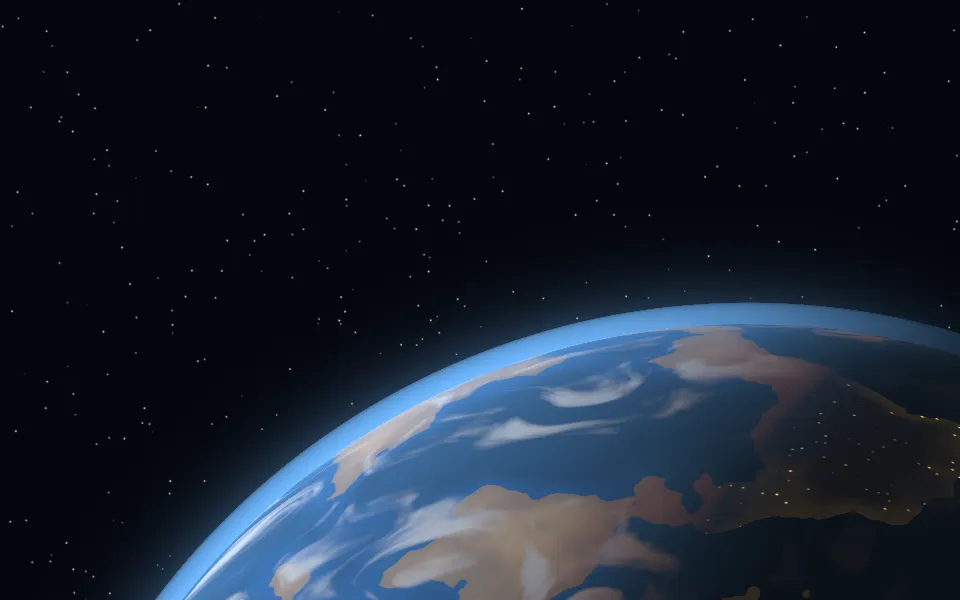
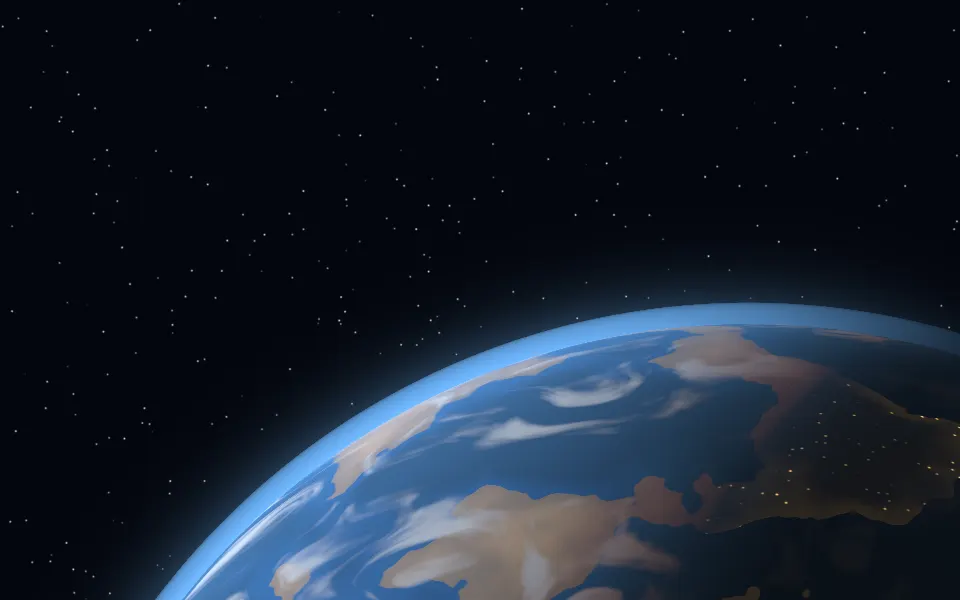
Planet Shader
SpaceThe whole planet at night, free
- Pro
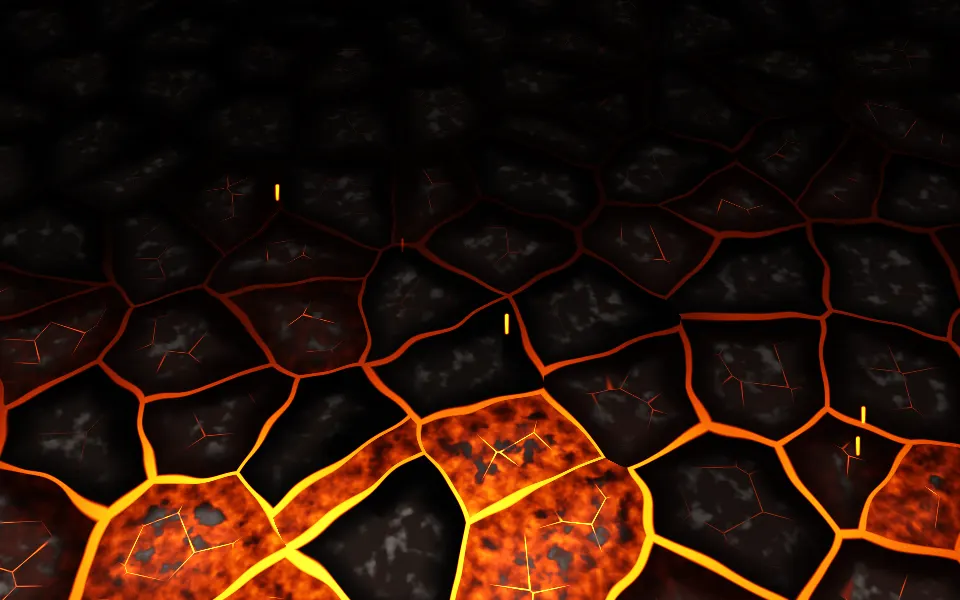
Embers Shader
Ink, smoke & fireWarm glow in the dark, as coals
- Pro
Isometric Blocks Shader
GeometryA city model in slate
- Pro
Voxel Flyover Shader
Water & landscapesA daylit world to fly over
- Pro
Bioluminescence Shader
Water & landscapesAnother calm night scene, with glowing surf
- Pro
Guilloche Shader
GeometrySecurity-print lines for a fintech page