shadcn.io is not affiliated with official shadcn/ui
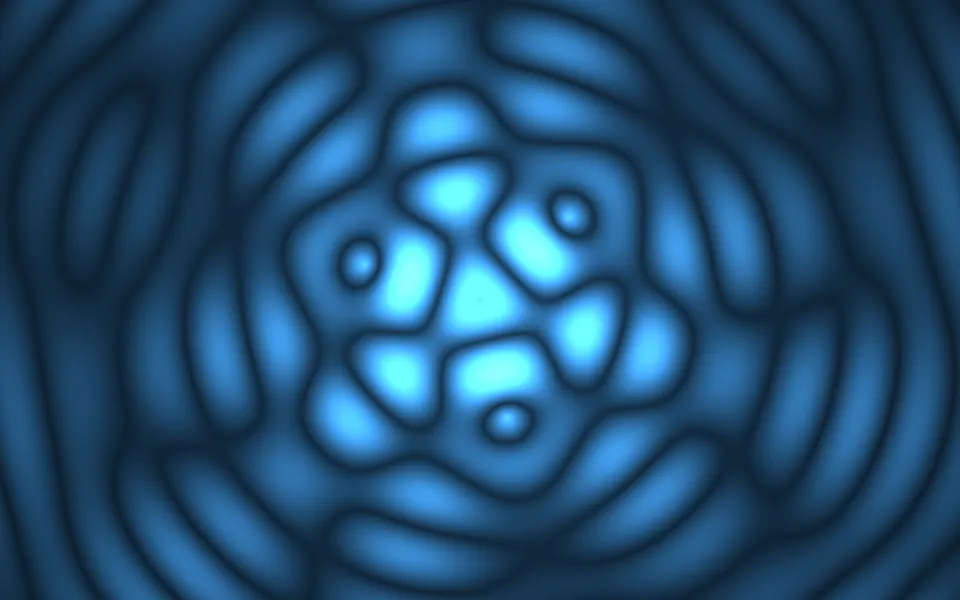
Water Shader looks straight down into deep water. Fractal noise makes a rippled heightfield, and where the surface tilts it reflects a pale, cloudy sky, which gives the drifting marbling. Below it, a depth tint, three crossing sine patterns and two moving light rays add soft patches of light that slide and swell, and white foam specks race over the wave peaks. A WGSL fragment shader on WebGPU computes all of it for every pixel, every frame; it's flat 2D shading, so it stays light.
Use it behind a pool, spa, travel or ocean hero, or any dark section that should feel cool and deep. For open sea seen from a camera, use Sea Shader; for clean rings spreading from points, Ripple Shader. For a view under the surface in plain CSS, try the Underwater background. It runs only while it's on screen, holds a still frame with reduced motion, and shows a gradient of the same blues in browsers without WebGPU.
Installation
Usage
import { WaterShader } from "@/components/ui/water-shader";<WaterShader className="flex min-h-[32rem] items-center justify-center">
<h1 className="text-5xl font-semibold text-white">Dive in</h1>
</WaterShader>Water Shader is a container: your content sits on top of the water, in normal flow. It fills its own box, so give it a height or content. For a backdrop behind the whole page, render it empty with className="fixed inset-0 -z-10". The water is sized to the box's height, so a tall card and a wide banner show the same ripples rather than stretched ones. It's dark blue in both color schemes, so put white text over it.
Demos
Lagoon
deepColor="#002b2b" and shallowColor="#0e6a63" turn the deep blue into a green lagoon. The patches of light, the sky reflection and the foam keep their own pale colors, so pick water colors about as dark as the defaults; lighter ones push the patches to white.
In a card
waveFrequency={1.4} fits more, smaller ripples into a small box, so the card reads as water rather than a few blurry patches.
Performance
About 1.6 ms of GPU time a frame at 1280×720 on an M2 Max laptop; slower GPUs take several times longer. Each pixel samples six-octave noise eight times, 48 lookups, and none of the props change that. quality={0.5} renders at half resolution, a quarter of the pixels. The animation stops when the shader scrolls out of view, and the browser pauses it in a hidden tab. Every shader on a page shares one GPU device and one frame loop, and vgpu (about 50 KB gzipped) loads only when the first one mounts.
Browser support
The shader needs WebGPU: Chrome and Edge, Safari 26 and later, and Firefox on Windows and macOS. Elsewhere, and until the first frame, the box shows a CSS gradient of the same blues with two soft patches of light, so the layout never jumps. data-state on the root reads unsupported there, if you want to style around it. See Shader Canvas.
Accessibility
The water is decoration: it's hidden from assistive tech and lets every click through to your content. With reduced motion it draws one still frame and stops. Nothing flashes: the patches of light swell and fade over seconds, and the foam specks are small and dim. At the defaults, white text has a contrast of about 8:1 on half the water and above 5.8:1 on three quarters of it; it drops to about 2.7:1 on the brightest patches, so keep small body text off them or add a scrim, such as bg-black/40, behind it.
FAQ
What does the fresnel effect do here?
It sets how much sky the surface reflects. Where the water lies flat, you see down into it; where a ripple tilts, it reflects more of a pale, cloudy sky. That reflection is the drifting marbling. reflection scales it: 0 shows only the water below, with smooth patches of light, and 2 doubles the sky and bends it further.
Are the patches of light real caustics?
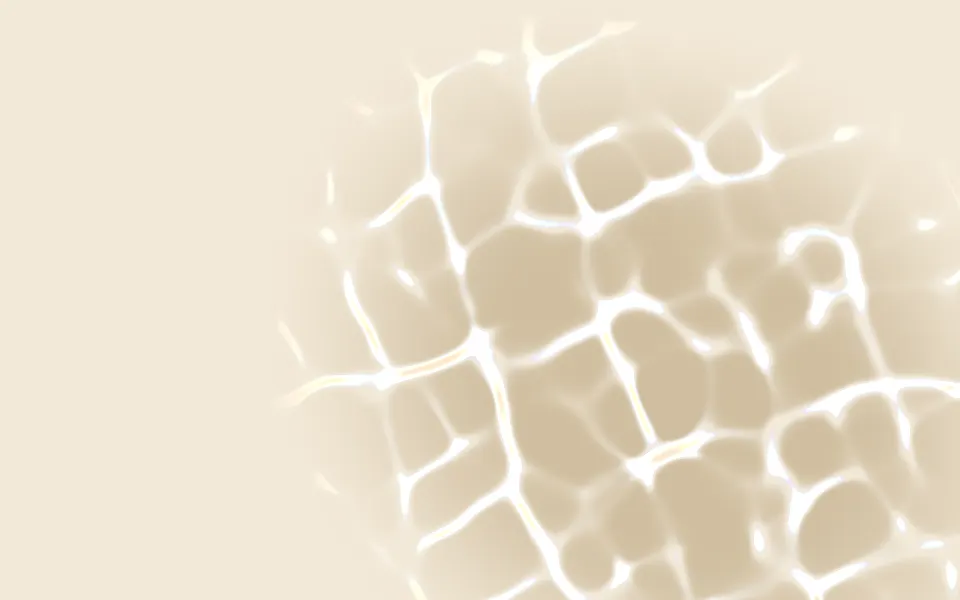
No. Real caustics come from light refracting through the surface. Here three crossing sine patterns are added together and cubed, so they mostly cancel and only now and then line up into a bright, soft patch, which reads like sunlight focused through water. Two slow sine light rays add a fainter shimmer.
How do I change the depth and the colors?
deepColor and shallowColor take any CSS color and follow a theme switch, so var(--primary) works; fractal noise mixes them across the water. depth moves that mix toward the deep color, and past 1 it goes darker still. clarity below 1 fades everything toward a murky grey-blue.
Is it 3D?
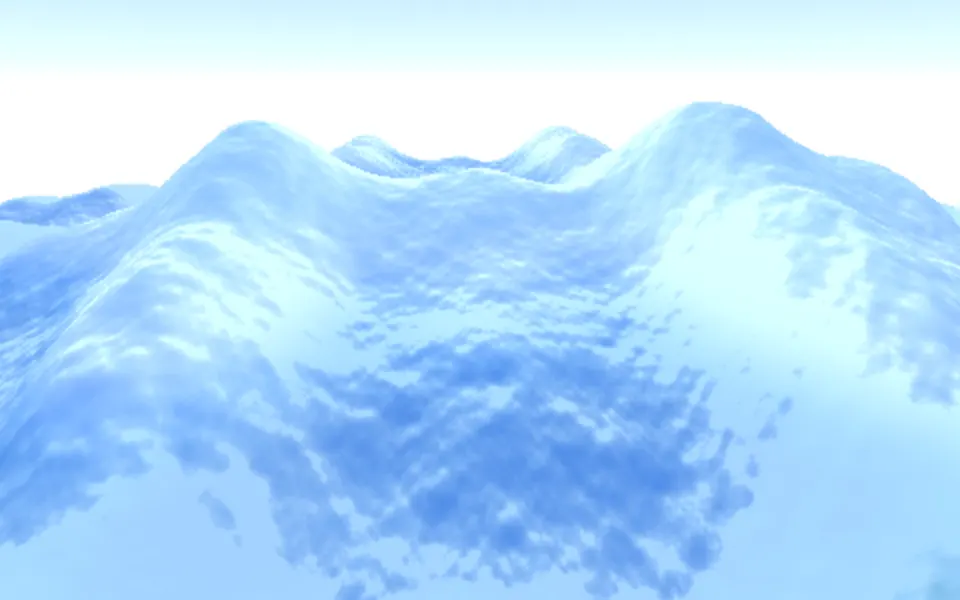
No. It shades a 2D noise heightfield seen from straight above: the normals come from the noise, and there's no camera or ray marching. For a 3D ocean with a horizon, use Sea Shader.
Will it slow my page down?
It costs about 1.6 ms of GPU time a frame at 1280×720 on a laptop, and the CPU only sets a few numbers each frame. It stops when it's off screen. waveFrequency, clarity and the colors change the look, not the cost: the knob that matters is quality. quality={0.5} draws a quarter of the pixels, which suits phones and large screens.
API Reference
WaterShader
data-slot="water-shader"
clarity?number
How clear the water is, from 0 (murky grey-blue) to 1 (clear). @default 1.
- Default
1
deepColor?string
The deep water. Any CSS color. @default "#001a4d".
- Default
"#001a4d"
depth?number
How deep the water looks, from 0 (all shallow) to 2 (darker than the deep color). @default 1.
- Default
1
fallback?string
What shows until the first frame and in browsers without WebGPU: a CSS
background value (gradients, sizes, a colour) that looks like the
shader. It can use the colour props' --shader-<field> variables.
interactive?boolean
Whether u.pointer follows the pointer. @default false.
paused?boolean
Holds the current frame. @default false.
quality?number
Render scale, from 0.25 to 1, of the screen's pixels (capped at 2×). @default 1.
reflection?number
How much sky the rippled surface reflects, from 0 (none) to 2. @default 1.
- Default
1
shallowColor?string
The shallow water, where the depth noise is low. Any CSS color. @default "#1a6699".
- Default
"#1a6699"
speed?number
Animation speed: 1 is normal, 0 holds the frame. @default 1.
time?number
A fixed moment, in seconds: draws it and doesn't animate.
waveFrequency?number
How many ripples fit in view, from 0.5 (a broad swell) to 2 (fine chop). @default 1.
- Default
1
render?ReactElement | ((props: object, state: object) => ReactElement)
Replace the host element or compose it with another component.
- Type
ReactElement | ((props: object, state: object) => ReactElement)
className?string
Forwarded to the part.
Related
- Pro
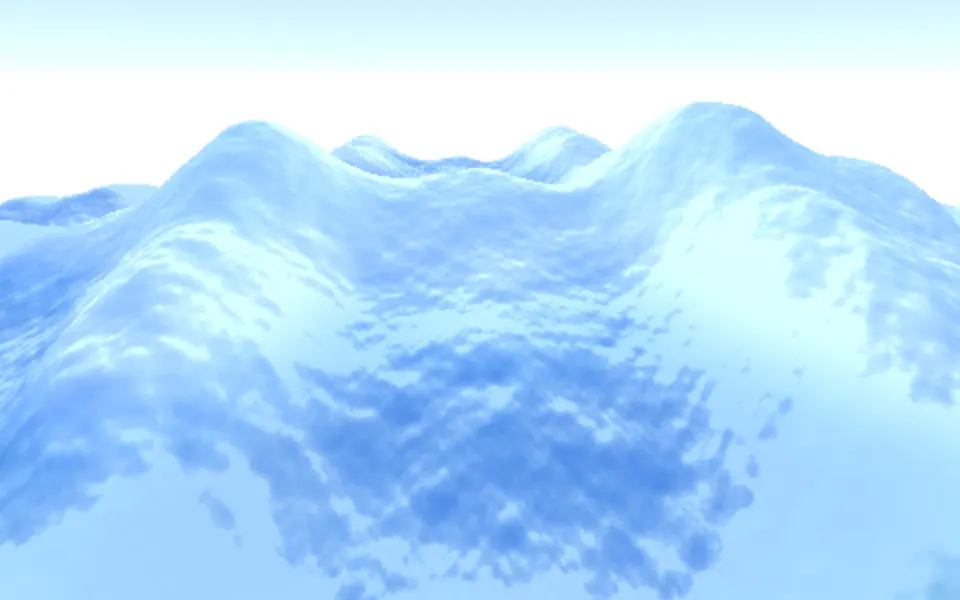
Sea Shader
Water & landscapesOpen sea, seen from a camera
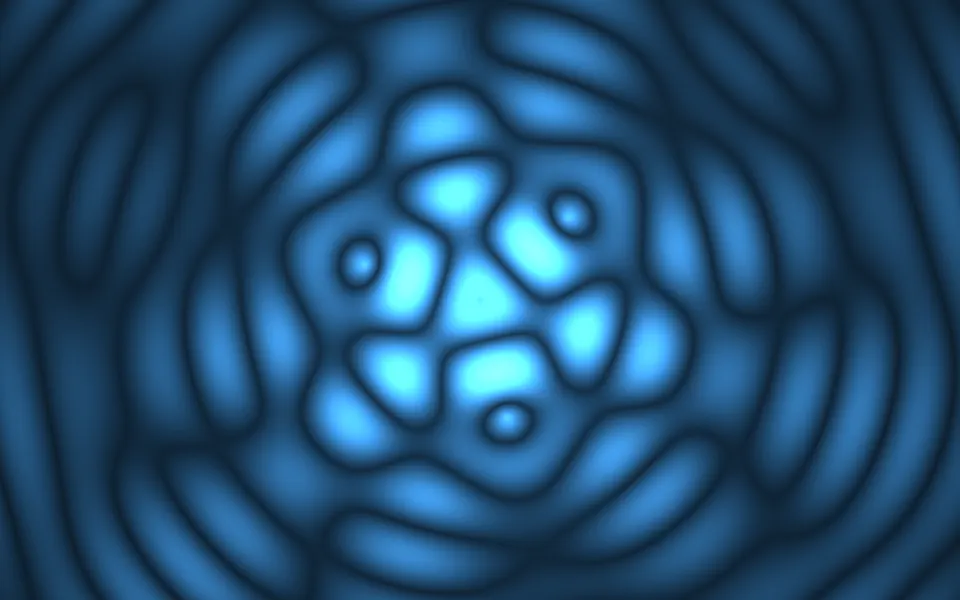
Ripple Shader
Water & landscapesClean rings spreading from points, free
- Pro
Glass Caustics Shader
Light & glassLight through rippled glass
- Pro
Soap Bubbles 2D Shader
Water & landscapesBubbles rising over color
- Pro
Bioluminescence Shader
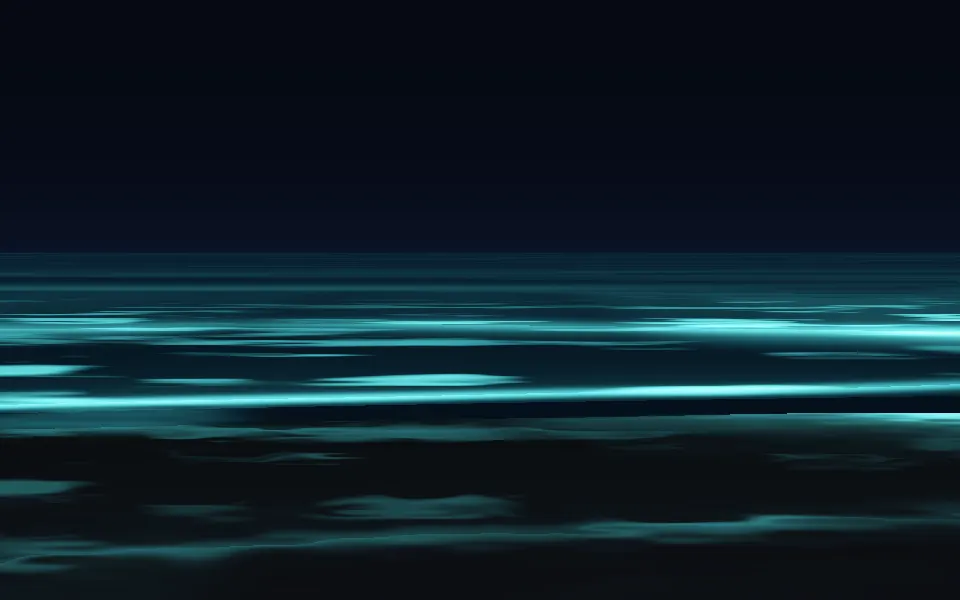
Water & landscapesNight surf, glowing cyan
- Pro
Oil Slick Shader
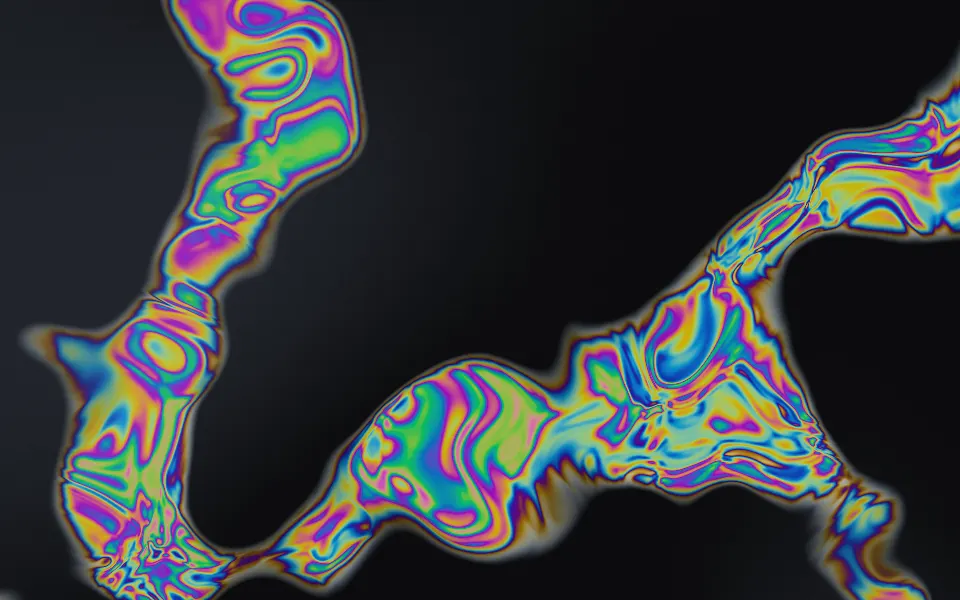
Flow & gradientsRainbow oil swirling on wet asphalt