shadcn.io is not affiliated with official shadcn/ui
Glass Caustics Shader is the light a carafe of water throws on a table in the late afternoon. An unseen rippled glass bends the sun into a net of sharp bright lines that wander slowly across a warm cream surface, with a faint rainbow along the brightest folds, inside a soft patch of shadow in the lower right; the rest of the box stays plain surface, where your text goes. A WGSL fragment shader on WebGPU computes it from the optics: each pixel's brightness is how much the glass's curvature squeezes the light there, so the lines are true caustics, and red, green and blue focus at slightly different depths, which makes the rainbow.
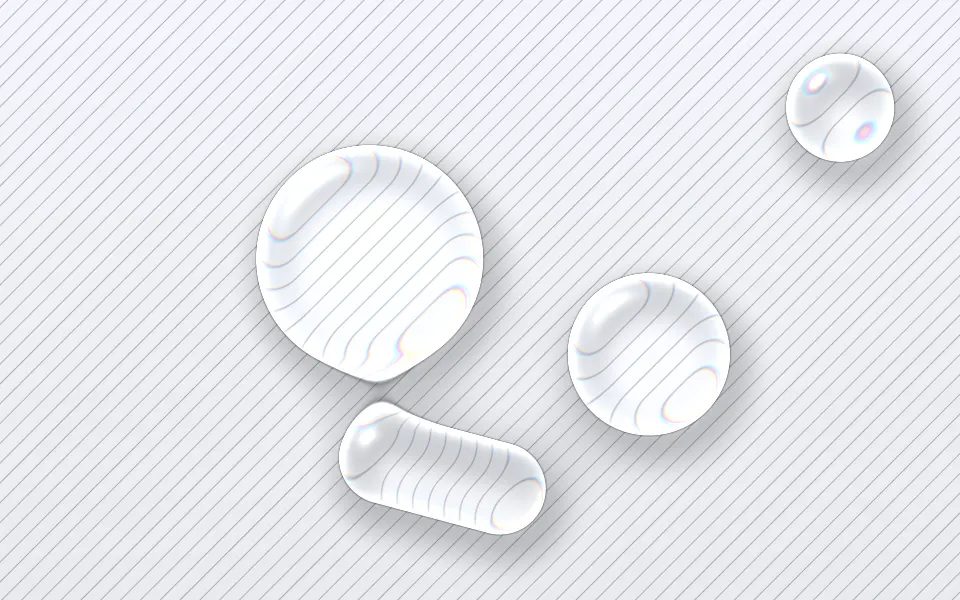
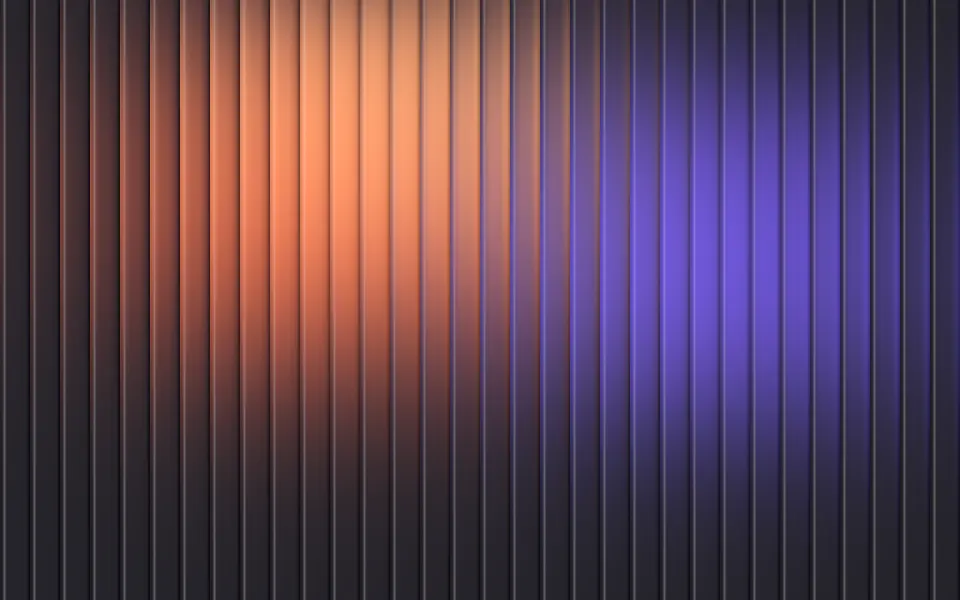
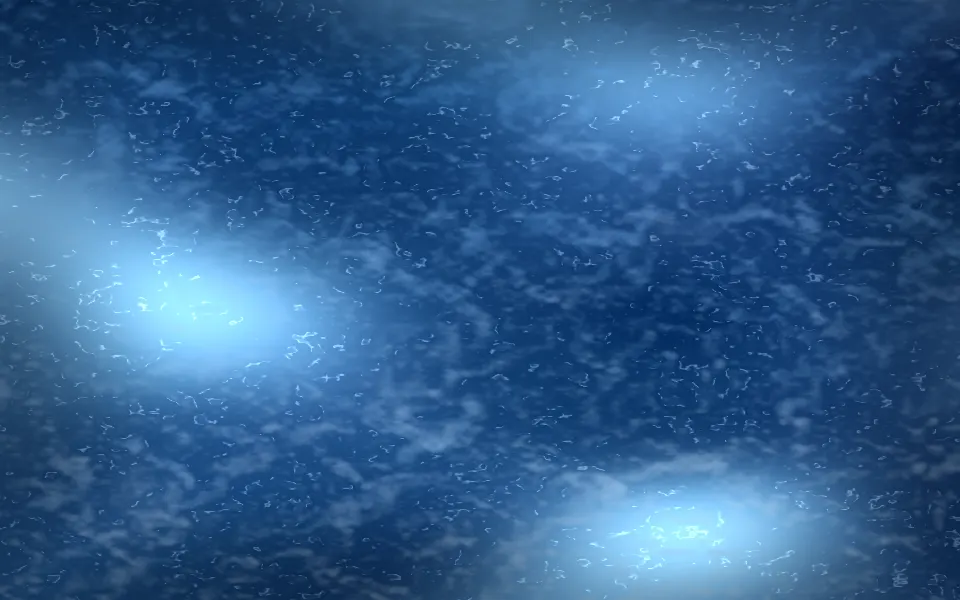
Use it behind a light hero for a home, hospitality, ceramics or wellness brand, or any page that wants sunlight rather than color. For clear drops that bend a ruled page, use Liquid Glass Shader; for color seen through reeded glass, Fluted Glass Shader. The Caustics background is a uniform blue pool net in CSS. It runs only while it's on screen, holds a still frame with reduced motion, and shows a soft glow where the patch sits in browsers without WebGPU.
Installation
Usage
import {
  GlassCausticsShader,
} from "@/components/ui/glass-caustics-shader";<GlassCausticsShader className="flex min-h-[32rem] items-center px-12">
<h1 className="max-w-md text-5xl font-semibold text-slate-900">
Made for slow mornings
</h1>
</GlassCausticsShader>Glass Caustics Shader is a container: your content sits on top of the light, in normal flow. It fills its own box, so give it a height or content. For a backdrop behind the whole page, render it empty with className="fixed inset-0 -z-10". The surface is light in both color schemes, so use dark text: text-slate-900 keeps at least 9.7:1 on every pixel, and about 11:1 on the plain left side. spot moves the patch away from your copy.
The ripples and the patch keep their size at any aspect: on wide boxes they're sized to the height, on narrow ones to the width.
Demos
In a card
spot={[0.75, 0.75]} sets the patch's center in the lower right of the card, spread={0.6} widens it a little, and scale={0.7} makes finer ripples, so a small surface shows more of the net.
Moonlit pool
surfaceColor="#0c1720" and lightColor="#7fd8ff" turn the table into the floor of a pool at night, and spread={1} fills the whole box with the net. The shadow takes a deeper tone of the surface, so one color sets both. On a dark surface, use white text, bold over the brightest lines.
Performance
About 0.7 ms of GPU time a frame at 1280×720 on an M2 Max laptop; slower GPUs take several times longer. The lines are sharp, so it renders at full resolution; quality={0.5} costs a quarter as much, with softer lines. The animation stops when the shader scrolls out of view, and the browser pauses it in a hidden tab. Every shader on a page shares one GPU device and one frame loop, and vgpu (about 50 KB gzipped) loads only when the first one mounts.
Browser support
The shader needs WebGPU: Chrome and Edge, Safari 26 and later, and Firefox on Windows and macOS. Elsewhere, and until the first frame, the box shows a CSS gradient: your surface color with a soft glow and shadow where the patch sits, so the layout never jumps. data-state on the root reads unsupported there, if you want to style around it. See Shader Canvas.
Accessibility
The light is decoration: it's hidden from assistive tech and lets every click through to your content. With reduced motion it draws one still frame and stops. Nothing flashes: the lines drift and fold over seconds, and their brightness never jumps. Dark text reads on every pixel of the default surface (see Usage).
FAQ
Is this a real caustic, or a texture?
It's computed from optics, with no texture. The glass is a rippled height field, six slow waves plus two layers of noise, and each pixel's brightness is how much the glass's curvature focuses or spreads the light falling there. Where it focuses hardest, you get the bright lines. Red, green and blue focus at slightly different depths, which puts the rainbow on the brightest folds.
Can I change the colors?
Yes. surfaceColor is the table, and the shadow under the glass is a deeper tone of it; lightColor is the caustics. Both take any CSS color, theme variables included, and follow a theme switch. For a pool at night, see the Moonlit pool demo.
How do I keep the light away from my text?
spot sets the patch's center, as fractions of the width and height from the top left, [0.7, 0.65] by default, and spread its size, from 0 (a small pool of light) to 1 (the whole box). Put the spot on the side opposite your copy.
How do I make the lines softer or sharper?
focus sets how sharp the lines are, from 0.3 (soft) to 2 (razor thin); intensity their brightness, from 0 to 2; scale the ripple size, from 0.5 (fine) to 3 (broad); and dispersion the rainbow, from 0 to 1. speed sets how fast they wander.
API Reference
GlassCausticsShader
data-slot="glass-caustics-shader"
dispersion?number
The rainbow fringe along the brightest lines, from 0 (none) to 1. @default 0.5.
- Default
0.5
fallback?string
What shows until the first frame and in browsers without WebGPU: a CSS
background value (gradients, sizes, a colour) that looks like the
shader. It can use the colour props' --shader-<field> variables.
focus?number
How sharp the lines are, from 0.3 (soft) to 2 (razor thin). @default 1.
- Default
1
intensity?number
The caustics' brightness, from 0 (only the shadow) to 2. @default 1.
- Default
1
interactive?boolean
Whether u.pointer follows the pointer. @default false.
lightColor?string
The caustics' color. Any CSS color. @default "#fff4d6".
- Default
"#fff4d6"
paused?boolean
Holds the current frame. @default false.
quality?number
Render scale, from 0.25 to 1, of the screen's pixels (capped at 2×). @default 1.
scale?number
The ripple size, from 0.5 (fine) to 3 (broad). @default 1.
- Default
1
speed?number
Animation speed: 1 is normal, 0 holds the frame. @default 1.
spot?[number, number]
The patch's center, as fractions of the width and height from the top left. @default [0.7, 0.65].
- Default
[0.7
spread?number
The patch's size, from 0 (a small pool) to 1 (the whole box). @default 0.5.
- Default
0.5
surfaceColor?string
The table, the shadow taking a deeper tone of it. Any CSS color. @default "#f3e9d8".
- Default
"#f3e9d8"
time?number
A fixed moment, in seconds: draws it and doesn't animate.
render?ReactElement | ((props: object, state: object) => ReactElement)
Replace the host element or compose it with another component.
- Type
ReactElement | ((props: object, state: object) => ReactElement)
className?string
Forwarded to the part.
Related
- Pro
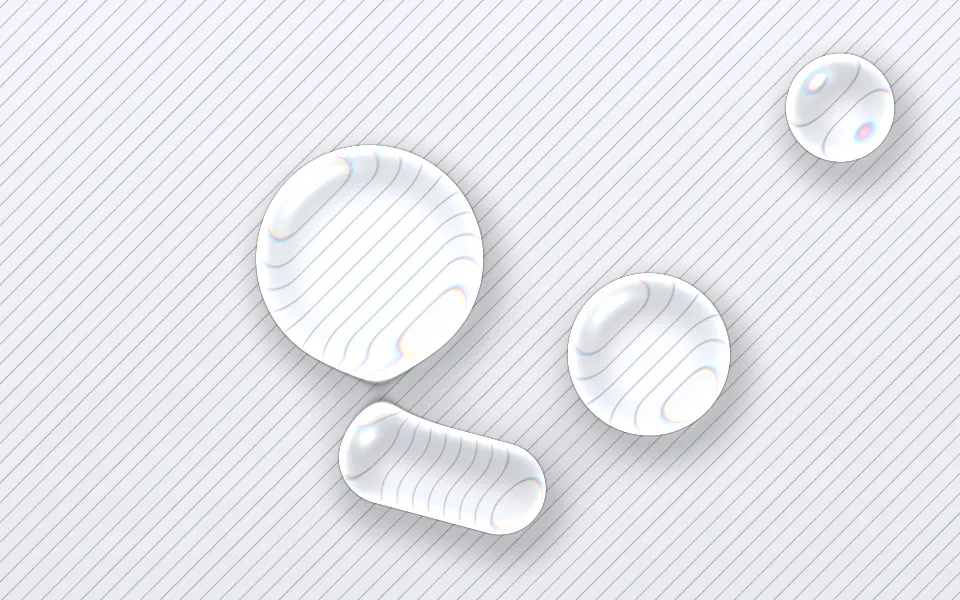
Liquid Glass Shader
Light & glassClear drops that bend a ruled page
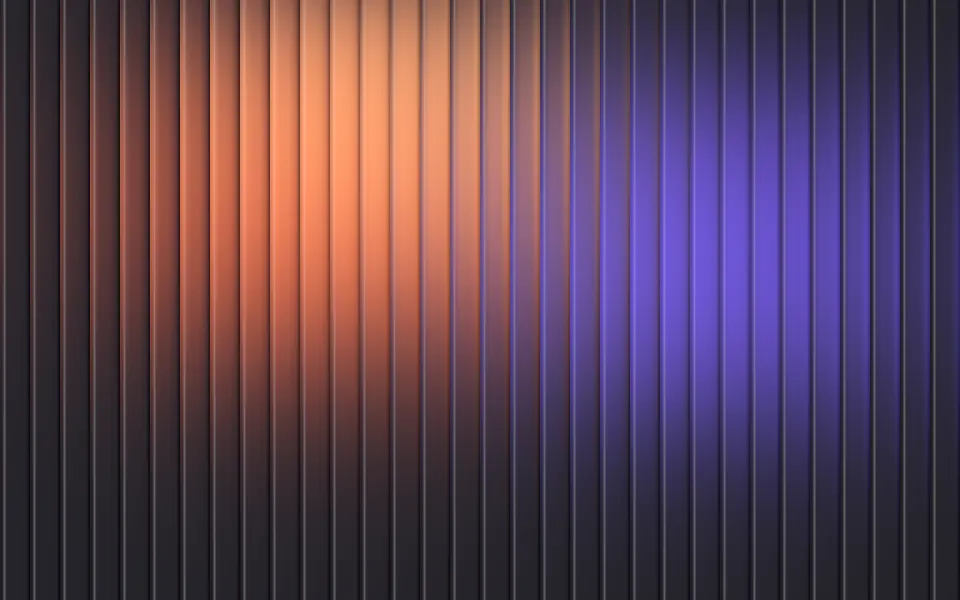
Fluted Glass Shader
Light & glassColor through reeded glass, free
- Pro
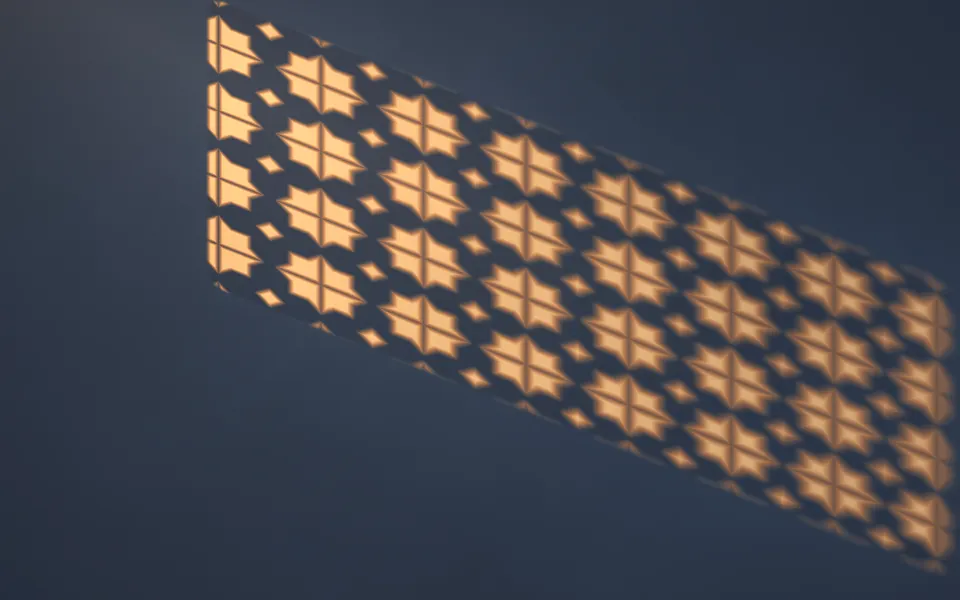
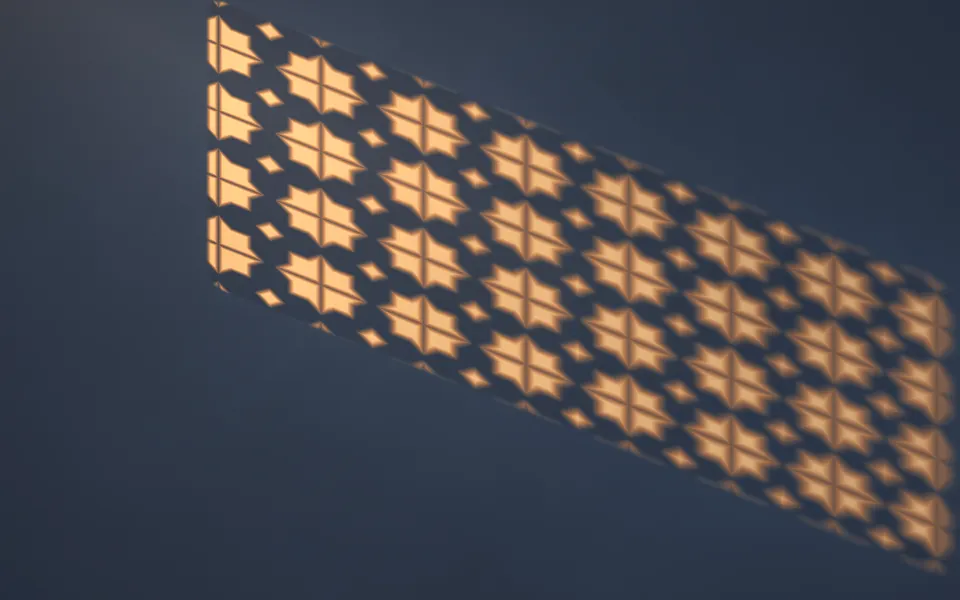
Lattice Light Shader
Light & glassSun through a carved screen onto a wall
- Pro
Water Shader
Water & landscapesMoving water from above, with patches of light
- Pro
Cloud Rays Shader
Light & glassSun shafts through broken cloud
- Pro

Chiffon Shader
Flow & gradientsSheer layers before a window light