shadcn.io is not affiliated with official shadcn/ui
Waves Shader rolls calm, glowing waves across the box. Three broad wave trains cross the frame on the diagonal, and rings spread from a slowly drifting center; their sum tints a lavender ground with soft bands of pink, cyan and yellow, and the hue slowly cycles through the three. One wave train, bent by the others, glows along its crests as soft white lines that drift across the color. A WGSL fragment shader on WebGPU computes every pixel, every frame, for very little GPU time.
Use it behind a light hero, a pricing or launch page, or any section that wants color and slow motion without darkness. Every color is a prop, so it also works as a deep, glowing night version. For bands of light in plain CSS, use the Light Waves background; for rings from points, Ripple Shader; for bands of light on black, Aurora Shader. It runs only while it's on screen, holds a still frame with reduced motion, and shows a pastel gradient in the same colors in browsers without WebGPU.
Installation
Usage
import { WavesShader } from "@/components/ui/waves-shader";<WavesShader className="flex min-h-[32rem] items-center justify-center">
<h1 className="text-5xl font-semibold text-slate-950">Simple pricing</h1>
</WavesShader>Waves Shader is a container: your content sits on top of the waves, in normal flow. It fills its own box, so give it a height or content. For a backdrop behind the whole page, render it empty with className="fixed inset-0 -z-10". The default waves are pale in both color schemes, so put dark text over them, such as text-slate-950; with dark colors, as in the Night demo, use white text.
Demos
Night
backgroundColor="#120f2e" sets a deep indigo ground, and fromColor, viaColor and toColor set magenta, teal and indigo for the bands. The glowing crests stay white, so on a dark ground they read as light.
In a card
colorSpeed={0} stops the hue cycling, so each part of the card keeps its color, and speed={0.5} halves the motion: a quiet backdrop for a pricing card.
Performance
About 0.1 ms of GPU time a frame at 1280×720 on an M2 Max laptop, among the cheapest shaders in the collection; slower GPUs take several times longer, which still leaves plenty of room. The animation stops when the shader scrolls out of view, and the browser pauses it in a hidden tab. Every shader on a page shares one GPU device and one frame loop, and vgpu (about 50 KB gzipped) loads only when the first one mounts.
Browser support
The shader needs WebGPU: Chrome and Edge, Safari 26 and later, and Firefox on Windows and macOS. Elsewhere, and until the first frame, the box shows a CSS gradient of the same colors with two soft white lines, so the layout never jumps. It follows the color props. data-state on the root reads unsupported there, if you want to style around it. See Shader Canvas.
Accessibility
The waves are decoration: they're hidden from assistive tech and let every click through to your content. With reduced motion it draws one still frame and stops. Nothing flashes: the waves roll and the colors change over many seconds. At the default colors, slate-950 text has a contrast above 9:1 everywhere on the waves, so body text reads anywhere; white text doesn't read on the defaults. On the Night demo's colors, white text is about 6:1 on half the frame and above 4:1 on three quarters, and it drops below 2:1 on the glowing crests, so keep small text off them or set intensity lower.
FAQ
How are the waves made?
Four sine waves are added together: three straight wave trains crossing at different angles and speeds, and one set of rings from a center that drifts slowly around the box. A gentle warp bends all of them, so the fronts roll rather than slide. The sum sets both the color of each pixel and how much of the background shows through, which makes the soft bands.
How does the color cycling work?
fromColor, viaColor and toColor sit on a loop, and each pixel picks a point on it from the waves plus the time. colorSpeed sets how fast the time part moves: at 1 the colors go once around the loop about every 24 seconds, at 3 every 8, and at 0 they stay put, so each band keeps its color as it moves.
What makes the glowing lines?
One more wave train, bent by two of the others, is sharpened so only its crests show, and those crests are blended toward white with a soft falloff. They drift across the color as the waves roll. intensity scales them along with the colors: lower it for fainter lines.
Can I change the colors, or make it dark?
All four colors are props and take any CSS color, including var(--primary), and they follow a theme switch. backgroundColor shows in the troughs and sets the overall tone: give it a deep color, and the bands and white crests glow on it, as in the Night demo. intensity sets how strongly the bands cover the background, from 0 (just the background) to 2.
How is it different from Plasma Shader?
Plasma Shader fills the frame with shifting color blobs. Waves Shader is calmer and more ordered: broad bands that roll in one main direction, a light ground, and glowing crest lines that make the waves read as waves.
API Reference
WavesShader
data-slot="waves-shader"
backgroundColor?string
The ground the waves glow on, seen in their troughs. Any CSS color. @default "#b9b4ff".
- Default
"#b9b4ff"
colorSpeed?number
How fast the colors cycle, from 0 (fixed) to 3. @default 1.
- Default
1
fallback?string
What shows until the first frame and in browsers without WebGPU: a CSS
background value (gradients, sizes, a colour) that looks like the
shader. It can use the colour props' --shader-<field> variables.
fromColor?string
The first of the three colors the waves cycle through. Any CSS color. @default "#ff9ad5".
- Default
"#ff9ad5"
intensity?number
How strong the colors and the glow are, from 0 (just the background) to 2. @default 1.
- Default
1
interactive?boolean
Whether u.pointer follows the pointer. @default false.
paused?boolean
Holds the current frame. @default false.
quality?number
Render scale, from 0.25 to 1, of the screen's pixels (capped at 2×). @default 1.
speed?number
Animation speed: 1 is normal, 0 holds the frame. @default 1.
time?number
A fixed moment, in seconds: draws it and doesn't animate.
toColor?string
The last of the three colors. Any CSS color. @default "#ffe58a".
- Default
"#ffe58a"
viaColor?string
The middle of the three colors. Any CSS color. @default "#8fe3ff".
- Default
"#8fe3ff"
render?ReactElement | ((props: object, state: object) => ReactElement)
Replace the host element or compose it with another component.
- Type
ReactElement | ((props: object, state: object) => ReactElement)
className?string
Forwarded to the part.
Related
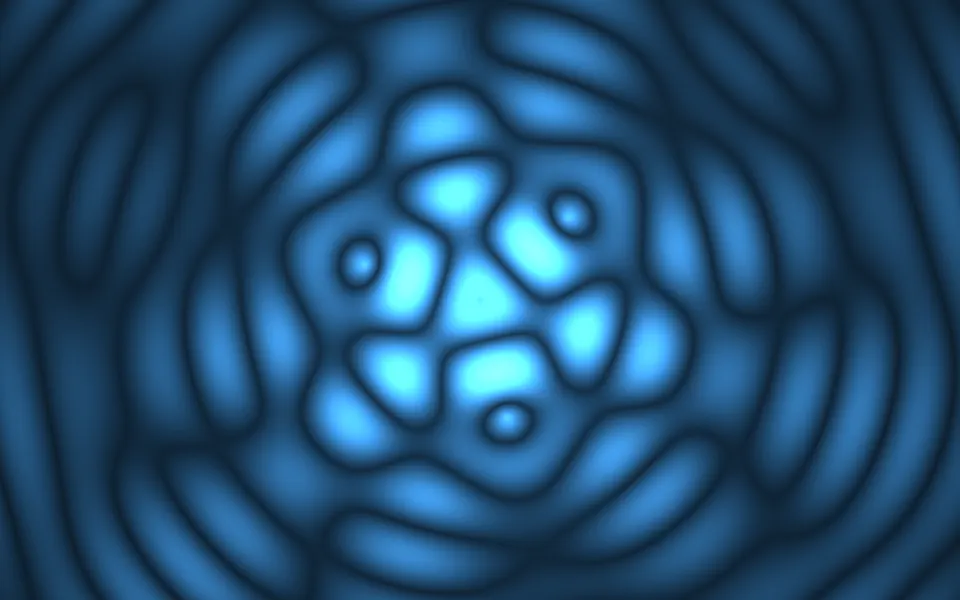
Ripple Shader
Water & landscapesRings from points, free
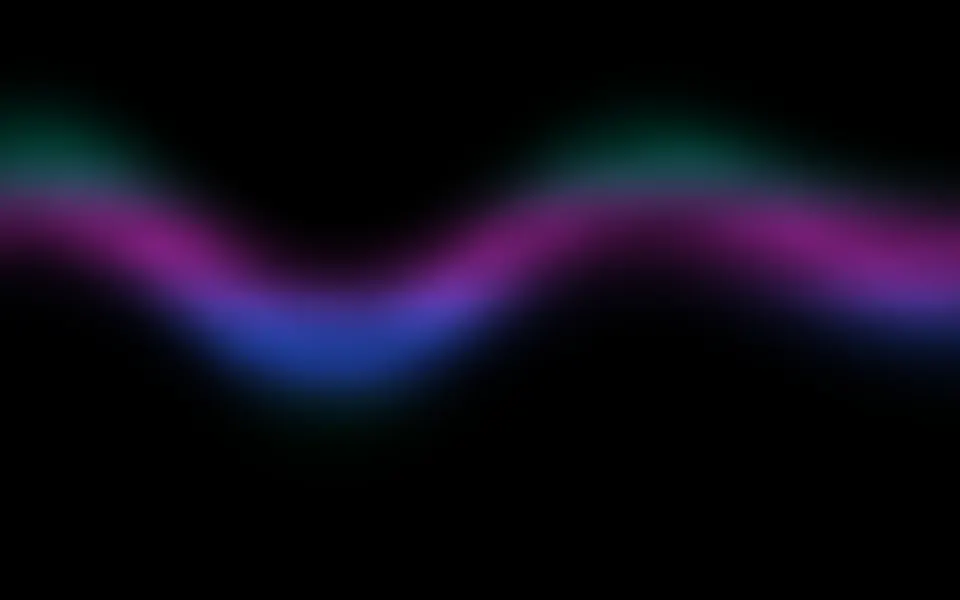
Aurora Shader
Flow & gradientsBands of light on black, free
- Pro
Soap Bubbles 2D Shader
Water & landscapesLight, bouncy bubbles over drifting color
- Pro
Chiffon Shader
Flow & gradientsSheer, airy layers for a light page
- Pro
Cosmic Waves Shader
SpaceA deep glow in four colors
- Pro
Sea Shader
Water & landscapesReal waves, in 3D