shadcn.io is not affiliated with official shadcn/ui
Shaders
ProVoxel Flyover Shader for React
A slow, low flight over blocky voxel hills, drawn on the GPU: grass tops, sandstone cliffs, snowy peaks and turquoise water, hazing into a pale sky. For React with Base UI, when a game, a creative tool or an outdoor page wants a playful 3D world behind its copy.
Voxel Flyover Shader flies you low over a world of blocks. Rolling hills rise in hard-edged steps: green tops with olive patches, sandstone cliffs with a fringe of grass along their upper edge, sand at the shore, snow on the highest peaks, and flat turquoise water filling the valleys. The sun casts hard shadows, corners darken where blocks meet, and the land hazes into a pale sky with distance. The camera glides forward with a gentle bank, and timeOfDay moves the sun from dawn through noon to a pink sunset. A WGSL fragment shader on WebGPU walks every pixel's ray through the grid of block columns, one column at a time, so the edges stay perfectly sharp. It's the heavy kind of shader, so it renders at half resolution by default.
Use it behind a game, a sandbox or a creative tool's hero, an outdoor education page, or a playful landing page. For a 2D relief map in plain CSS, use the Terrain background; for smooth dunes instead of blocks, Desert Sand Shader; for an ink-wash landscape in the same calm, Valley Mist Shader. It runs only while it's on screen, holds a still frame with reduced motion, and shows a gradient of the same sky and grass in browsers without WebGPU.
Installation
Usage
import {
  VoxelFlyoverShader,
} from "@/components/ui/voxel-flyover-shader";<VoxelFlyoverShader className="flex min-h-[32rem] items-start justify-center pt-20">
<h1 className="text-5xl font-semibold text-slate-950">Build your world</h1>
</VoxelFlyoverShader>Voxel Flyover Shader is a container: your content sits on top of the world, in normal flow. It fills its own box, so give it a height or content. For a backdrop behind the whole page, render it empty with className="fixed inset-0 -z-10". The sky fills the top third and is pale in both color schemes, so put dark text there, such as text-slate-950; white text doesn't read on the default sky.
Demos
Sunset
timeOfDay={0.85} brings the sun down low to the right: the sky and the haze turn pink and lilac, the cliffs glow warm on their sunlit side, and long shadows fall across the hills. It's a calm backdrop for a call to action.
In a card
blockSize={1.6} makes the blocks chunkier while the hills keep their shape, so a small card still reads as blocks rather than noise.
Performance
Voxel Flyover Shader renders at quality={0.5} by default: half the screen's resolution, a quarter of the pixels. On an M2 Max laptop at 1280×720, a frame takes about 3.1 ms of GPU time at that default, and about 5.1 ms at quality={1}. Slower GPUs take several times longer, so keep the default on large screens. Your own quality prop overrides it; at quality={1} the block edges are crisper. The animation stops when the shader scrolls out of view, and the browser pauses it in a hidden tab. Every shader on a page shares one GPU device and one frame loop, and vgpu (about 50 KB gzipped) loads only when the first one mounts.
Browser support
The shader needs WebGPU: Chrome and Edge, Safari 26 and later, and Firefox on Windows and macOS. Elsewhere, and until the first frame, the box shows a CSS gradient from the sky down through a pale horizon to the grass, built from the same color props, so the layout never jumps. data-state on the root reads unsupported there, if you want to style around it. See Shader Canvas.
Accessibility
The world is decoration: it's hidden from assistive tech and lets every click through to your content. With reduced motion it draws one still frame of the hills and stops. Nothing flashes: the camera glides at a steady pace and banks over tens of seconds, and it always flies above the blocks, so it never cuts through a hill. In the top third of the default scene, slate-950 text stays above 10:1 on 95% of the pixels and above 5.5:1 everywhere; at timeOfDay={0.85} it stays above 8:1 on 95% of them. Lower down, the hills and their shadows pass under the text, so keep body text in the sky or on a panel.
FAQ
How does it draw blocks without a mesh?
The land is a height for each column of blocks, from a few octaves of noise rounded down to whole blocks. Every pixel's ray walks the grid of columns one at a time, the grid traversal from Amanatides and Woo's 1987 paper: in each column, it either hits the side it came through, the top, or moves on to the next, up to 96 columns away. The face it hits gives the normal, a second short walk toward the sun decides the shadow, and the four neighbouring columns darken the corners where blocks meet.
How do I make it a sunset or a sunrise?
timeOfDay moves the sun: 0 is dawn, low on the left, 0.5 is noon, high overhead, and 1 is dusk, low on the right. Toward either end the sky, the haze and the light turn pink and warm, and the shadows lengthen. intensity sets the sun's strength, from 0, an overcast day lit only by the sky, to 2.
Can I make the blocks bigger or smaller?
blockSize sets the size of a block, from 0.5 to 2, while the hills keep their shape: big blocks look chunky and toy-like, small ones closer to real terrain. The ray walks the same number of columns either way, so with small blocks it sees less far, and the haze closes in.
Can I change the colors?
Yes: grassColor is the grass, rockColor the cliffs and the sand, waterColor the water and skyColor the sky, which the haze and the water's reflection take on. They take any CSS color, var(--primary) included, and follow a theme switch. The olive patches are a blend of the grass and rock colors, so they follow too; the snow stays white.
Will it slow my page down, or drain a phone?
It's a heavy shader, so it renders at half resolution by default: about 3.1 ms of GPU time a frame at 1280×720 on an M2 Max laptop, and several times that on a phone. It stops when it's off screen. quality is the knob that matters: quality={0.35} halves the pixels again, at the cost of softer block edges. The colors and timeOfDay don't change the cost.
API Reference
VoxelFlyoverShader
data-slot="voxel-flyover-shader"
blockSize?number
The size of a block, from 0.5 (fine) to 2 (chunky): the hills stay the same. @default 1.
- Default
1
fallback?string
What shows until the first frame and in browsers without WebGPU: a CSS
background value (gradients, sizes, a colour) that looks like the
shader. It can use the colour props' --shader-<field> variables.
grassColor?string
The grass on top of the blocks, with olive variations. Any CSS color. @default "#6bbf59".
- Default
"#6bbf59"
intensity?number
How strong the sun is, from 0 (overcast) to 2. @default 1.
- Default
1
interactive?boolean
Whether u.pointer follows the pointer. @default false.
paused?boolean
Holds the current frame. @default false.
quality?number
Render scale, from 0.25 to 1, of the screen's pixels (capped at 2×). @default 1.
- Default
0.5
rockColor?string
The sandstone cliffs, and the sand at the water's edge. Any CSS color. @default "#b38b5d".
- Default
"#b38b5d"
skyColor?string
The sky, which the haze and the water take on. Any CSS color. @default "#cfe8ff".
- Default
"#cfe8ff"
speed?number
Animation speed: 1 is normal, 0 holds the frame. @default 1.
time?number
A fixed moment, in seconds: draws it and doesn't animate.
timeOfDay?number
The sun's path, from 0 (dawn) through 0.5 (noon) to 1 (dusk): near 1 the sky turns to a pink sunset. @default 0.35.
- Default
0.35
waterColor?string
The water in the valleys. Any CSS color. @default "#3fb6c6".
- Default
"#3fb6c6"
render?ReactElement | ((props: object, state: object) => ReactElement)
Replace the host element or compose it with another component.
- Type
ReactElement | ((props: object, state: object) => ReactElement)
className?string
Forwarded to the part.
Related
- Pro
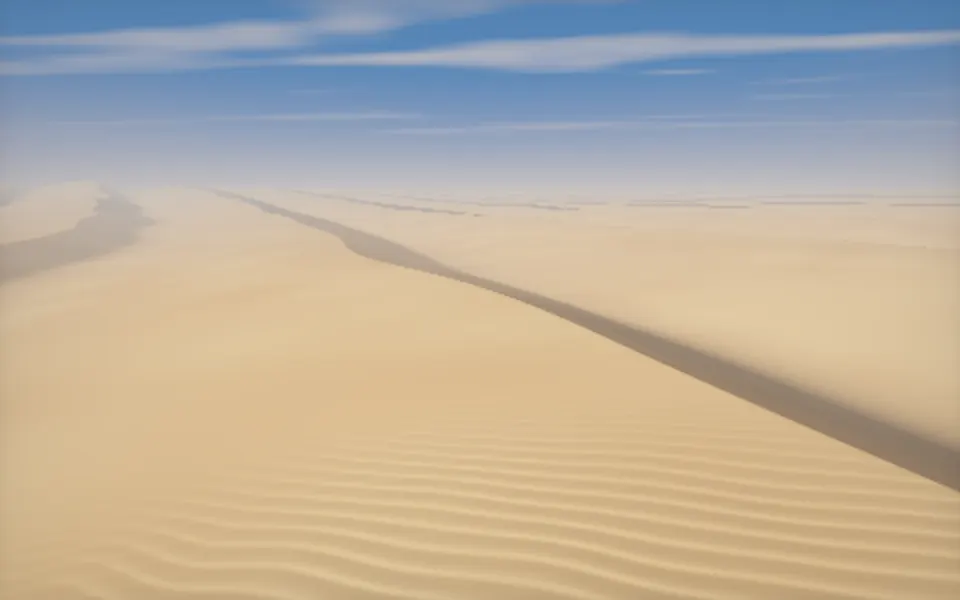
Desert Sand Shader
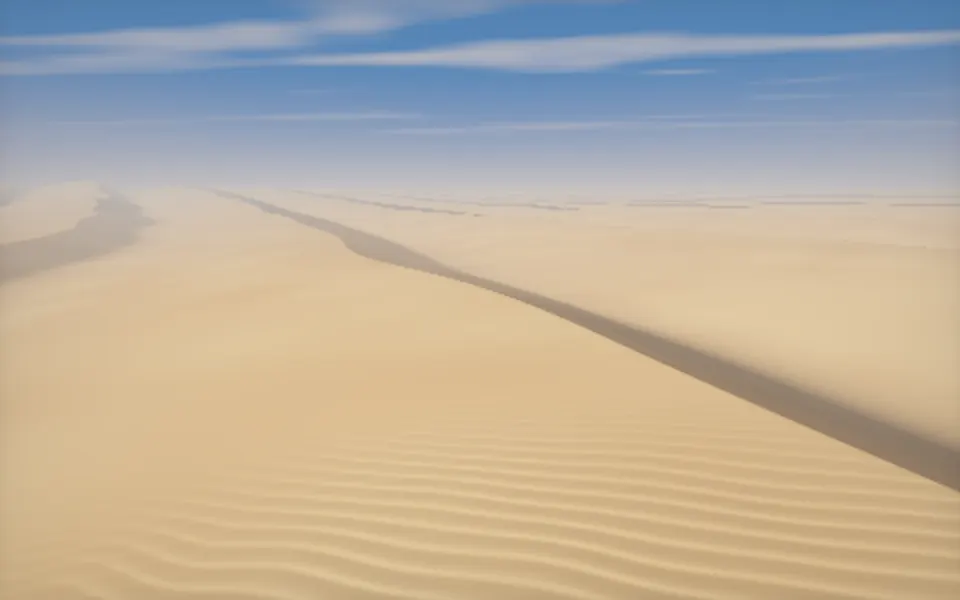
Water & landscapesSmooth dunes instead of blocks
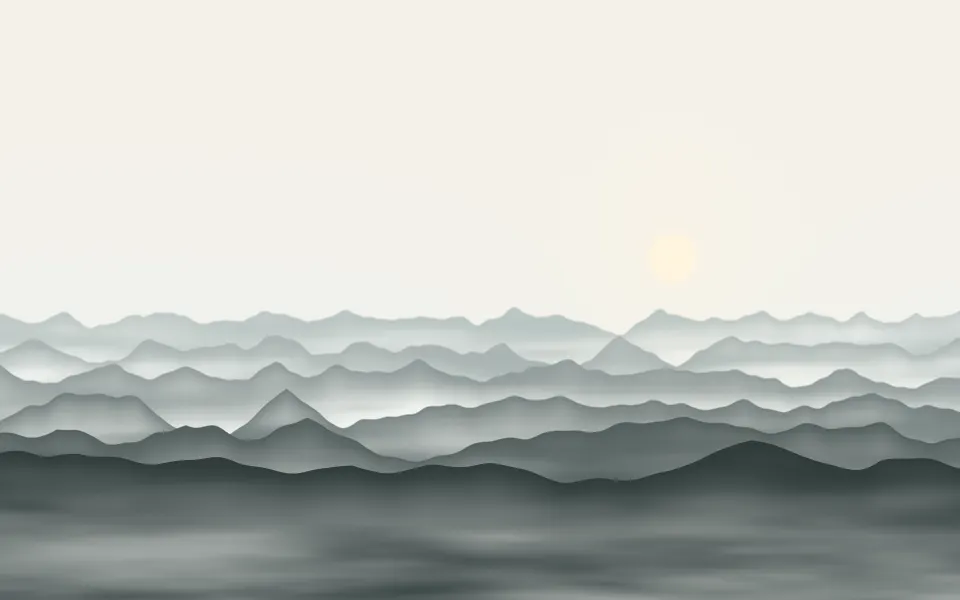
Valley Mist Shader
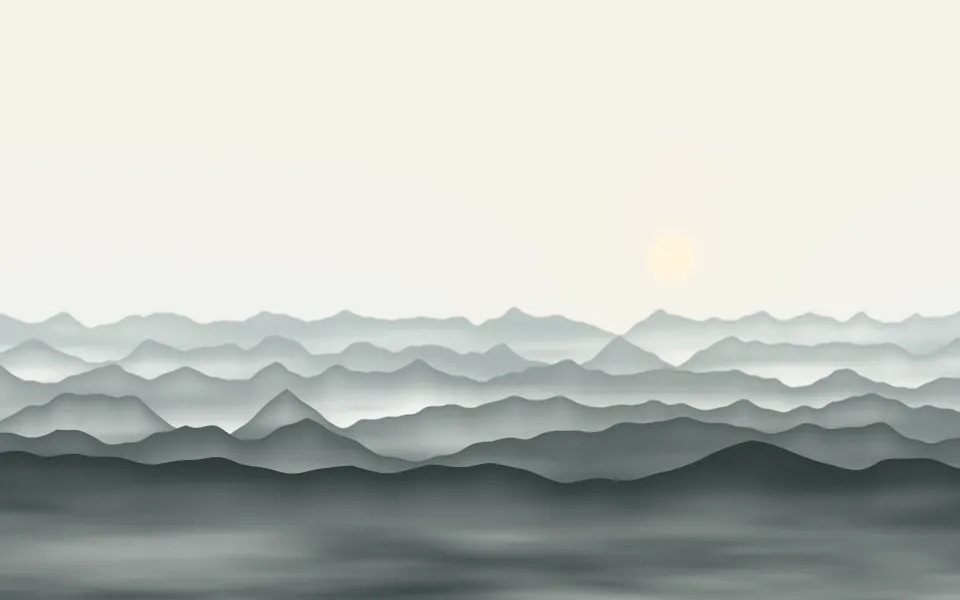
Water & landscapesAn ink-wash landscape, free
- Pro
Isometric Blocks Shader
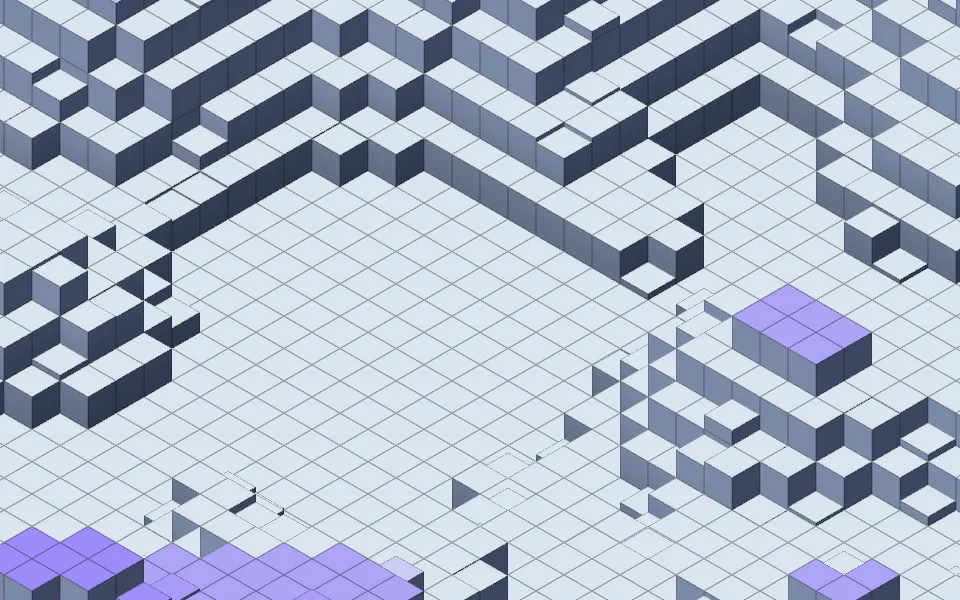
GeometryBlocks as a calm city model
- Pro
Extruded Mobius Spiral Shader
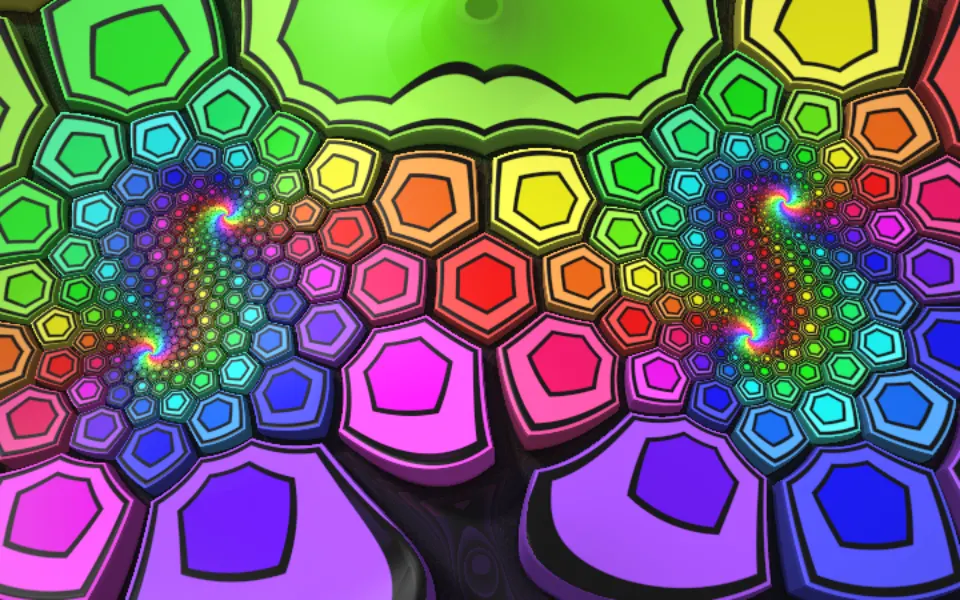
Tunnels & 3DRainbow blocks for a creative tool
- Pro
City Lights Shader
Water & landscapesA city to fly over, at night
- Pro
Minimal Jigsaw Shader
Patterns & tilingsA playful flat pattern