shadcn.io is not affiliated with official shadcn/ui
Ferrofluid Shader fills the lower half of its box with a pool of jet-black magnetic fluid under a graphite studio sky. Where a hidden magnet drifts beneath it, the surface rises into a hexagonal crown of glossy spikes that lean in toward the magnet, pack tighter where the pull is strongest, and swell and settle as the magnet breathes. Two softboxes behind the camera streak every spike with light, and a faint violet light behind the pool draws their edges. A WGSL fragment shader on WebGPU traces the spikes as a heightfield, cones on a hexagonal lattice, and shades them with a Fresnel reflection of the studio.
Use it as the hero of an audio, hardware or product page, or anywhere a dark, tactile surface fits. With interactive, the pointer becomes the magnet. For a smooth liquid metal with no spikes, in plain CSS, use the Mercury background; for color swirling on a dark liquid, Oil Slick Shader. It runs only while it's on screen, holds a still frame of the crown with reduced motion, and shows a dark gradient of the same pool in browsers without WebGPU.
Installation
Usage
import { FerrofluidShader } from "@/components/ui/ferrofluid-shader";<FerrofluidShader className="flex min-h-[32rem] flex-col items-center pt-24">
<h1 className="text-5xl font-semibold text-white">Hear the field</h1>
</FerrofluidShader>Ferrofluid Shader is a container: your content sits on top of the pool, in normal flow. It fills its own box, so give it a height or content. For a backdrop behind the whole page, render it empty with className="fixed inset-0 -z-10". It's dark in both color schemes, so use white or light text, and keep it in the upper half, over the graphite sky: the crown stands in the lower middle.
Demos
Magnet
interactive hands the magnet to the pointer: the crown follows it across the pool, no further back than the middle distance, and glides back to its own slow path when the pointer leaves. Touch is ignored, so on phones the crown keeps drifting on its own.
Liquid gold
fluidColor sets the fluid's own color and highlightColor the softboxes, here a dark amber fluid under warm light, in a card. The crown scales with the box, and reach={0.5} widens it so more spikes stand at card size.
Performance
About 3.3 ms of GPU time a frame at 1280×720 on an M2 Max laptop: medium for a shader. Only the rays that pass over the crown trace the spikes; the rest of the pool is a flat mirror. quality={0.5} renders a quarter of the pixels, at the cost of softer spike tips; a lower reach or density also costs less. The animation stops when the shader scrolls out of view, and the browser pauses it in a hidden tab. Every shader on a page shares one GPU device and one frame loop, and vgpu (about 50 KB gzipped) loads only when the first one mounts.
Browser support
The shader needs WebGPU: Chrome and Edge, Safari 26 and later, and Firefox on Windows and macOS. Elsewhere, and until the first frame, the box shows a dark CSS gradient with a faint violet glow on the pool, so the layout never jumps. data-state on the root reads unsupported there, if you want to style around it. See Shader Canvas.
Accessibility
The pool is decoration: it's hidden from assistive tech and lets every click through to your content. With reduced motion it draws one still frame, the crown fully up, and stops. Nothing flashes: the highlights slide along the spikes as the crown drifts. The scene is dark, so white text reads above 11:1 on 99% of the frame; it drops to about 3:1 only on the brightest highlight streaks, so keep text off the crown.
FAQ
How are the spikes drawn?
The pool is a heightfield: a cone on every cell of a hexagonal lattice, scaled by a bell-shaped field round the magnet, plus a low mound under it. Each pixel's ray is traced through that heightfield where it passes over the crown, and the surface is shaded as a glossy black liquid: almost no color of its own, and a Fresnel reflection of a dark studio with two softboxes and a violet light behind.
What do intensity, density and reach do?
intensity sets how tall the spikes stand, from 0 (a flat pool) to 2. density sets how many spikes would fit across the frame, from 6 (few and big) to 24 (many and fine). reach is the magnet's range, from 0.1 (a tight cluster) to 0.8 (a wide crown).
Can the pointer move the magnet?
Yes: with interactive, the crown follows the pointer across the pool, easing behind it. When the pointer leaves, the magnet glides back to its own slow path, the one it drifts on without interactive.
Can I change the colors?
Yes: fluidColor is the liquid itself, highlightColor the softboxes, rimColor the light behind the pool, and backgroundColor the studio sky, which the pool also reflects. They take any CSS color, var(--primary) included. Keep the fluid and the sky dark: the spikes read by their highlights.
API Reference
FerrofluidShader
data-slot="ferrofluid-shader"
backgroundColor?string
The studio backdrop above the pool, which the fluid reflects. Any CSS colour. @default "#16151b".
- Default
"#16151b"
density?number
How many spikes would fit across the frame, from 6 (few, big) to 24 (many, fine). @default 14.
- Default
14
fallback?string
What shows until the first frame and in browsers without WebGPU: a CSS
background value (gradients, sizes, a colour) that looks like the
shader. It can use the colour props' --shader-<field> variables.
fluidColor?string
The fluid's own colour, seen where it reflects nothing. Any CSS colour. @default "#0a0a0d".
- Default
"#0a0a0d"
highlightColor?string
The two softbox highlights on every spike. Any CSS colour. @default "#f4f4ff".
- Default
"#f4f4ff"
intensity?number
How tall the spikes stand, from 0 (a flat pool) to 2. @default 1.
- Default
1
interactive?boolean
Whether u.pointer follows the pointer. @default false.
- Default
false
paused?boolean
Holds the current frame. @default false.
quality?number
Render scale, from 0.25 to 1, of the screen's pixels (capped at 2×). @default 1.
reach?number
The magnet's reach, from 0.1 (a tight cluster) to 0.8 (a wide crown). @default 0.35.
- Default
0.35
rimColor?string
The faint back light along each spike's edge. Any CSS colour. @default "#7c5cff".
- Default
"#7c5cff"
speed?number
Animation speed: 1 is normal, 0 holds the frame. @default 1.
time?number
A fixed moment, in seconds: draws it and doesn't animate.
render?ReactElement | ((props: object, state: object) => ReactElement)
Replace the host element or compose it with another component.
- Type
ReactElement | ((props: object, state: object) => ReactElement)
className?string
Forwarded to the part.
Related
- Pro
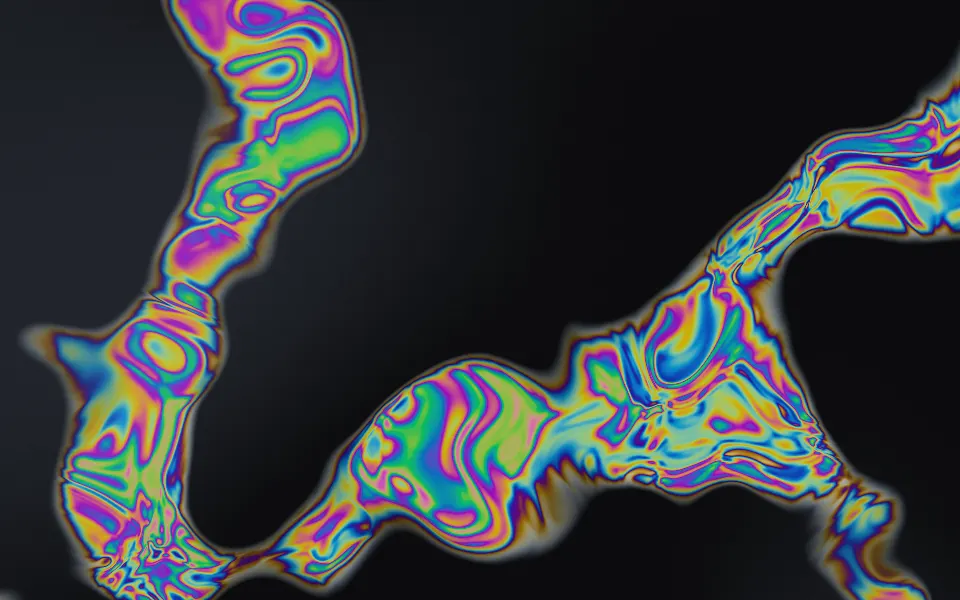
Oil Slick Shader
Flow & gradientsColor swirling on a dark liquid
- Pro
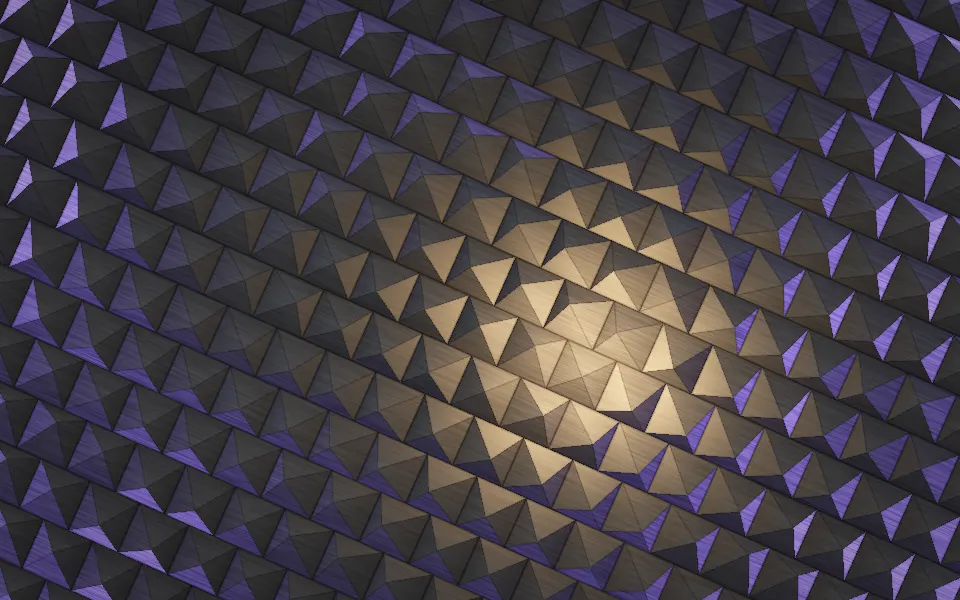
Pyramid Pattern Shader
Patterns & tilingsAnother dark, tactile surface, in studded metal
- Pro
Raymarching Shader
Tunnels & 3DGlowing sculptural folds in the dark
- Pro
Drapery Shader
Flow & gradientsRich, glossy folds of satin
- Pro
Perspex Web Lattice Shader
Tunnels & 3DFaceted cells catching sharp glints
- Pro
Op Art Bulge Shader
GeometryA surface the pointer pushes into domes