shadcn.io is not affiliated with official shadcn/ui
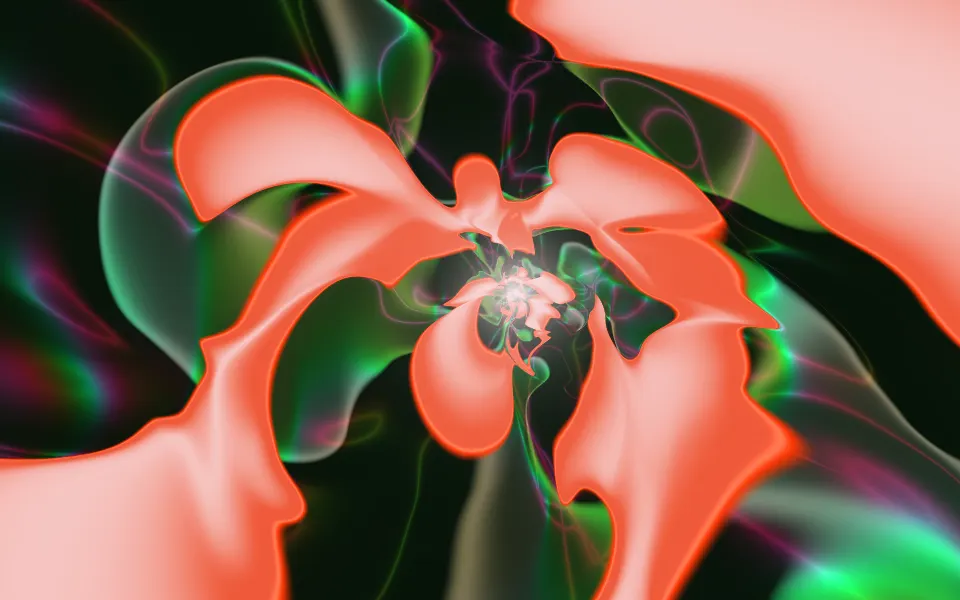
Raymarching Shader draws folded sheets of something like liquid porcelain: smooth lobes of pearl and cream, edged in ice blue and copper, glowing out of near-black space, while a warm orb of light drifts between them. The folds morph slowly as the field flows past the camera. A WGSL fragment shader on WebGPU walks a ray through a gyroid-like field for every pixel and adds light the closer the ray passes to a sheet, so the shapes have no hard surface: they glow from within.
Use it behind a premium hero, a creative studio's page or a product launch, where a sculptural, colorful backdrop sets the tone. For a liquid metal look in plain CSS, with no GPU, use the Mercury background; for a raymarched ocean, Sea Shader. It runs only while it's on screen, holds a still frame with reduced motion, and shows a gradient of the same colors in browsers without WebGPU.
Installation
Usage
import { RaymarchingShader } from "@/components/ui/raymarching-shader";<RaymarchingShader className="flex min-h-[32rem] items-center justify-center">
<div className="rounded-xl bg-black/60 px-8 py-6 backdrop-blur">
<h1 className="text-5xl font-semibold text-white">Ship faster</h1>
</div>
</RaymarchingShader>Raymarching Shader is a container: your content sits on top of the folds, in normal flow. It fills its own box, so give it a height or content. For a backdrop behind the whole page, render it empty with className="fixed inset-0 -z-10". The folds are bright and the gaps between them dark, in both color schemes, so put white text on a panel such as bg-black/60.
Demos
Ice
hue={0.5} shifts the color bands half a cycle, so ice blue and teal take over where copper was, and glowColor="#9ad7ff" turns the orb cold to match.
In a card
The folds scale with their box. speed={0.3} slows the flow to a drift, which suits a profile or pricing card where the eye should stay on the text.
Performance
About 2 ms of GPU time a frame at 1280×720 on an M2 Max laptop, and about 4 ms at quality={1}; slower GPUs take several times longer. Each pixel walks up to 120 steps through the field, so the shader renders at half resolution by default (quality 0.5): the folds are soft, so you can't tell. detail sets the step count, from 48 at 0.4 to 120 at 1, and rays stop early once they leave the field. The animation stops when the shader scrolls out of view, and the browser pauses it in a hidden tab. Every shader on a page shares one GPU device and one frame loop, and vgpu loads only when the first one mounts.
Browser support
The shader needs WebGPU: Chrome and Edge, Safari 26 and later, and Firefox on Windows and macOS. Elsewhere, and until the first frame, the box shows a CSS gradient of the same colors, a cream lobe and a warm orb beside a blue-grey fold on dark brown, so the layout never jumps. data-state on the root reads unsupported there, if you want to style around it. See Shader Canvas.
Accessibility
The folds are decoration: they're hidden from assistive tech and let every click through to your content. With reduced motion it draws one still frame, the orb in a cream fold, and stops. Nothing flashes: the folds morph over seconds and the orb drifts slowly. Text needs a panel: across the renders we measured, white text reaches 4.5:1 on 69% of the shader and black text on 33%. White text on a bg-black/60 panel stayed above 5.8:1 on every pixel.
FAQ
Why is it called raymarching if nothing is solid?
Each pixel's ray steps through space, each step a fraction of the distance to the nearest sheet, as in a raymarcher. But it never stops at a surface: it adds light at every step, more the closer it passes. Rays that graze a sheet collect a lot and turn pearl white; rays that pass through open space stay dark. That is what gives the folds their soft, glowing edges.
What are the folds made of?
A gyroid-like field: cosines of the position in one rotated frame against sines in another, at a different scale, so the pattern never repeats. A gentle slope is added so the sheets lie across the view, and the field flows toward the camera, so the folds keep reshaping.
Can I change the colors?
hue shifts the bands through the palette, from 0 to 1, one full cycle: copper, pearl and ice blue trade places. glowColor sets the orb, any CSS color. exposure sets the brightness, from 0.5 to 2.
What does detail do?
It sets how many steps each ray takes, from 48 at 0.4 to 120 at 1. Fewer steps are cheaper, but the rays stop short, so the folds come out darker, softer and simpler. It's a look as much as a cost setting.
Credits
Inspired by Raymarching (opens in a new tab) by Frostbyte_ on Shadertoy. This is a new shader written from a description of the look, not a port: the field, the camera, the palette, the orb and the tone curve are ours. The folded field follows XorDev's idea of "dot noise", a gyroid whose two halves are turned against each other, with our own rotation and scale.
API Reference
RaymarchingShader
data-slot="raymarching-shader"
detail?number
How much of the field each ray walks through, from 0.4 to 1: lower is cheaper, darker and simpler. @default 1.
- Default
1
exposure?number
Brightness, from 0.5 to 2. @default 1.
- Default
1
fallback?string
What shows until the first frame and in browsers without WebGPU: a CSS
background value (gradients, sizes, a colour) that looks like the
shader. It can use the colour props' --shader-<field> variables.
glowColor?string
The drifting orb of light. Any CSS colour. @default "#ffb35c".
- Default
"#ffb35c"
hue?number
Shifts the colour bands through the palette, from 0 to 1 (one full cycle): copper, pearl and ice blue trade places. @default 0.
- Default
0
interactive?boolean
Whether u.pointer follows the pointer. @default false.
paused?boolean
Holds the current frame. @default false.
quality?number
Render scale, from 0.25 to 1, of the screen's pixels (capped at 2×). @default 1.
- Default
0.5
speed?number
Animation speed: 1 is normal, 0 holds the frame. @default 1.
time?number
A fixed moment, in seconds: draws it and doesn't animate.
render?ReactElement | ((props: object, state: object) => ReactElement)
Replace the host element or compose it with another component.
- Type
ReactElement | ((props: object, state: object) => ReactElement)
className?string
Forwarded to the part.
Related
- Pro
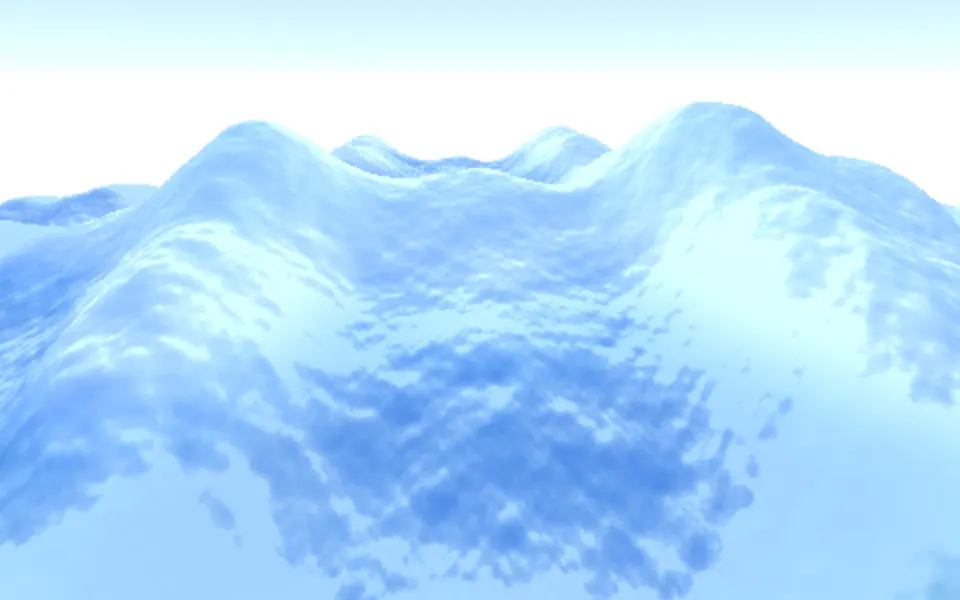
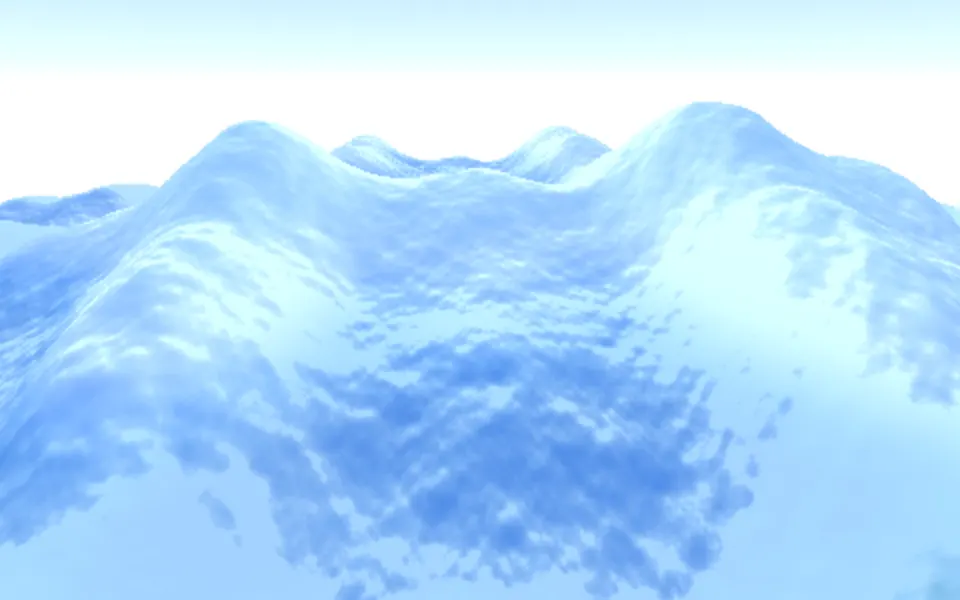
Sea Shader
Water & landscapesA raymarched ocean
- Pro
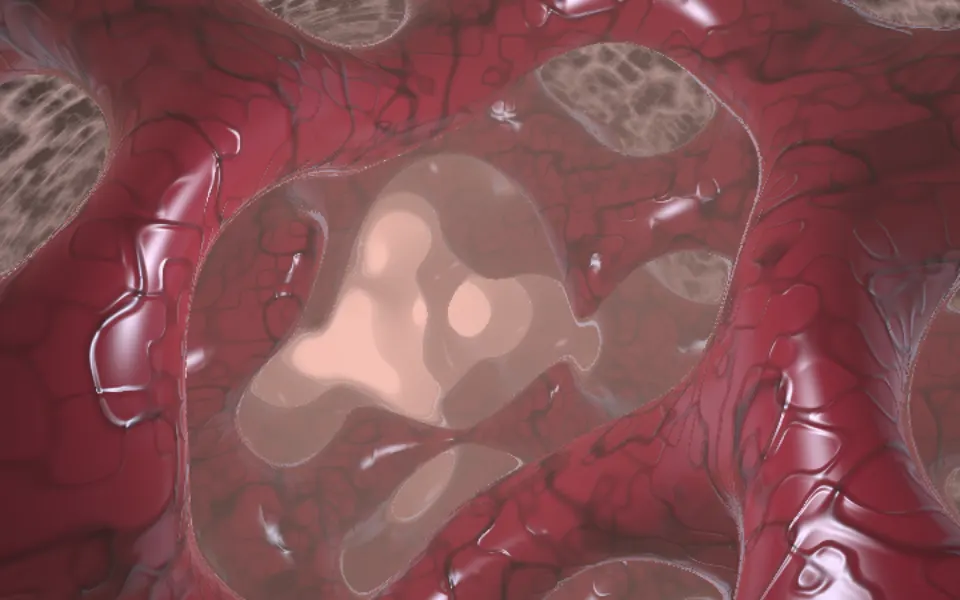
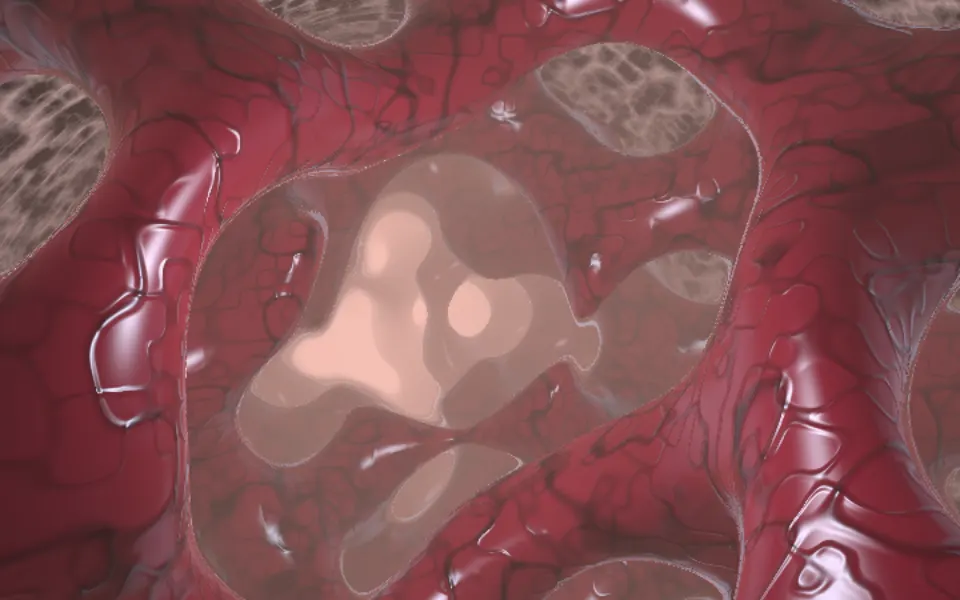
Biomine Shader
Tunnels & 3DThe same kind of gyroid, as a living cavern
- Pro
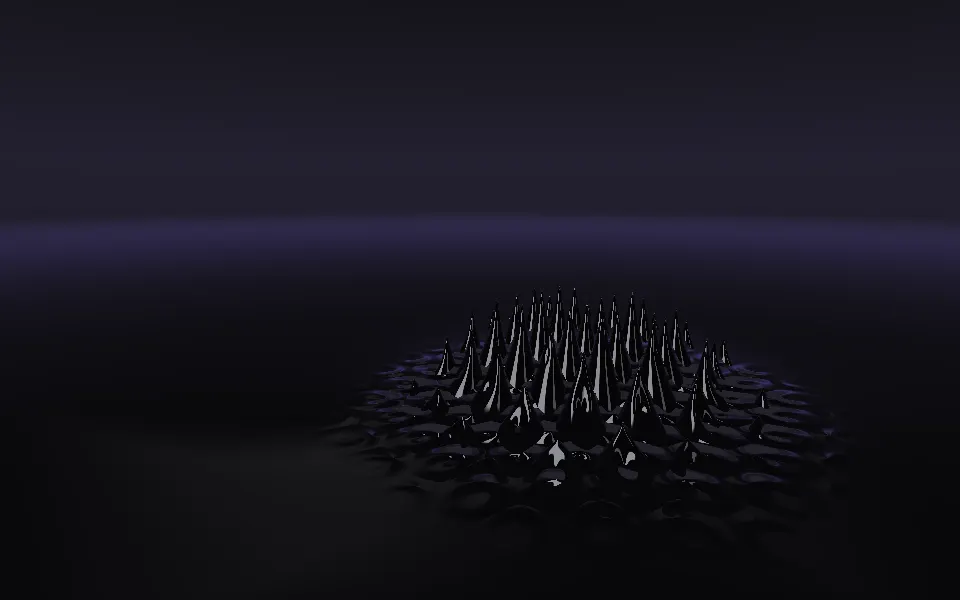
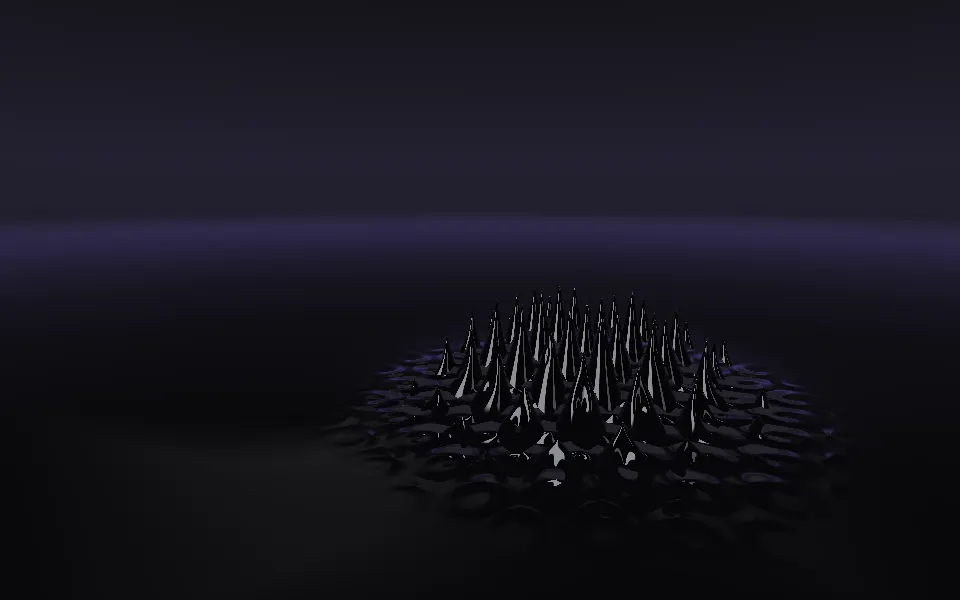
Ferrofluid Shader
Flow & gradientsA dark, glossy liquid in a studio
- Pro
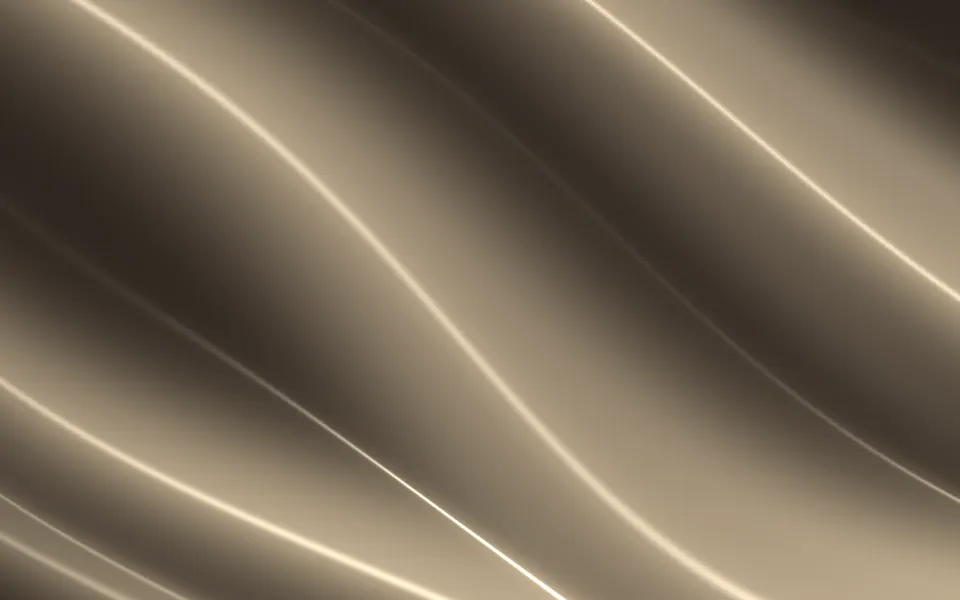
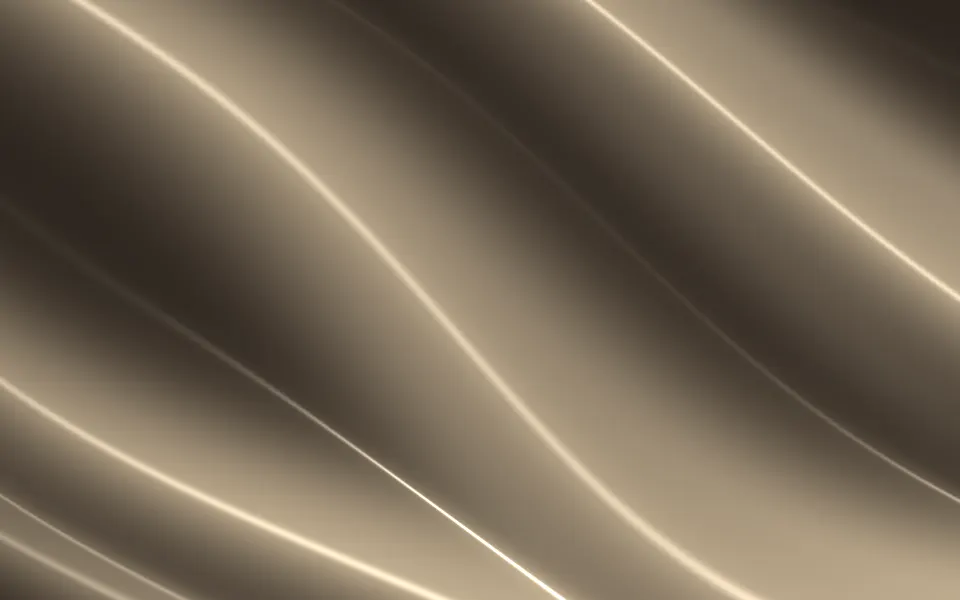
Drapery Shader
Flow & gradientsFolds of satin, lighter
- Pro
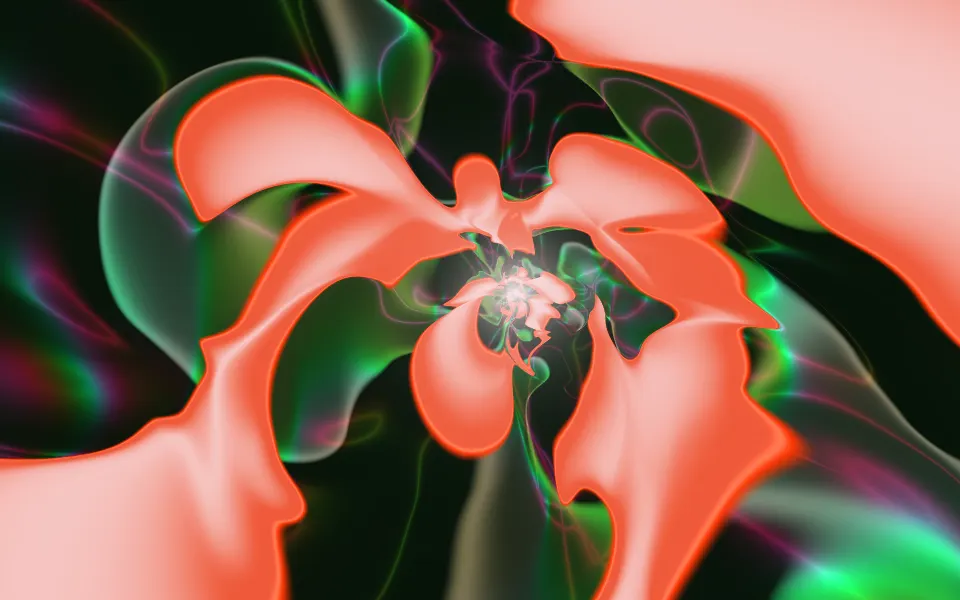
Sigmoids Sines Shader
Flow & gradientsGlossy folds zooming down a tunnel
- Pro
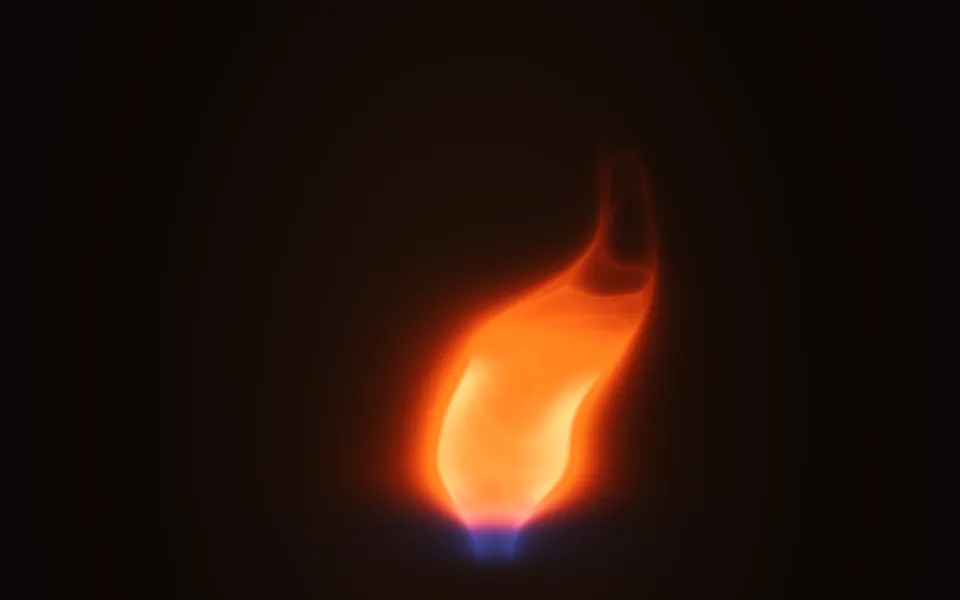
Fire 3D Shader
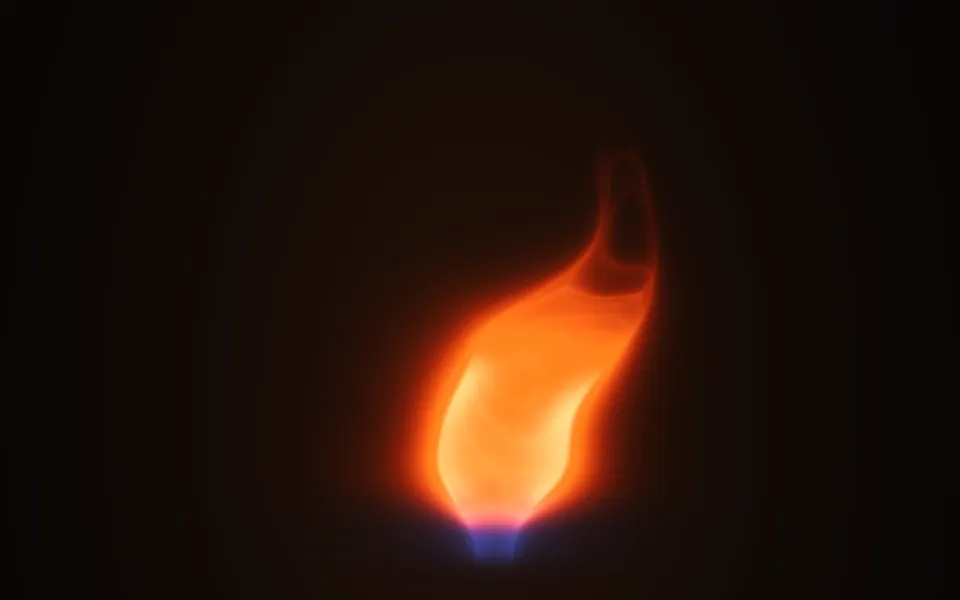
Ink, smoke & fireA glowing volume of flame