shadcn.io is not affiliated with official shadcn/ui
Shaders
ProOldschool Tube Shader for React
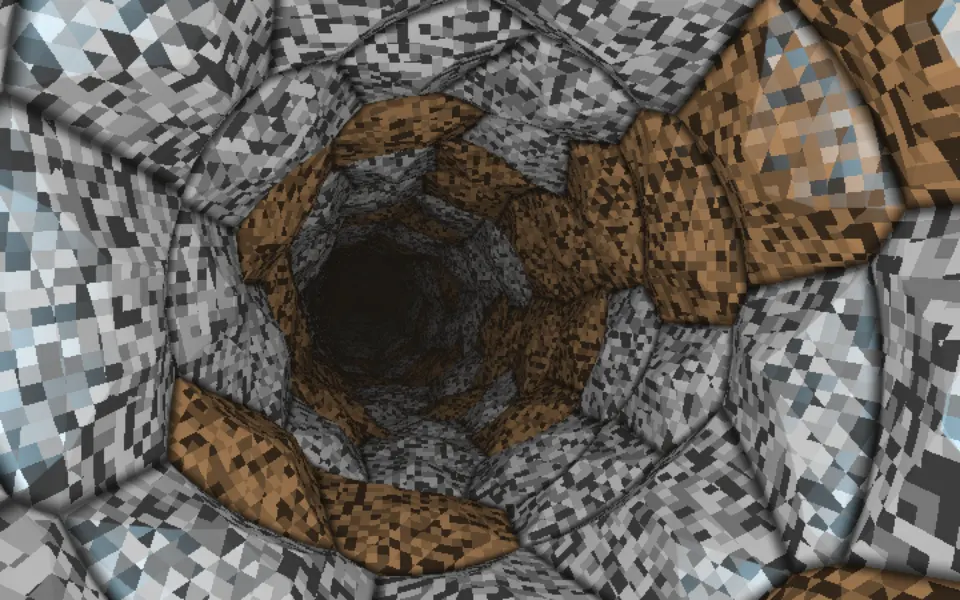
Inside a metal tube drawn on the GPU the demoscene way: faceted gunmetal plates in a knurled silver lattice, some glowing hot from inside, seen from a camera that rolls and swings from the far end to the wall. For React with Base UI, when a retro, music or gaming page wants a rich, mechanical backdrop.
Oldschool Tube Shader puts the camera inside a metal tube, the way demoscene effects did it: no ray marching, just one exact hit on a cylinder per pixel, computed by a WGSL fragment shader on WebGPU. The wall is unrolled into Voronoi cells: each cell is a gunmetal plate with a bevelled rim and a faceted crown, set in a raised silver lattice etched with a knurled diamond pattern. A third of the plates are glass lit from inside, where a second layer of cells deeper in the wall slides past as you move, glowing red through orange to yellow. The camera flies down the tube while it rolls and swings, every 25 seconds, from looking down the dark far end to grazing the wall.
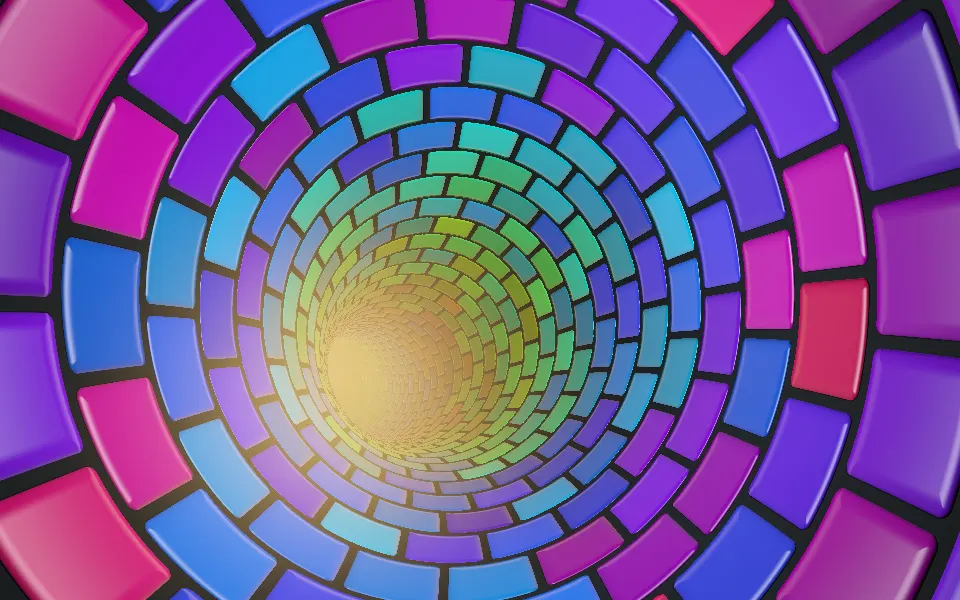
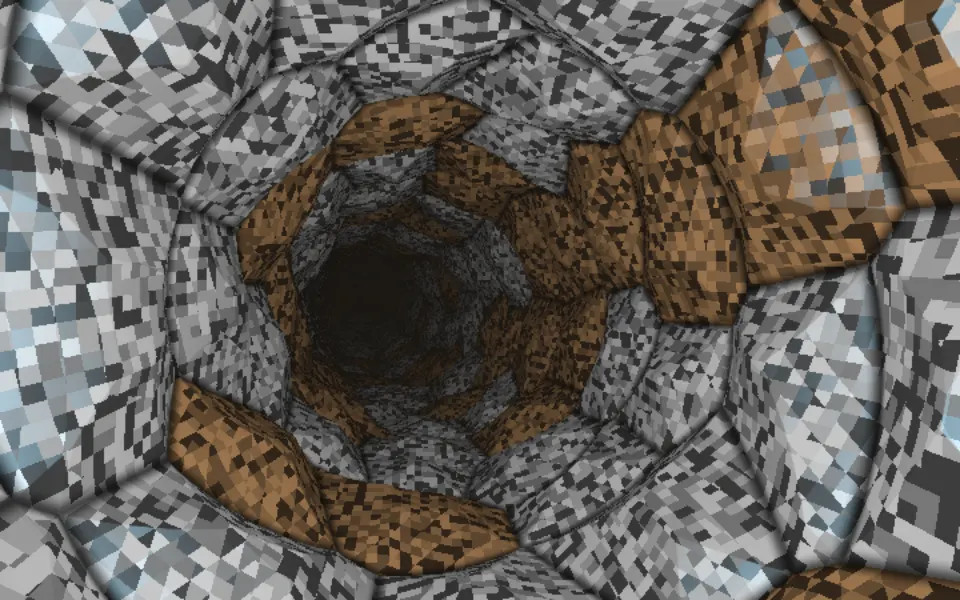
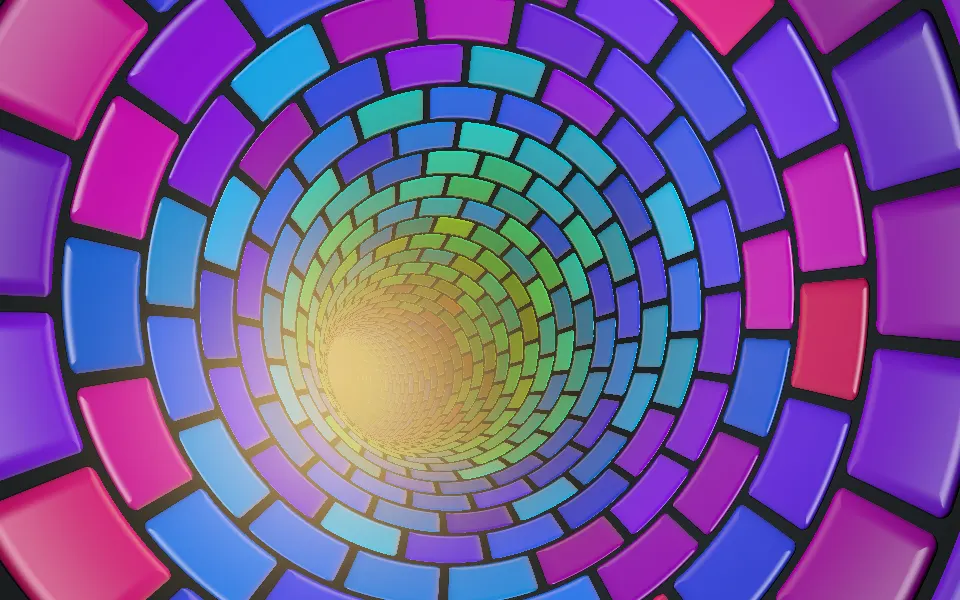
Use it behind a retro or demoscene-styled page, a music player, a gaming hero or a full-screen intro. For a fast flight through a tunnel of faceted plates, use Cellular Tiled Tunnel Shader; for a colorful tunnel of glossy tiles, Advanced Tunnel Shader; for a grid tunnel in plain CSS, with no GPU, the Warp background. It runs only while it's on screen, holds a still frame with reduced motion, and shows a CSS gradient of the tube's rings and glow in browsers without WebGPU.
Installation
Usage
import {
  OldschoolTubeShader,
} from "@/components/ui/oldschool-tube-shader";<OldschoolTubeShader className="flex min-h-[32rem] items-center">
<div className="ml-8 rounded-xl bg-black/60 p-8 backdrop-blur-sm">
<h1 className="text-5xl font-semibold text-white">Press play</h1>
</div>
</OldschoolTubeShader>Oldschool Tube Shader is a container: your content sits on top of the tube, in normal flow. It fills its own box, so give it a height or content. For a backdrop behind the whole page, render it empty with className="fixed inset-0 -z-10". The metal is mid-grey with hot highlights in both color schemes, so set text on a dark panel, as above.
Demos
Egyptian
palette="egyptian" turns the lattice gold, the plates turquoise and the inner light an electric blue to aqua, and spin={0.4} slows the swing to about once a minute, so the view stays down the tube longer.
In a card
palette="gold" gives a gold lattice with bronze plates and an amber glow, a warm backdrop for a "now playing" card, and relief={1.5} deepens the bevels and facets.
Performance
About 1.1 ms of GPU time a frame at 1280×720 on an M2 Max laptop, so it renders at full resolution; slower GPUs take several times longer. There's no march: each pixel hits the tube once, works out its cell, and only the glowing plates look up the second layer behind them. The props don't change the cost. The animation stops when the shader scrolls out of view, and the browser pauses it in a hidden tab. Every shader on a page shares one GPU device and one frame loop, and vgpu (about 50 KB gzipped) loads only when the first one mounts.
Browser support
The shader needs WebGPU: Chrome and Edge, Safari 26 and later, and Firefox on Windows and macOS. Elsewhere, and until the first frame, the box shows a CSS gradient of silver rings closing in on a dark end, with a few warm glows, so the layout never jumps. data-state on the root reads unsupported there, if you want to style around it. See Shader Canvas.
Accessibility
The tube is decoration: it's hidden from assistive tech and lets every click through to your content. With reduced motion it draws one still frame, the wall in an oblique view with the tube's end below, and stops. Nothing flashes: about two plates pass a spot each second, the glowing plates brighten and dim over eight seconds, and the camera turns over tens of seconds. Text needs a panel: bare white text reaches 7.3:1 on a typical pixel but drops to about 2.2:1 on the brightest 5% of the frame, the lattice and the hot glass. On a bg-black/60 panel it stays above 5.7:1 everywhere.
FAQ
Is it ray marched?
No. The camera sits on the axis of a tube of radius 1, so a ray's distance to the wall is simply 1 divided by its sideways length: one division per pixel, the way the demoscene drew tunnels. Everything else, the plates, the bevels, the light, comes from where that ray lands on the unrolled wall.
Which palettes are there?
palette picks the metals: "platinum", the default, is grey-violet steel with red to yellow glass; "gold" a gold lattice with bronze plates and amber glass; "egyptian" a gold lattice with turquoise plates and blue to aqua glass. Each sets several matched metals and a glow ramp, so they're presets rather than color props.
Why does the view swing?
The camera pitches from straight down the tube to grazing the wall and back every 25 seconds, and rolls a full turn in under a minute. spin scales both on top of speed: spin={0.4} swings about once a minute, and spin={0} holds the view down the tube while the camera keeps flying.
How do the glowing plates work?
A third of the plates are dark glass. Behind each, the shader looks up a second layer of cells deeper in the wall, along the same ray, and lights it brightest in the middle of its cells, red at the edges to yellow at the core. Because that layer is deeper, it slides against the plate as you move, like light inside a lantern.
Can I make the plates flatter?
relief sets how strongly the bevels and facets catch the light, from 0 (flat plates in a flat lattice) to 2 (deep bevels and sharp facets). It changes the lighting only, never the outlines or the cost.
Will it slow my page down?
It costs about 1.1 ms of GPU time a frame at 1280×720 on a laptop, and the CPU only sets a few numbers each frame. It stops when it's off screen. None of the props change the cost; on a slow GPU or a large screen, quality={0.75} renders about half the pixels and the facets stay crisp.
Credits
Inspired by an oldschool tube shader (opens in a new tab) by Shane on Shadertoy. This is a new shader written from a description of the look, not a port: the cell layout, the bevels and crowns, the knurled lattice, the glass and its inner layer, the camera, the palettes and the code are ours. The Voronoi edge distance follows Inigo Quilez's article (MIT), and the hash is lowbias32 by Chris Wellons, in the public domain; both keep their credit lines in the WGSL.
API Reference
OldschoolTubeShader
data-slot="oldschool-tube-shader"
fallback?string
What shows until the first frame and in browsers without WebGPU: a CSS
background value (gradients, sizes, a colour) that looks like the
shader. It can use the colour props' --shader-<field> variables.
interactive?boolean
Whether u.pointer follows the pointer. @default false.
palette?"platinum" | "gold" | "egyptian"
The metals: grey-violet platinum, gold, or a gold lattice with turquoise plates. @default "platinum".
- Type
"platinum" | "gold" | "egyptian"- Default
"platinum"
paused?boolean
Holds the current frame. @default false.
quality?number
Render scale, from 0.25 to 1, of the screen's pixels (capped at 2×). @default 1.
relief?number
How deep the bevels and facets are, from 0 (flat) to 2. @default 1.
- Default
1
speed?number
Animation speed: 1 is normal, 0 holds the frame. @default 1.
spin?number
How fast the camera swings between the tube's end and its wall and rolls, on top of speed: 0 holds the view down the tube. @default 1.
- Default
1
time?number
A fixed moment, in seconds: draws it and doesn't animate.
render?ReactElement | ((props: object, state: object) => ReactElement)
Replace the host element or compose it with another component.
- Type
ReactElement | ((props: object, state: object) => ReactElement)
className?string
Forwarded to the part.
Related
- Pro
Cellular Tiled Tunnel Shader
Tunnels & 3DA fast flight through faceted plates
- Pro
Advanced Tunnel Shader
Tunnels & 3DA colorful tunnel of glossy tiles
- Pro
CRT Phosphor Shader
Digital & retroAnother retro piece, a glowing old screen
- Pro
Embers Shader
Ink, smoke & fireCells glowing hot, as coals
- Pro
Sphere Field Shader
Tunnels & 3DGlowing bulbs rushing past
- Pro
Digital Tunnel Shader
Tunnels & 3DA neon tunnel for a tech hero