shadcn.io is not affiliated with official shadcn/ui
Advanced Tunnel Shader flies a camera down a winding tunnel on the GPU. A WGSL fragment shader on WebGPU ray marches a tube that snakes along two slow sine curves, then tiles its wall with rings of rounded, bricked tiles: each tile's bevel bends the light, a lamp ahead of the camera puts glossy highlights on them, and their colors slide through the spectrum ring by ring. The far end burns with a warm white-gold glow that the tiles reflect, and the camera banks gently into the turns.
Use it behind a game or arcade launch, a playful hero or a full-screen intro that should feel like speed. For a darker neon tunnel with scanlines, use Digital Tunnel Shader; for a metal tube with glowing cells, Oldschool Tube Shader; for a grid tunnel in plain CSS, with no GPU, the Warp background. It runs only while it's on screen, holds a still frame with reduced motion, and shows a CSS gradient of the same rings in browsers without WebGPU.
Installation
Usage
import {
  AdvancedTunnelShader,
} from "@/components/ui/advanced-tunnel-shader";<AdvancedTunnelShader className="flex min-h-[32rem] items-center justify-center">
<div className="rounded-xl bg-black/60 px-8 py-6 backdrop-blur-sm">
<h1 className="text-5xl font-semibold text-white">Press start</h1>
</div>
</AdvancedTunnelShader>Advanced Tunnel Shader is a container: your content sits on top of the tunnel, in normal flow. It fills its own box, so give it a height or content. For a backdrop behind the whole page, render it empty with className="fixed inset-0 -z-10". The tiles are bright and busy in both color schemes, so set text on a dark panel, as above, rather than straight on the tunnel.
Demos
Chrome
variety={0} turns every tile grey, so the tunnel reads as polished metal, glowColor="#7dd3fc" makes the far light an icy blue that the tiles reflect, and bevel={1.6} rounds the tiles deeper.
In a card
The tunnel scales with its box. radius={1.6} widens it, so the tiles near the camera are larger and calmer in a small space, and speed={0.6} slows the flight.
Performance
About 0.9 ms of GPU time a frame at 1280×720 on an M2 Max laptop, so it renders at full resolution; slower GPUs take several times longer. Rays toward the far end take the most steps, up to 110, and the tile shading runs once per pixel where the ray lands. The props barely change the cost. quality={0.75} renders about half the pixels and keeps the near tiles crisp; at quality={0.5} the grout lines soften. The animation stops when the shader scrolls out of view, and the browser pauses it in a hidden tab. Every shader on a page shares one GPU device and one frame loop, and vgpu (about 50 KB gzipped) loads only when the first one mounts.
Browser support
The shader needs WebGPU: Chrome and Edge, Safari 26 and later, and Firefox on Windows and macOS. Elsewhere, and until the first frame, the box shows a CSS gradient of rings in the same colors around a warm core, so the layout never jumps. data-state on the root reads unsupported there, if you want to style around it. See Shader Canvas.
Accessibility
The tunnel is decoration: it's hidden from assistive tech and lets every click through to your content. With reduced motion it draws one still frame, rings of violet, blue and magenta tiles around the glow, and stops. Nothing flashes: about three rings slide past each second at the default speed, but only a thin line of grout crosses any spot at a time, and the colors change gradually. Text needs a panel: across the renders we measured, bare white text reaches only about 4:1 on a typical pixel. White text on a bg-black/50 panel stayed above 4.5:1 on every pixel, and on bg-black/60 above 6.4:1.
FAQ
How are the tiles drawn without textures?
Each pixel works out where it hits the tunnel wall, as an angle around the tube and a depth along it. That gives it a cell in a grid of rings, bricked so every other ring is offset by half a tile, and a rounded-rectangle distance gives the tile's height inside the cell. The shader tilts the surface by the slope of that height, so the bevels catch the light.
What makes the glow at the end?
Rays that travel far fade into glowColor, and a soft halo sits on the direction the tunnel heads in. Nearby tiles reflect the same light at grazing angles, so the warm tone runs along the walls. glow sets its brightness, from 0 (a dark far end) to 2.
Can I make it one color?
variety={0} makes every tile grey, a chrome tunnel lit by glowColor, so a brand color there tints the whole scene. variety={1.5} goes the other way and gives every tile its own hue. In between, the colors shift a little from ring to ring and drift slowly over time.
How do I make the tunnel wider or narrower?
radius sets its width, from 0.8 (a tight tube with small tiles close to the camera) to 2 (a wide hall). There are always 18 tiles around a ring, so a wider tunnel has wider tiles.
Credits
Inspired by a tile tunnel shader (opens in a new tab) by OldEclipse on Shadertoy. This is a new shader written from a description of the look, not a port: the winding path, the tile pattern and bevels, the lighting, the palette and the code are ours. The rounded box distance and the cosine palette follow Inigo Quilez's articles (MIT), and the hash is lowbias32 by Chris Wellons, in the public domain; each keeps its credit line in the WGSL.
API Reference
AdvancedTunnelShader
data-slot="advanced-tunnel-shader"
bevel?number
How rounded the tiles stand out from the grout, from 0 (flat) to 2 (deep pillows). @default 1.
- Default
1
fallback?string
What shows until the first frame and in browsers without WebGPU: a CSS
background value (gradients, sizes, a colour) that looks like the
shader. It can use the colour props' --shader-<field> variables.
glow?number
How bright the light at the far end burns, from 0 (none) to 2. @default 1.
- Default
1
glowColor?string
The light at the far end, and the shine it puts on the tiles. Any CSS colour. @default "#ffc771".
- Default
"#ffc771"
interactive?boolean
Whether u.pointer follows the pointer. @default false.
paused?boolean
Holds the current frame. @default false.
quality?number
Render scale, from 0.25 to 1, of the screen's pixels (capped at 2×). @default 1.
radius?number
How wide the tunnel is, from 0.8 (narrow) to 2 (wide). @default 1.2.
- Default
1.2
speed?number
Animation speed: 1 is normal, 0 holds the frame. @default 1.
time?number
A fixed moment, in seconds: draws it and doesn't animate.
variety?number
How colourful the tiles are, from 0 (grey) to 1.5 (every tile its own hue). @default 1.
- Default
1
render?ReactElement | ((props: object, state: object) => ReactElement)
Replace the host element or compose it with another component.
- Type
ReactElement | ((props: object, state: object) => ReactElement)
className?string
Forwarded to the part.
Related
- Pro
Digital Tunnel Shader
Tunnels & 3DA darker neon tunnel with scanlines
- Pro
Oldschool Tube Shader
Tunnels & 3DA metal tube with glowing cells
- Pro
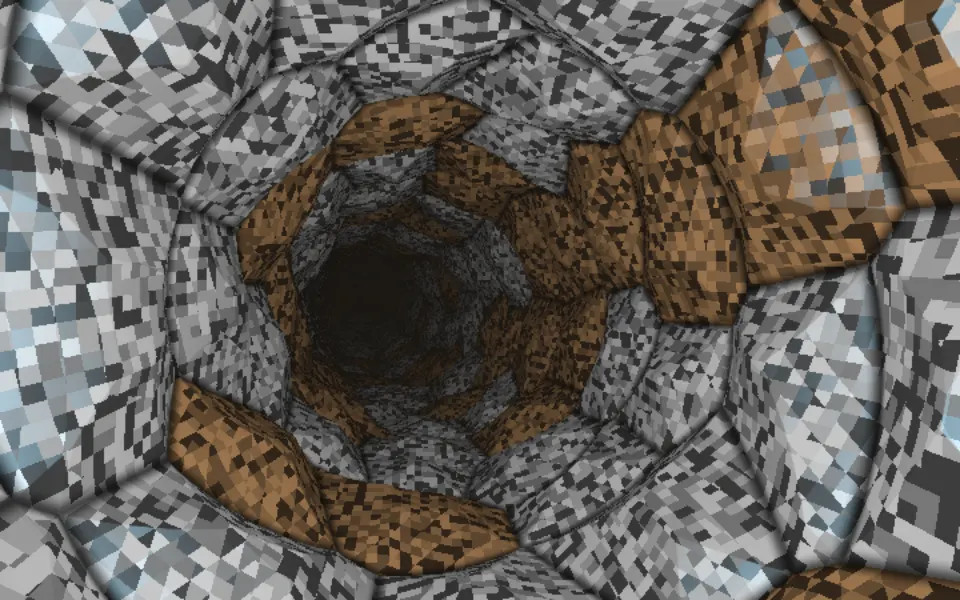
Cellular Tiled Tunnel Shader
Tunnels & 3DFaster, through faceted metal plates
- Pro
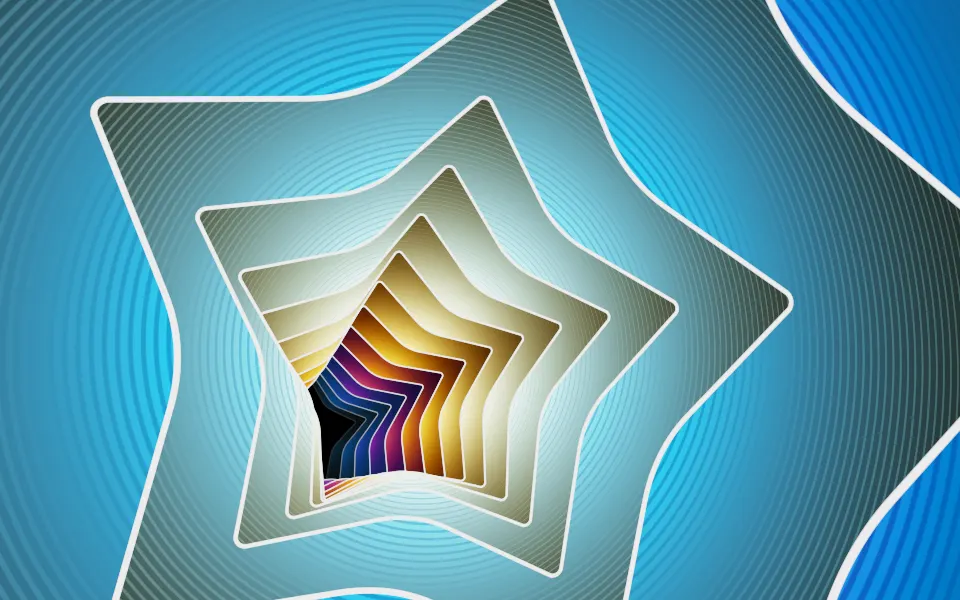
Starry Planes Shader
SpaceA playful flight through star-cut planes
- Pro
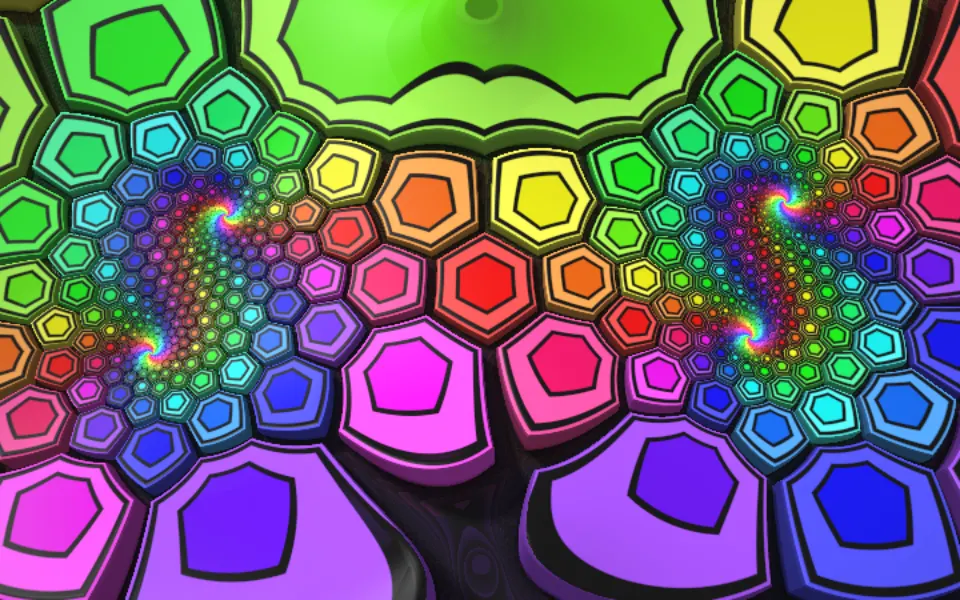
Extruded Mobius Spiral Shader
Tunnels & 3DRainbow blocks for a playful hero
- Pro
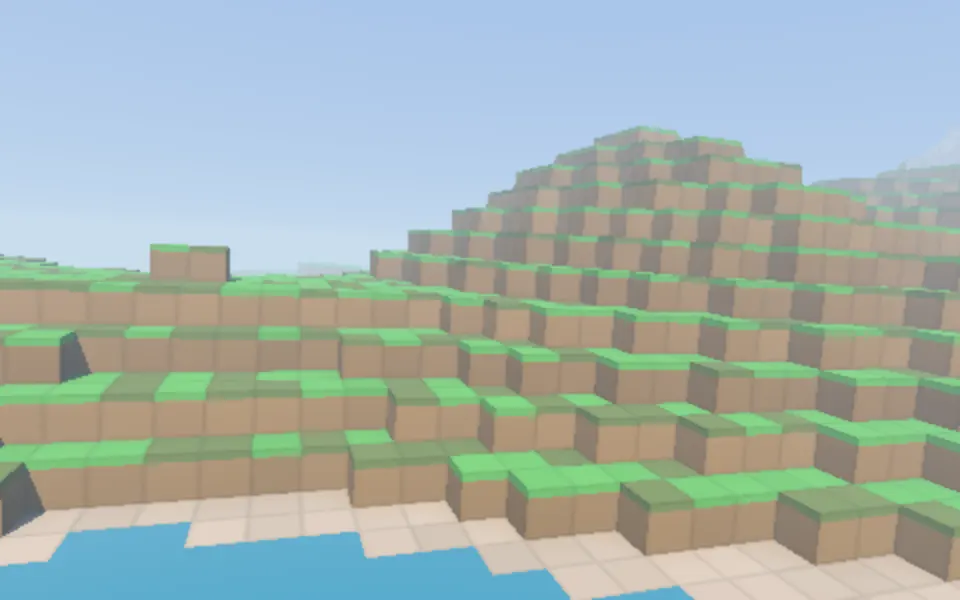
Voxel Flyover Shader
Water & landscapesA game world to fly over