shadcn.io is not affiliated with official shadcn/ui
Random Grid Subdivision Shader draws a stained-glass window that never settles. It starts from a grid of large panes, splits each one with a smaller grid turned to a random angle and offset, and repeats that six levels deep, keeping every level's borders as leading. The result is a mosaic of shards from big panes down to slivers. Each pane is gold toward the top or cobalt toward the bottom, with its own brightness, a nudge of hue and the mottle of antique glass, and a light from behind makes the panes near it glow. A bevel along the leading catches the light on one side. The whole window turns and drifts slowly, and each level slides inside the one above, so the shards shear and re-cut as you watch.
Use it behind a hero, a game, collectibles or gallery page, or anywhere that wants rich, jewel-toned color with structure. For a calmer glass mosaic of rounded cells in your theme's tones, in plain CSS, use the Voronoi background; for flat, interlocking pieces, Minimal Jigsaw Shader. It runs only while it's on screen, holds a still frame with reduced motion, and shows a CSS sketch of leaded glass in the same colors in browsers without WebGPU.
Installation
Usage
import {
  RandomGridSubdivisionShader,
} from "@/components/ui/random-grid-subdivision-shader";<RandomGridSubdivisionShader className="flex min-h-[32rem] items-center justify-center">
<div className="rounded-xl bg-black/60 px-8 py-6 backdrop-blur-sm">
<h1 className="text-5xl font-semibold text-white">Ship faster</h1>
</div>
</RandomGridSubdivisionShader>Random Grid Subdivision Shader is a container: your content sits on top of the glass, in normal flow. It fills its own box, so give it a height or content. For a backdrop behind the whole page, render it empty with className="fixed inset-0 -z-10". The window is mostly dark glass, but its bright panes and the leading make it far too busy for bare text: put copy on a frosted panel, like the bg-black/60 backdrop-blur-sm one above, which keeps white text above 5.9:1 everywhere.
Demos
Crystal
grid="hex" cuts every level with hexagons instead of squares, so the shards come out rounder, like crystals. topColor and bottomColor set the two tints, here teal and violet, and lineWidth={5} gives the leading more weight.
In a card
The panes scale with the box. uneven={false} splits every pane all the way down, so the glass is an even field of small shards that reads well at card size, and lineWidth={2} keeps the leading in proportion. It keeps full quality: the leading is a few pixels wide and blurs at half resolution.
Performance
About 0.5 ms of GPU time a frame at 1280×720 on an M2 Max laptop; slower GPUs take several times longer. Each pixel walks up to six levels of grid, a cell lookup and a few integer hashes each, then one noise lookup for the glass; with uneven, many stop early. Keep quality at 1 if you can: the leading and the bevels go soft at half resolution. The animation stops when the shader scrolls out of view, and the browser pauses it in a hidden tab. Every shader on a page shares one GPU device and one frame loop, and vgpu (about 50 KB gzipped) loads only when the first one mounts.
Browser support
The shader needs WebGPU: Chrome and Edge, Safari 26 and later, and Firefox on Windows and macOS. Elsewhere, and until the first frame, the box shows a CSS sketch of the window, crossing dark lines over a gradient from the top tint to the bottom one, so the layout never jumps. data-state on the root reads unsupported there, if you want to style around it. See Shader Canvas.
Accessibility
The glass is decoration: it's hidden from assistive tech and lets every click through to your content. With reduced motion it draws one still frame and stops. Nothing flashes: no pane changes color in place, the shards only move, and the light behind them drifts over tens of seconds. The window mixes bright and dark glass under a dense web of leading, so never set text on it bare: a bg-black/60 panel keeps white text above 5.9:1, and bg-black/70 above 8.7:1.
FAQ
How does the subdivision work?
The shader starts with a grid of large cells. Inside each cell it lays a smaller copy of the grid, turned to a random angle and shifted by a random offset, both picked by a hash of the cell, and repeats that six levels deep. Every level's cell borders stay drawn, so where the turned grids cross, they cut the panes into shards.
Square or hex?
grid="square", the default, cuts with squares, which gives sharp, angular shards like shattered glass. grid="hex" cuts with hexagons, which gives rounder, crystal-like ones. Either way each level is 1.38 times smaller than the one above.
What does uneven do?
With uneven, the default, a pane from the third level down stops splitting three times in ten, so big panes sit among nests of slivers. uneven={false} splits every pane all six levels, for an even field of small shards.
Why does it look like stained glass?
Three things: the dark leading between panes, with a faint ridge along it; a bevel a few pixels wide inside each pane, lit on the side that faces the light; and the glass itself, tinted per pane, mottled with soft noise and brighter near a light that sits behind the window.
Can I change the colors?
Yes: topColor and bottomColor are the two tints. A pane picks one by where it sits, so the window shades from one to the other with a mixed band in the middle. hueRange sets how far each pane strays from its tint, from 0 to 2, and lineColor sets the leading. They take any CSS color, var(--primary) included, and follow a theme switch.
Credits
Inspired by Random Grid Subdivision (opens in a new tab) by Shane on Shadertoy: a mosaic made by repeating a grid inside its own cells at random angles and offsets. This shader is our own code and design, written from scratch: a stained-glass window with two tints, mottled glass, a light behind it and analytic bevels, cut by square or hex grids.
API Reference
RandomGridSubdivisionShader
data-slot="random-grid-subdivision-shader"
bottomColor?string
The glass toward the bottom. Any CSS color. @default "#2a5bd7".
- Default
"#2a5bd7"
fallback?string
What shows until the first frame and in browsers without WebGPU: a CSS
background value (gradients, sizes, a colour) that looks like the
shader. It can use the colour props' --shader-<field> variables.
grid?keyof typeof GRIDS
The grid each level cuts: squares give sharp, shattered shards, hexagons rounder, crystal ones. @default "square".
- Default
"square"
hueRange?number
How far each pane's hue strays from its tint, from 0 (none) to 2. @default 1.
- Default
1
interactive?boolean
Whether u.pointer follows the pointer. @default false.
lineColor?string
The leading between panes. Any CSS color. @default "#0c0b10".
- Default
"#0c0b10"
lineWidth?number
The leading's width in CSS pixels, from 1 to 8. @default 3.
- Default
3
paused?boolean
Holds the current frame. @default false.
quality?number
Render scale, from 0.25 to 1, of the screen's pixels (capped at 2×). @default 1.
scale?number
The size of the largest panes, from 0.5 to 2. @default 1.
- Default
1
speed?number
Animation speed: 1 is normal, 0 holds the frame. @default 1.
time?number
A fixed moment, in seconds: draws it and doesn't animate.
topColor?string
The glass toward the top. Any CSS color. @default "#f2a33a".
- Default
"#f2a33a"
uneven?boolean
Lets some panes stop splitting early, so big panes sit among small ones. @default true.
- Default
true
render?ReactElement | ((props: object, state: object) => ReactElement)
Replace the host element or compose it with another component.
- Type
ReactElement | ((props: object, state: object) => ReactElement)
className?string
Forwarded to the part.
Related
- Pro
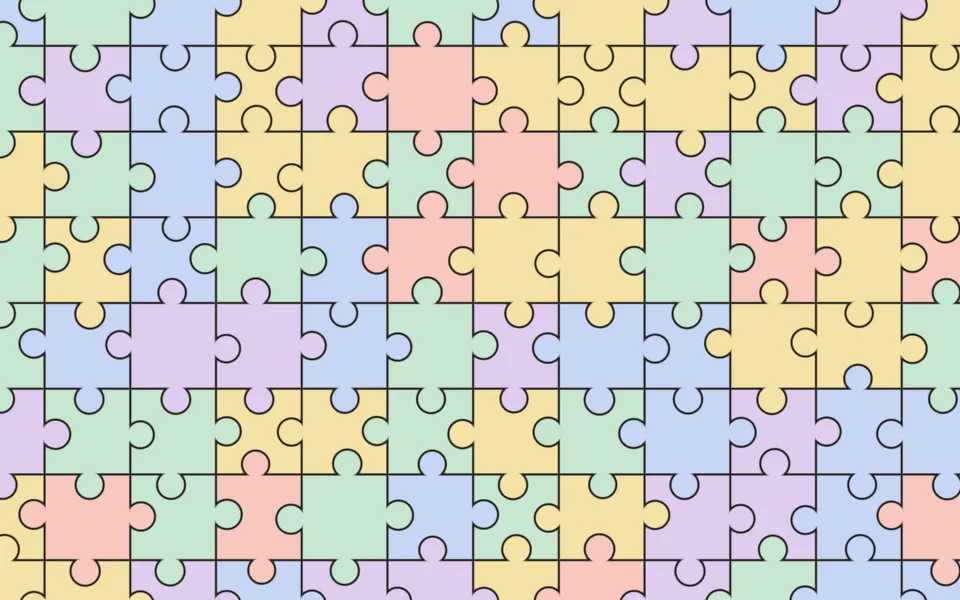
Minimal Jigsaw Shader
Patterns & tilingsFlat, interlocking pieces
- Pro
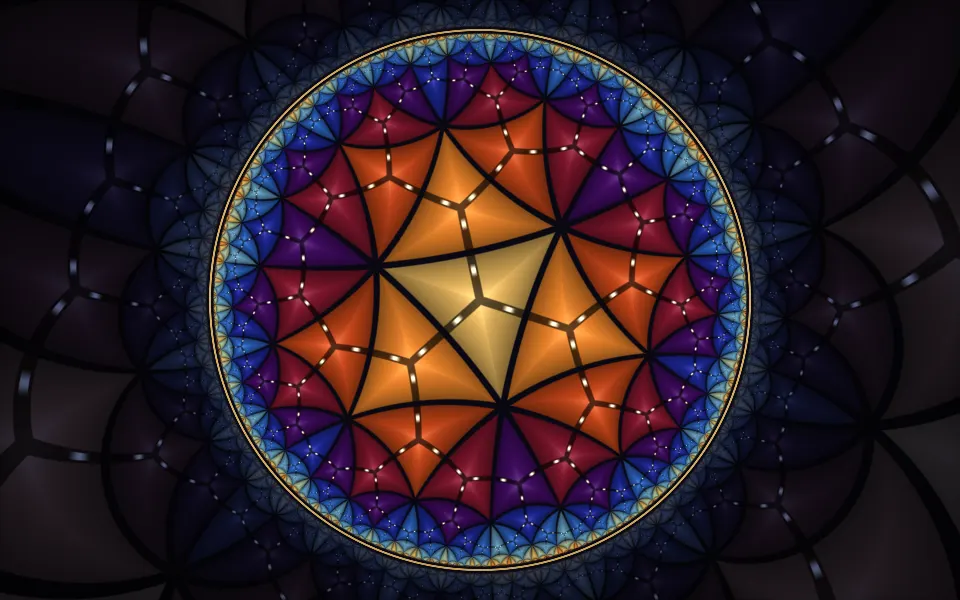
Poincaré Disc Animation Shader
GeometryStained-glass tiles in a disc
- Pro
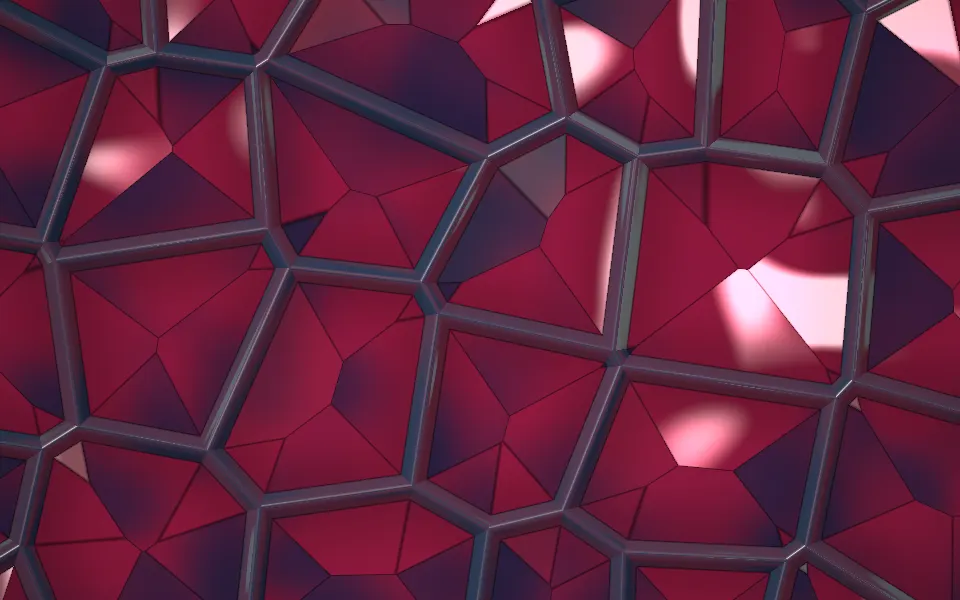
Perspex Web Lattice Shader
Tunnels & 3DJewel-like facets in a dark web
- Pro
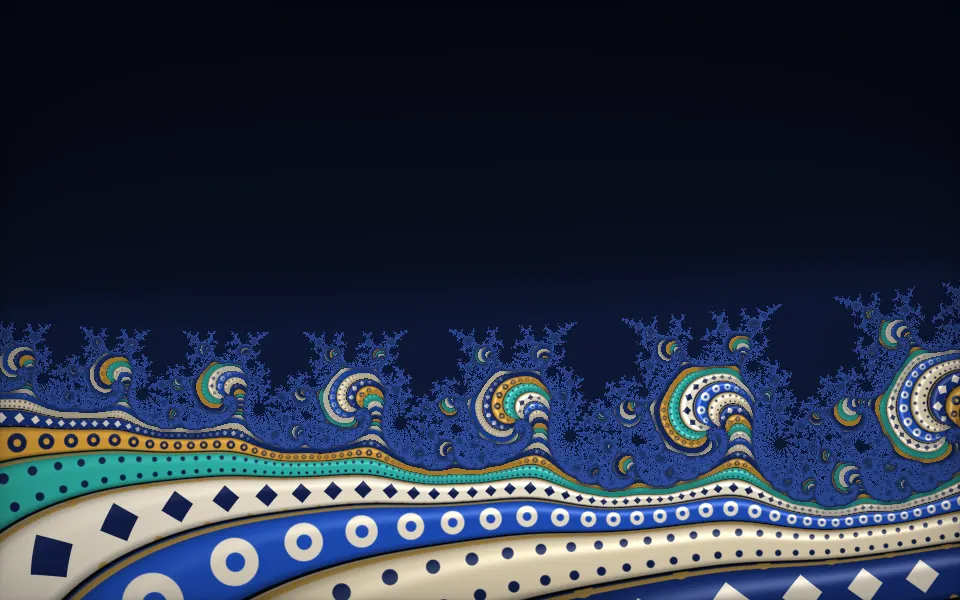
Glazed ornament with infinite depth
- Pro
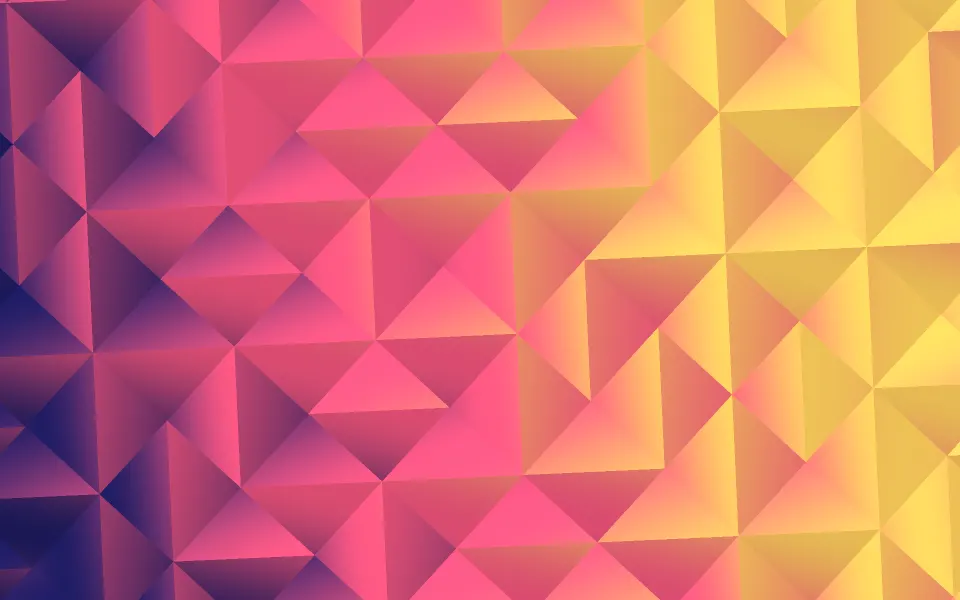
Truchet Shader
Patterns & tilingsBold color geometry, simpler
- Pro
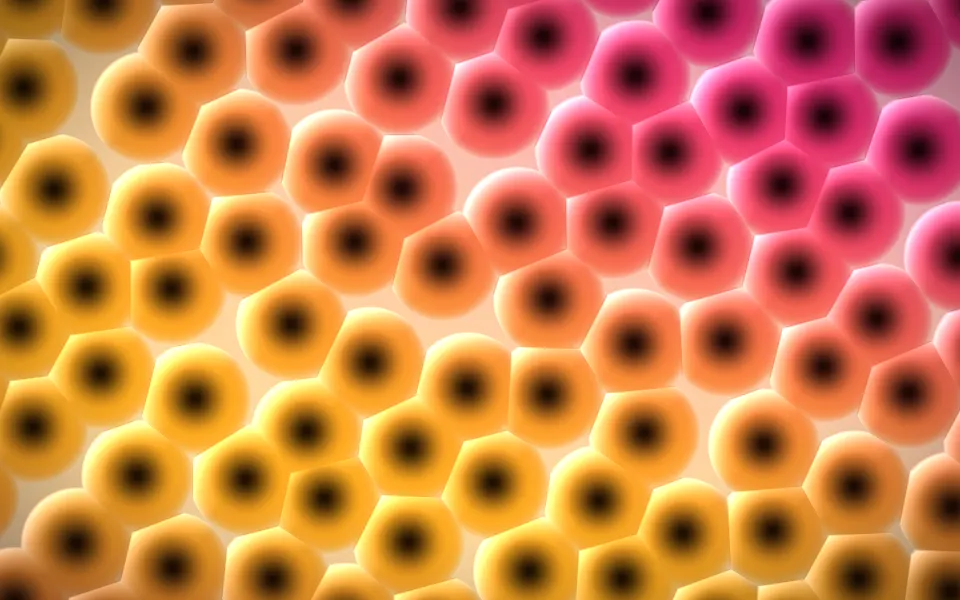
Three-Tap Voronoi Shader
Patterns & tilingsIrregular cells, embossed, lighter