shadcn.io is not affiliated with official shadcn/ui
Poincaré Disc Animation Shader draws a tiling of the hyperbolic plane in a Poincaré disc: triangles meeting eight at each corner, every one the same size in hyperbolic terms, so they shrink without end toward a thin gold rim. The tiles are stained glass, domed toward the middle and leaded in near-black, and their color steps from ring to ring, gold and amber at the center through rose and violet to blue at the edge, drifting slowly outward. A network of grooves joins the tiles' centers, and pulses of light run along it, out of every other ring and into the next. The disc turns once every 50 seconds, and beyond it the same tiling echoes, inverted and dim. A WGSL fragment shader on WebGPU folds every pixel into one triangle with mirror reflections and circle inversions, each frame.
Use it behind a math, science, education or research page, or as a centerpiece that rewards a second look. For a 2D kaleidoscope of soft waves instead, use Kaleidoscope Shader; for another infinite pattern, the decorated fractal of Mandelbrot Pattern Decoration Shader. It runs only while it's on screen, holds a still frame with reduced motion, and shows a CSS disc of the same colors in browsers without WebGPU.
Installation
Usage
import {
  PoincareDiscAnimationShader,
} from "@/components/ui/poincare-disc-animation-shader";<PoincareDiscAnimationShader className="flex min-h-[32rem] items-center justify-center">
<div className="rounded-full bg-black/60 px-8 py-4 backdrop-blur">
<h1 className="text-4xl font-semibold text-white">Ship faster</h1>
</div>
</PoincareDiscAnimationShader>Poincaré Disc Animation Shader is a container: your content sits on top of the disc, in normal flow. It fills its own box, so give it a height or content. For a backdrop behind the whole page, render it empty with className="fixed inset-0 -z-10". The disc is centered and fills 90% of the box's shorter side, so it suits square and wide boxes alike. The tiles are bright and busy, so put text on a dark glass panel, like the bg-black/60 pill above.
Demos
Squares
tiling="4-6" switches to squares meeting six at each corner. hueStep={1.8} moves the color further from one ring to the next, spin={0} stops the turning, and interactive lets the pointer slide the plane: move it toward the rim, and the tiles under it slide toward the middle and grow, as if you walked across the hyperbolic plane.
In a card
A square card fits the whole disc. dashSize={1.4} lengthens the pulses, so they read at card size.
Performance
About 0.3 ms of GPU time a frame at 1280×720 on an M2 Max laptop, even with up to 24 inversions for pixels near the rim; slower GPUs take several times longer. It keeps full quality: the lead lines blur at half resolution, and the cost is already low. The animation stops when the shader scrolls out of view, and the browser pauses it in a hidden tab. Every shader on a page shares one GPU device and one frame loop, and vgpu (about 50 KB gzipped) loads only when the first one mounts.
Browser support
The shader needs WebGPU: Chrome and Edge, Safari 26 and later, and Firefox on Windows and macOS. Elsewhere, and until the first frame, the box shows a CSS disc, gold at the center through rose and violet to blue, inside a gold ring on a dark field, so the layout never jumps. data-state on the root reads unsupported there, if you want to style around it. See Shader Canvas.
Accessibility
The disc is decoration: it's hidden from assistive tech and lets every click through to your content. With interactive, it follows a mouse or pen, never touch. With reduced motion it draws one still frame and stops. Nothing flashes: the pulses are small and steady, the disc turns once every 50 seconds, and the colors take about 33 seconds to cycle. Text needs a panel: on the bare tiles white text drops to about 2.4:1, while on a bg-black/60 panel it keeps above 5.7:1 everywhere over the middle of the disc, through the whole color cycle.
FAQ
What is the Poincaré disc?
A map of the hyperbolic plane, a surface where space opens up faster than on a flat sheet, squeezed into a circle. Straight lines become arcs that meet the rim at right angles, and the closer to the rim, the smaller things look: every tile here is the same size in the plane itself, and there are infinitely many before the edge.
How is the tiling drawn?
By folding, not by drawing polygons. Each pixel is mirrored into one wedge around the center, then inverted through the circle that forms a tile's edge, again and again, until it lands in a single triangle. The number of inversions says which ring of tiles it came from, which sets its color, and the triangle tells it where the lines and pulses go.
What do 3-8 and 4-6 mean?
They're the tilings' names in Schläfli notation: "3-8" is {3,8}, triangles with eight meeting at each corner, and "4-6" is {4,6}, squares with six at each corner. On a flat sheet only six triangles or four squares fit around a corner; in the hyperbolic plane more do, which is why the tiles shrink toward the rim.
What's outside the circle?
The same tiling, turned inside out: each point outside is inverted through the rim, so the center tile spreads across the corners and the tiny tiles of the rim crowd up against it. It's drawn dim and cool, so the disc stays the focus.
Credits
Inspired by a Poincaré disc animation (opens in a new tab) by Shane on Shadertoy. This is a new shader written from a description of the look, not a port: the glass tiles, the network of pulses between their centers, the palette, the inverted echo outside the disc, the pointer's slide and the code are ours. The folding is the textbook construction of a hyperbolic tiling from its reflection group, and the cosine palette follows Inigo Quilez's article (MIT), with its credit line in the WGSL.
API Reference
PoincareDiscAnimationShader
data-slot="poincare-disc-animation-shader"
dashSize?number
How long the pulses of light along the network are, from 0.5 to 1.5. @default 1.
- Default
1
fallback?string
What shows until the first frame and in browsers without WebGPU: a CSS
background value (gradients, sizes, a colour) that looks like the
shader. It can use the colour props' --shader-<field> variables.
hueStep?number
How far the colour moves from one ring of tiles to the next, from 0.5 to 2. @default 1.
- Default
1
interactive?boolean
Whether u.pointer follows the pointer. @default false.
paused?boolean
Holds the current frame. @default false.
quality?number
Render scale, from 0.25 to 1, of the screen's pixels (capped at 2×). @default 1.
speed?number
Animation speed: 1 is normal, 0 holds the frame. @default 1.
spin?number
How fast the disc turns: 1 is a turn every 50 seconds, 0 holds it still. @default 1.
- Default
1
tiling?"3-8" | "4-6"
The tiling: triangles meeting eight at a corner, or squares meeting six at a corner. @default "3-8".
- Type
"3-8" | "4-6"- Default
"3-8"
time?number
A fixed moment, in seconds: draws it and doesn't animate.
render?ReactElement | ((props: object, state: object) => ReactElement)
Replace the host element or compose it with another component.
- Type
ReactElement | ((props: object, state: object) => ReactElement)
className?string
Forwarded to the part.
Related
- Pro
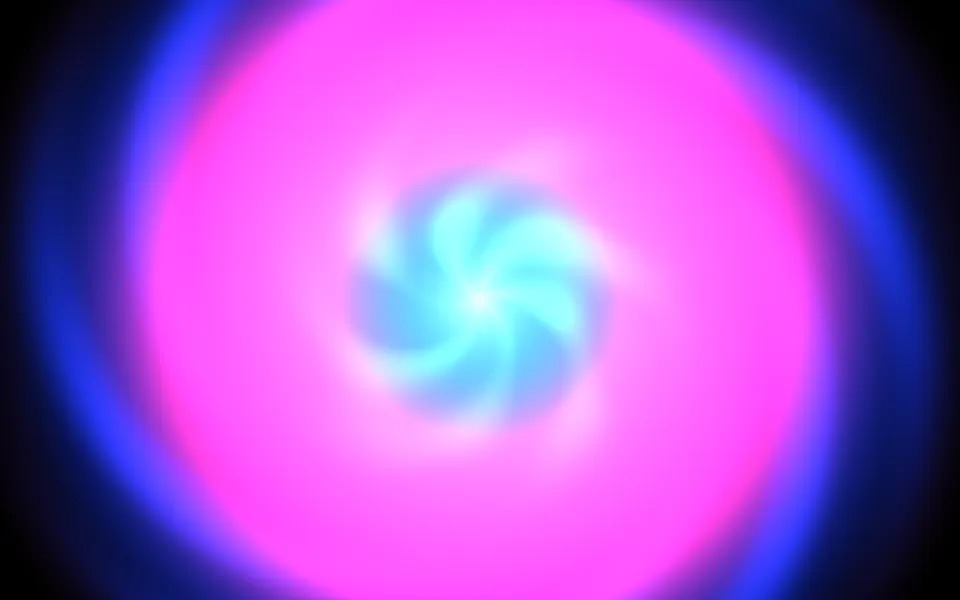
Kaleidoscope Shader
Patterns & tilingsA 2D bloom of soft waves
- Pro
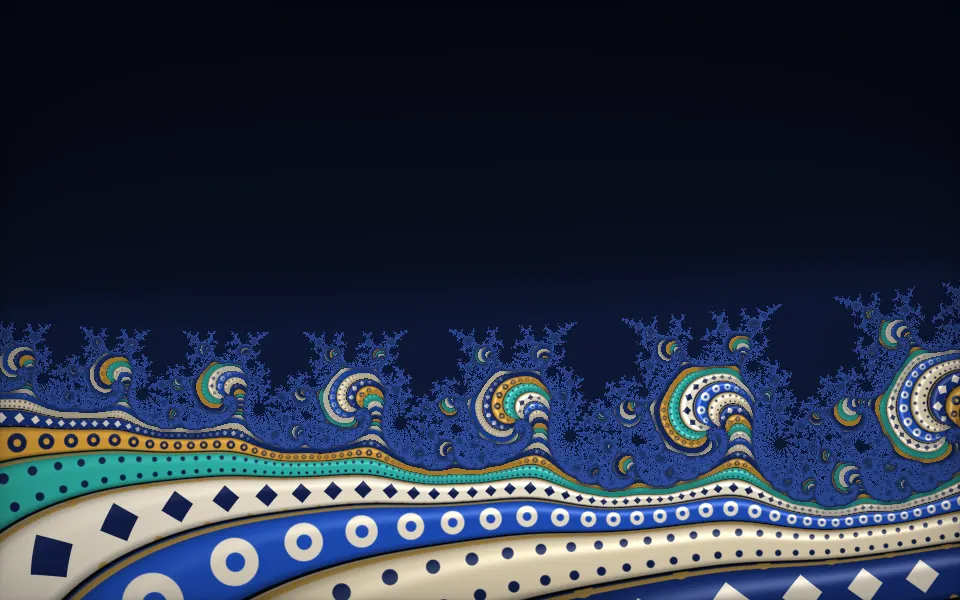
A decorated fractal, another infinity
- Pro
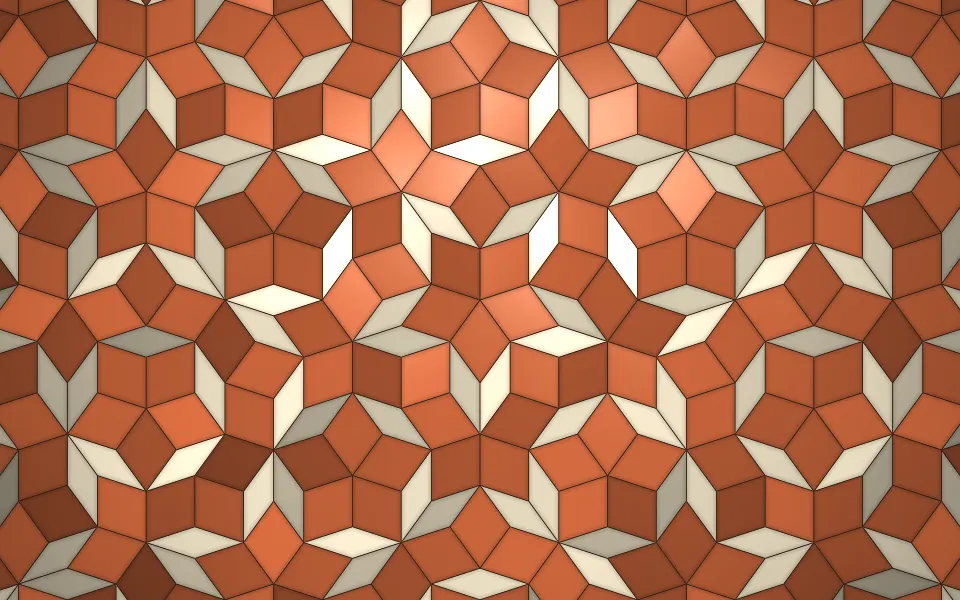
Penrose Tiling Shader
GeometryA flat tiling that never repeats
- Pro
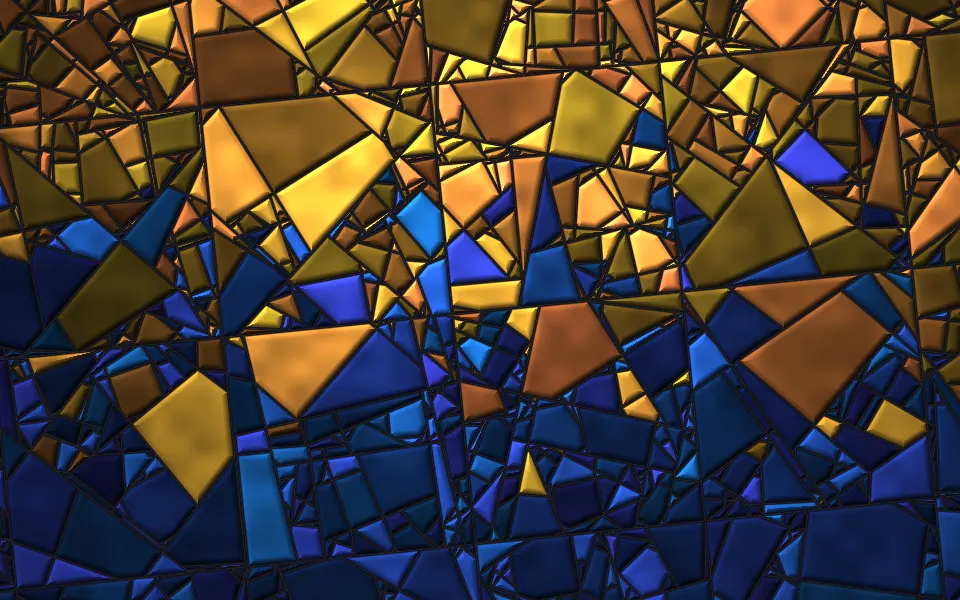
Random Grid Subdivision Shader
Patterns & tilingsStained glass that shifts and re-cuts
- Pro
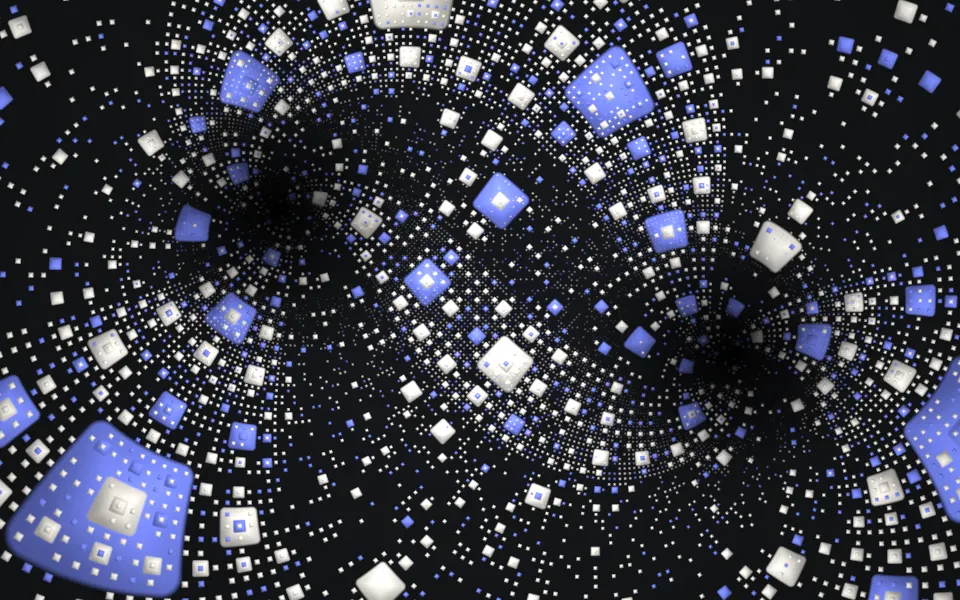
Mobius Sierpinski Shader
Tunnels & 3DA carpet bent by a Möbius map
- Pro
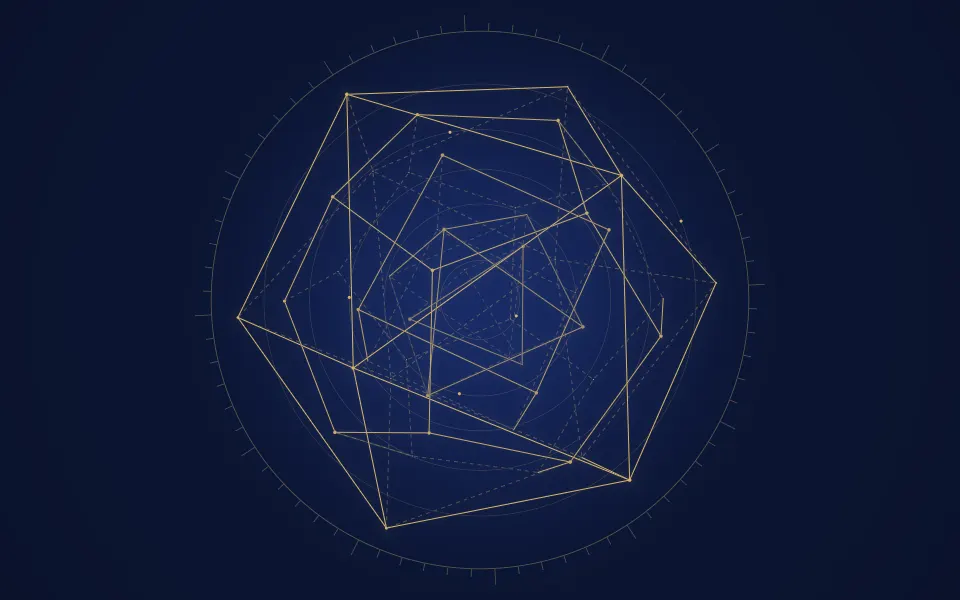
Platonic Solids Shader
GeometryPrecise geometry for an education page