shadcn.io is not affiliated with official shadcn/ui
Penrose Tiling Shader lays an endless floor of Penrose's thick and thin rhombi, in glazed terracotta and cream with dark brown grout. The tiling never repeats, yet fivefold stars and decagons turn up everywhere. Each tile sits at a slightly different tilt, so as a slow light passes over the floor some tiles catch it and others fall into shade, with a glint on the glaze. The view zooms in forever: the tiles grow, and each one in turn splits into smaller thick and thin tiles, the golden ratio smaller, so the floor keeps its scale and the loop never shows a seam.
A WGSL fragment shader on WebGPU finds every pixel's tile on its own: it starts from a wheel of ten triangles and applies Robinson's substitution, the rule that cuts each half-rhombus into smaller ones, nine or ten times, keeping only the triangle that holds the pixel. Use it behind an architecture or interiors hero, a maths or design-education page, or behind a pricing table. For a periodic, random tiling, use Truchet Shader; for a never-repeating pattern of waves rather than tiles, Quasicrystal Shader. It runs only while it's on screen, holds a still frame with reduced motion, and shows a CSS rosette in the same glazes in browsers without WebGPU.
Installation
Usage
import {
  PenroseTilingShader,
} from "@/components/ui/penrose-tiling-shader";<PenroseTilingShader className="flex min-h-[32rem] items-center justify-center">
<div className="rounded-xl bg-[#3a2418]/80 px-8 py-6">
<h1 className="text-5xl font-semibold text-white">Ship faster</h1>
</div>
</PenroseTilingShader>Penrose Tiling Shader is a container: your content sits on top of the floor, in normal flow. It fills its own box, so give it a height or content. For a backdrop behind the whole page, render it empty with className="fixed inset-0 -z-10". The floor mixes dark terracotta and pale cream everywhere, so no text color reads on it bare: put copy on a panel, like the grout-colored bg-[#3a2418]/80 one above, which keeps white text above 7.5:1.
Demos
Panning
zoom={false} stops the zoom, so the tiles keep one size and the floor slides slowly past instead, which suits a pricing table or a long page better. Here thickColor, thinColor and groutColor make it navy and sky tiles with white grout, and grout={2} widens the joints.
Performance
About 0.45 ms of GPU time a frame at 1280×720 on an M2 Max laptop: each pixel takes at most ten small steps to find its tile, whatever the size of the box. Keep quality at 1: the grout lines are a pixel or two wide and go soft at half resolution, and the cost is already small. The animation stops when the shader scrolls out of view, and the browser pauses it in a hidden tab. Every shader on a page shares one GPU device and one frame loop, and vgpu (about 50 KB gzipped) loads only when the first one mounts.
Browser support
The shader needs WebGPU: Chrome and Edge, Safari 26 and later, and Firefox on Windows and macOS. Elsewhere, and until the first frame, the box shows a CSS rosette of terracotta and cream spokes, darkening at the edges, so the layout never jumps. data-state on the root reads unsupported there, if you want to style around it. See Shader Canvas.
Accessibility
The floor is decoration: it's hidden from assistive tech and lets every click through to your content. With reduced motion it draws one still frame, a whole tiling before any tile splits, and stops. Nothing flashes: each tile grows for 10 seconds and splits once in that time, fading into its children over about a second, and the light drifts across and back about once a minute. The contrast inside the floor is high and changes everywhere, so never set text on it bare: a bg-[#3a2418]/80 panel keeps white text above 7.5:1, bg-black/60 above 5.5:1, and bg-white/80 keeps near-black text above 11:1.
FAQ
How is the tiling drawn?
Every Penrose rhombus is two Robinson triangles, and each triangle cuts into two or three smaller ones, the golden ratio smaller, by a fixed rule. The shader starts from a wheel of ten triangles around the center and applies that rule nine or ten times, each time keeping the one triangle that holds the pixel, so it knows the pixel's tile and how far it is from the grout without ever storing the tiling.
How can it zoom forever?
A Penrose tiling looks like itself at every scale: cut every tile by the rule and you get the same tiling, the golden ratio smaller. So the view zooms in by the golden ratio while each tile splits into its children, and after two of those steps the floor is exactly where it started, mirrored, so the shader carries on mirrored. There's no seam and no jump, however long it runs.
Can it stay still instead of zooming?
zoom={false} holds the tiles at one size and pans slowly across the floor. For a still floor, add speed={0}, or set time to a moment in seconds.
Can I change the colors?
Yes: thickColor and thinColor glaze the two tile shapes, and groutColor fills the joints. They take any CSS color, var(--primary) included, and follow a theme switch. grout sets the joints' width, from 0 to 3 CSS pixels, and intensity how strongly the light picks out each tile's tilt, from 0 (a flat, printed look) to 2.
API Reference
PenroseTilingShader
data-slot="penrose-tiling-shader"
fallback?string
What shows until the first frame and in browsers without WebGPU: a CSS
background value (gradients, sizes, a colour) that looks like the
shader. It can use the colour props' --shader-<field> variables.
grout?number
The grout's width, in CSS pixels, from 0 to 3. @default 1.
- Default
1
groutColor?string
The grout's colour. Any CSS colour. @default "#3a2418".
- Default
"#3a2418"
intensity?number
How strongly the passing light picks out each tile's tilt, from 0 (flat) to 2. @default 1.
- Default
1
interactive?boolean
Whether u.pointer follows the pointer. @default false.
paused?boolean
Holds the current frame. @default false.
quality?number
Render scale, from 0.25 to 1, of the screen's pixels (capped at 2×). @default 1.
speed?number
Animation speed: 1 is normal, 0 holds the frame. @default 1.
thickColor?string
The thick rhombi's glaze. Any CSS colour. @default "#c8643b".
- Default
"#c8643b"
thinColor?string
The thin rhombi's glaze. Any CSS colour. @default "#efe2c6".
- Default
"#efe2c6"
time?number
A fixed moment, in seconds: draws it and doesn't animate.
zoom?boolean
Zoom in forever, each tile splitting into smaller ones; false pans slowly across the floor instead. @default true.
- Default
true
render?ReactElement | ((props: object, state: object) => ReactElement)
Replace the host element or compose it with another component.
- Type
ReactElement | ((props: object, state: object) => ReactElement)
className?string
Forwarded to the part.
Related
- Pro
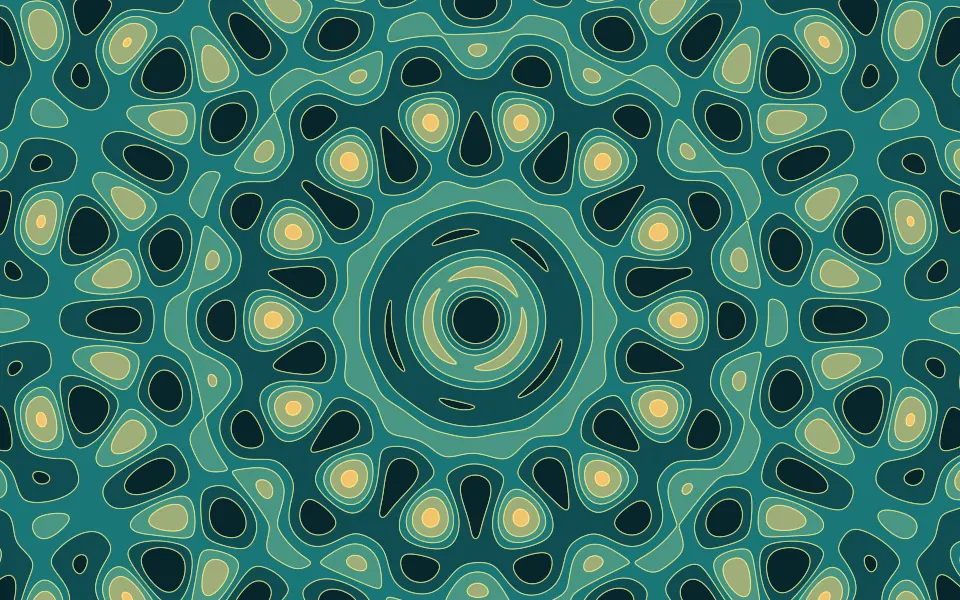
Quasicrystal Shader
GeometryA never-repeating pattern of waves
- Pro
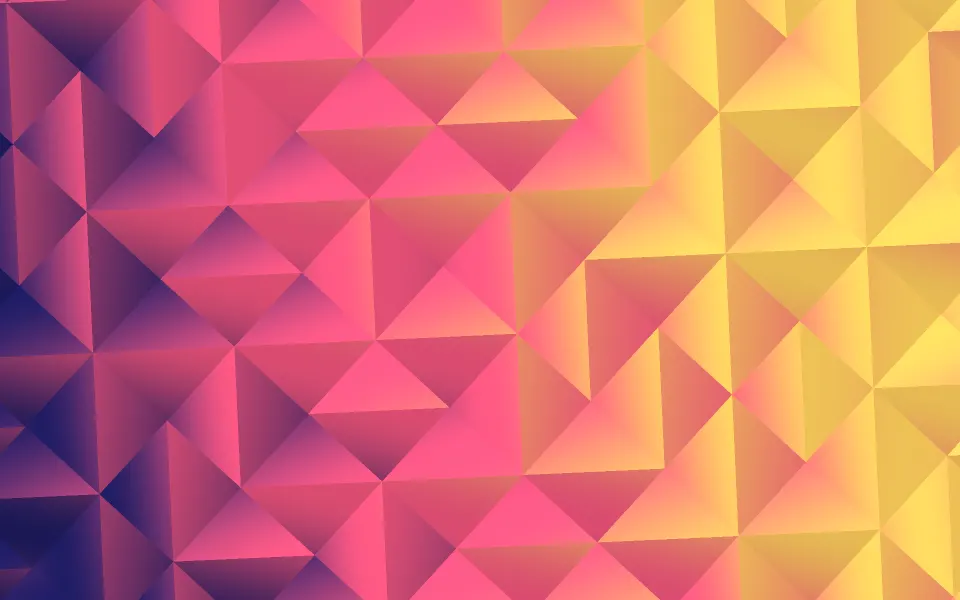
Truchet Shader
Patterns & tilingsA periodic, random tiling
- Pro
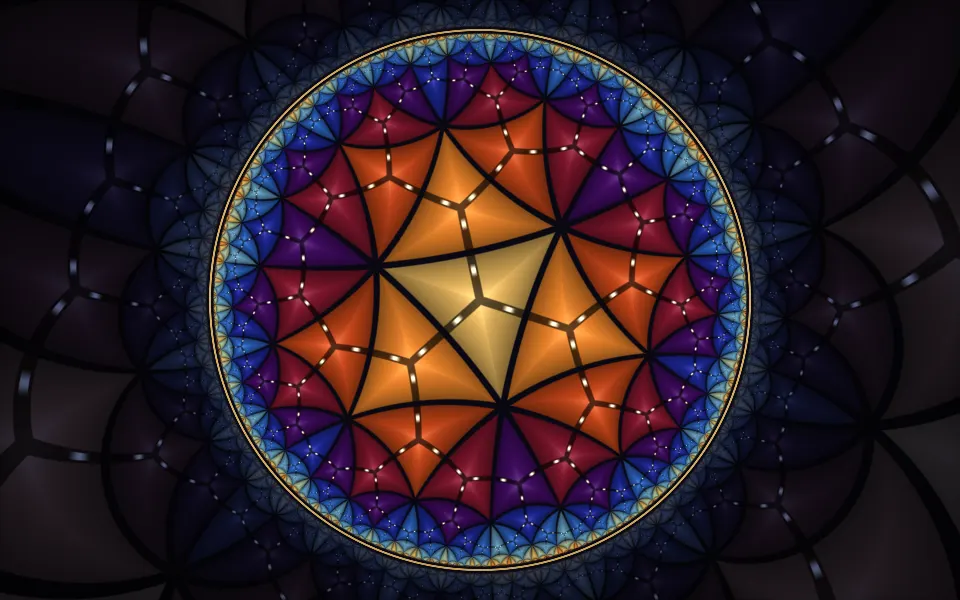
Poincaré Disc Animation Shader
GeometryTiles that shrink forever toward a rim
- Pro

Glazed bands with infinite depth
- Pro
Lattice Light Shader
Light & glassWarm light for an architecture page
- Pro
Triangle Mesh Incircles Shader
Patterns & tilingsA mesh of paper triangles that flexes