shadcn.io is not affiliated with official shadcn/ui
Shaders
ProTriangle Mesh Incircles Shader for React
A triangle mesh drawn on the GPU in ink on paper, with each triangle's inscribed circle as a disc that turns, while the points wander and the triangles flex. For React with Base UI, when a design, engineering or education page wants playful geometry.
Triangle Mesh Incircles Shader draws a mesh of paper triangles joined by ink struts and riveted at the corners, like a print. In every triangle sits its incircle, the largest circle that fits inside, as a flat disc: most are plain paper, some solid in the accent or in ink, and some split in two colors along a line that turns. The mesh points wander on small, slow orbits, so the triangles flex, the discs grow and shrink, and now and then an edge flips to keep the mesh well shaped. A WGSL fragment shader on WebGPU computes it all per pixel, with crisp, anti-aliased lines.
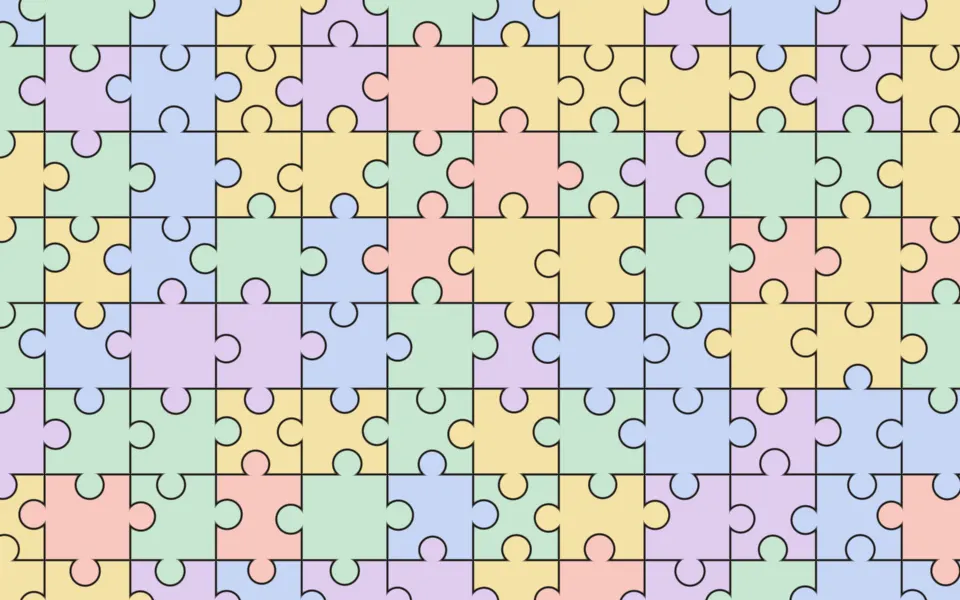
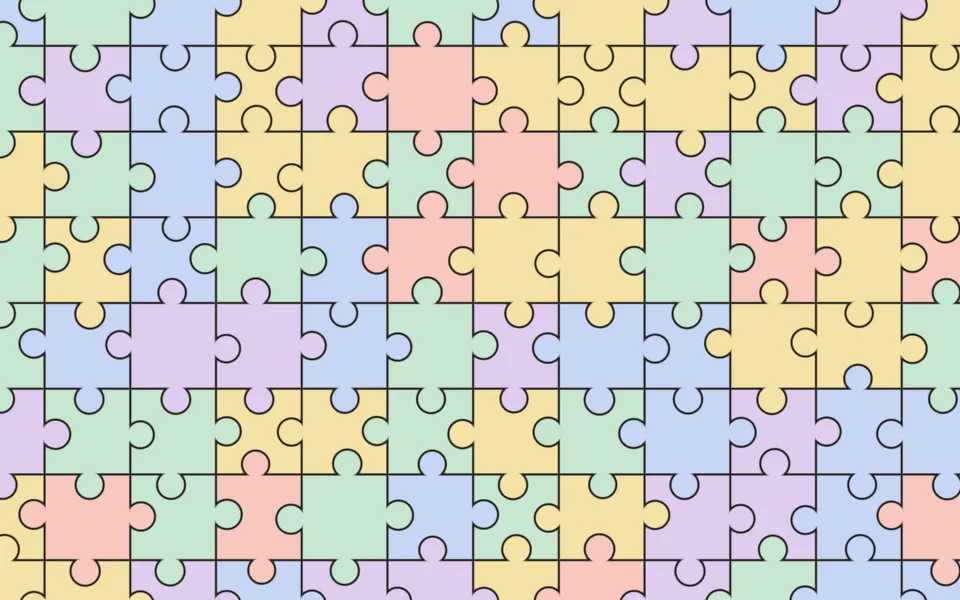
Use it behind a design tool, an engineering or education page, or a playful hero that wants geometry with some character. For flat, interlocking pieces, use Minimal Jigsaw Shader; for a low-poly surface in plain CSS, with no GPU, the Facets background. It runs only while it's on screen, holds a still frame with reduced motion, and shows a CSS sketch of the mesh in the same colors in browsers without WebGPU.
Installation
Usage
import {
  TriangleMeshIncirclesShader,
} from "@/components/ui/triangle-mesh-incircles-shader";<TriangleMeshIncirclesShader className="flex min-h-[32rem] items-center justify-center">
<div className="rounded-xl bg-white/80 px-8 py-6">
<h1 className="text-5xl font-semibold text-stone-950">Ship faster</h1>
</div>
</TriangleMeshIncirclesShader>Triangle Mesh Incircles Shader is a container: your content sits on top of the mesh, in normal flow. It fills its own box, so give it a height or content. For a backdrop behind the whole page, render it empty with className="fixed inset-0 -z-10". With the default paper the mesh is light in both color schemes, but the ink lines and discs cross everything, so set copy on a panel: bg-white/80 keeps black text above 13:1 everywhere, as above.
Demos
Bauhaus
palette="multi" paints the discs in the accent and two hues turned from it, here red, yellow and blue, with ink halves on some. cells={4} makes the mesh coarser, so the triangles and their discs are bigger and calmer.
In a card
palette="mono" uses only ink and paper. Here they're swapped, light ink on dark paper, which reads like chalk on a board: unlike most line art, this design works both ways. The mesh scales with the box, so a card gets the same five rows of points as a hero. It keeps full quality: the struts are 2.5 CSS pixels wide and blur at half resolution.
Performance
About 1 ms of GPU time a frame at 1280×720 on an M2 Max laptop; slower GPUs take several times longer. Each pixel moves 16 mesh points, then tests the lattice quads around it, its own first, until one of their two triangles holds it. circles={false} saves the disc. Keep quality at 1 for crisp lines, and on a slow GPU lower cells rather than quality. The animation stops when the shader scrolls out of view, and the browser pauses it in a hidden tab. Every shader on a page shares one GPU device and one frame loop, and vgpu (about 50 KB gzipped) loads only when the first one mounts.
Browser support
The shader needs WebGPU: Chrome and Edge, Safari 26 and later, and Firefox on Windows and macOS. Elsewhere, and until the first frame, the box shows a CSS sketch of the mesh, crossing ink lines on paper with three discs, so the layout never jumps. data-state on the root reads unsupported there, if you want to style around it. See Shader Canvas.
Accessibility
The mesh is decoration: it's hidden from assistive tech and lets every click through to your content. With reduced motion it draws one still frame and stops. Nothing flashes: the points take seconds to circle, the discs turn slowly, and when an edge flips, only the two triangles beside it change. Ink lines cross everything, so never set body text on the mesh bare: a bg-white/80 panel keeps black text above 13:1, and on dark paper a bg-black/60 panel keeps white text above 6.5:1.
FAQ
What's an incircle?
The largest circle that fits inside a triangle, touching all three sides. Its center is where the angle bisectors meet, which is the corners averaged with each weighted by the length of the side opposite it, and its radius is twice the area divided by the perimeter. The shader insets each disc a few pixels from the struts.
Is it a true Delaunay triangulation?
Not globally: it's a cheap local version. The points are a jittered grid, and each grid square splits into two triangles along the diagonal that passes the Delaunay test, the one whose triangles' circumcircles don't contain the fourth point. That avoids most thin slivers, at the cost of a few per pixel.
Why do triangles flip?
The points keep moving, and when four of them pass the point where both diagonals are equally good, the square switches diagonal. That swaps two triangles and their discs at once, which keeps the mesh well shaped. It happens now and then, never in a wide area at once.
Which palettes are there?
palette="accent", the default, mixes plain paper discs with solid accent and ink ones, and some split in two. multi adds two hues turned from your accent, yellow and blue from the default red. mono uses only ink and paper. accentColor, inkColor and paperColor take any CSS color, var(--primary) included, and follow a theme switch.
Credits
Inspired by Triangle Mesh Incircles (opens in a new tab) by Shane on Shadertoy: a jittered triangle mesh, split by the Delaunay test, with each triangle's incircle. This shader is our own code and design, written from scratch: ink on paper, discs that turn in two colors, three palettes, and a lattice search that tests the pixel's own square first.
API Reference
TriangleMeshIncirclesShader
data-slot="triangle-mesh-incircles-shader"
accentColor?string
The color of the bold discs. Any CSS color. @default "#e4572e".
- Default
"#e4572e"
cells?number
How many mesh points fit the height of the box, from 3 to 9. @default 5.
- Default
5
circles?boolean
Draws each triangle's inscribed disc. @default true.
- Default
true
fallback?string
What shows until the first frame and in browsers without WebGPU: a CSS
background value (gradients, sizes, a colour) that looks like the
shader. It can use the colour props' --shader-<field> variables.
inkColor?string
The lines, rims and dots. Any CSS color. @default "#1d1b22".
- Default
"#1d1b22"
interactive?boolean
Whether u.pointer follows the pointer. @default false.
palette?keyof typeof PALETTES
Which colors the discs take: the accent, the accent and two hues turned from it, or only ink and paper. @default "accent".
- Default
"accent"
paperColor?string
The triangles and the light discs. Any CSS color. @default "#f1eadb".
- Default
"#f1eadb"
paused?boolean
Holds the current frame. @default false.
quality?number
Render scale, from 0.25 to 1, of the screen's pixels (capped at 2×). @default 1.
speed?number
Animation speed: 1 is normal, 0 holds the frame. @default 1.
time?number
A fixed moment, in seconds: draws it and doesn't animate.
render?ReactElement | ((props: object, state: object) => ReactElement)
Replace the host element or compose it with another component.
- Type
ReactElement | ((props: object, state: object) => ReactElement)
className?string
Forwarded to the part.
Related
- Pro
Minimal Jigsaw Shader
Patterns & tilingsFlat, interlocking pieces
- Pro
Penrose Tiling Shader
GeometryThick and thin tiles that never repeat
- Pro
Three-Tap Voronoi Shader
Patterns & tilingsIts dual: Voronoi cells, embossed and glowing
- Pro

Platonic Solids Shader
GeometryPrecise geometry for an education page
- Pro
Random Grid Subdivision Shader
Patterns & tilingsA grid split into shards
- Pro
Photoelastic Shader
Light & glassStress fringes, for an engineering page