shadcn.io is not affiliated with official shadcn/ui
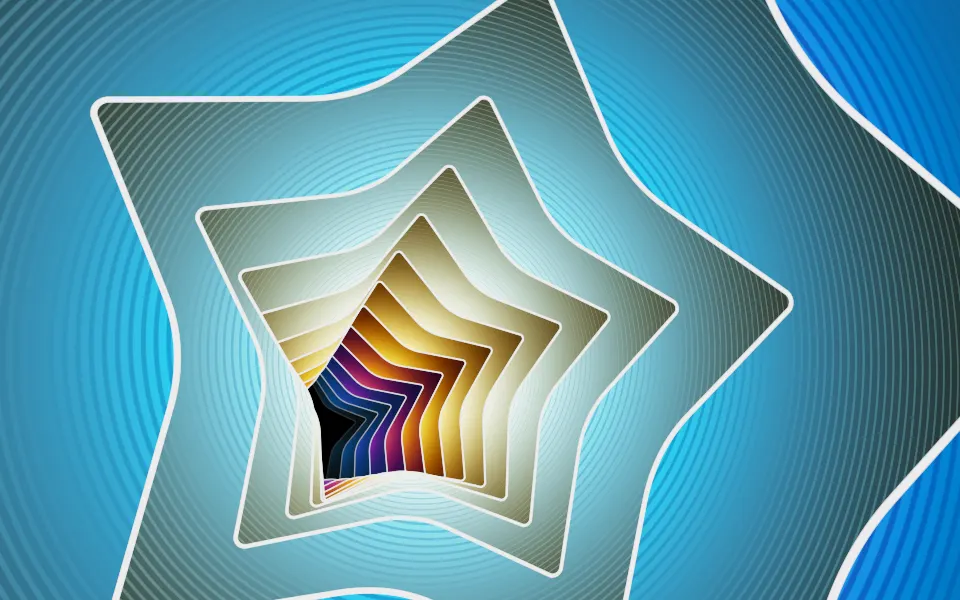
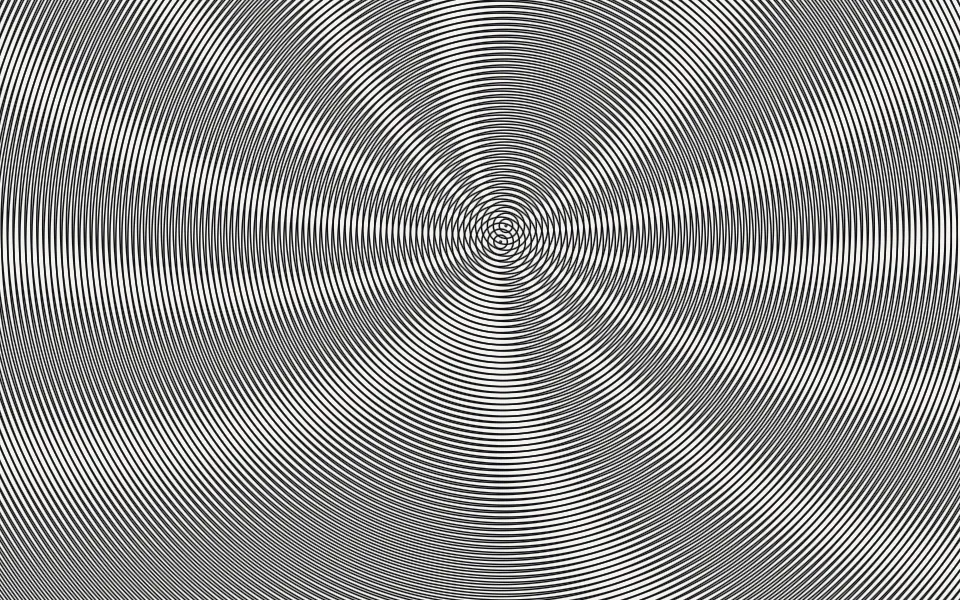
Truchet Kaleidoscope Shader flies a camera down a tunnel of patterned layers. Each layer is a sheet of truchet tiles, quarter circles and diagonals, folded into a kaleidoscope of 10 to 60 mirrored segments and striped like an engraving. Every layer turns its own way, and round holes in each one show the next, down to a soft glow at the far end. A WGSL fragment shader on WebGPU draws every pixel each frame, so the mirrors turn and the layers slide past with crisp, anti-aliased lines.
Use it behind a hero, an art or music page, or a launch that wants ornament rather than noise. For a soft, colorful swirl instead of line art, use Kaleidoscope Shader; for jewel-toned glass in plain CSS, with no GPU, the Kaleidoscope background. It runs only while it's on screen, holds a still frame with reduced motion, and shows a CSS rosette in the same grays in browsers without WebGPU.
Installation
Usage
import {
  TruchetKaleidoscopeShader,
} from "@/components/ui/truchet-kaleidoscope-shader";<TruchetKaleidoscopeShader className="flex min-h-[32rem] items-center justify-center">
<div className="rounded-xl bg-black/60 px-8 py-6">
<h1 className="text-5xl font-semibold text-white">Ship faster</h1>
</div>
</TruchetKaleidoscopeShader>Truchet Kaleidoscope Shader is a container: your content sits on top of the pattern, in normal flow. It fills its own box, so give it a height or content. For a backdrop behind the whole page, render it empty with className="fixed inset-0 -z-10". The pattern is busy black-and-white line art, so no text color reads on it bare: put copy on a panel, like the bg-black/60 one above, which keeps white text above 5.7:1 everywhere.
Demos
Porcelain
inkColor and paperColor recolor the two tones, here navy on cream, and rotationSpeed={0.5} halves how fast the layers turn while the camera keeps its pace. Keep the ink darker than the paper: the depth comes from dark holes and a bright far end, so swapping them gives a photo negative.
In a card
The tunnel scales with its box. segments={30} caps each layer at 30 mirror segments, so the petals are bigger and read at card size. It keeps full quality: the lines are thin and go soft at half resolution, and a card-sized box costs the GPU next to nothing.
Performance
About 0.3 ms of GPU time a frame at 1280×720 on an M2 Max laptop with the default 6 layers, and 0.6 ms with layers={10}. quality={0.5} renders a quarter of the pixels, but the thin lines go soft, so lower layers first. The animation stops when the shader scrolls out of view, and the browser pauses it in a hidden tab. Every shader on a page shares one GPU device and one frame loop, and vgpu (about 50 KB gzipped) loads only when the first one mounts.
Browser support
The shader needs WebGPU: Chrome and Edge, Safari 26 and later, and Firefox on Windows and macOS. Elsewhere, and until the first frame, the box shows a CSS rosette of the same grays, so the layout never jumps. data-state on the root reads unsupported there, if you want to style around it. See Shader Canvas.
Accessibility
The pattern is decoration: it's hidden from assistive tech and lets every click through to your content. With reduced motion it draws one still frame, a rose window inside a black ring, and stops. Nothing flashes: at the default speed the camera takes 3 seconds to reach each layer, and a layer fades out as it passes. The contrast inside the pattern is high and changes everywhere, so never set text on it bare: a bg-black/60 panel keeps white text above 5.7:1, and bg-black/70 above 8.5:1.
FAQ
How do I make it faster or slower?
speed scales time for everything: the camera's flight and the turning layers. rotationSpeed scales only the turning, so rotationSpeed={0} holds the mirrors still while the camera keeps flying. paused holds the frame, and time draws one fixed moment, in seconds.
How do I change how intricate the pattern is?
segments is the most mirror segments a layer can have. Each layer picks an even number between 10 and that, so the default 60 mixes fine rosettes with broad ones, and 20 gives every layer big, bold petals.
How do I change the tunnel's depth?
layers sets how many patterned layers you see down the tunnel, from 1 to 10. The far ones fade into the glow at the end, so more layers make a deeper, busier tunnel, and fewer a shallower, brighter one.
Can I change the colors?
Yes: inkColor is the dark tone (lines, stripes, the rims of the holes) and paperColor the light one (the tiles and the glow). They take any CSS color, var(--primary) included, and follow a theme switch. Keep the ink the darker of the two, or the tunnel turns into a negative.
Credits
Based on Truchet + Kaleidoscope FTW (opens in a new tab) by mrange, released under CC0. The port to WGSL:
- Rewrites the helpers of unknown licence. An integer hash (lowbias32, by Chris Wellons, public domain) replaces the sine hashes, so at a given moment each layer has different tiles and fold counts than the original. Front-to-back blending replaces the alpha-blend helpers. WGSL's built-in
tanhreplaces the approximation, which changes the lens slightly toward the edges of the frame. A new grade (gamma, S-curve and a radial vignette) replaces the post-process, and a triangle wave replaces the mirrored modulo. - Keeps Inigo Quilez's smooth minimum (MIT), with its credit in the source.
- Drops the 4-second fade-in from black: the canvas fades in itself.
- Adds
inkColorandpaperColor, and renames shadcn.io'scomplexityandtunnelDepthtosegmentsandlayers.
API Reference
TruchetKaleidoscopeShader
data-slot="truchet-kaleidoscope-shader"
fallback?string
What shows until the first frame and in browsers without WebGPU: a CSS
background value (gradients, sizes, a colour) that looks like the
shader. It can use the colour props' --shader-<field> variables.
inkColor?string
The dark part: lines, stripes and the rims of the holes. Any CSS colour. @default "black".
- Default
"black"
interactive?boolean
Whether u.pointer follows the pointer. @default false.
layers?number
How many patterned layers you see down the tunnel, from 1 to 10. @default 6.
- Default
6
paperColor?string
The light part: the tiles and the glow at the far end. Any CSS colour. @default "white".
- Default
"white"
paused?boolean
Holds the current frame. @default false.
quality?number
Render scale, from 0.25 to 1, of the screen's pixels (capped at 2×). @default 1.
rotationSpeed?number
How fast the layers turn, on top of speed: 0 holds the mirrors still. @default 1.
- Default
1
segments?number
The most mirror segments a layer can have: each picks an even number from 10 to this. @default 60.
- Default
60
speed?number
Animation speed: 1 is normal, 0 holds the frame. @default 1.
time?number
A fixed moment, in seconds: draws it and doesn't animate.
render?ReactElement | ((props: object, state: object) => ReactElement)
Replace the host element or compose it with another component.
- Type
ReactElement | ((props: object, state: object) => ReactElement)
className?string
Forwarded to the part.
Related
- Pro
Kaleidoscope Shader
Patterns & tilingsA soft, colorful swirl instead of line art
- Pro
Truchet Shader
Patterns & tilingsThe tiles flat and in color
- Pro
Simplex Truchet Weave Shader
Patterns & tilingsTruchet arcs woven as cord
- Pro
Mobius Sierpinski Shader
Tunnels & 3DA mathematical pattern streaming between two eyes
- Pro
Starry Planes Shader
SpaceAnother flight through cut-out layers
- Pro
Moire Shader
GeometryBlack-and-white lines that beat into fringes