shadcn.io is not affiliated with official shadcn/ui
Shaders
ProNoise Contours Shader for React
Glossy enamel contours drawn on the GPU: morphing noise cut into crimson bands, silver plateaus and small violet-blue islands, with thick outlines and white glints. For React with Base UI, when a poster-style hero, a music or a fashion page wants a bold, graphic pattern.
Noise Contours Shader cuts slowly morphing noise into levels and paints them like enamel or liquid vinyl. Most of the surface is a wide crimson band with a brushed, streaky grain, between silver plateaus shaded up each terrace, and the highest ground breaks through as small violet-blue islands, sometimes with a silver dot inside. Thick, dark outlines run along every edge, and white glints catch the crests that face the top left. The noise's gradients turn in place rather than scroll, so the blobs swell, merge and split without drifting. A WGSL fragment shader on WebGPU draws every pixel each frame, for under half a millisecond of GPU time.
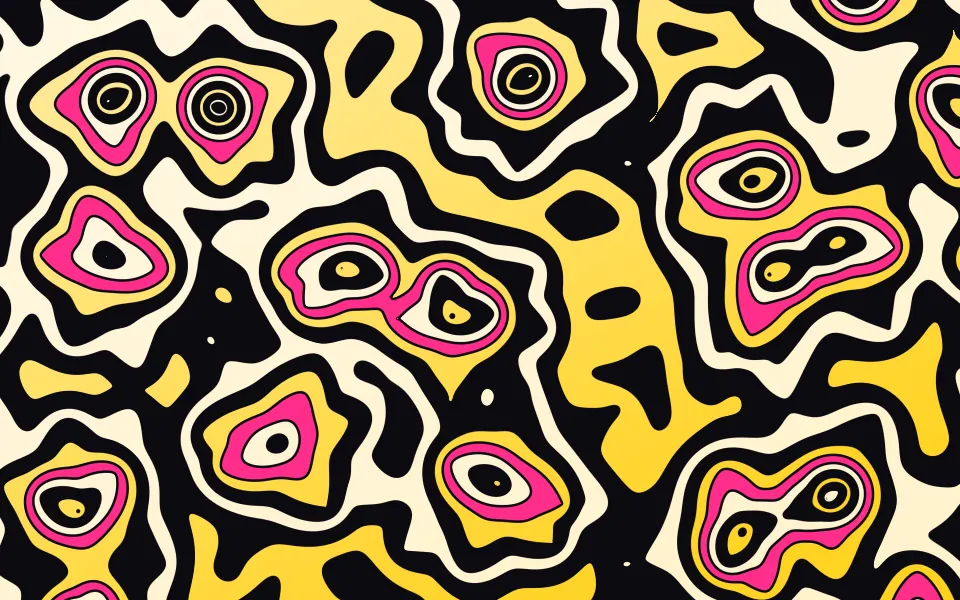
Use it behind a poster-style hero, a music, fashion or event page, or anything that wants loud, graphic texture. For playful topographic rings in ink, cream and sunflower, use Smooth Voronoi Contours Shader; for thin, even contour lines over soft noise, Smooth Noise Contours Shader; for a calm map in plain CSS, the Topography background. It runs only while it's on screen, holds a still frame with reduced motion, and shows CSS rings in the same colors in browsers without WebGPU.
Installation
Usage
import {
  NoiseContoursShader,
} from "@/components/ui/noise-contours-shader";<NoiseContoursShader className="flex min-h-[32rem] items-center justify-center">
<div className="rounded-xl bg-black/60 px-8 py-6">
<h1 className="text-5xl font-semibold text-white">Ship faster</h1>
</div>
</NoiseContoursShader>Noise Contours Shader is a container: your content sits on top of the pattern, in normal flow. It fills its own box, so give it a height or content. For a backdrop behind the whole page, render it empty with className="fixed inset-0 -z-10". The pattern swings from black outlines to silver within a few pixels, so no text color reads on it bare: put copy on a panel, like the bg-black/60 one above, which keeps white text above 5.7:1 everywhere. Big, heavy display type on it can work as a graphic, but not as something to read.
Demos
Retro
bandColor and islandColor recolor the two painted levels, here orange and teal. bands={8} cuts the noise into more, narrower levels, and the painted ones are still the third and the fifth, so they sit lower: the teal spreads through the middle ground and the orange through the valleys, for a busier, two-color map.
In a card
tint={0} takes the color out of both painted levels, leaving liquid chrome: silver terraces, black outlines and white glints. It keeps full quality: the outlines and glints are a few pixels wide and blur at half resolution.
Performance
About 0.4 ms of GPU time a frame at 1280×720 on an M2 Max laptop; slower GPUs take several times longer. Each pixel evaluates three gradient noises, two for the field and one for the grain, and gets the field's slope exactly from the same math, so bands, scale and gloss don't change the cost. Keep quality at 1: the outlines and glints are thin and the shader is cheap enough not to need less. The animation stops when the shader scrolls out of view, and the browser pauses it in a hidden tab. Every shader on a page shares one GPU device and one frame loop, and vgpu (about 50 KB gzipped) loads only when the first one mounts.
Browser support
The shader needs WebGPU: Chrome and Edge, Safari 26 and later, and Firefox on Windows and macOS. Elsewhere, and until the first frame, the box shows concentric CSS rings of silver, black and the band color around an island, so the layout never jumps. data-state on the root reads unsupported there, if you want to style around it. See Shader Canvas.
Accessibility
The pattern is decoration: it's hidden from assistive tech and lets every click through to your content. With reduced motion it draws one still frame and stops. Nothing flashes: each of the noise's gradients takes 11 to 25 seconds to turn once, so the blobs morph slowly and the glints slide rather than blink. The contrast inside the pattern is high, so never set small text on it bare: a bg-black/60 panel keeps white text above 5.7:1, and bg-black/70 above 8.5:1.
FAQ
How are the edges kept smooth without multisampling?
The shader knows the noise's exact slope at every pixel, computed alongside the noise itself. Dividing the distance to the next level by that slope turns it into pixels, so each outline is drawn a fixed number of pixels wide and fades over about one pixel, crisp at any scale and on any screen.
Which levels get color?
The noise is cut into bands levels from low to high. The third one takes bandColor, and the fifth takes islandColor. At the default 6 levels the third spreads across most of the box and only the highest ground reaches the fifth, so it forms small islands; with more levels both sit lower and spread further. The rest are silver. So the band color needs bands of 3 or more, and the islands 5 or more.
Do more bands cost more?
No. The noise is computed once per pixel whatever the count; bands only changes where the levels are cut, so 3 and 12 cost the same.
Can I change the red and the blue?
Yes: bandColor and islandColor take any CSS color, var(--primary) included, and follow a theme switch. tint blends both toward silver, from 1 (full color) to 0 (all chrome), and gloss sets the glints, from 0 (matte) to 2 (wet).
Credits
Inspired by a 2D noise contours shader (opens in a new tab) by Shane on Shadertoy. This is a new shader written from the idea, not a port: its own flow noise and hash, band layout, outlines, glints, grain and colors. The noise's exact slope follows Inigo Quilez's article on noise derivatives (opens in a new tab) (MIT).
API Reference
NoiseContoursShader
data-slot="noise-contours-shader"
bandColor?string
The wide coloured band, the third level (needs bands of 3 or more). Any CSS colour. @default "#e0193a".
- Default
"#e0193a"
bands?number
How many levels the noise is cut into, from 3 to 12. @default 6.
- Default
6
fallback?string
What shows until the first frame and in browsers without WebGPU: a CSS
background value (gradients, sizes, a colour) that looks like the
shader. It can use the colour props' --shader-<field> variables.
gloss?number
The specular glints along the crests, from 0 (matte) to 2 (wet). @default 1.
- Default
1
interactive?boolean
Whether u.pointer follows the pointer. @default false.
islandColor?string
The small islands, the fifth level (needs bands of 5 or more). Any CSS colour. @default "#3b2fd0".
- Default
"#3b2fd0"
paused?boolean
Holds the current frame. @default false.
quality?number
Render scale, from 0.25 to 1, of the screen's pixels (capped at 2×). @default 1.
scale?number
Blob size: higher packs more, smaller blobs, from 0.5 to 2. @default 1.
- Default
1
speed?number
Animation speed: 1 is normal, 0 holds the frame. @default 1.
time?number
A fixed moment, in seconds: draws it and doesn't animate.
tint?number
How much colour the two coloured levels take, from 0 (all silver) to 1. @default 1.
- Default
1
render?ReactElement | ((props: object, state: object) => ReactElement)
Replace the host element or compose it with another component.
- Type
ReactElement | ((props: object, state: object) => ReactElement)
className?string
Forwarded to the part.
Related
- Pro
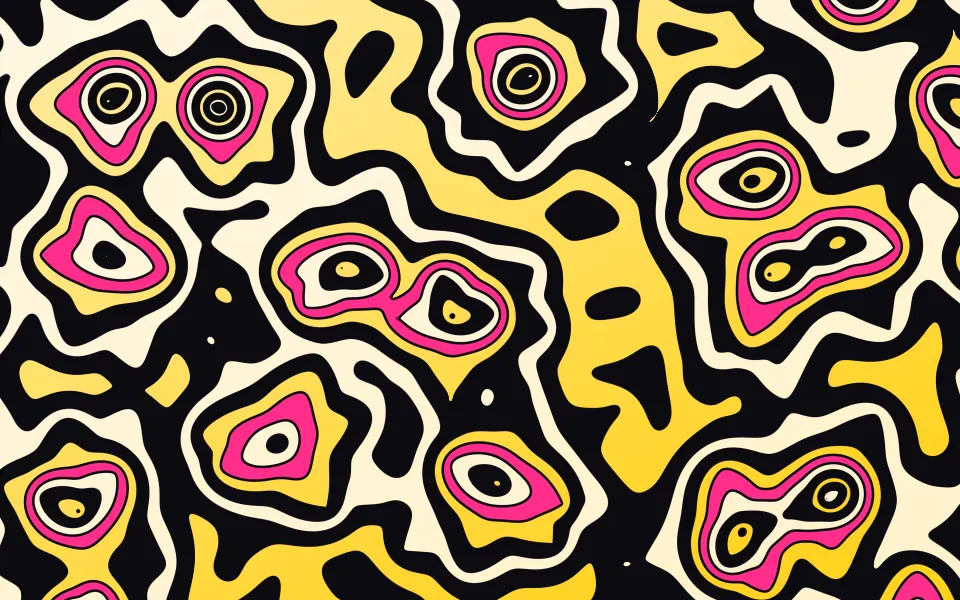
Smooth Voronoi Contours Shader
Patterns & tilingsTopographic rings in ink, cream and sunflower
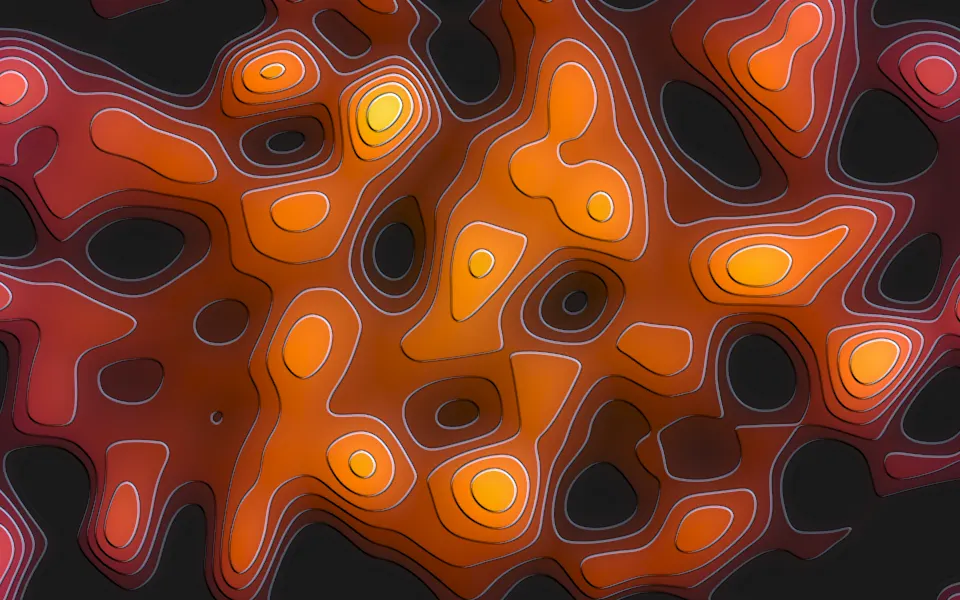
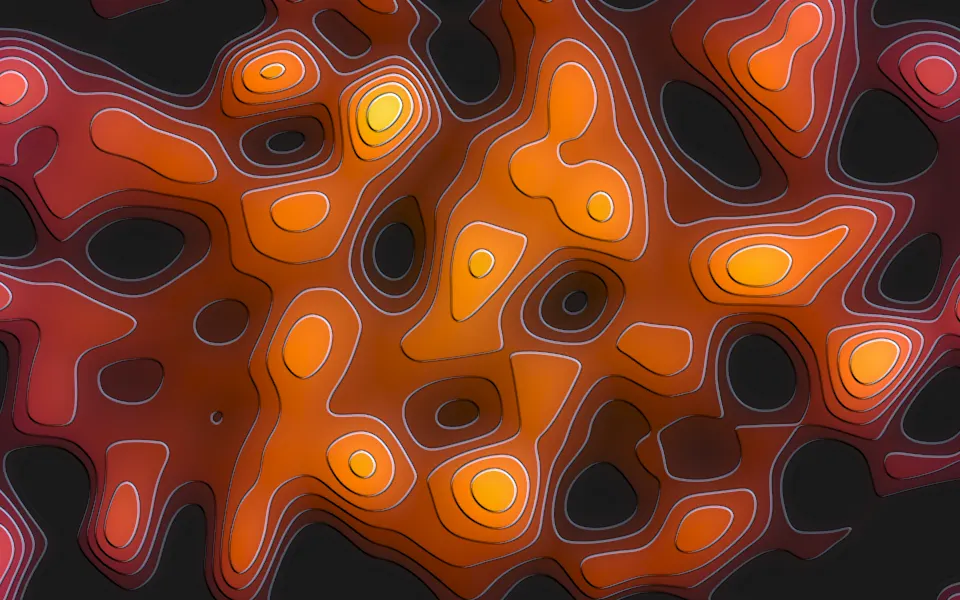
Smooth Noise Contours Shader
Patterns & tilingsEmbossed terraces of a heat map, free
- Pro
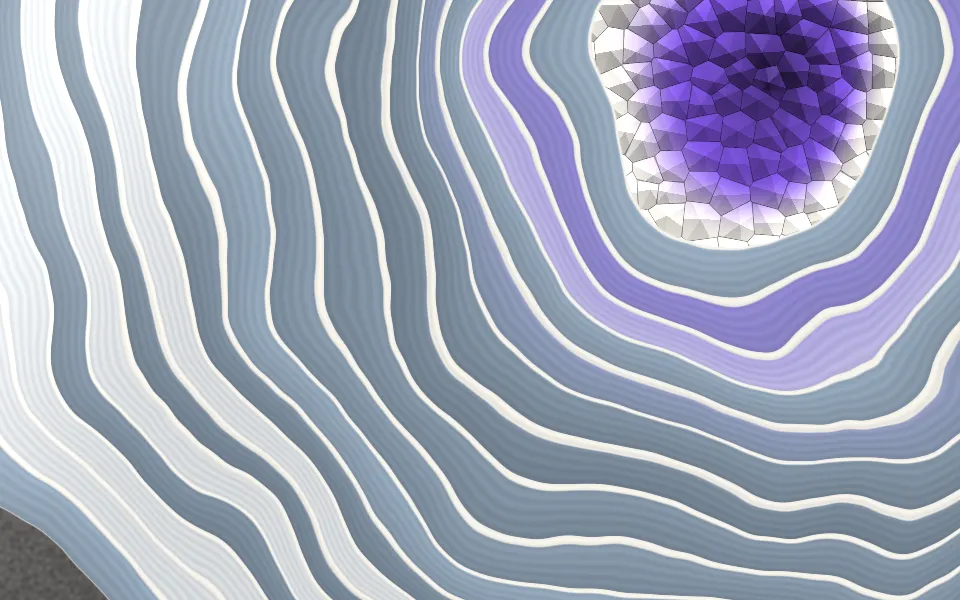
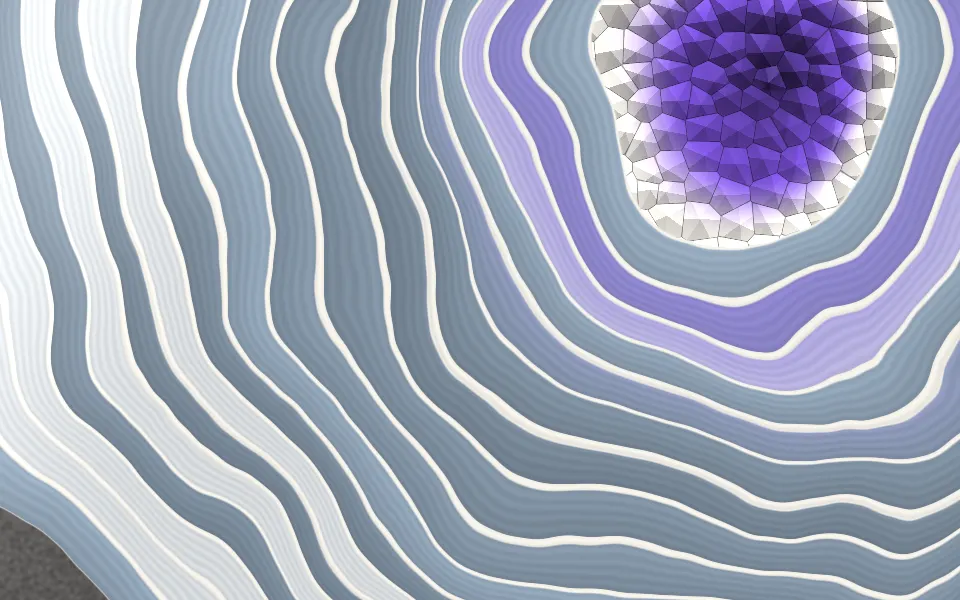
Agate Geode Shader
SpaceContour bands in a polished stone
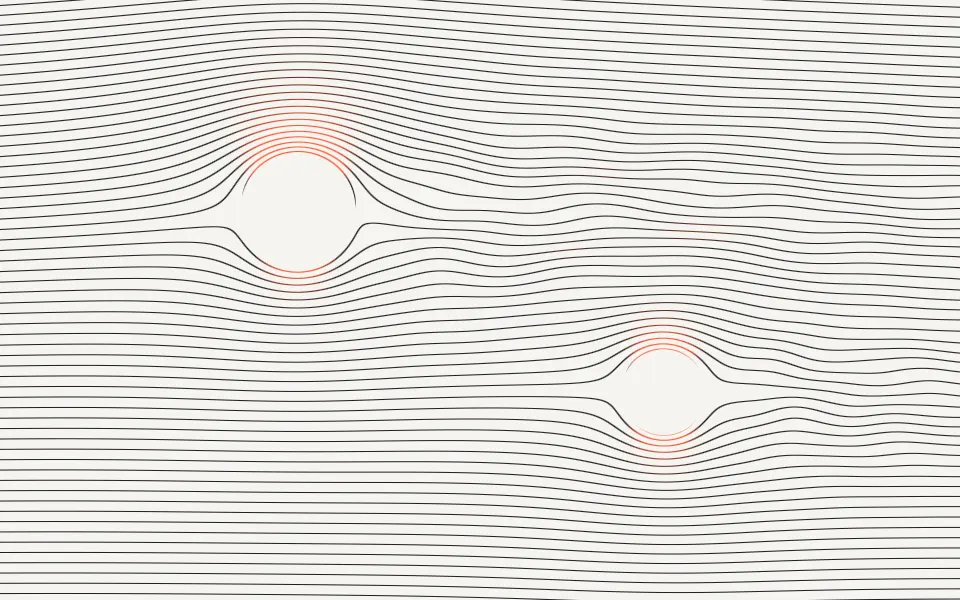
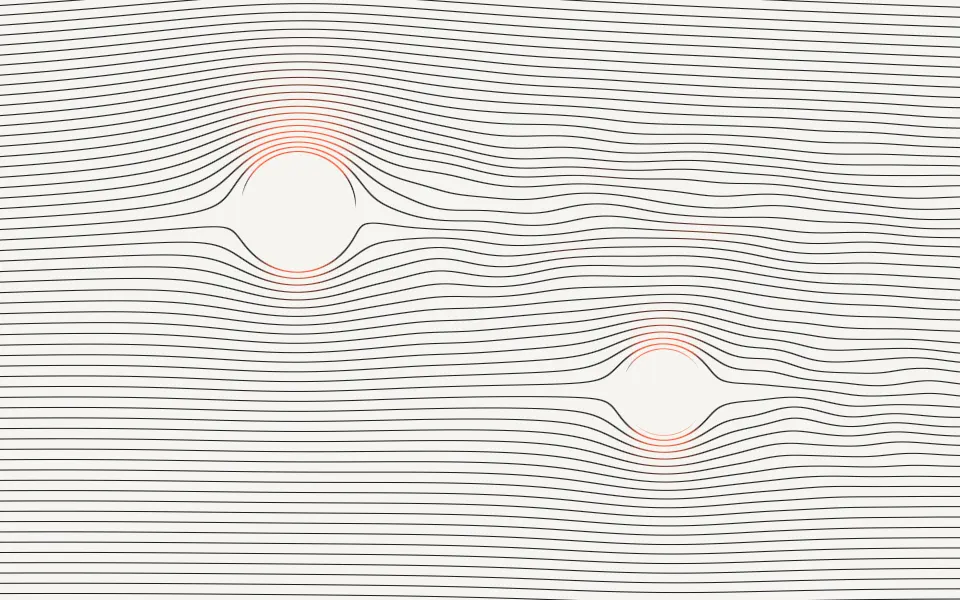
Streamlines Shader
Flow & gradientsHairline flow lines, calm and free
- Pro
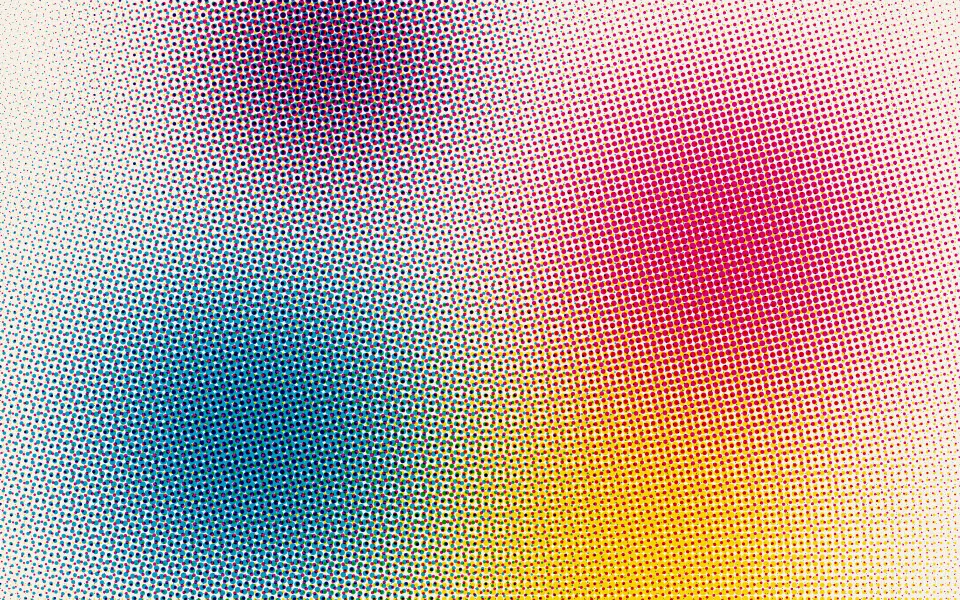
CMYK Halftone Shader
Digital & retroAnother poster-style print look
- Pro
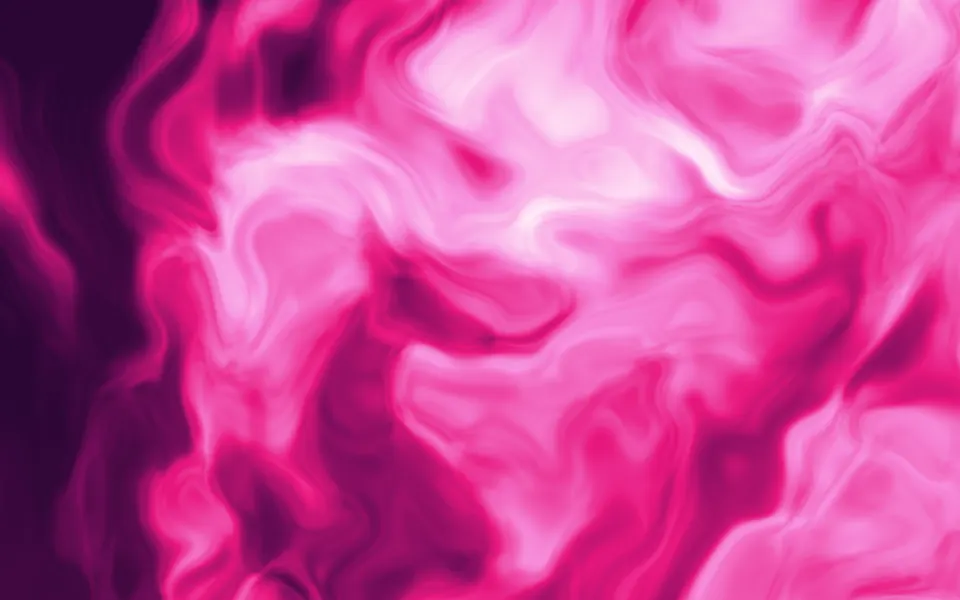
Warped Noise Shader
Flow & gradientsThe same morphing noise, as liquid ink