shadcn.io is not affiliated with official shadcn/ui
Smooth Noise Contours Shader draws a topographic heat island. Smooth 3D noise drifts slowly across the box and is cut into flat terraces, from dark maroon at the shore through crimson and burnt orange to amber and yellow-white summits, on near-black. Every terrace edge is embossed, with a soft shadow below and a thin pale-blue highlight above, so the map reads like a stack of cut card. The hue turns redder toward the edges and the corners fall to black. A WGSL fragment shader on WebGPU draws it, and its terrace steps are anti-aliased with screen-space derivatives, so they stay smooth at any zoom.
Use it behind a maps, outdoor or climate product, a data or stats section, or anywhere that wants a terrain with depth. For thin, quiet contour lines in your theme's colors, in CSS, use the Topography background; for contours over Voronoi cells, Smooth Voronoi Contours Shader. It runs only while it's on screen, holds a still frame with reduced motion, and shows a CSS heat map with contour rings in browsers without WebGPU.
Installation
Usage
import {
  SmoothNoiseContoursShader,
} from "@/components/ui/smooth-noise-contours-shader";<SmoothNoiseContoursShader className="flex min-h-[32rem] items-center justify-center">
<div className="rounded-xl bg-black/60 px-8 py-6">
<h1 className="text-5xl font-semibold text-white">Ship faster</h1>
</div>
</SmoothNoiseContoursShader>Smooth Noise Contours Shader is a container: your content sits on top of the map, in normal flow. It fills its own box, so give it a height or content. For a backdrop behind the whole page, render it empty with className="fixed inset-0 -z-10". The summits are bright and the hollows near-black, so white text needs a panel: bg-black/60 keeps it above 5.7:1 everywhere.
Demos
Glacier
hue={0.5} turns the palette half way round the color wheel, so the heat becomes ice blue and teal, and levels={14} cuts the terrain into finer terraces, like a detailed survey map.
In a card
The terrain scales with its box: a card shows the same number of islands as a hero, only smaller. It keeps full quality, because the terrace edges and their highlights are a pixel or two wide.
Performance
About 1 ms of GPU time a frame at 1280×720 on an M2 Max laptop: each pixel reads the noise seven times, once for the map and six times for the emboss and the highlight. levels doesn't change the cost. Keep quality at 1: the edges are thin and go soft at half resolution. The animation stops when the shader scrolls out of view, and the browser pauses it in a hidden tab. Every shader on a page shares one GPU device and one frame loop, and vgpu (about 50 KB gzipped) loads only when the first one mounts.
Browser support
The shader needs WebGPU: Chrome and Edge, Safari 26 and later, and Firefox on Windows and macOS. Elsewhere, and until the first frame, the box shows a CSS heat map, yellow at the center through orange and maroon to black, under faint contour rings, so the layout never jumps. The CSS still keeps the default heat colors whatever hue is. data-state on the root reads unsupported there, if you want to style around it. See Shader Canvas.
Accessibility
The map is decoration: it's hidden from assistive tech and lets every click through to your content. With reduced motion it draws one still frame of the terraces and stops. Nothing flashes: the terrain drifts and reshapes itself over several seconds. The map runs from near-black to near-white, so never set text on it bare: a bg-black/60 panel keeps white text above 5.7:1, and one of its own near-black (bg-[#161616]/80) above 9.6:1.
FAQ
How are the terrace edges anti-aliased?
Each step is a smooth floor: where the noise crosses a level, the step ramps over exactly one pixel, measured with the screen-space derivative fwidth. So the edges are smooth at any size or screen density without supersampling, and the emboss and highlight come from the same smoothed terraces, read a pixel and a half to each side.
How many levels can I use?
levels cuts the terrain into 3 to 16 terraces. Fewer gives broad, poster-like plateaus; more a fine survey map. The cost is the same at any count.
Can I change the palette?
hue turns the whole palette round the color wheel, in turns: 0.25 gives violet and pink, 0.5 ice blue and teal. lineColor sets the highlight along each edge, any CSS color, and follows a theme switch. emboss sets how deep the edges' shadow is, from 0 (flat) to 2.
How do I change the size of the islands?
scale sets how much terrain fits in the box, from 0.5 to 2: 2 packs in more, smaller islands, 0.5 shows a few large ones. It's measured against the box's height, so a card and a hero show the same number.
Credits
Based on Smooth Noise Contours (opens in a new tab) by Shane, released under CC BY-SA 4.0 (opens in a new tab). This component is CC BY-SA 4.0 too, and its file starts with that notice. The port to WGSL:
- Replaces the sine hash with an integer one (lowbias32, by Chris Wellons, public domain), so the noise is the same on every GPU and never degrades on a page left open for hours. The terrain looks the same but its islands fall in different places; with Shane's hash swapped back in, the port matches the original to the pixel.
- Measures the emboss in CSS pixels, so the edges keep their width on high-density screens.
- Renames shadcn.io's
noiseScale,contourLevelsandedgeIntensitytoscale,levelsandemboss, and addshueandlineColor.
API Reference
SmoothNoiseContoursShader
data-slot="smooth-noise-contours-shader"
emboss?number
How deep each terrace edge's emboss is, from 0 (flat) to 2. @default 1.
- Default
1
fallback?string
What shows until the first frame and in browsers without WebGPU: a CSS
background value (gradients, sizes, a colour) that looks like the
shader. It can use the colour props' --shader-<field> variables.
hue?number
Turns the palette's hue, in turns: 0.5 makes the heat cool blue. @default 0.
- Default
0
interactive?boolean
Whether u.pointer follows the pointer. @default false.
levels?number
How many terraces the terrain is cut into, from 3 to 16. @default 9.
- Default
9
lineColor?string
The thin highlight along each terrace edge. Any CSS colour. @default "#80b3ff".
- Default
"#80b3ff"
paused?boolean
Holds the current frame. @default false.
quality?number
Render scale, from 0.25 to 1, of the screen's pixels (capped at 2×). @default 1.
scale?number
The size of the islands, from 0.5 to 2: higher packs in more, smaller ones. @default 1.
- Default
1
speed?number
Animation speed: 1 is normal, 0 holds the frame. @default 1.
time?number
A fixed moment, in seconds: draws it and doesn't animate.
render?ReactElement | ((props: object, state: object) => ReactElement)
Replace the host element or compose it with another component.
- Type
ReactElement | ((props: object, state: object) => ReactElement)
className?string
Forwarded to the part.
Related
- Pro
Smooth Voronoi Contours Shader
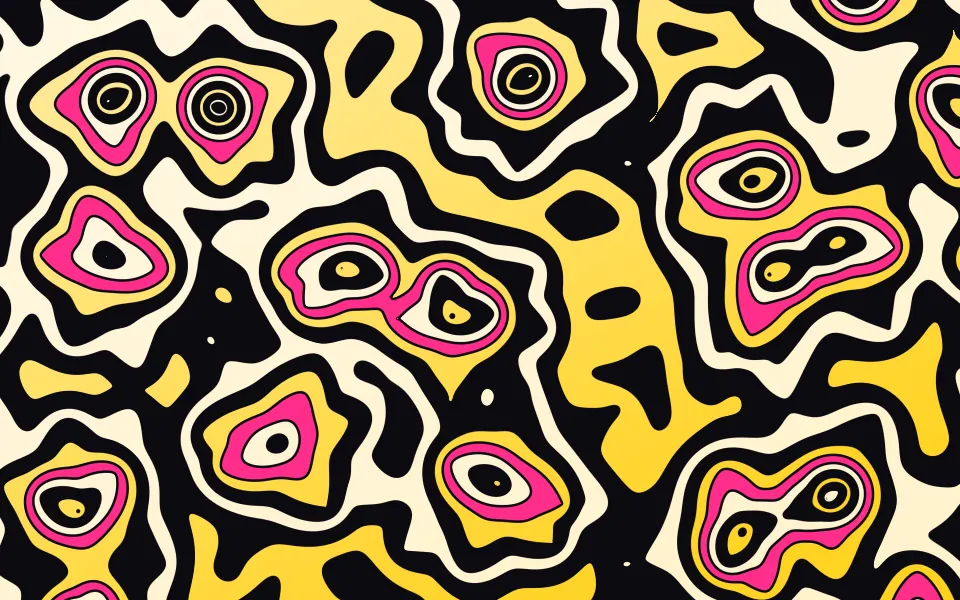
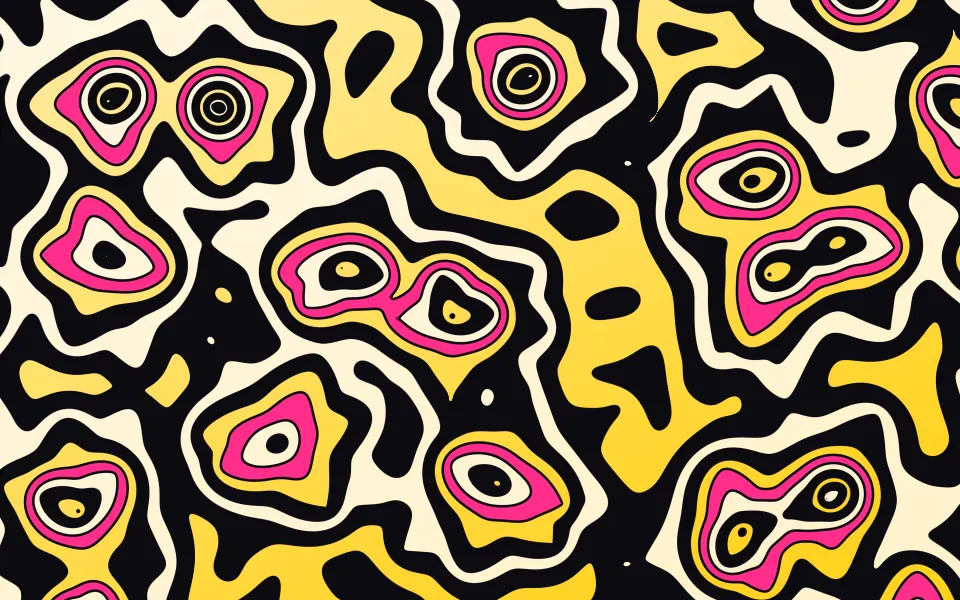
Patterns & tilingsContours over Voronoi cells, poster-style
- Pro
Noise Contours Shader
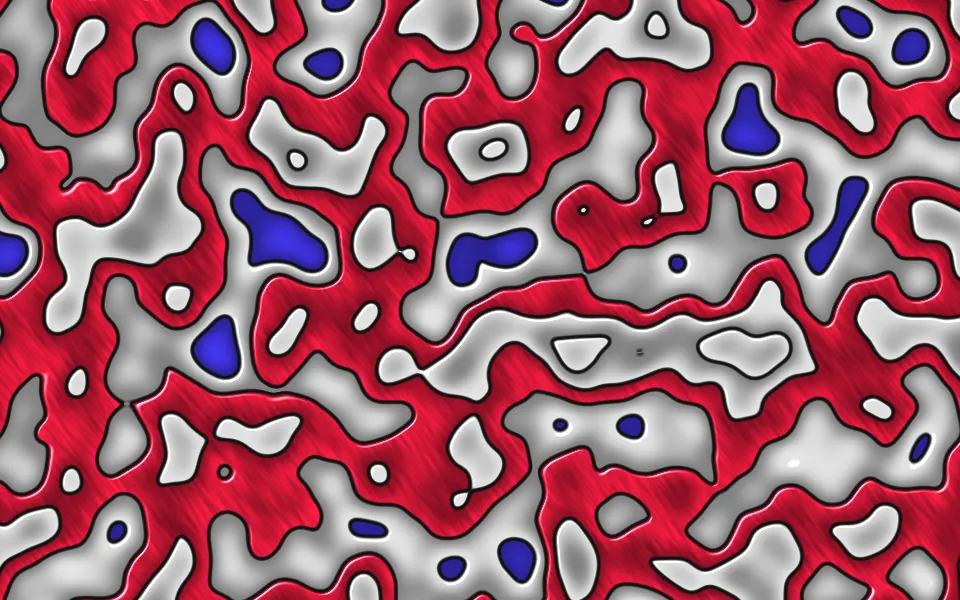
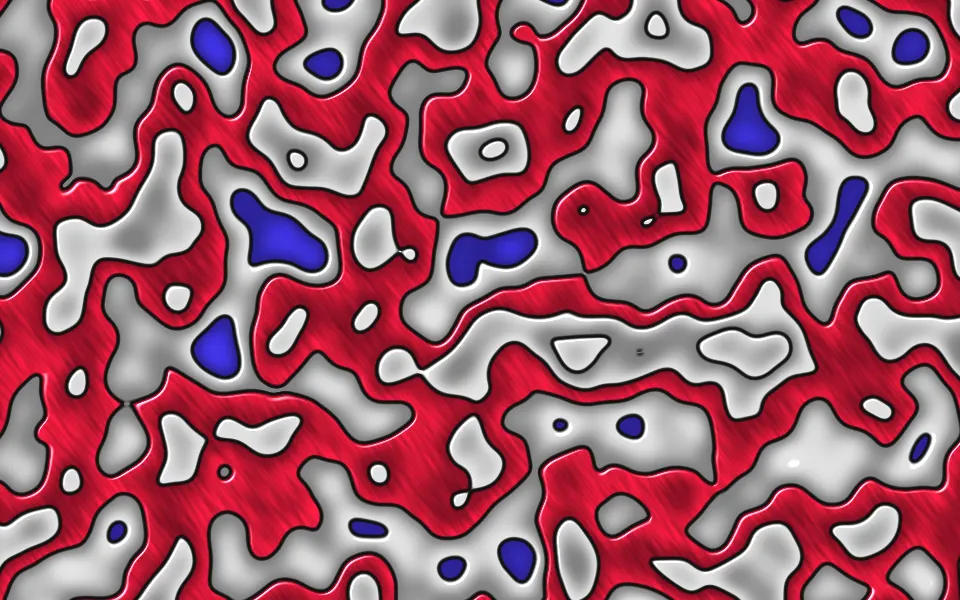
Patterns & tilingsGlossy enamel bands, louder
- Pro
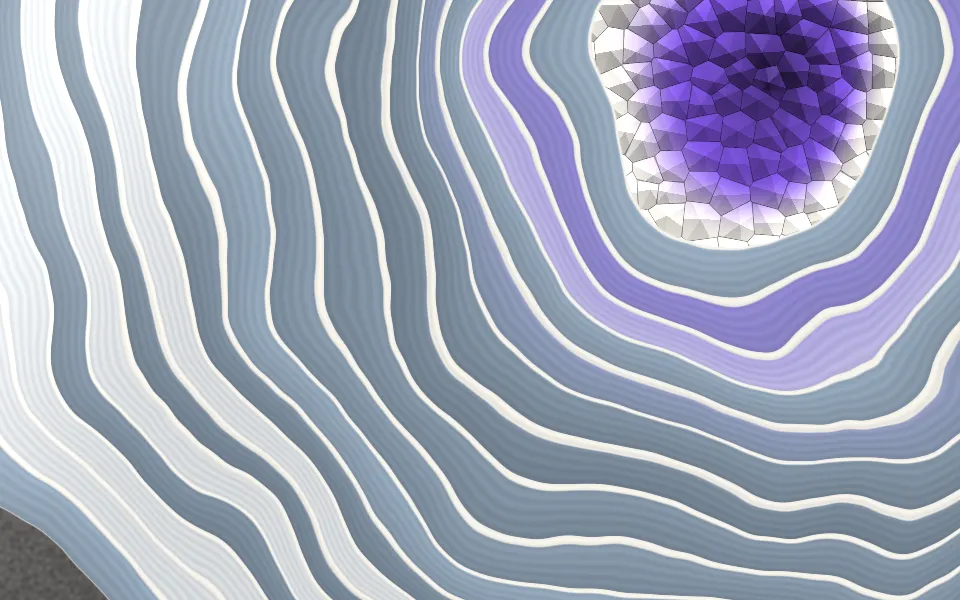
Agate Geode Shader
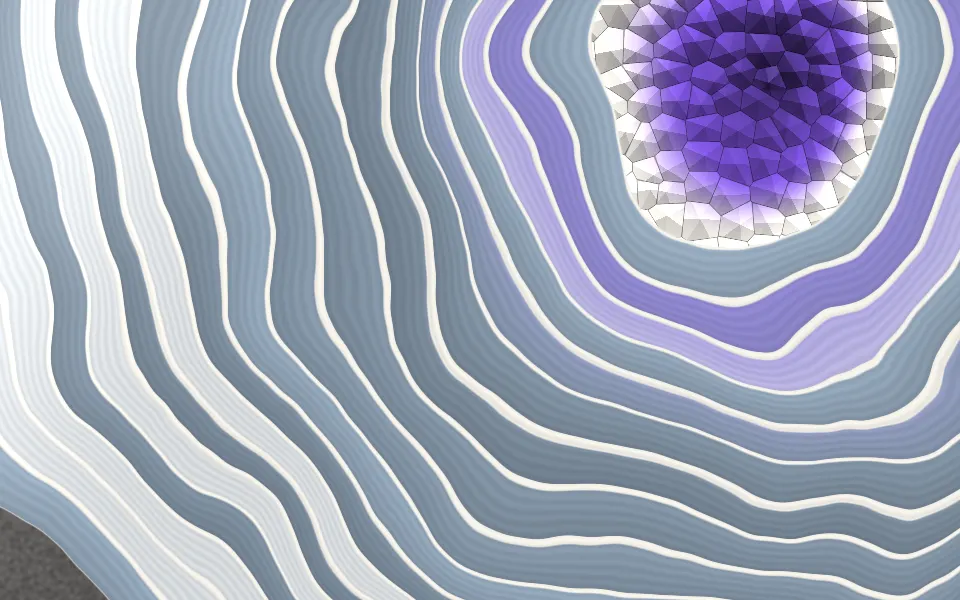
SpaceContour bands cut through stone
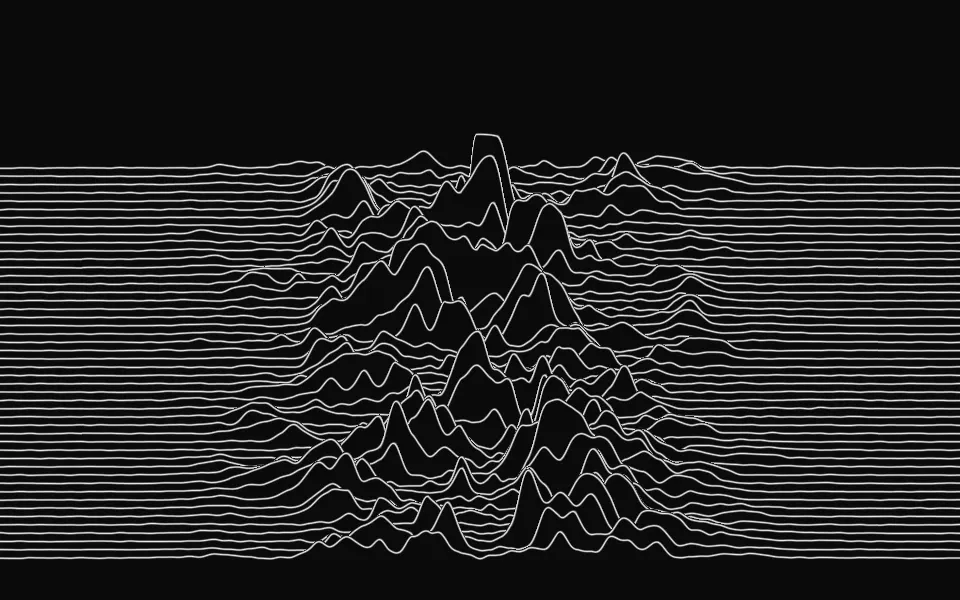
Ridgeline Shader
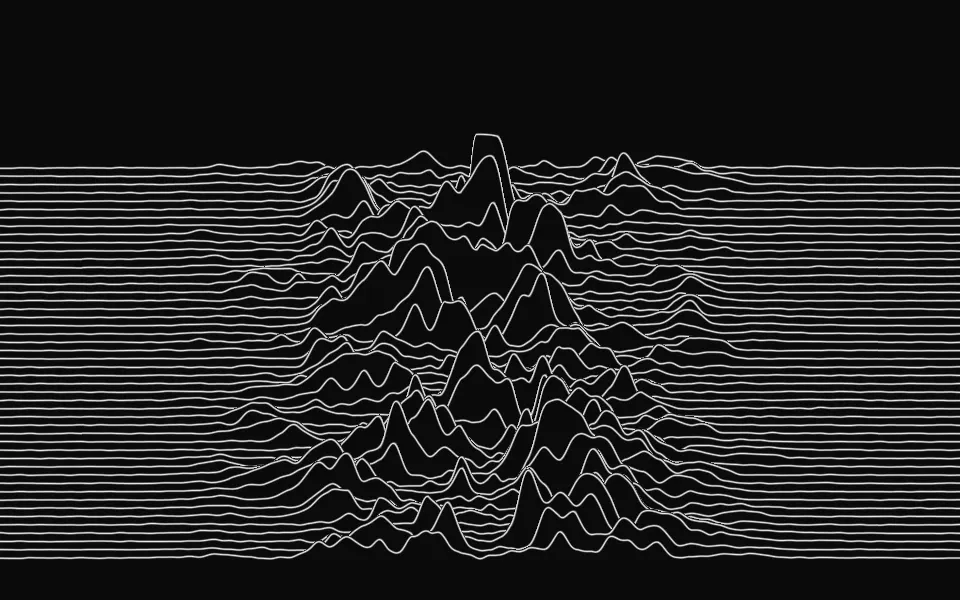
Digital & retroNoisy peaks as a stacked line plot, free
- Pro
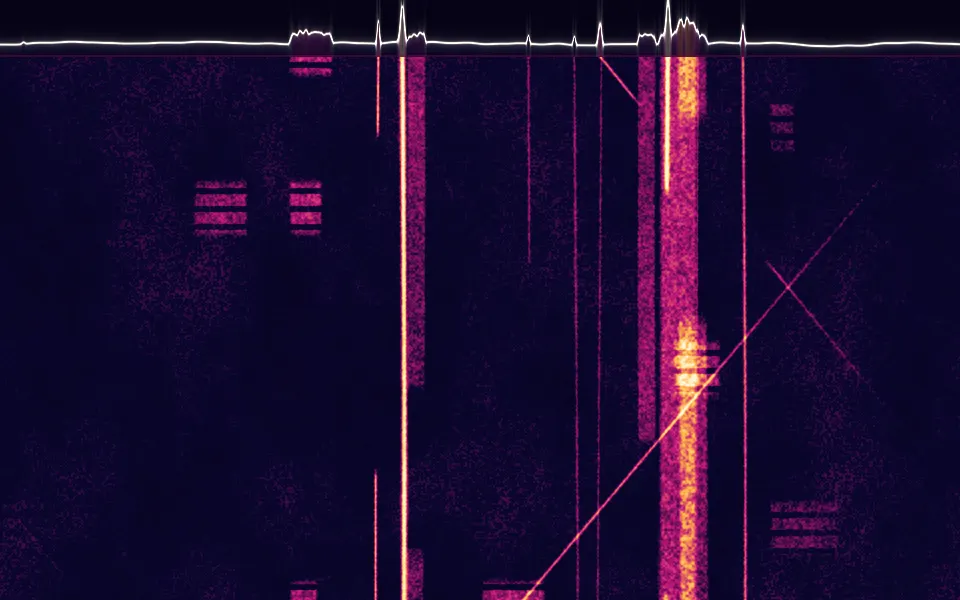
Spectrogram Shader
Digital & retroA heat ramp of live signal for a data page
- Pro
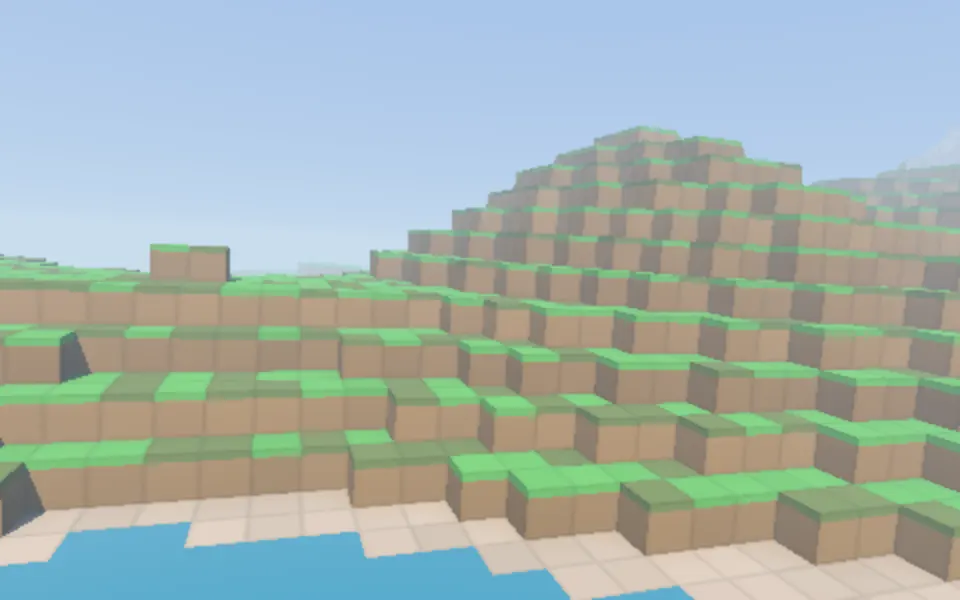
Voxel Flyover Shader
Water & landscapesTerrain in blocks, in 3D