shadcn.io is not affiliated with official shadcn/ui
Moire Shader lays two films of fine lines over each other, as if printed on two sheets of acetate. Each film is concentric rings or straight lines, ink on off-white, and the second one circles the first a few lines off, breathing in scale and turning a few degrees. Where the lines fall in step the paper shows through, and where they fall between each other it goes dark, so huge soft fringes sweep and turn across the box while the lines themselves stay crisp. A WGSL fragment shader on WebGPU draws every pixel each frame, and filters each line over the pixel it covers, so the only moiré you see is the real one.
Use it behind a design studio's hero, an art or print page, or a 404 that wants pointer play. For traveling waves from two sources instead of fixed gratings, use the Interference background; for engraved rosettes in gold, Guilloche Shader; for a never-repeating lattice in color, Quasicrystal Shader. It runs only while it's on screen, holds a still frame with reduced motion, and shows a real CSS moiré of two ring gradients in browsers without WebGPU.
Installation
Usage
import { MoireShader } from "@/components/ui/moire-shader";<MoireShader className="flex min-h-[32rem] items-center justify-center">
<div className="rounded-xl bg-white/80 px-8 py-6">
<h1 className="text-5xl font-semibold text-neutral-950">Ship faster</h1>
</div>
</MoireShader>Moire Shader is a container: your content sits on top of the films, in normal flow. It fills its own box, so give it a height or content. For a backdrop behind the whole page, render it empty with className="fixed inset-0 -z-10". The pattern is fine black lines on paper, so no text color reads on it bare: put copy on a panel, like the bg-white/80 one above, which keeps near-black text above 12:1 everywhere.
Demos
Lines
pattern="lines" prints both films with straight lines. The second one sits a few degrees off the first, so the fringes become broad diagonal bands that turn and drift as the angle changes. In a tall, narrow box it makes a quiet band beside a quote or a pull stat.
Pointer play
interactive lets the pointer drag the second film's center: move it away from the middle and the fringes multiply and swing to follow, as on a light table. pattern="mixed" puts rings over lines, which beat into curved, parabolic fringes. Touch is ignored, and the film eases back when the pointer leaves.
Performance
About 0.06 ms of GPU time a frame at 1280×720 on an M2 Max laptop, so it runs at full quality on any GPU. Keep quality at 1: the lines are a few pixels apart and go soft at half resolution, and the cost is already tiny. The animation stops when the shader scrolls out of view, and the browser pauses it in a hidden tab. Every shader on a page shares one GPU device and one frame loop, and vgpu (about 50 KB gzipped) loads only when the first one mounts.
Browser support
The shader needs WebGPU: Chrome and Edge, Safari 26 and later, and Firefox on Windows and macOS. Elsewhere, and until the first frame, the box shows a CSS moiré of two ring gradients in the same ink and paper, so the layout never jumps. data-state on the root reads unsupported there, if you want to style around it. See Shader Canvas.
Accessibility
The pattern is decoration: it's hidden from assistive tech and lets every click through to your content. With reduced motion it draws one still frame, curved fringes fanning out from the middle, and stops. Nothing flashes: the fringes sweep over tens of seconds. Fine, high-contrast stripes can be uncomfortable to look at for some readers, so keep the default pitch or wider on large surfaces, and lower intensity for a calmer page. Never set text on the pattern bare: a bg-white/80 panel keeps near-black text above 12:1, and a bg-black/60 one keeps white text above 6:1.
FAQ
How does the moiré work?
Each film is a square wave of ink, rings around a center or parallel lines, and the two multiply like light through two transparencies. Where their lines coincide, the paper between them shows; where they alternate, the lines cover twice as much of it. The fringes are those beats, so they're real interference between the films, not painted on.
Why don't the lines shimmer or alias?
Each film is box-filtered over the exact area a pixel covers, so a line half inside a pixel shades it half. pitch never goes below 3 CSS pixels, and the shader scales it by the screen's pixel ratio, so the lines keep their size on any display and the fringes come only from the films.
How do I make the fringes bigger or smaller?
pitch is the gap between lines, from 3 to 16 CSS pixels. The second film sits a few lines off the first, so the fringes scale with it: a larger pitch gives fewer, bolder fringes and visible lines, a smaller one finer lines and the same fringes packed tighter.
Can I change the colors?
Yes: inkColor is the lines and paperColor the ground, any CSS color, var(--primary) included, and they follow a theme switch. Keep the ink darker than the paper. intensity sets the line weight and how solid the ink is: 0.5 gives thin, grey lines and faint fringes, 2 bold ones.
API Reference
MoireShader
data-slot="moire-shader"
fallback?string
What shows until the first frame and in browsers without WebGPU: a CSS
background value (gradients, sizes, a colour) that looks like the
shader. It can use the colour props' --shader-<field> variables.
inkColor?string
The lines' colour. Any CSS colour; keep it darker than the paper. @default "#111114".
- Default
"#111114"
intensity?number
Line weight and contrast, from 0 (blank paper) to 2 (bold, high-contrast fringes). @default 1.
- Default
1
interactive?boolean
Whether u.pointer follows the pointer. @default false.
paperColor?string
The paper's colour. Any CSS colour. @default "#f4f3ef".
- Default
"#f4f3ef"
pattern?"rings" | "lines" | "mixed"
What each film is printed with: concentric rings, straight lines, or one of each. @default "rings".
- Type
"rings" | "lines" | "mixed"- Default
"rings"
paused?boolean
Holds the current frame. @default false.
pitch?number
The distance between two lines of a film, in CSS pixels, from 3 to 16. @default 6.
- Default
6
quality?number
Render scale, from 0.25 to 1, of the screen's pixels (capped at 2×). @default 1.
speed?number
Animation speed: 1 is normal, 0 holds the frame. @default 1.
time?number
A fixed moment, in seconds: draws it and doesn't animate.
render?ReactElement | ((props: object, state: object) => ReactElement)
Replace the host element or compose it with another component.
- Type
ReactElement | ((props: object, state: object) => ReactElement)
className?string
Forwarded to the part.
Related
- Pro
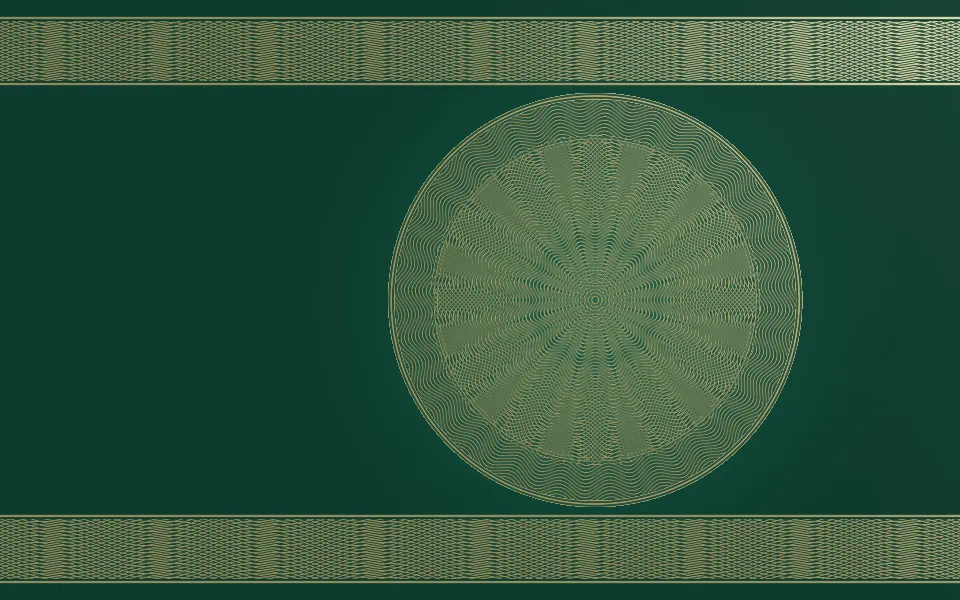
Guilloche Shader
GeometryEngraved rosettes in gold
- Pro
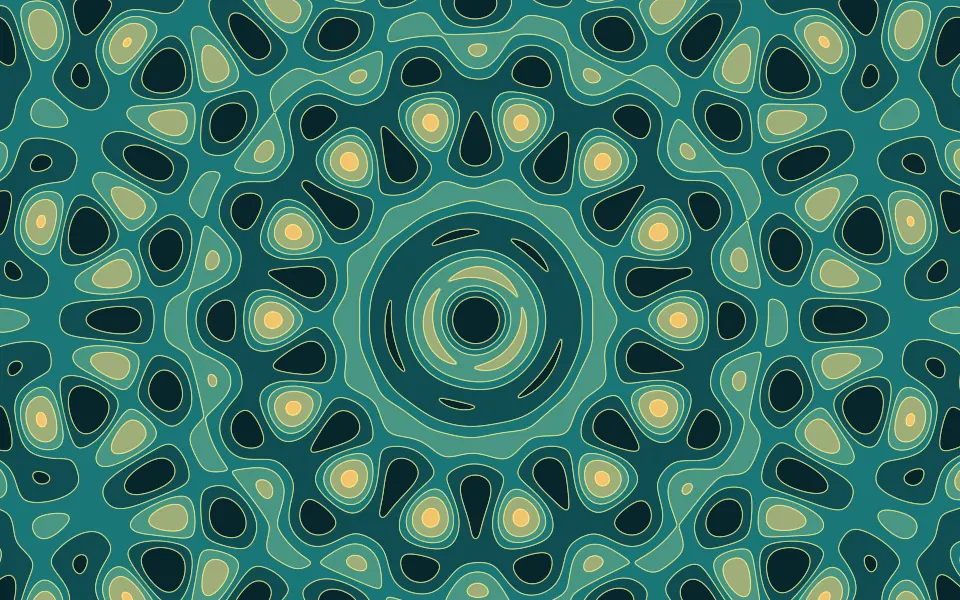
Quasicrystal Shader
GeometryA never-repeating lattice in color
- Pro
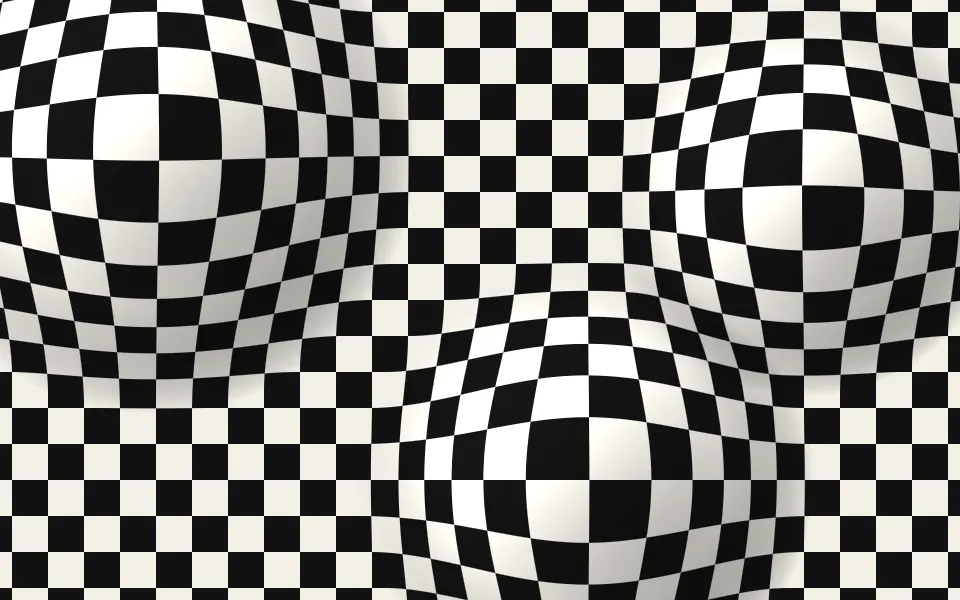
Op Art Bulge Shader
GeometryA checkerboard that swells toward you
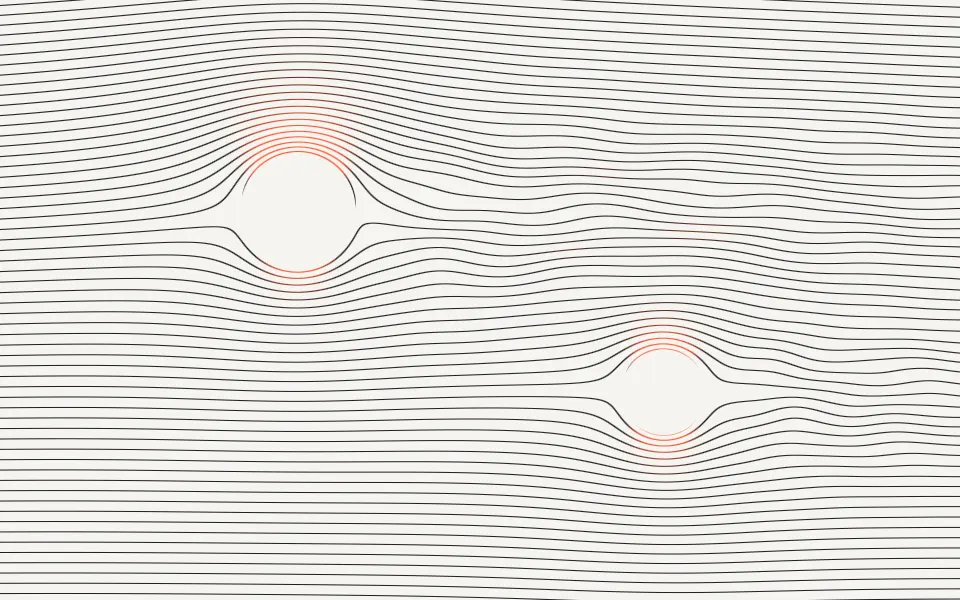
Streamlines Shader
Flow & gradientsFine hairlines that part round shapes, free
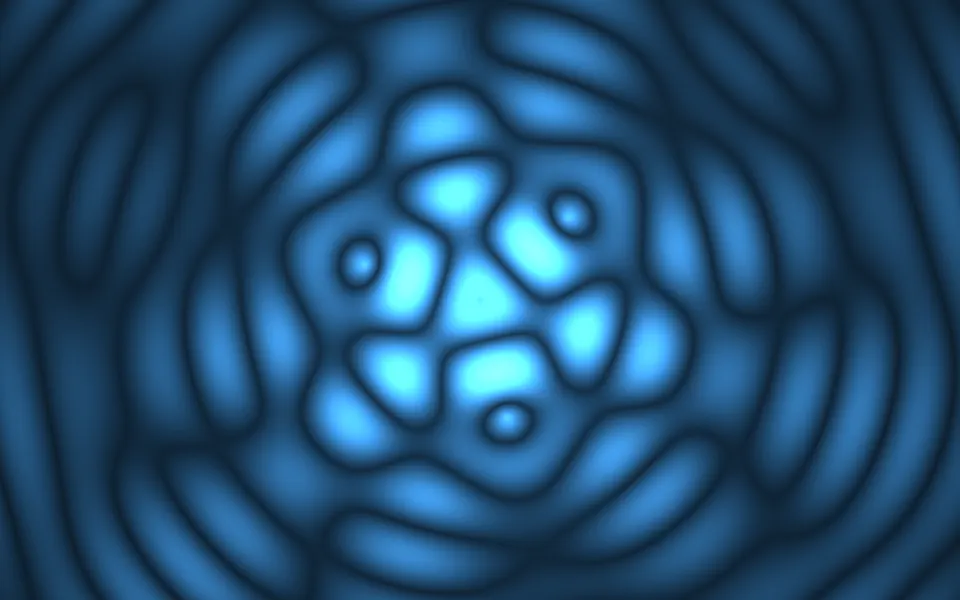
Ripple Shader
Water & landscapesRings from several points that interfere, free
- Pro
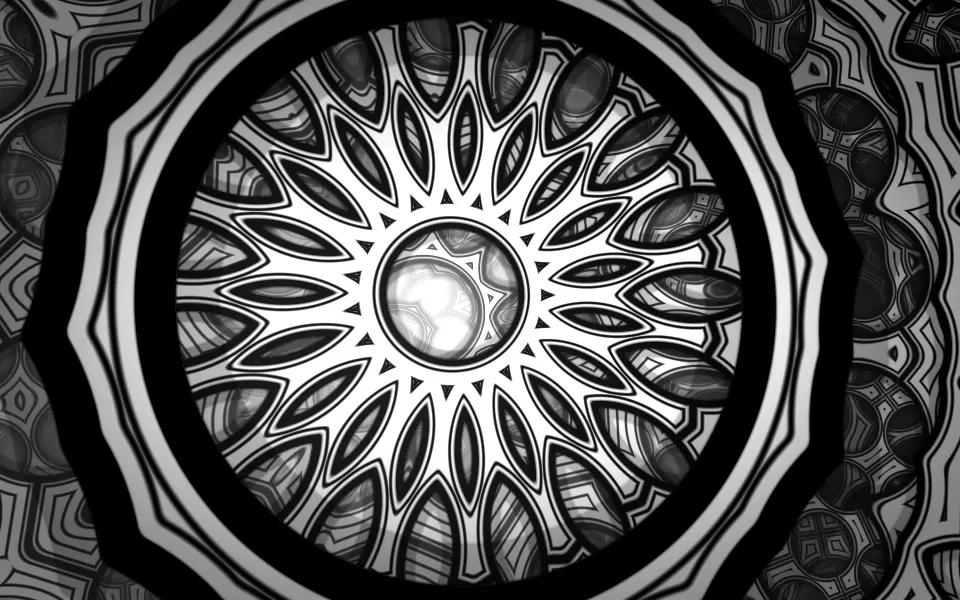
Truchet Kaleidoscope Shader
Patterns & tilingsBlack-and-white ornament with depth