shadcn.io is not affiliated with official shadcn/ui
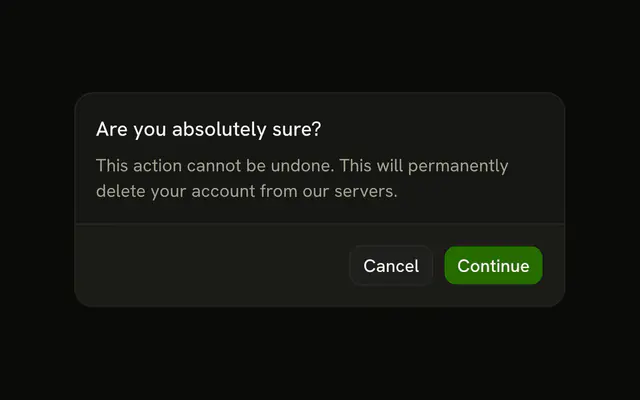
The agent stops before a tool runs and asks: a bordered row with the question, and Deny and Approve.
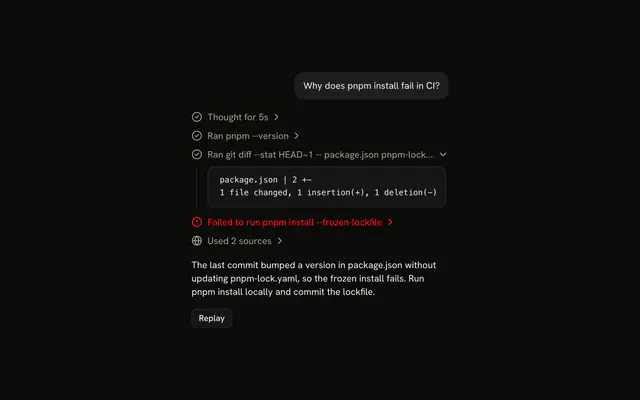
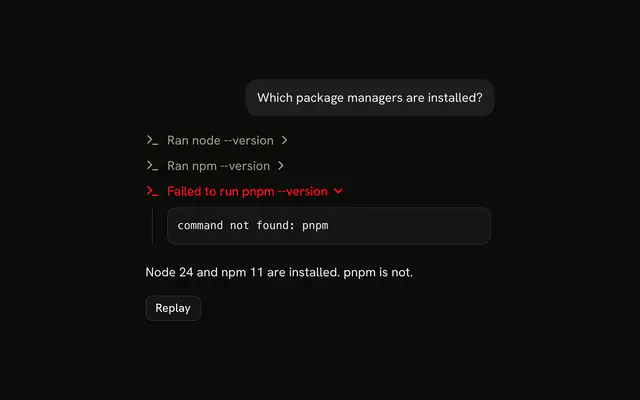
Use it for a call the reader should answer for: one that deletes, spends, sends, or can't be undone. A read or a search shouldn't ask, or the reader learns to approve without reading. The question is an Item with two Buttons, so there is no Confirmation component to install in React. Put the command or the change in the title, word for word, so the reader approves what will actually run. Once they answer, the row becomes the call's Tool line, in a Trace.
Installation
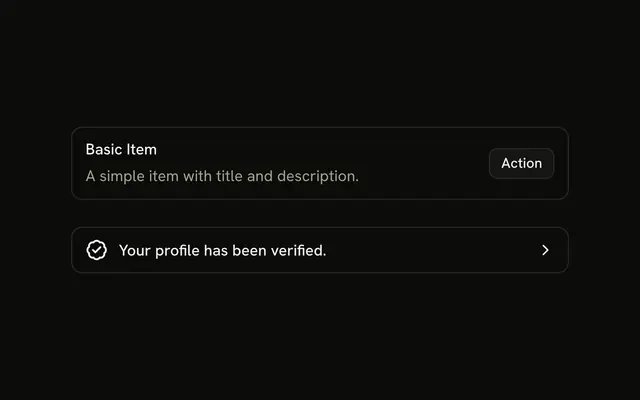
Confirmation is a pattern. The command adds the parts it's built from, Item and Button, and the code to copy is the demo's.
Anatomy
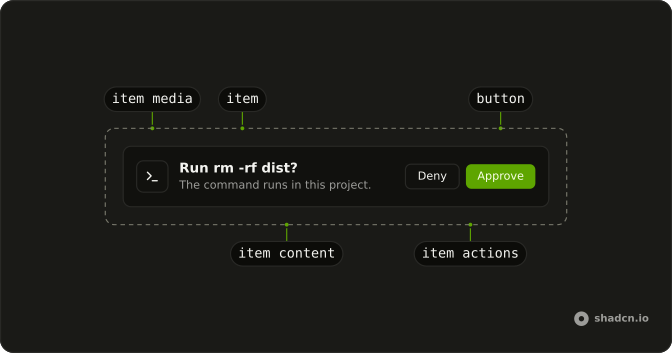
Item (variant="outline", size="sm")
├── ItemMedia (variant="icon")
├── ItemContent
│   ├── ItemTitle
│   └── ItemDescription
└── ItemActions
    ├── Button (Deny, variant="outline")
    └── Button (Approve)
Usage
import { TerminalIcon } from "lucide-react";
import { Button } from "@/components/ui/button";
import {
  Item, ItemActions, ItemContent, ItemDescription, ItemMedia, ItemTitle,
} from "@/components/ui/item";
export function Confirmation(props: {
command: string;
onApprove: () => void;
onDeny: () => void;
}) {
return (
<Item size="sm" variant="outline">
<ItemMedia variant="icon">
<TerminalIcon aria-hidden="true" />
</ItemMedia>
<ItemContent>
<ItemTitle>Run {props.command}?</ItemTitle>
<ItemDescription>The command runs in this project.</ItemDescription>
</ItemContent>
<ItemActions>
<Button onClick={props.onDeny} size="sm" variant="outline">
Deny
</Button>
<Button onClick={props.onApprove} size="sm">
Approve
</Button>
</ItemActions>
</Item>
);
}AI SDK
Set needsApproval on the tool, and the call stops at approval-requested until the reader answers.
const runCommand = tool({
  description: "Run a shell command in the project.",
  inputSchema: z.object({ command: z.string() }),
  needsApproval: true,
  execute: async ({ command }) => run(command),
});
While the part is approval-requested, answer with the approval id. Pass sendAutomaticallyWhen: lastAssistantMessageIsCompleteWithApprovalResponses so the chat continues once every approval has an answer.
import { useChat } from "@ai-sdk/react";
import { lastAssistantMessageIsCompleteWithApprovalResponses } from "ai";

const { addToolApprovalResponse } = useChat({
  sendAutomaticallyWhen: lastAssistantMessageIsCompleteWithApprovalResponses,
});

addToolApprovalResponse({
  id: part.approval.id,
  approved: true,
});
Approve streams the tool output. Deny streams output-denied. Either way, the part becomes a Tool line.
Migrating from AI SDK Elements
If you added Confirmation from AI SDK Elements (opens in a new tab), your project has a components/ai-elements/confirmation.tsx wrapper. Paste this prompt into your coding agent to rebuild it on Item and Button. Every export keeps its name and props, so the code that uses it keeps working.
Migrate components/ai-elements/confirmation.tsx from AI SDK Elements to the shadcn.io Item and Button components.

Keep every export, with the same name and props, so the code that imports it keeps working. Only change how each part renders.

1. Read https://kit.dev/ui/ark/confirmation.md and build Confirmation the same way. If the project hasn't got Item and Button, run the command in its Installation section.
2. Rebuild each part:
   - Confirmation renders an Item with variant="outline" and size="sm", instead of an Alert. Keep the approval and state props and the context they feed.
   - ConfirmationTitle renders an ItemContent with an ItemTitle.
   - ConfirmationActions renders an ItemActions.
   - ConfirmationAction renders a Button with size="sm".
   - Keep ConfirmationRequest, ConfirmationAccepted and ConfirmationRejected as they are.
3. Remove the imports the file no longer uses.
4. Run the type checker and fix any errors.
FAQ
What does installing Confirmation add in React?
Item and Button, the two parts the question is built from. Confirmation is a pattern, so no confirmation file lands in your ui folder: copy the demo's code into your own component and wire Deny and Approve to your chat. The command uses the shadcn CLI.
Which tool calls should ask first?
The ones the reader would want to stop: deleting files, running a migration, sending a message, spending money. Reads, searches and anything easy to undo should run without asking, so that a question still means something when it appears.
What should the question say?
What will run, in the words that will run it: the command, the address, the amount. Run rm -rf dist? lets the reader judge the call, where Run a command? only asks for trust. The description says where it runs or what it touches, in one line.
What happens after the reader answers?
The row goes away and the call becomes a line in the agent's trace: Running, then Ran when the output comes back, or Denied. Then the agent's turn continues, and its reply says what it did or that it left things alone. A pending question sits outside Trace because it's a prompt for the reader, not a step the agent took.
What if the reader never answers?
The agent's turn stays paused on the question, and nothing runs. If the reader sends another message instead, answer the pending approval as denied first, so the agent never acts on a yes nobody gave. The demo's Reset clears the thread, question and all.
Can the reader answer with the keyboard?
Yes. Deny and Approve are Buttons, so Tab reaches Deny first, then Approve, and Enter or Space presses. Deny comes first so a quick Enter on the first button doesn't run a destructive call.
Is this the same as AI SDK Elements' Confirmation?
It does the same job without a wrapper: Confirmation was an Alert with request, accepted and rejected slots, and here it's an Item with two Buttons, replaced by a Trace line once answered. The Migrating from AI SDK Elements section has a prompt that rebuilds the old file on these parts and keeps its exports.
API Reference
Confirmation has no props of its own. The question is an Item with variant outline and size sm, and its ItemMedia, ItemContent and ItemActions; Deny and Approve are Buttons with size sm. The line it becomes is a Trace line.