shadcn.io is an independent project built on shadcn/ui
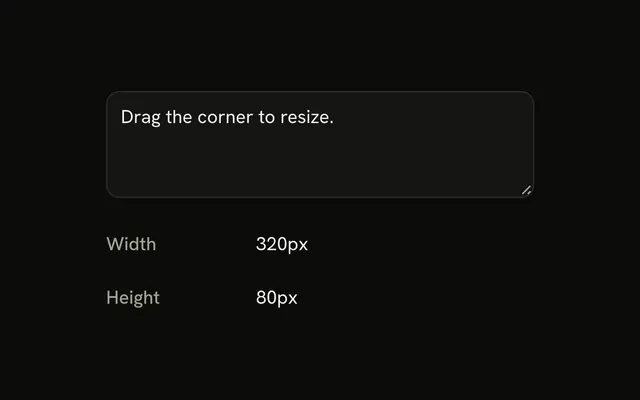
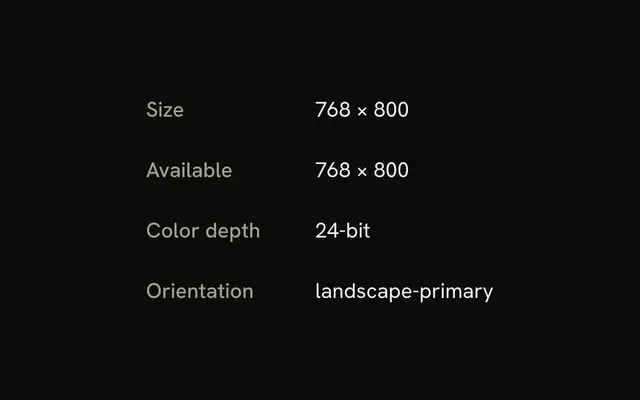
useWindowSize returns the viewport width and height and updates them when the window is resized. Pass a debounce delay so a drag does not render on every event.
On the server both fields are undefined. Pass initializeWithValue false when the first client render should match. For a single mobile check, use useIsMobile. In React the listener is attached in an effect, after the page is committed.
Installation
Anatomy

Usage
import { useWindowSize } from "@/hooks/use-window-size";const { height, width } = useWindowSize();Omit options to read the window on the client immediately. Pass initializeWithValue: false to start undefined, and debounceDelay to wait out a resize.
FAQ
When should I use this instead of useIsMobile?
useIsMobile answers one question: is the viewport narrower than its breakpoint. useWindowSize returns the current width and height in pixels, from innerWidth and innerHeight. Use the numbers when you are placing something, sizing a canvas, or comparing to a threshold you compute. A boolean breakpoint will not tell you how many pixels you have. Both update from the browser. Neither one watches a single element.
When should I pass debounceDelay?
Pass it when a resize should not call setState on every event. The hook wraps the state setter in lodash debounce for that many milliseconds, and the resize listener calls the wrapped setter. The first call inside the effect is wrapped too, so the first numbers can wait for the delay. Without the option, the setter runs immediately. The hook does not cancel a pending debounced call on cleanup, so keep the delay short.
Do width and height include the scrollbar?
No. The hook reads window.innerWidth and window.innerHeight. Those are the layout viewport inside the scrollbars, which is the space the page can actually use. They are not outerWidth and outerHeight, and they are not the screen size. A classic scrollbar makes innerWidth smaller than the full window. Overlay scrollbars often do not. If you need a single element, measure that element. This hook only watches the window.
How do I avoid a hydration mismatch?
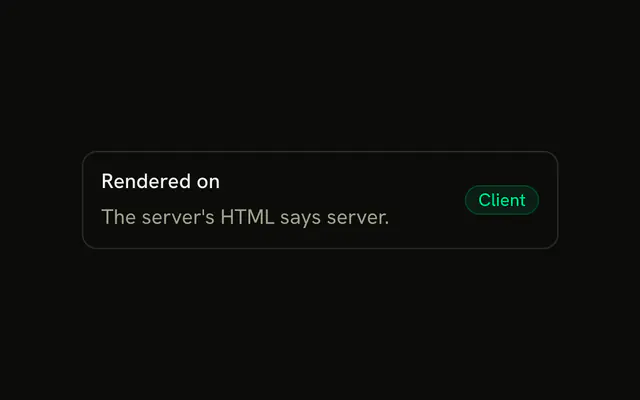
Pass initializeWithValue set to false. On the server the hook forces that flag off anyway. On the client, false means the first state is undefined for both width and height, which matches the server HTML. An effect then reads the real window and updates. The default is true on the client, and that reads innerWidth during the first render, which the server cannot do. Render a fallback while either value is undefined.
Is useWindowSize safe during server rendering?
Yes. The server never touches window. A module flag checks the environment and forces the initial size to undefined, even if you asked to initialize with a value. The listener is added in an effect after the browser commits. No timer and no matchMedia run on the server. The return value on the server is an object whose width and height are both undefined.
Why do the TypeScript overloads change the return type?
Calling the hook with no options, or with initializeWithValue left unset or true, is typed as width and height numbers. Passing initializeWithValue false is typed as number or undefined, because the first client render and the server render do not have a measurement yet. The effect fills both fields together. If you only need the numbers after mount, branch on undefined once, then use the values. The hook has no separate ready flag.
API Reference
Parameters
options?Partial<UseWindowSizeOptions<boolean>>
When it's first read, and whether updates are debounced.
- Type
Partial<UseWindowSizeOptions<boolean>>
options.debounceDelay?number
Waits this many milliseconds after the last resize before updating, to re-render less while a window is dragged. Updates at once when left out.
options.initializeWithValue?boolean
Reads the size on the first render. false starts from undefined and reads it after mounting, for markup that must match the server's. Always false on the server.
- Default
true
Returns
heightnumber | undefined
The viewport's height (innerHeight); undefined until it's read.
- Type
number | undefined
widthnumber | undefined
The viewport's width (innerWidth); undefined until it's read.
- Type
number | undefined