shadcn.io is an independent project built on shadcn/ui
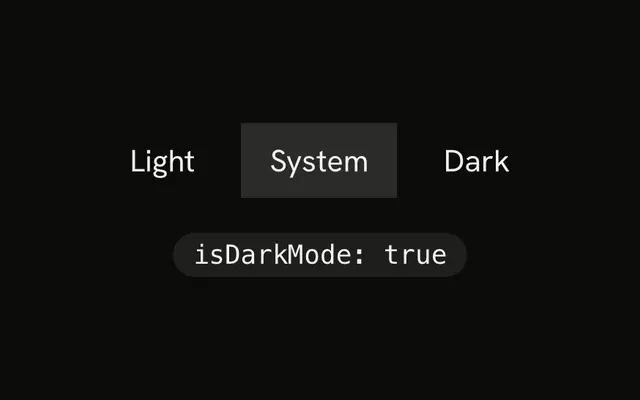
useReadLocalStorage returns the parsed value stored at one localStorage key. It never writes. When that key changes in this tab or another, the value updates.
A missing key comes back as null. Pass a parser when the stored text is not JSON. To watch a media feature instead of storage, use useMediaQuery. In React the server render does not read storage, so the first value is undefined.
Installation
Anatomy

Usage
import { useReadLocalStorage } from "@/hooks/use-read-local-storage";const theme = useReadLocalStorage<string>("theme");The generic is the parsed type. Pass initializeWithValue set to false when the first render must be undefined. Pass a deserializer for text that is not JSON.
FAQ
When should I use this instead of storing state myself?
Use it when something else writes the key and this component only displays the value. The hook never calls setItem or removeItem. A theme, a feature flag, or a preference owned by other code is the usual case. If this component should update the stored value, this hook is the wrong one, because it returns the parsed value and no setter.
Does a write in another tab show up?
It listens for the window storage event, which browsers fire in other tabs when localStorage changes. It also listens for a local-storage event on the same window, so a writer in this tab can dispatch one after setItem and this hook will notice. The native storage event does not fire in the writing tab. An event for a different key is ignored.
How are stored strings parsed?
The string from getItem is passed through JSON.parse. A parse error is logged and the hook returns null, so bad data does not throw during render. The exact string undefined is returned as undefined. Pass a deserializer to handle a date, plain text, or a format written by another library. That function receives the raw string.
What is the difference between null and undefined?
null means the key is missing, the stored string is empty, or parsing failed. undefined means storage has not been read yet. The server render always takes that path, and so does a client that passed initializeWithValue false, until the effect runs. After a read, a present JSON value is returned as the generic type. A missing key stays null.
What does the server render return?
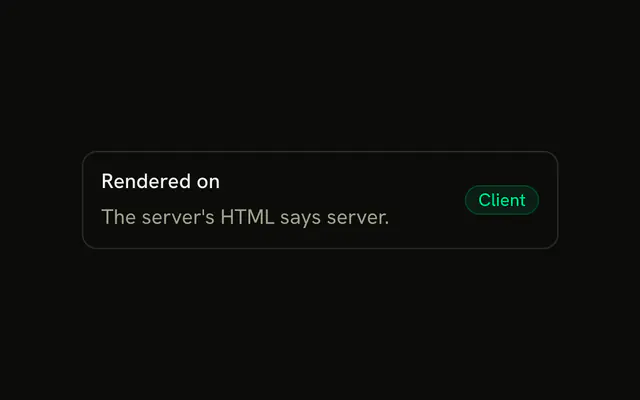
The module sees no window, so state is initialized to undefined and getItem is not called on the server. The client effect then reads the key. A value that was already there becomes the parsed result, and a missing key becomes null. initializeWithValue false keeps undefined in the return type. Do not render different HTML from that first undefined if the server markup must match.
How do I type the stored value?
Pass the expected type as the generic. The hook trusts it. Parsed JSON is not checked against the type at runtime. A deserializer is the right place to validate or to convert the raw string. The options type also records whether initializeWithValue is false, which adds undefined to the return. UseReadLocalStorageOptions is exported when you need to name the options.
API Reference
Parameters
keystring
The localStorage key.
options?Partial<UseReadLocalStorageOptions<T, boolean>>
How the stored string is read, and when it's first read.
- Type
Partial<UseReadLocalStorageOptions<T, boolean>>
options.deserializer?(value: string) => T
Turns the stored string back into a value. JSON.parse when left out (and null when that throws).
- Type
(value: string) => T
options.initializeWithValue?boolean
Reads localStorage on the first render. false returns undefined until it's read after mounting, for markup that must match the server's. Always false on the server.
- Default
true
Returns
returnsT | null | undefined
The value; null when the key is missing or can't be parsed; undefined before the first read when initializeWithValue is false.
- Type
T | null | undefined