shadcn.io is an independent project built on shadcn/ui
useTernaryDarkMode keeps one mode: light, dark, or system. System follows the operating system, and the choice is written to localStorage.
Pass your own key when this control should not share a preference with the rest of the site. For a plain on or off flag, use useToggle. In React the setter updates storage on the same call that changes the mode.
Installation
Anatomy

Usage
import { useTernaryDarkMode } from "@/hooks/use-ternary-dark-mode";const {
isDarkMode,
setTernaryDarkMode,
ternaryDarkMode,
toggleTernaryDarkMode,
} = useTernaryDarkMode();The default mode is system, stored under use-ternary-dark-mode. isDarkMode is true for dark, and for system when the OS prefers dark.
FAQ
When should I use useTernaryDarkMode instead of useToggle?
Use this when the choice is light, dark, or system, and it should survive a reload. useToggle only flips a boolean in memory. It does not read the operating system color scheme, and it does not write localStorage. Reach for useToggle when the two states are just on and off, with no third system value and no persistence.
How does system mode decide between light and dark?
System mode does not store light or dark itself. The hook listens to the prefers-color-scheme media query. isDarkMode is true when the mode is dark, and also when the mode is system and the operating system currently prefers dark. If the person changes the system setting while the page is open, the media query fires and isDarkMode updates. Light and dark ignore that query.
What order does toggleTernaryDarkMode cycle through?
The cycle is light, then system, then dark, then light again. The setter looks up the current mode in that list and moves one step forward, wrapping with the length of the list. If the stored value is not one of those three strings, indexOf returns -1, the next index is 0, and the mode becomes light. Use setTernaryDarkMode when you want one specific choice instead.
Where is the choice saved, and does another tab see it?
The hook writes the mode to localStorage under the key you pass, or use-ternary-dark-mode when you omit one. The value is JSON, so the stored text includes quotes around the word. A new mount reads that key on the first client render. There is no storage listener, so a change in another tab shows up only after this tab mounts again. Use a separate key when a demo should not share the site preference.
What does the hook return on the server?
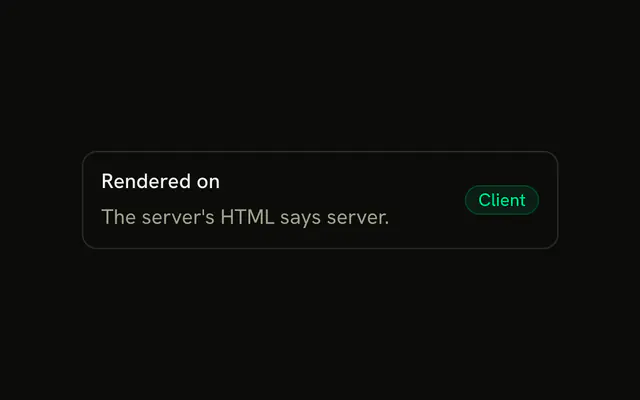
On the server there is no window, so the mode starts as defaultValue, which is system when you omit it. The media query match also starts false, so isDarkMode is false until the client runs. On the client, the first render reads localStorage and matchMedia by default, which can disagree with the server HTML. Pass initializeWithValue: false to start from defaultValue and a light system on the client too, and read both after mounting, so hydration matches.
Does this hook add the dark class to the document?
No. The hook only returns isDarkMode, the current mode, a setter, and a toggle. It never touches documentElement or a class list. If your styles switch on a dark class, set that class yourself from isDarkMode, and skip it in a docs preview so the rest of the page stays put. Tailwind dark variants will not change until something else adds or removes that class.
API Reference
Parameters
options?TernaryDarkModeOptions
The mode while nothing is saved, and the storage key.
options.defaultValue?TernaryDarkMode
The mode while nothing is saved: "system" follows the system's prefers-color-scheme.
- Default
"system"
options.initializeWithValue?boolean
Reads the saved mode and the system's preference on the first render. false starts from defaultValue and a light system, and reads both after mounting, for markup that must match the server's.
- Default
true
options.localStorageKey?string
The localStorage key the mode is saved under.
- Default
"use-ternary-dark-mode"
Returns
isDarkModeboolean
Whether it's dark: the mode is "dark", or "system" with a dark system.
setTernaryDarkModeReact.Dispatch<React.SetStateAction<TernaryDarkMode>>
Sets the mode (and saves it), or one computed from the current.
- Type
React.Dispatch<React.SetStateAction<TernaryDarkMode>>
ternaryDarkModeTernaryDarkMode
The mode: "light", "dark" or "system".
toggleTernaryDarkMode() => void
Moves to the next mode: light, then system, then dark, then light.
- Type
() => void