shadcn.io is an independent project built on shadcn/ui
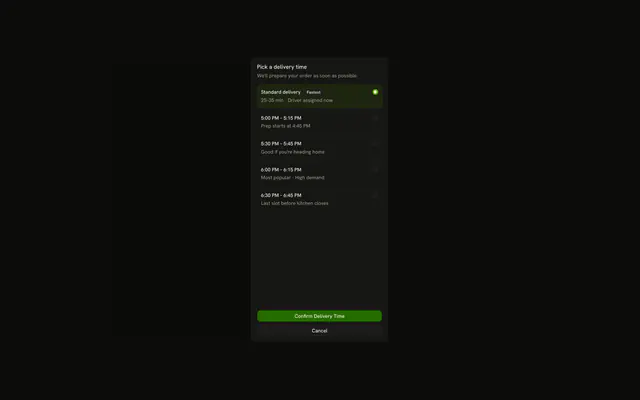
useScrollLock sets overflow to hidden on the document body, or on an element you pass as lockTarget, and restores the previous overflow when you unlock.
It can add padding so the missing scrollbar does not widen the layout. Set autoLock to false when buttons should call lock and unlock. In React those calls run on the client. For an open flag alone, use useBoolean.
Installation
Anatomy

Usage
import { useScrollLock } from "@/hooks/use-scroll-lock";const { isLocked, lock, unlock } = useScrollLock({
autoLock: false,
lockTarget: "#panel",
});autoLock defaults to true, which locks on mount. Pass a selector or an element as lockTarget to freeze that node instead of the body.
FAQ
Why does locking change the page width?
Hiding overflow removes the scrollbar, and the content gets wider by about that scrollbar. With widthReflow left on, the hook adds the scrollbar width to the target padding-right before it sets overflow to hidden. On unlock it writes back the padding and overflow it saved. Turn widthReflow off only when that padding would fight a layout you already control.
Can I lock a box instead of the whole page?
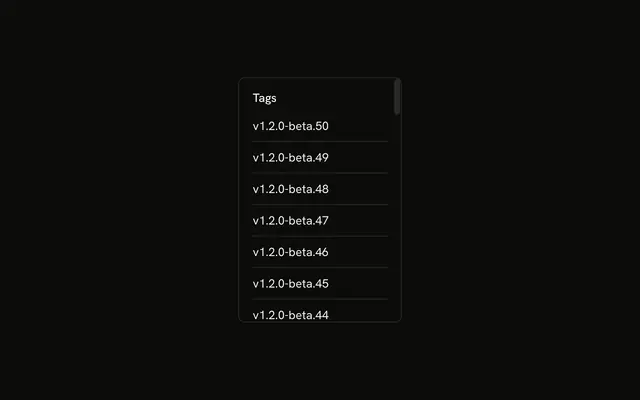
Yes. lockTarget accepts an element or a CSS selector, and that node is the one that stops scrolling. If the selector matches nothing, or you omit lockTarget, the target is document.body. For a small scroller, pass a selector for that box and set autoLock to false so only the box freezes. The rest of the page keeps scrolling.
How do I lock and unlock from buttons?
Set autoLock to false so nothing locks on mount. Call lock from one button and unlock from another. isLocked becomes true only after lock runs on a real target. The layout effect also unlocks on cleanup, so a target that was locked is restored if this component unmounts. Manual calls are for timing you control.
What happens with two locks at once?
Each call stores its own overflow and its own isLocked flag. Two hooks on the same node can overwrite each other's inline style, and the first cleanup can restore overflow while the other lock should still be active. For stacked dialogs, lock once at the outer layer. This hook does not count how many lockers are open.
Is useScrollLock safe during server rendering?
The hook does not read the document during render. It touches the DOM in useLayoutEffect, which does not run on the server, and that effect returns immediately when window is missing. isLocked starts false, so the server HTML and the first client render agree. The selector is queried, and autoLock would lock, on the first client layout.
Does unlock put the original styles back?
lock copies the inline overflow and padding-right, then sets overflow to hidden. unlock writes those inline values back. padding-right is restored only when widthReflow is on. Styles from a stylesheet show through again once the inline overflow is cleared. Call unlock after lock so a saved style exists. Before that, unlock only clears the flag.
API Reference
Parameters
options?UseScrollLockOptions
What to lock, whether to lock on mount, and whether to keep the width.
options.autoLock?boolean
Locks as soon as the component mounts, and unlocks when it unmounts: for a modal that locks while it's open.
- Default
true
options.lockTarget?HTMLElement | string
The element to lock: an element or a CSS selector. document.body when left out.
- Type
HTMLElement | string
options.widthReflow?boolean
Pads the element by the scrollbar's width while locked, so the page doesn't shift sideways when the scrollbar goes.
- Default
true
Returns
isLockedboolean
Whether scrolling is locked.
lock() => void
Locks scrolling (overflow: hidden), saving the element's styles.
- Type
() => void
unlock() => void
Unlocks scrolling and puts the element's saved styles back.
- Type
() => void