shadcn.io is an independent project built on shadcn/ui
useScreen returns the display size, the space left beside system bars, color depth, pixel depth, and orientation.
Pass debounceDelay when a resize would do heavy work too often. For the browser viewport rather than the physical screen, use useIsMobile. In React the value is missing during server render, so wait until it is defined.
Installation
Anatomy

Usage
import { useScreen } from "@/hooks/use-screen";const screen = useScreen({
debounceDelay: 200,
initializeWithValue: false,
});debounceDelay is milliseconds inside the hook. initializeWithValue false keeps the server render and the first client render on undefined.
FAQ
What is the difference between the screen and the window?
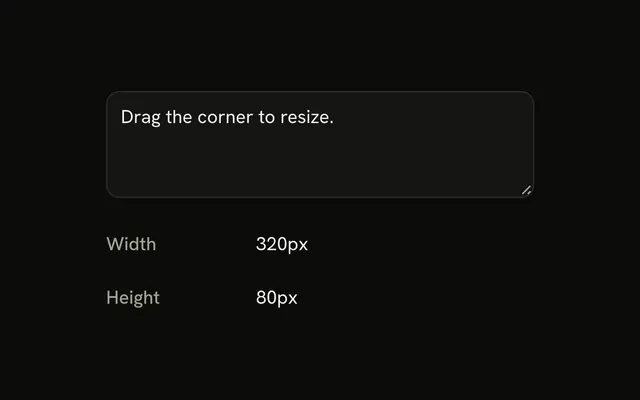
Screen is the physical display. Its width and height stay put when the user resizes the browser. The window is the viewport, so it changes with the window, a sidebar, or device mode in devtools. useScreen reads window.screen. Use a viewport hook when you care about how much of the page is visible, not how big the monitor is.
What do availWidth and availHeight mean?
They are the screen size minus space the operating system reserves, such as a taskbar, dock, or menu bar. A 1920 by 1080 display with a 40 pixel taskbar can report an available height of 1040. Use them when you are placing a window or checking how much of the display is usable. width and height still include that system chrome.
How do I tell portrait from landscape?
Read screen.orientation.type. It is a string such as portrait-primary or landscape-primary. The part before the hyphen is the general orientation. You can also compare width and height. The snapshot updates when the hook handles a resize, including the resize many browsers fire when a phone or tablet rotates.
When should I pass a debounce delay?
Pass debounceDelay, a number of milliseconds, when each update does expensive work and resize would fire it too often. The hook waits until the events pause, then stores one snapshot. With no delay, every resize writes state immediately. The delay lives inside the hook, so you do not wrap the call in your own debounce.
Is useScreen safe during server rendering?
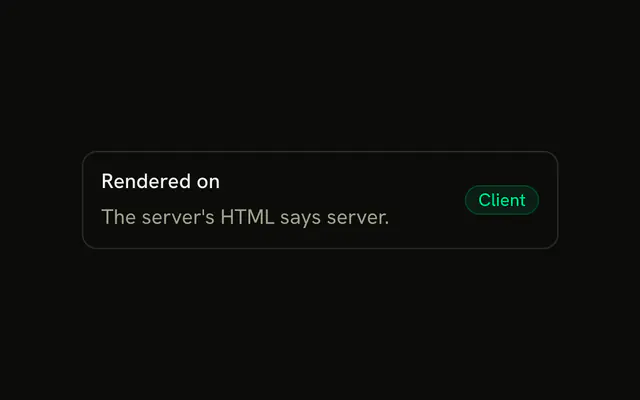
On the server there is no window.screen, so the hook returns undefined. On the client, initializeWithValue defaults to true, and the first client render can disagree with the server HTML. Pass initializeWithValue false to start undefined in both places, then fill in after mount. That avoids a hydration mismatch.
Why is the value a copy instead of window.screen?
The first client read may be the live Screen object. After a resize the hook stores a plain snapshot of width, height, availWidth, availHeight, colorDepth, pixelDepth, and orientation. Later changes on the real screen object do not show up until the next resize. Read the fields from the value the hook returns.
API Reference
Parameters
options?Partial<UseScreenOptions<boolean>>
When it's first read, and whether updates are debounced.
- Type
Partial<UseScreenOptions<boolean>>
options.debounceDelay?number
Waits this many milliseconds after the last resize before updating, to re-render less while a window is dragged. Updates at once when left out.
options.initializeWithValue?boolean
Reads the screen on the first render. false returns undefined until it's read after mounting, for markup that must match the server's. Always false on the server.
- Default
true
Returns
returnsScreen | undefined
A snapshot of the screen; undefined on the server, and before the first read when initializeWithValue is false.
- Type
Screen | undefined