shadcn.io is an independent project built on shadcn/ui
useTimeout runs a callback once, after the delay you pass. Pass null and the wait is cleared. Unmount clears it too.
Leave the delay null until someone starts it, so nothing fires on mount. The callback sees the latest state when it runs. For a timer that repeats, use useInterval. In React only a new delay restarts the wait.
Installation
Anatomy

Usage
import { useTimeout } from "@/hooks/use-timeout";useTimeout(() => {
dismiss();
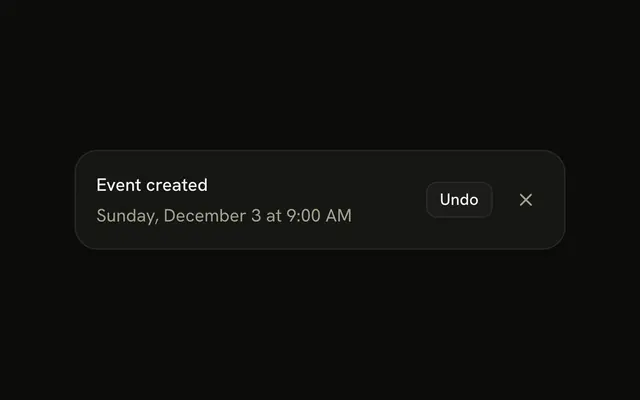
}, paused ? null : 3000);The hook returns nothing. null clears the timer. The callback can read fresh state when it fires.
FAQ
How do I pause or cancel the timeout?
Pass null as the delay. The effect sees a null delay and returns without calling setTimeout, and React clears any timeout the previous effect started. Pass a number again and a new timeout is scheduled from that moment. A delay that is not a number is treated the same as null, so the callback does not run. You do not get a clear function back. The delay argument is the control.
Does the callback see the latest state?
Yes. The hook keeps the callback in a ref. A separate effect writes the latest callback into that ref after every render where the callback identity changes. When the timer fires, it calls whatever is in the ref, not the function from the render that started the timer. You can read props and state from that latest function without listing them as a reason to reset the delay.
How do I restart the timeout?
The timer effect depends only on delay. Setting the same number again does not restart it, because React skips an effect when the dependency is unchanged. Change the number, or set the delay to null and then back to a number on a later render, and the cleanup clears the old timer before the new one starts. A new callback identity alone does not restart the wait.
Do I need to clear the timeout myself?
No. The effect returns a cleanup that calls clearTimeout. React runs that cleanup when the component unmounts and when delay changes before the next effect. If the delay is null, nothing is scheduled, and a previous timeout is still cleared by the previous cleanup. You cannot leak this timer by forgetting a clear, unless the callback itself starts a different timer that this hook does not know about.
Is the timeout started during server rendering?
No. setTimeout runs inside an effect, and effects do not run on the server. The server render creates the ref with the callback you passed and records the delay. The timer starts after the browser commits. Passing a number on the first render is safe. It will not fire during HTML generation, and it will not throw because window is missing. The hook returns nothing.
What happens if the delay is zero?
Zero is a number, so the hook schedules setTimeout with a delay of zero. That still waits until the current call stack and the browser timer queue, and the effect cleanup can still cancel it before it fires. It is not the same as calling the callback during render. Use null when you want no timer at all. Use a positive number when you want a visible wait. Zero is the soonest the timer API allows.
API Reference
Parameters
callback() => void
Called when the delay is up.
- Type
() => void
delaynumber | null
Milliseconds to wait. null cancels it; a new delay starts the wait over.
- Type
number | null