shadcn.io is not affiliated with official shadcn/ui
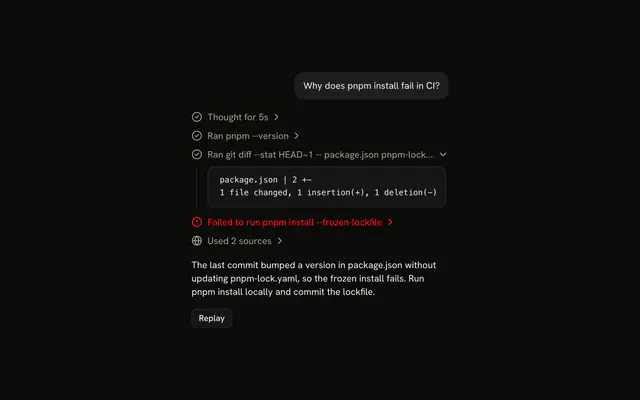
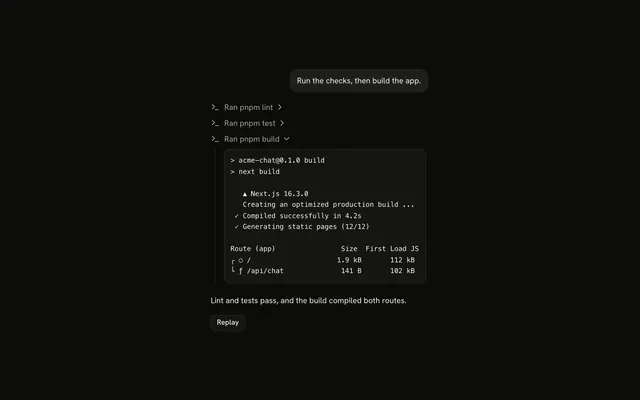
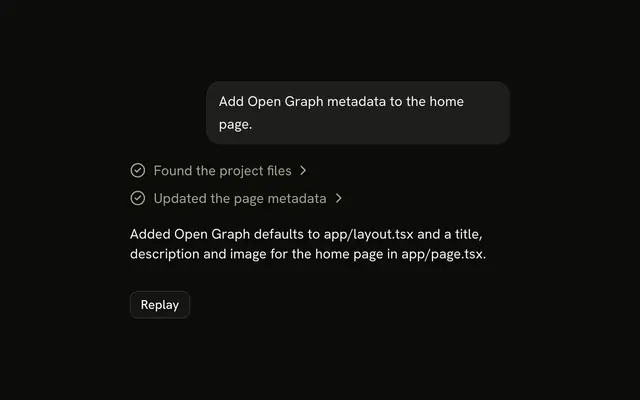
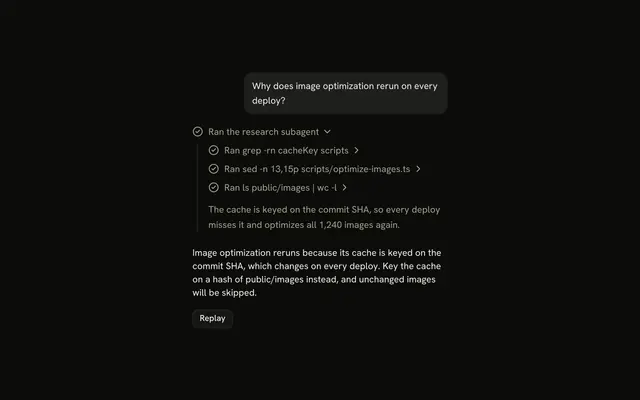
A tool call shows up as one line: what the agent ran or read, then whether it worked, with the output a click away.
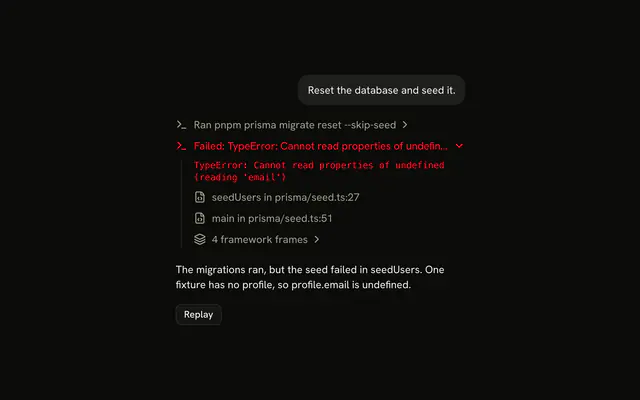
Use it for each call an agent makes, such as running a command or reading a file, in the same column as the reply. The line is a Trace line, plain while the call runs and expandable once its output arrives, and the output sits in a Code Block, so there is no Tool component to install in Vue. Say the call in the title, "Ran git status --short", not just the tool's name, and don't hide a failed call: it keeps the error status and its output.
Installation
Tool is a pattern. The command adds the parts it's built from, Trace and Code Block, and the code to copy is the demo's.
Anatomy
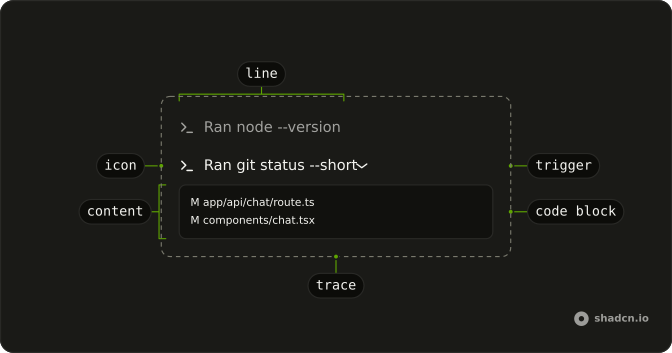
Trace
└── TraceCollapsible (one per call with output)
    ├── TraceCollapsibleTrigger
    │   └── TraceLine (status from the call)
    │       ├── TraceIcon
    │       └── TraceTitle
    └── TraceCollapsibleContent
        └── CodeBlock (size="sm")
            └── CodeBlockContent (the output)
A call that is still running, or that was denied, is a TraceLine on its own: there is nothing to open yet.
Usage
<script setup lang="ts">
import { TerminalIcon } from "lucide-vue-next";
import {
  CodeBlock, CodeBlockContent,
} from "@/components/ui/code-block";
import {
  Trace, TraceCollapsible, TraceCollapsibleContent,
  TraceCollapsibleTrigger, TraceIcon, TraceLine, TraceTitle,
} from "@/components/ui/trace";
</script>
export function ToolCall(props: { output: string }) {
  return (
    <Trace>
      <TraceCollapsible>
        <TraceCollapsibleTrigger>
          <TraceLine>
            <TraceIcon>
              <TerminalIcon aria-hidden="true" />
            </TraceIcon>
            <TraceTitle>Ran git status --short</TraceTitle>
          </TraceLine>
        </TraceCollapsibleTrigger>
        <TraceCollapsibleContent>
          <CodeBlock size="sm">
            <CodeBlockContent className="max-h-64" wrap>
              {props.output}
            </CodeBlockContent>
          </CodeBlock>
        </TraceCollapsibleContent>
      </TraceCollapsible>
    </Trace>
  );
}Demos
States
A call that ran, one that failed, one the reader denied and one still running. Trace doesn't read tool calls: map each call's state to a status and a title, as in the table, with the AI SDK's tool part states.
| Tool part state | status | Title |
|---|---|---|
input-streaming, input-available | "running" while the chat streams | Running … |
input-streaming, input-available after the chat stops | "error" | Failed to run … |
approval-requested | none | Not a line: an Item outside Trace, with Approve and Deny |
approval-responded | "running" if approved, none if not | Running … if approved, Denied … if not |
output-available | none | Ran … |
output-error | "error" | Failed to run … |
output-denied | none | Denied … |
A call is a plain TraceLine while it runs and a TraceCollapsible once its output arrives. A tool that runs on the client stays input-available after the chat stops until you add its output: treat it as waiting, not failed.
Output in a Sheet
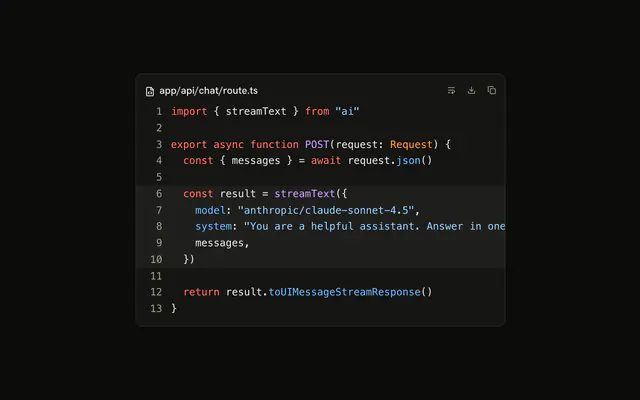
A file read whose content opens in a Sheet from the side, with line numbers: press Send message to play it. For long output, put the TraceLine in the sheet's trigger instead of a collapsible, so the transcript keeps its place while the reader looks. The same works with a Dialog, as in Trace.
Approval
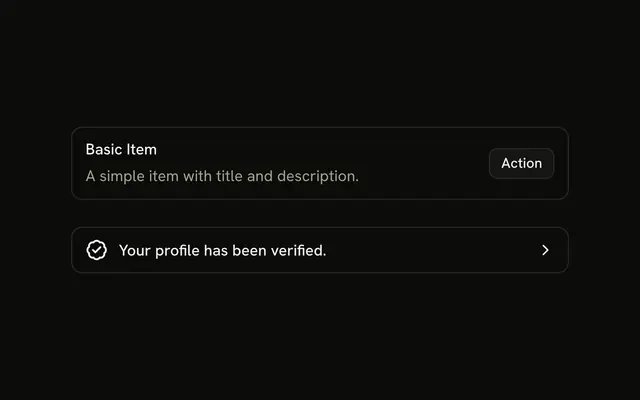
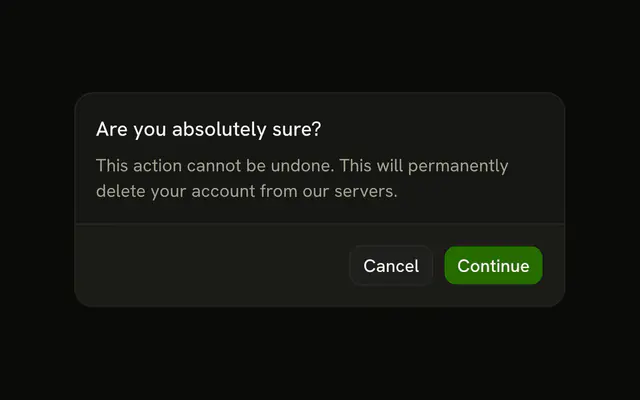
A command that waits for the reader before it runs: press Send message, then Approve or Deny. A pending approval is a question for the reader, not a step the agent took, so it sits outside Trace as an Item with the two buttons. Once the reader answers, the call goes back to being a line: Running, then Ran, or Denied. For a question with more to say, use Confirmation.
AI SDK
Render each tool part as a line, from its state, as the States table says.
Chat from @ai-sdk/vue gives the same tool parts, and chat.addToolApprovalResponse answers an approval; pass sendAutomaticallyWhen: lastAssistantMessageIsCompleteWithApprovalResponses to it so the chat goes on once every approval has an answer.
Migrating from AI SDK Elements
AI SDK Elements is for React. In Vue, start from the demos above: a Trace line per call, with its output in a Code Block, is all there is to Tool.
FAQ
What does installing Tool add in Vue?
Trace and Code Block, the two parts a tool call is built from, with the Collapsible a line opens on. Tool is a pattern, so no tool file lands in your ui folder: copy the demo's code into your own component and map your tools' calls onto it. The command uses the shadcn-vue CLI.
Why is a running call a plain line and not one that expands?
It has nothing to show yet. The line reads Running with a shimmer until the output arrives, then becomes a TraceCollapsible that opens on the output. A line that opens onto nothing reads as broken.
How should a failed call look?
Keep it in the list with status="error", a title that says so, "Failed to run pnpm dev", and the error as its output. The demo opens the failed call once the reply is done, so the reader sees what went wrong without hunting for it. A call still waiting when the chat stops has failed too, unless it runs on the client and waits for its output.
How do I ask the reader before a tool runs?
Show an Item with the command and two buttons, Deny and Approve, outside the Trace, as the Approval demo does. With the AI SDK, set needsApproval on the tool and answer with addToolApprovalResponse; once the reader answers, the call is a line again. For a question that needs more words, use Confirmation.
What if the output is long?
Cap it: the demos give CodeBlockContent a max-h-64, so it scrolls inside the line. For a whole file, open it in a Sheet from the line instead, as the Output in a Sheet demo does, with line numbers.
Can the reader open a call with the keyboard?
Yes. A call with output is a button: Tab reaches it, and Enter or Space opens or closes it. A running or denied call is a plain line, so Tab skips it.
Is this the same as AI SDK Elements' Tool?
It does the same job without a wrapper: Tool was a Collapsible with a status Badge in its header and its own code block, and here a call is a Trace line whose status and title say the state, over a Code Block. The Migrating from AI SDK Elements section has a prompt that rebuilds the old file on these parts and keeps its exports.
API Reference
Tool has no props of its own. Each call is a Trace line or collapsible, and its output a Code Block with size="sm". The approval is an Item with two Buttons.