Frontend Nav
Frontend Nav is a curated navigation website designed to collect, organize, and showcase high-quality frontend development resources from both domestic and international sources, making it easy for developers to discover essential tools, libraries, tutorials, and communities.
Add shadcn.io to your AI agent. · Pro It installs blocks, icons and premium templates from a prompt, with Pro.
Set up MCP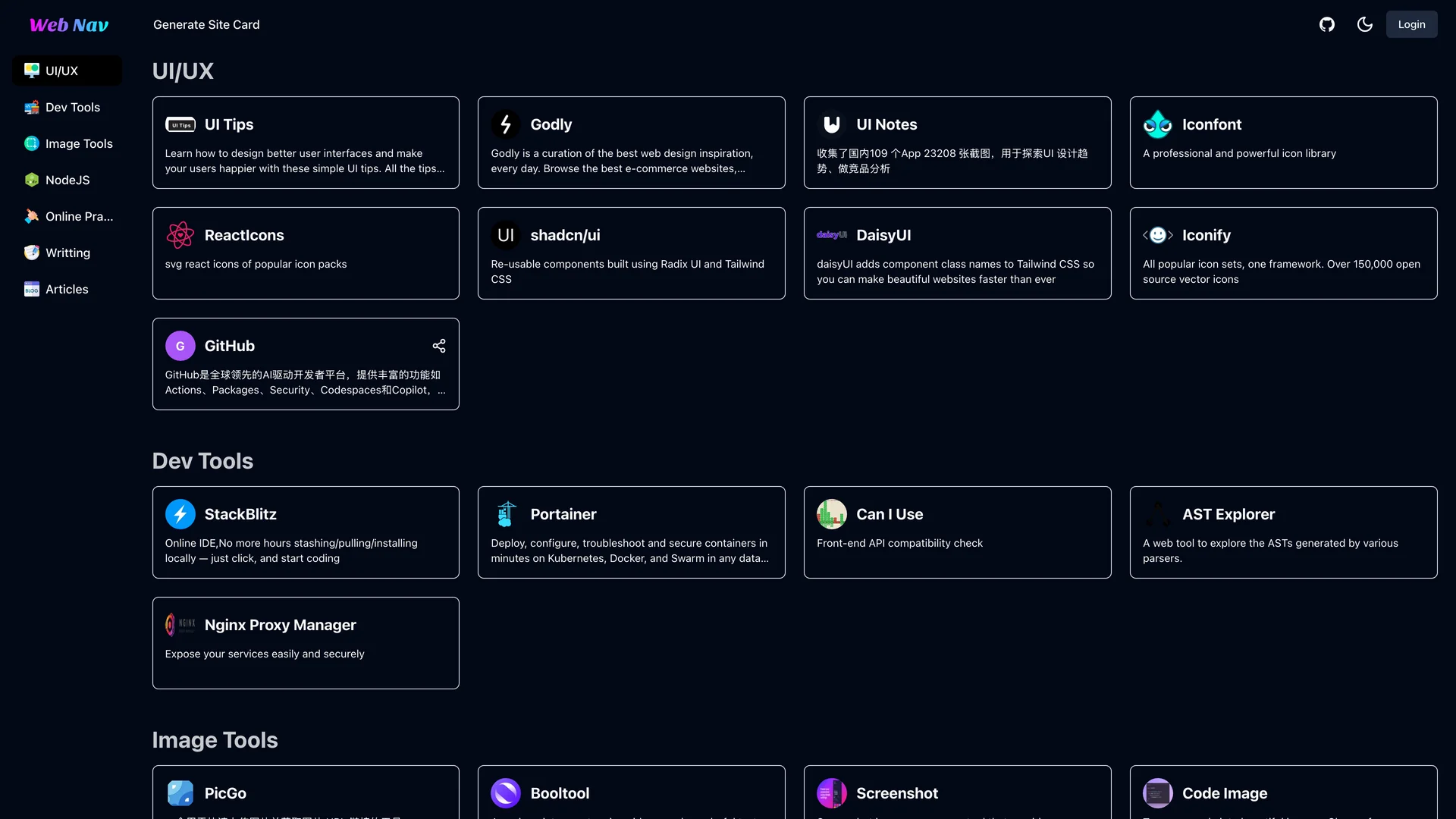
- Author
Wangfengyuan
- Updated
Live preview
Live Preview
Interact with the actual deployed template — every section, every interaction, no mockups.
webnav.codefe.top
Open in a new tab (opens in a new tab)Loading preview…
About
About Frontend Nav
Built with Next.js 13, TypeScript, Radix UI components, Tailwind CSS, NextAuth.js for authentication, Prisma ORM with MySQL on PlanetScale, and Puppeteer for automated screenshot generation, this project demonstrates modern web application development while solving a real problem: the overwhelming fragmentation of frontend resources across the internet. The platform features automated webpage information capture using Puppeteer to extract metadata, titles, and descriptions, shareable website cards with screenshots for visual recognition, user authentication allowing developers to save their personal collections, organized categorization of resources by topic, framework, or use case, dark mode support for comfortable browsing in different environments, and one-click deployment to Vercel for easy hosting. Inspired by the Taxonomy project, Frontend Nav emphasizes clean data presentation, intuitive navigation, and rapid resource discovery.
The application uses MySQL hosted on PlanetScale for scalable database management, Prisma for type-safe database queries, and NextAuth.js for flexible authentication supporting multiple providers. This project is valuable for developers building resource directories or curated link collections, learning modern full-stack Next.js development patterns, studying how to implement web scraping with Puppeteer for metadata extraction, creating personal knowledge bases or bookmark managers, and understanding how to build CRUD applications with authentication and database integration. Frontend Nav serves both as a practical tool for organizing frontend resources and as an educational codebase demonstrating production-ready Next.js architecture.
Get started
Free, open source, and ready to ship.
Clone the repo, install dependencies, and start customising. Frontend Nav is free and open source: its license is in the repository.
- Clone the Frontend Nav repository from GitHub.
- Run
npm installorpnpm installto install all required packages. - Run
npm run devto start the development server and begin customizing. - Check the repository’s README and license before you ship.
Terminal
$ git clone https://github.com/wangfengyuan/frontend-nav
$ cd frontend-nav
$ npm install
$ npm run dev
More like this
More Prisma templates
Open source Prisma templates like Frontend Nav, those with the most in common first.





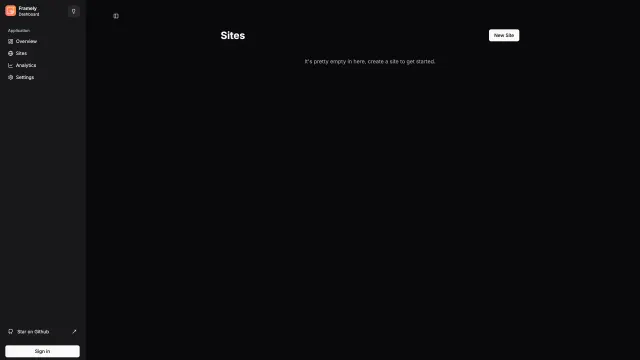

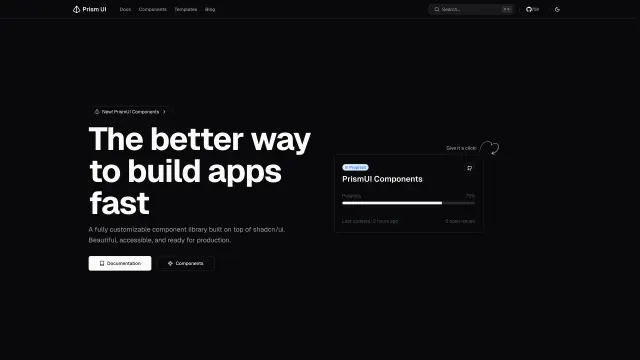
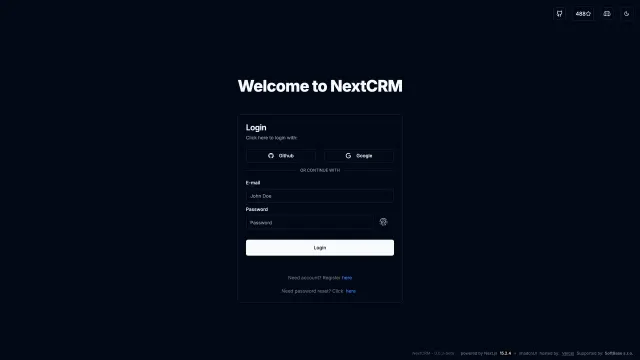

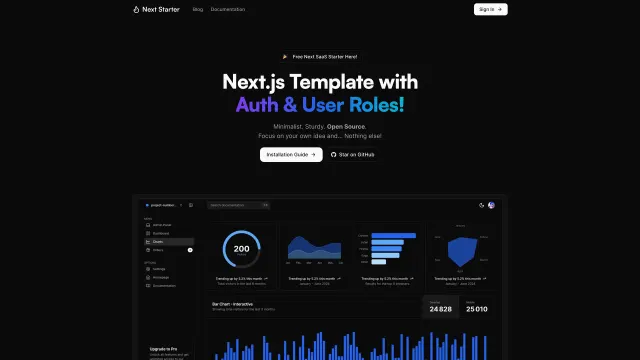
Included in Pro
More Templates
Hand-built premium templates from shadcn.io — production-ready and bundled in Pro.
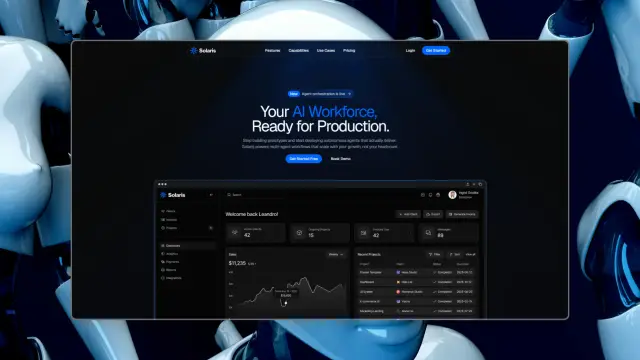
 SolarisProsolaris.shadcn.io
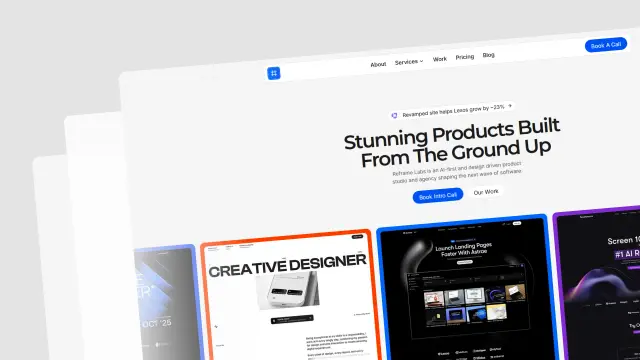 Reframe LabsProreframe.shadcn.io
 SpheruleProspherule.shadcn.io
 MaxPromax.shadcn.io
 Zel DesignsProzel.shadcn.io
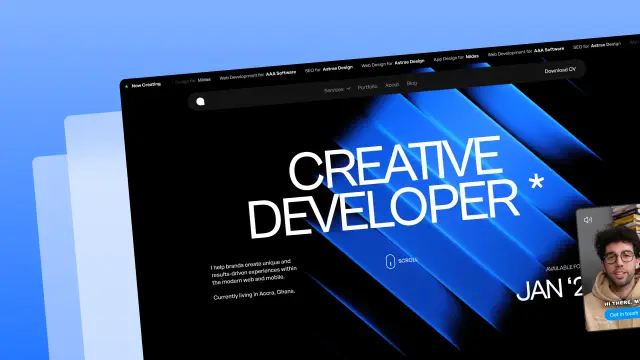 AreteProarete.shadcn.io
 LightboxProlightbox.shadcn.io
 ChatlyProchatly.shadcn.io
Every template, every block. One Pro plan unlocks all 14, with 6,000+ blocks and MCP for your AI editor.
Get ProPricing
Every premium template, with Pro
All 14 premium templates come with every Pro plan, with 6,000+ blocks and the MCP server. Pick the seats you need.
4.9/5 out of 5 · 150+ reviewsfrom 150+ founders and developers.
Billing
Billed once a year in USD. Cancel anytime.
- How many people can use the license.
- Client work, SaaS products and anything you charge for.
- Production-ready React sections: hero, pricing, features, dashboards and more.
- Complete multi-page sites you can ship as they are.
- React icons from every major library, installable with one command.
- Presets that restyle every block, in light and dark.
- Lets your AI editor search, preview and install blocks for you.
- Priority requests are answered first.
Individual
For personal projects & open source
$32instead of $49/mo
$389 billed yearly
- Seats: 1 seat
- Commercial use: Personal & open source only
- Pro blocks: 6,000+ blocks
- Templates: All 14 templates
- React icons: 294k+ icons
- Themes: All 59 themes
- MCP server: Basic usage
- Support: Standard
Team
Most popularFor freelancers, agencies & startups
$66instead of $99/mo
$789 billed yearly · ≈ $13/dev/mo
- Seats: Up to 5 seats
- Commercial use: Included
- Pro blocks: 6,000+ blocks
- Templates: All 14 templates
- React icons: 294k+ icons
- Themes: All 59 themes
- MCP server: High usage
- Support: Priority
Organization
For companies with larger teams
$132instead of $199/mo
$1,589 billed yearly
- Seats: Unlimited seats
- Commercial use: Included
- Pro blocks: 6,000+ blocks
- Templates: All 14 templates
- React icons: 294k+ icons
- Themes: All 59 themes
- MCP server: Unlimited usage
- Support: Priority
Billed once a year in USD. Cancel anytime.
Individual
For personal projects & open source
$32instead of $49/mo
$389 billed yearly
- How many people can use the license.Seats: 1 seat
- Client work, SaaS products and anything you charge for.Commercial use: Personal & open source only
- Production-ready React sections: hero, pricing, features, dashboards and more.Pro blocks: 6,000+ blocks
- Complete multi-page sites you can ship as they are.Templates: All 14 templates
- React icons from every major library, installable with one command.React icons: 294k+ icons
- Presets that restyle every block, in light and dark.Themes: All 59 themes
- Lets your AI editor search, preview and install blocks for you.MCP server: Basic usage
- Priority requests are answered first.Support: Standard
Team
Most popularFor freelancers, agencies & startups
$66instead of $99/mo
$789 billed yearly · ≈ $13/dev/mo
Everything in Individual, plus
- How many people can use the license.Seats: Up to 5 seats
- Client work, SaaS products and anything you charge for.Commercial use: Included
- Lets your AI editor search, preview and install blocks for you.MCP server: High usage
- Priority requests are answered first.Support: Priority
Organization
For companies with larger teams
$132instead of $199/mo
$1,589 billed yearly
Everything in Team, plus
- How many people can use the license.Seats: Unlimited seats
- Lets your AI editor search, preview and install blocks for you.MCP server: Unlimited usage
- Secure checkout via Stripe
- Code lives in your repo
- Keep what you've shipped if you cancel
- License terms
Ship your next site this weekend
14 premium templates, 6,000+ blocks and MCP in every Pro plan. Frontend Nav and the other 214 open source templates stay free.