Mantine Theme Builder
MantineHub (previously Mantine Theme Builder) is an open-source web tool built with TypeScript, Next.js, CSS, SCSS, and Tailwind CSS, designed to create modern, customizable shadcn-inspired themes for Mantine UI components by providing extensive color palette selection, border radius control, light/dark mode toggling, theme object export functionality, and support for all Mantine components with pre-built UI component "Blocks".
Add shadcn.io to your AI agent. · Pro It installs blocks, icons and premium templates from a prompt, with Pro.
Set up MCP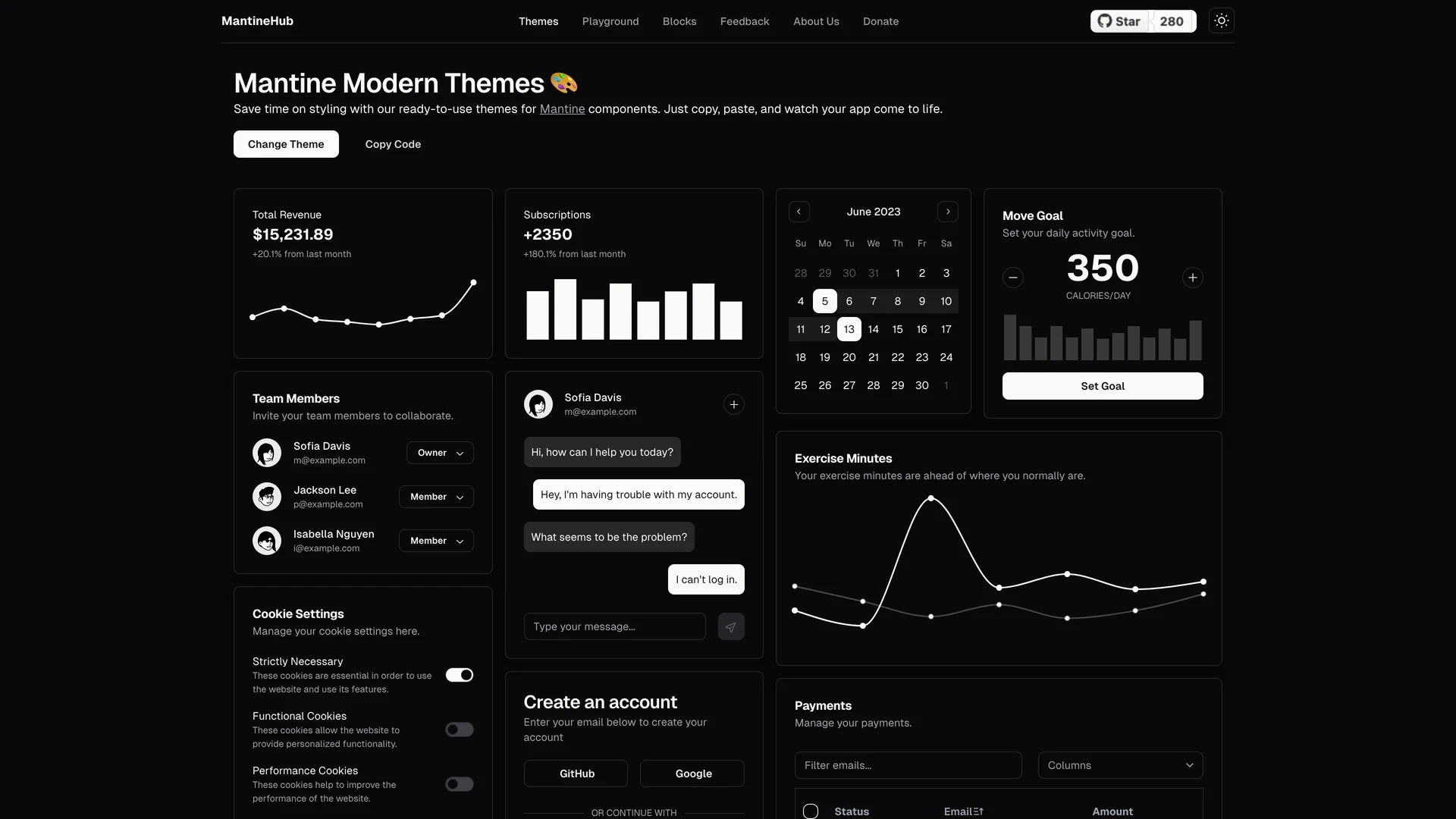
- Author
 Rubixcube innovations
- Updated
- Live demo
- mantinehub.com (opens in a new tab)
Live preview
Live Preview
Interact with the actual deployed template — every section, every interaction, no mockups.
mantinehub.com
Open in a new tab (opens in a new tab)Loading preview…
About
About Mantine Theme Builder
This comprehensive toolkit evolved from an experimental project into a full-featured theme generation interface that simplifies the process of modernizing Mantine's styling by enabling developers to quickly generate and integrate contemporary design systems. The shadcn design inspiration brings the elegant aesthetics popularized by shadcn/ui to the Mantine ecosystem, bridging the gap between Mantine's comprehensive component library and modern design trends. Perfect for development teams using Mantine UI seeking modern aesthetics, designers creating custom themes for Mantine applications, agencies building multiple projects with consistent Mantine styling, or developers transitioning from other UI libraries who want Mantine components with familiar design patterns.
The theme export functionality generates ready-to-use configuration objects that can be copied and pasted directly into projects, eliminating manual theme construction and reducing the time from design decision to implementation. By providing a visual interface for theme customization, MantineHub makes sophisticated Mantine theming accessible to team members who may not be familiar with Mantine's theming API structure while maintaining the full power and flexibility that experienced developers expect.
Get started
Free, open source, and ready to ship.
Clone the repo, install dependencies, and start customising. Mantine Theme Builder is free and open source: its license is in the repository.
- Clone the Mantine Theme Builder repository from GitHub.
- Run
npm installorpnpm installto install all required packages. - Run
npm run devto start the development server and begin customizing. - Check the repository’s README and license before you ship.
Terminal
$ git clone https://github.com/RubixCube-Innovations/mantine-theme-builder
$ cd mantine-theme-builder
$ npm install
$ npm run dev
Included in Pro
More Templates
Hand-built premium templates from shadcn.io — production-ready and bundled in Pro.
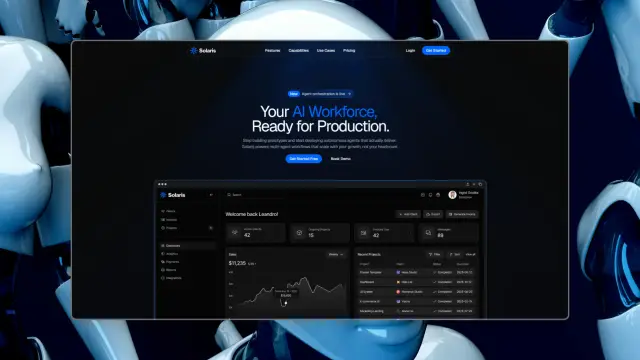
 SolarisProsolaris.shadcn.io
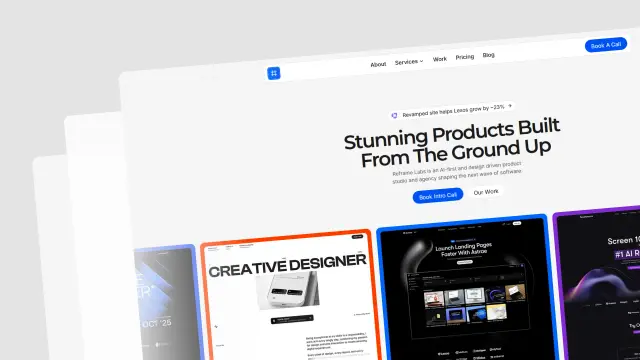 Reframe LabsProreframe.shadcn.io
 SpheruleProspherule.shadcn.io
 MaxPromax.shadcn.io
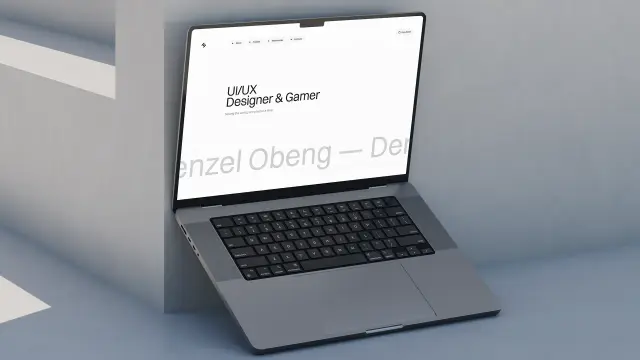 Zel DesignsProzel.shadcn.io
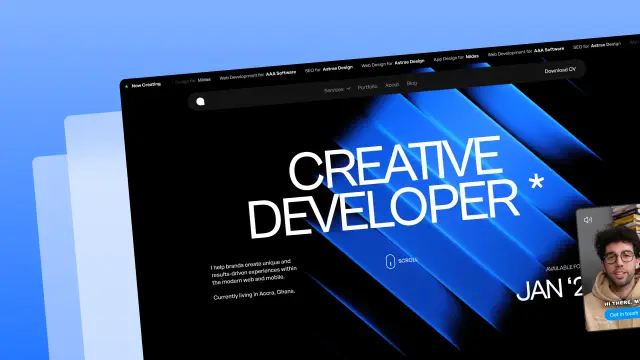 AreteProarete.shadcn.io
 LightboxProlightbox.shadcn.io
 ChatlyProchatly.shadcn.io
Every template, every block. One Pro plan unlocks all 14, with 6,000+ blocks and MCP for your AI editor.
Get ProMore like this
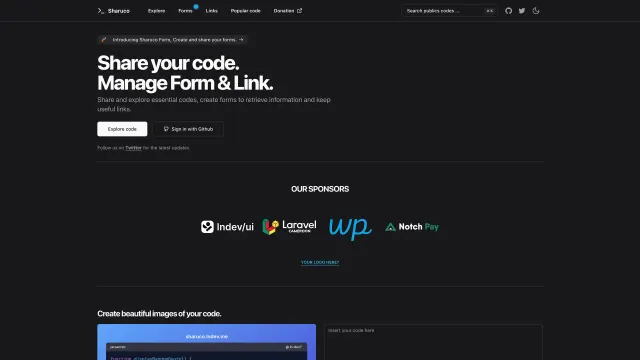
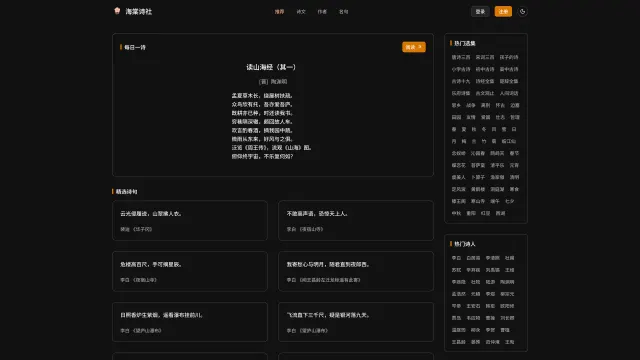
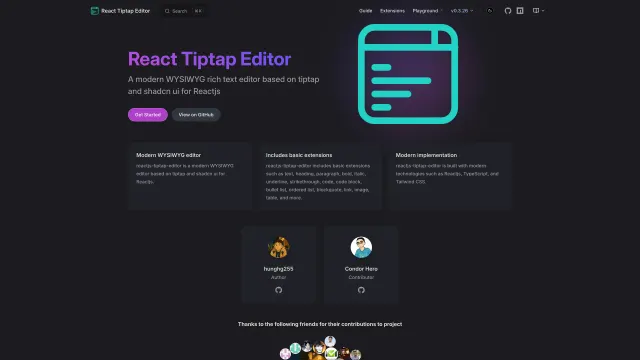
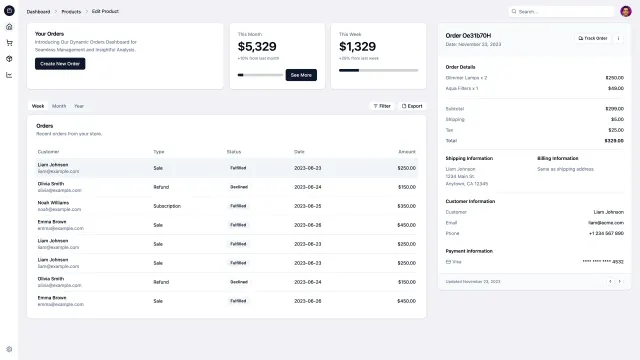
More Scss templates
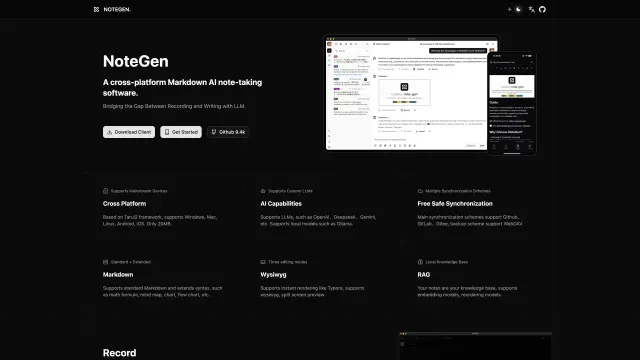
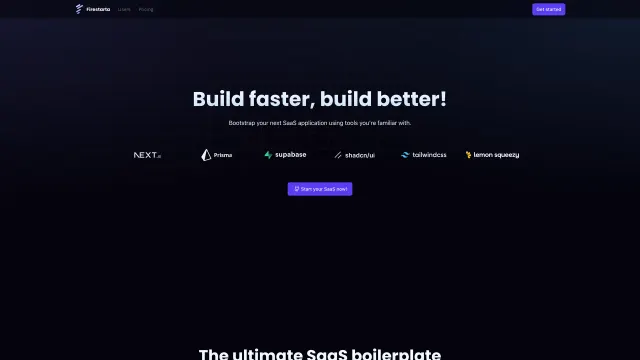
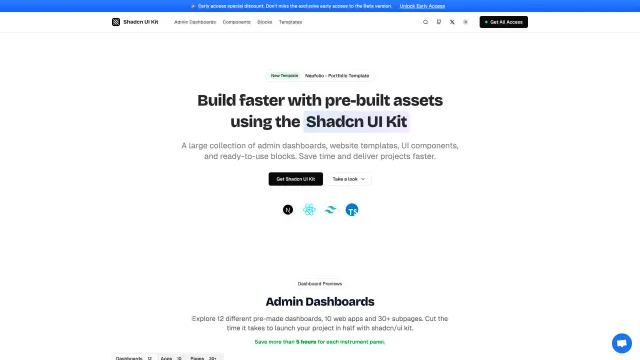
Open source Scss templates like Mantine Theme Builder, those with the most in common first.









Pricing
Every premium template, with Pro
All 14 premium templates come with every Pro plan, with 6,000+ blocks and the MCP server. Pick the seats you need.
4.9/5 out of 5 · 150+ reviewsfrom 150+ founders and developers.
Billing
Billed once a year in USD. Cancel anytime.
- How many people can use the license.
- Client work, SaaS products and anything you charge for.
- Production-ready React sections: hero, pricing, features, dashboards and more.
- Complete multi-page sites you can ship as they are.
- React icons from every major library, installable with one command.
- Presets that restyle every block, in light and dark.
- Lets your AI editor search, preview and install blocks for you.
- Priority requests are answered first.
Individual
For personal projects & open source
$32instead of $49/mo
$389 billed yearly
- Seats: 1 seat
- Commercial use: Personal & open source only
- Pro blocks: 6,000+ blocks
- Templates: All 14 templates
- React icons: 294k+ icons
- Themes: All 59 themes
- MCP server: Basic usage
- Support: Standard
Team
Most popularFor freelancers, agencies & startups
$66instead of $99/mo
$789 billed yearly · ≈ $13/dev/mo
- Seats: Up to 5 seats
- Commercial use: Included
- Pro blocks: 6,000+ blocks
- Templates: All 14 templates
- React icons: 294k+ icons
- Themes: All 59 themes
- MCP server: High usage
- Support: Priority
Organization
For companies with larger teams
$132instead of $199/mo
$1,589 billed yearly
- Seats: Unlimited seats
- Commercial use: Included
- Pro blocks: 6,000+ blocks
- Templates: All 14 templates
- React icons: 294k+ icons
- Themes: All 59 themes
- MCP server: Unlimited usage
- Support: Priority
Billed once a year in USD. Cancel anytime.
Individual
For personal projects & open source
$32instead of $49/mo
$389 billed yearly
- How many people can use the license.Seats: 1 seat
- Client work, SaaS products and anything you charge for.Commercial use: Personal & open source only
- Production-ready React sections: hero, pricing, features, dashboards and more.Pro blocks: 6,000+ blocks
- Complete multi-page sites you can ship as they are.Templates: All 14 templates
- React icons from every major library, installable with one command.React icons: 294k+ icons
- Presets that restyle every block, in light and dark.Themes: All 59 themes
- Lets your AI editor search, preview and install blocks for you.MCP server: Basic usage
- Priority requests are answered first.Support: Standard
Team
Most popularFor freelancers, agencies & startups
$66instead of $99/mo
$789 billed yearly · ≈ $13/dev/mo
Everything in Individual, plus
- How many people can use the license.Seats: Up to 5 seats
- Client work, SaaS products and anything you charge for.Commercial use: Included
- Lets your AI editor search, preview and install blocks for you.MCP server: High usage
- Priority requests are answered first.Support: Priority
Organization
For companies with larger teams
$132instead of $199/mo
$1,589 billed yearly
Everything in Team, plus
- How many people can use the license.Seats: Unlimited seats
- Lets your AI editor search, preview and install blocks for you.MCP server: Unlimited usage
- Secure checkout via Stripe
- Code lives in your repo
- Keep what you've shipped if you cancel
- License terms
Ship your next site this weekend
14 premium templates, 6,000+ blocks and MCP in every Pro plan. Mantine Theme Builder and the other 214 open source templates stay free.