Shadcn Theme Editor
The shadcn Theme Editor is a must-have developer tool that provides an intuitive visual interface for customizing shadcn/ui color themes without manually editing CSS variables or converting between color formats.
Add shadcn.io to your AI agent. · Pro It installs blocks, icons and premium templates from a prompt, with Pro.
Set up MCP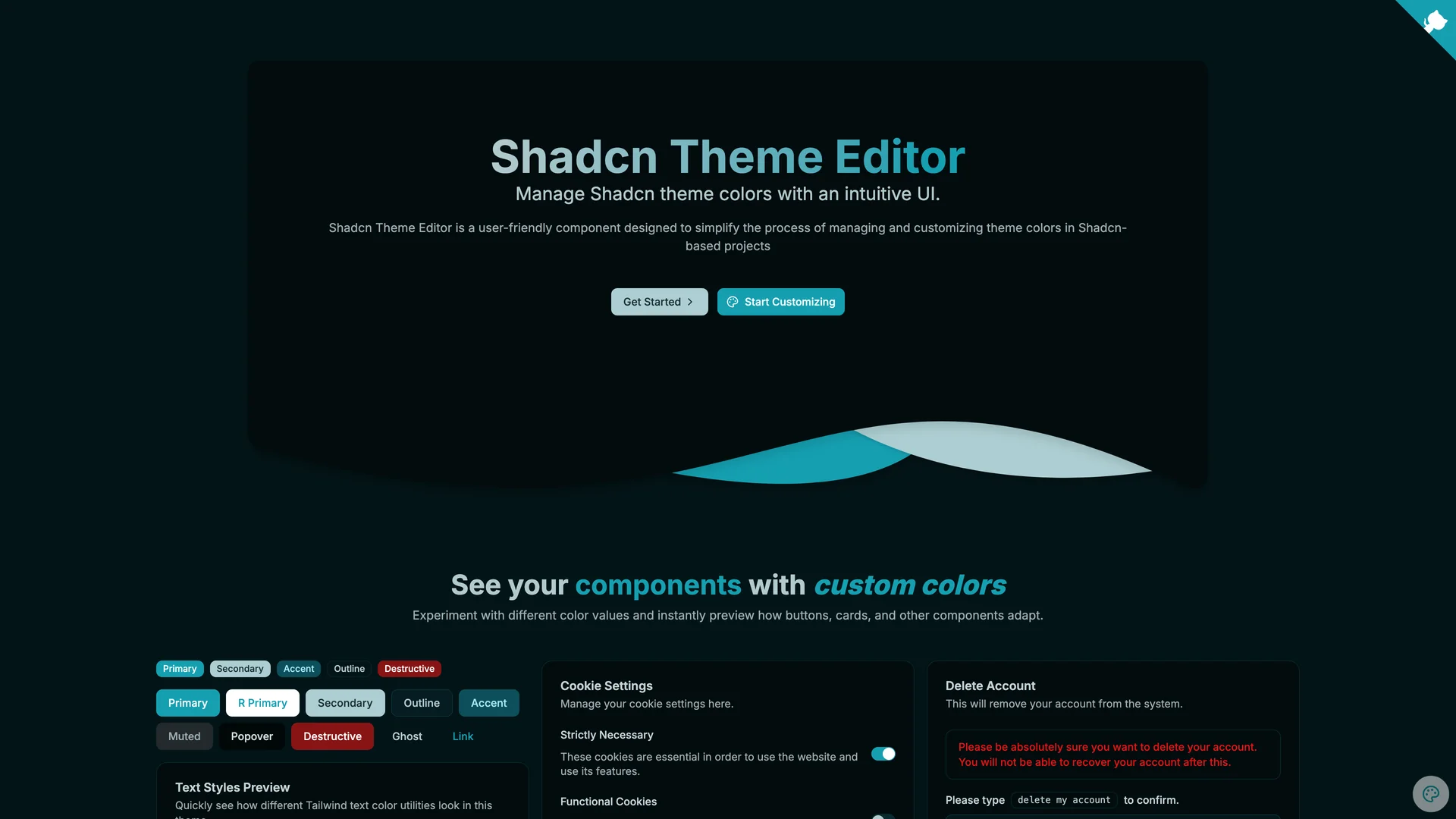
- Author
Programming with ia
- Updated
Live preview
Live Preview
Interact with the actual deployed template — every section, every interaction, no mockups.
shadcnthemeeditor.vercel.app
Open in a new tab (opens in a new tab)Loading preview…
About
About Shadcn Theme Editor
Built with Next.js, React, TypeScript, and Tailwind CSS, this component allows developers and designers to interactively adjust all theme tokens, preview changes in real-time across light and dark modes, and export ready-to-use CSS configurations. The editor features interactive color pickers for all shadcn/ui theme tokens including background, foreground, primary, secondary, accent, destructive, and border colors, live preview showing how components look with the selected theme applied, automatic HSL to CSS variable conversion eliminating manual color format calculations, one-click copying of generated CSS for immediate integration into projects, preset theme templates to jumpstart customization from popular color schemes, and accessibility contrast checking to ensure color combinations meet WCAG standards. The interface organizes theme tokens by their semantic purpose, making it clear which colors affect buttons versus backgrounds versus text, helping developers understand the shadcn/ui theming system while customizing it.
This tool is invaluable for designers creating custom brand themes without CSS expertise, developers building white-label applications requiring multiple tenant-specific themes, teams experimenting with color palettes before committing to final designs, projects needing to match precise brand guidelines with exact color control, and anyone frustrated with manually converting hex colors to the HSL format required by shadcn/ui. The Theme Editor can be installed as a dev dependency via npm or integrated using the Scaflo CLI, bridging the gap between visual design and technical implementation to make theme customization accessible and efficient.
Get started
Free, open source, and ready to ship.
Clone the repo, install dependencies, and start customising. Shadcn Theme Editor is free and open source: its license is in the repository.
- Clone the Shadcn Theme Editor repository from GitHub.
- Run
npm installorpnpm installto install all required packages. - Run
npm run devto start the development server and begin customizing. - Check the repository’s README and license before you ship.
Terminal
$ git clone https://github.com/programming-with-ia/shadcn-theme-editor
$ cd shadcn-theme-editor
$ npm install
$ npm run dev
More like this
More Templates & Themes templates
Open source Templates & Themes templates like Shadcn Theme Editor, those with the most in common first.
SaaS Boilerplatereact-saas.com
Shadcn Landing Pageshadcn-landing-page.vercel.app
Relivatorrelivator.com
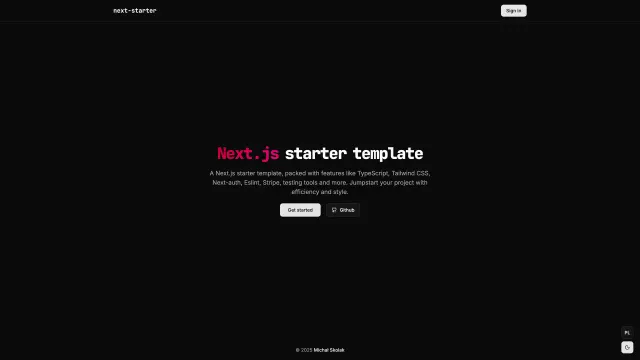
Next Starternext-starter-skolaczk.vercel.app
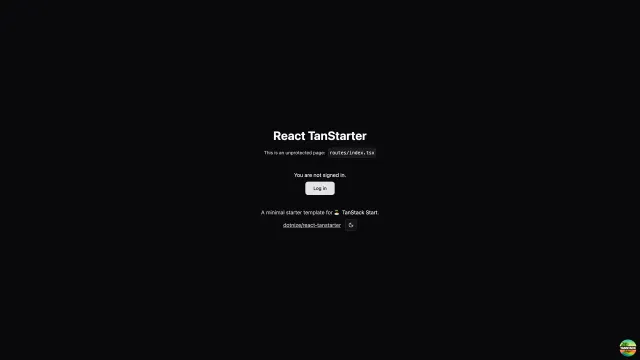
React Tanstartertanstarter.nize.ph
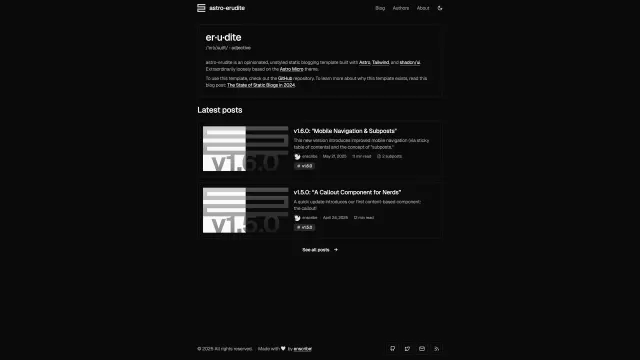
Astro Eruditeastro-erudite.vercel.app
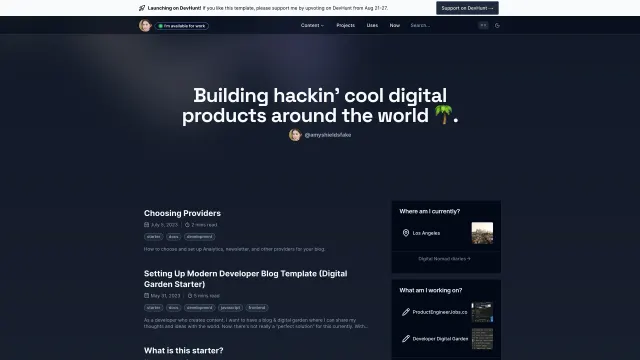
Digital Gardenthedevdavid-digital-garden.vercel.app
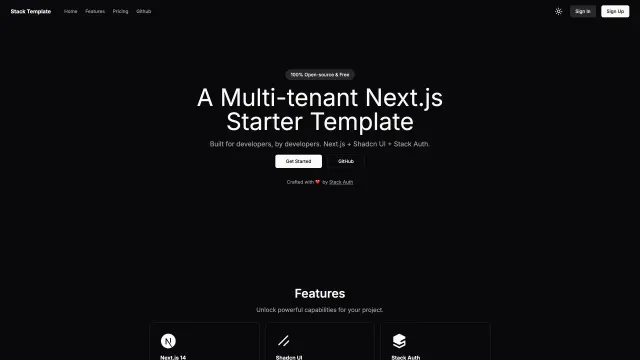
Stack Auth Multi Tenant Starter Templatestack-template.vercel.app
Included in Pro
More Templates
Hand-built premium templates from shadcn.io — production-ready and bundled in Pro.
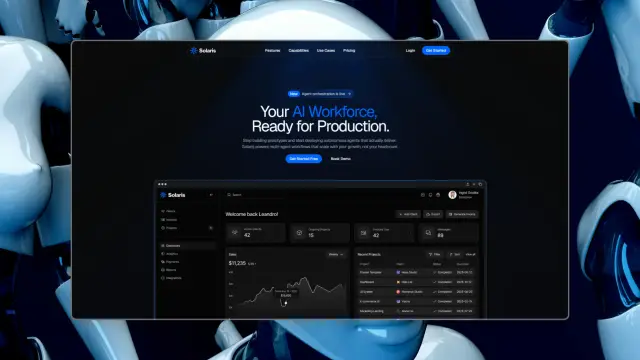
 SolarisProsolaris.shadcn.io
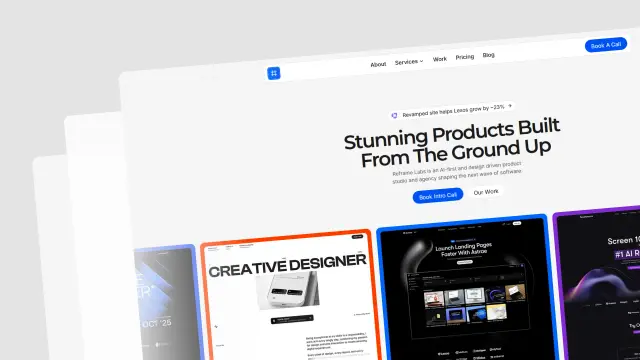 Reframe LabsProreframe.shadcn.io
 SpheruleProspherule.shadcn.io
 MaxPromax.shadcn.io
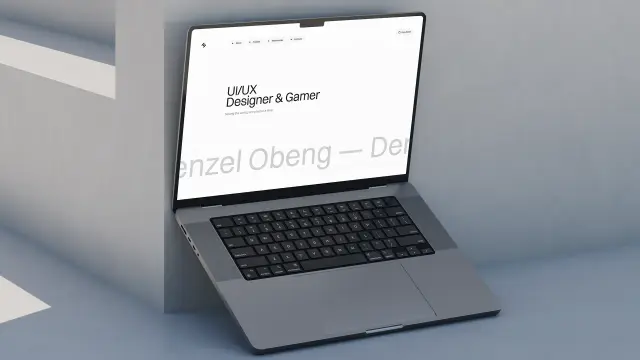 Zel DesignsProzel.shadcn.io
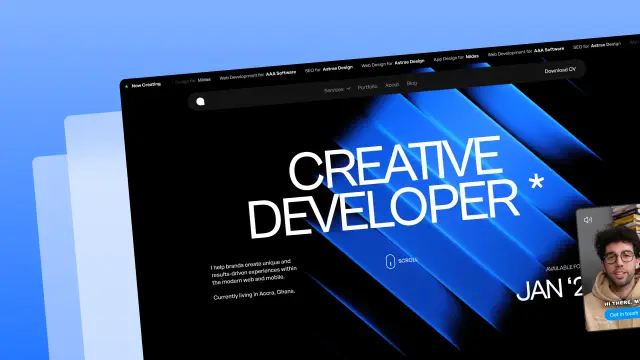 AreteProarete.shadcn.io
 LightboxProlightbox.shadcn.io
 ChatlyProchatly.shadcn.io
Every template, every block. One Pro plan unlocks all 14, with 6,000+ blocks and MCP for your AI editor.
Get ProPricing
Every premium template, with Pro
All 14 premium templates come with every Pro plan, with 6,000+ blocks and the MCP server. Pick the seats you need.
4.9/5 out of 5 · 150+ reviewsfrom 150+ founders and developers.
Billing
Billed once a year in USD. Cancel anytime.
- How many people can use the license.
- Client work, SaaS products and anything you charge for.
- Production-ready React sections: hero, pricing, features, dashboards and more.
- Complete multi-page sites you can ship as they are.
- React icons from every major library, installable with one command.
- Presets that restyle every block, in light and dark.
- Lets your AI editor search, preview and install blocks for you.
- Priority requests are answered first.
Individual
For personal projects & open source
$32instead of $49/mo
$389 billed yearly
- Seats: 1 seat
- Commercial use: Personal & open source only
- Pro blocks: 6,000+ blocks
- Templates: All 14 templates
- React icons: 294k+ icons
- Themes: All 59 themes
- MCP server: Basic usage
- Support: Standard
Team
Most popularFor freelancers, agencies & startups
$66instead of $99/mo
$789 billed yearly · ≈ $13/dev/mo
- Seats: Up to 5 seats
- Commercial use: Included
- Pro blocks: 6,000+ blocks
- Templates: All 14 templates
- React icons: 294k+ icons
- Themes: All 59 themes
- MCP server: High usage
- Support: Priority
Organization
For companies with larger teams
$132instead of $199/mo
$1,589 billed yearly
- Seats: Unlimited seats
- Commercial use: Included
- Pro blocks: 6,000+ blocks
- Templates: All 14 templates
- React icons: 294k+ icons
- Themes: All 59 themes
- MCP server: Unlimited usage
- Support: Priority
Billed once a year in USD. Cancel anytime.
Individual
For personal projects & open source
$32instead of $49/mo
$389 billed yearly
- How many people can use the license.Seats: 1 seat
- Client work, SaaS products and anything you charge for.Commercial use: Personal & open source only
- Production-ready React sections: hero, pricing, features, dashboards and more.Pro blocks: 6,000+ blocks
- Complete multi-page sites you can ship as they are.Templates: All 14 templates
- React icons from every major library, installable with one command.React icons: 294k+ icons
- Presets that restyle every block, in light and dark.Themes: All 59 themes
- Lets your AI editor search, preview and install blocks for you.MCP server: Basic usage
- Priority requests are answered first.Support: Standard
Team
Most popularFor freelancers, agencies & startups
$66instead of $99/mo
$789 billed yearly · ≈ $13/dev/mo
Everything in Individual, plus
- How many people can use the license.Seats: Up to 5 seats
- Client work, SaaS products and anything you charge for.Commercial use: Included
- Lets your AI editor search, preview and install blocks for you.MCP server: High usage
- Priority requests are answered first.Support: Priority
Organization
For companies with larger teams
$132instead of $199/mo
$1,589 billed yearly
Everything in Team, plus
- How many people can use the license.Seats: Unlimited seats
- Lets your AI editor search, preview and install blocks for you.MCP server: Unlimited usage
- Secure checkout via Stripe
- Code lives in your repo
- Keep what you've shipped if you cancel
- License terms
Ship your next site this weekend
14 premium templates, 6,000+ blocks and MCP in every Pro plan. Shadcn Theme Editor and the other 214 open source templates stay free.