Circle
Circle is a sleek, modern project management interface directly inspired by Linear's renowned design and user experience, built with Next.js, TypeScript, shadcn/ui, and Tailwind CSS to demonstrate how to create production-quality project management tools with contemporary web technologies.
Add shadcn.io to your AI agent. · Pro It installs blocks, icons and premium templates from a prompt, with Pro.
Set up MCP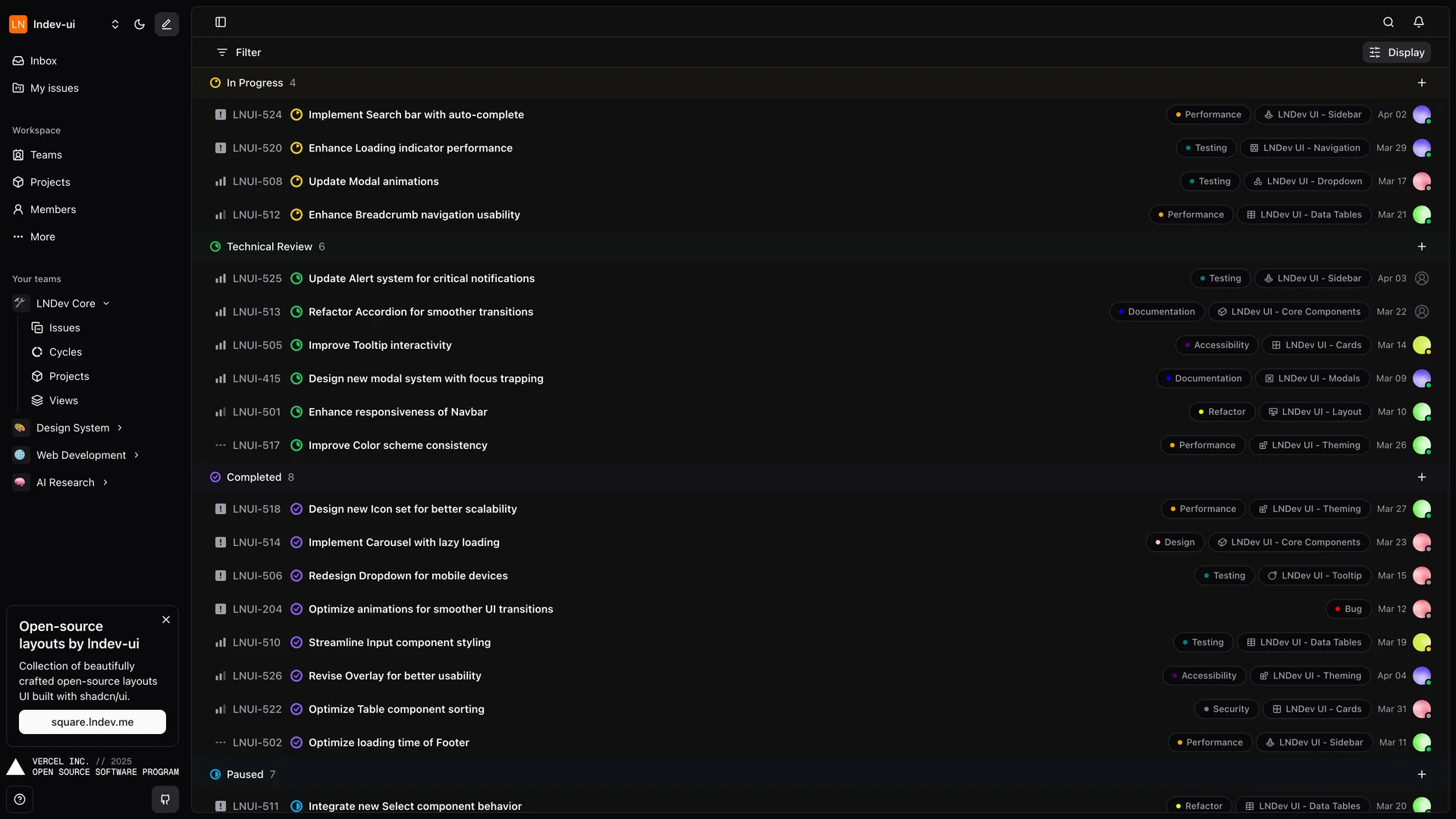
- Author
 Ln dev7
- Updated
- Live demo
- circle.lndev.me (opens in a new tab)
Live preview
Live Preview
Interact with the actual deployed template — every section, every interaction, no mockups.
circle.lndev.me
Open in a new tab (opens in a new tab)Loading preview…
About
About Circle
With over 2,200 stars on GitHub, this open-source project showcases best practices for building responsive, performant interfaces that handle issue tracking, project organization, and team collaboration. The application features a clean, distraction-free interface optimized for keyboard navigation and rapid task management, comprehensive issue tracking with status labels, priorities, and assignments, project views with Kanban boards and list layouts, team management with member roles and permissions, responsive design that works seamlessly across desktop and mobile devices, real-time updates for collaborative team environments, and keyboard shortcuts for power users who want to move fast. Circle's design philosophy emphasizes speed and clarity, removing unnecessary visual clutter while ensuring all essential information is accessible within one or two clicks.
The codebase demonstrates advanced Next.js patterns including server components, optimistic UI updates, proper TypeScript typing throughout the application, and Tailwind CSS organization for maintainable styles. This project is invaluable for developers building internal project management tools for engineering teams, learning how to replicate Linear's elegant UX patterns, creating issue tracking systems for open-source projects, studying modern Next.js architecture with shadcn/ui, and understanding how to build keyboard-first interfaces. Circle serves as both a functional project management tool and an educational resource for developers who admire Linear's approach to software design.
Get started
Free, open source, and ready to ship.
Clone the repo, install dependencies, and start customising. Circle is free and open source: its license is in the repository.
- Clone the Circle repository from GitHub.
- Run
npm installorpnpm installto install all required packages. - Run
npm run devto start the development server and begin customizing. - Check the repository’s README and license before you ship.
Terminal
$ git clone https://github.com/ln-dev7/circle
$ cd circle
$ npm install
$ npm run dev
More like this
More Templates & Themes templates
Open source Templates & Themes templates like Circle, those with the most in common first.
 SaaS Boilerplatereact-saas.com
 Relivatorrelivator.com
 Next Starternext-starter-skolaczk.vercel.app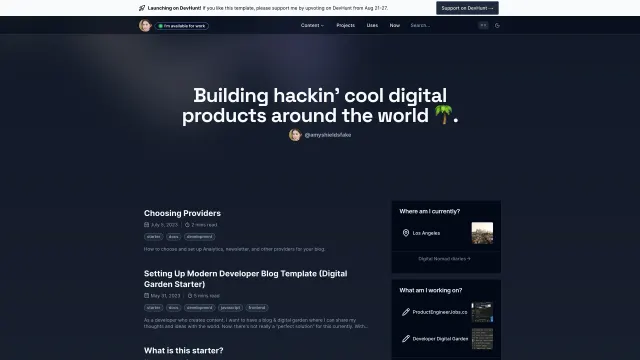
 Digital Gardenthedevdavid-digital-garden.vercel.app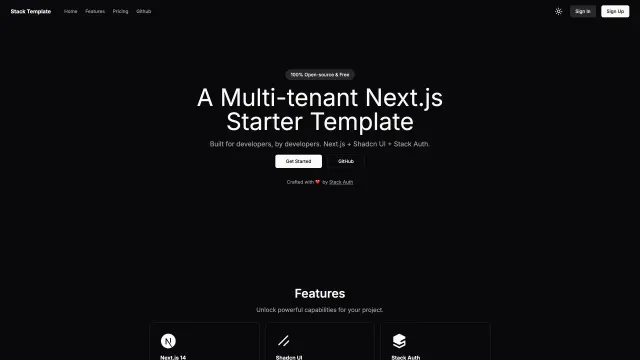
 Stack Auth Multi Tenant Starter Templatestack-template.vercel.app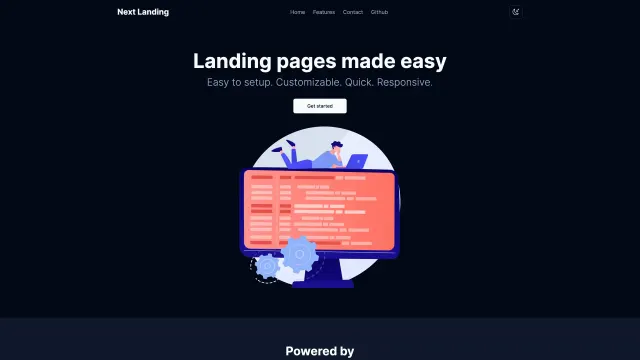
 Next Shadcn Landingnextlanding.rdev.pro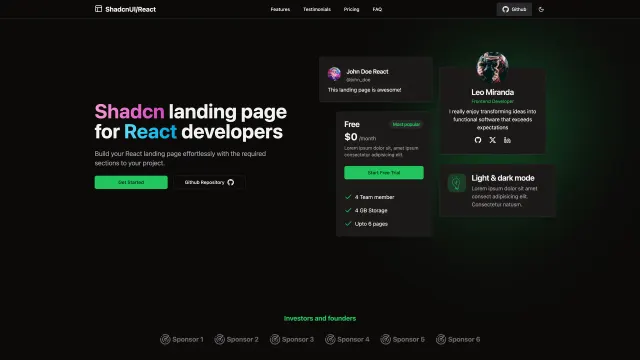
 Shadcn Landing Pageshadcn-landing-page.vercel.app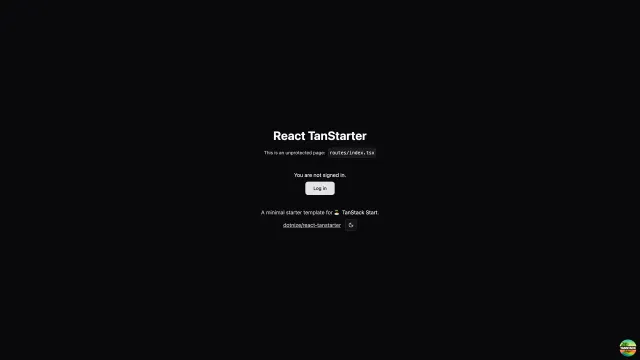
 React Tanstartertanstarter.nize.ph
Same author
More by Ln dev7
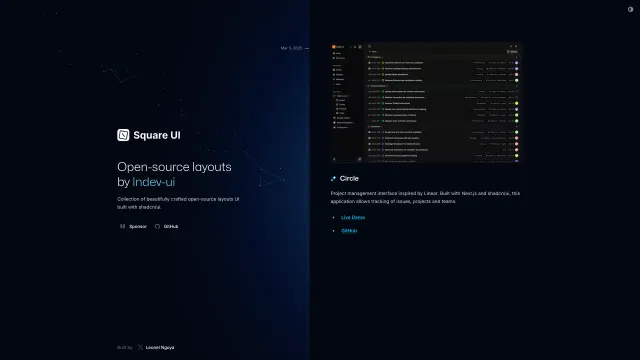
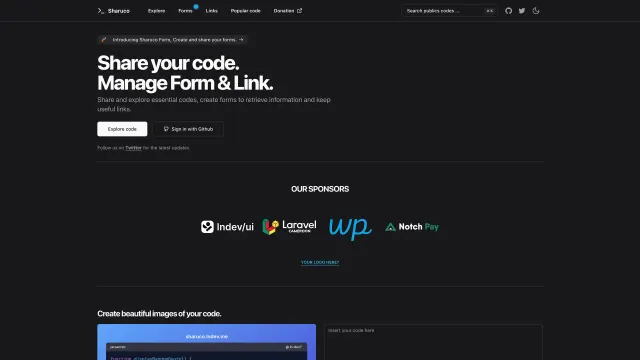
Ln dev7 has 3 templates in the collection.
Included in Pro
More Templates
Hand-built premium templates from shadcn.io — production-ready and bundled in Pro.
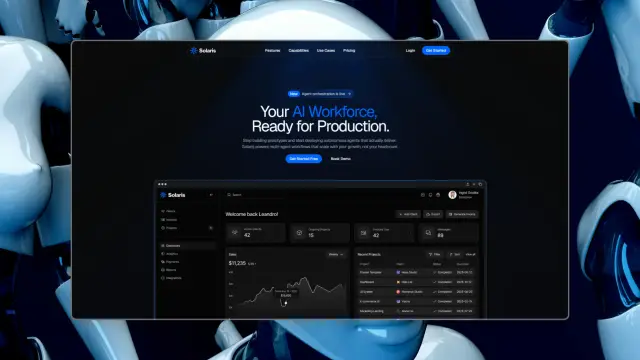
 SolarisProsolaris.shadcn.io
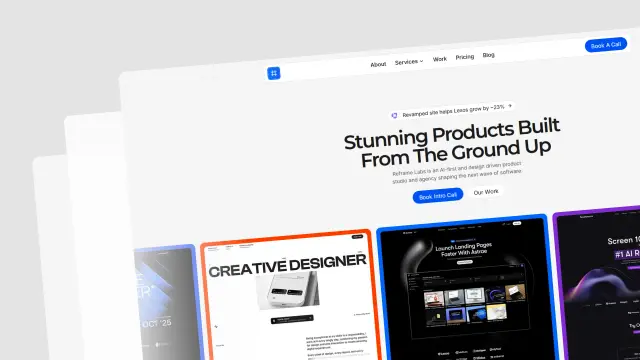 Reframe LabsProreframe.shadcn.io
 SpheruleProspherule.shadcn.io
 MaxPromax.shadcn.io
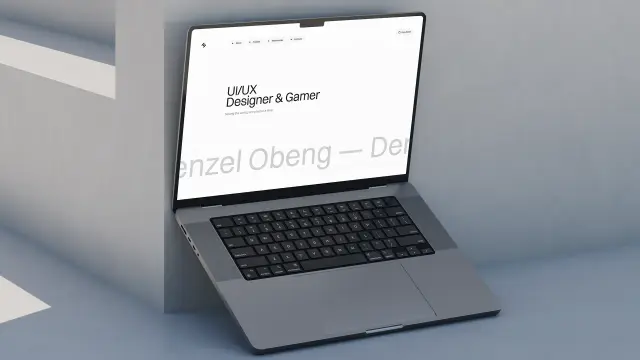 Zel DesignsProzel.shadcn.io
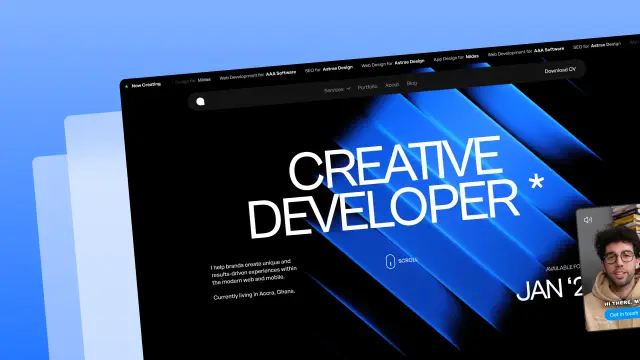 AreteProarete.shadcn.io
 LightboxProlightbox.shadcn.io
 ChatlyProchatly.shadcn.io
Every template, every block. One Pro plan unlocks all 14, with 6,000+ blocks and MCP for your AI editor.
Get ProPricing
Every premium template, with Pro
All 14 premium templates come with every Pro plan, with 6,000+ blocks and the MCP server. Pick the seats you need.
4.9/5 out of 5 · 150+ reviewsfrom 150+ founders and developers.
Billing
Billed once a year in USD. Cancel anytime.
- How many people can use the license.
- Client work, SaaS products and anything you charge for.
- Production-ready React sections: hero, pricing, features, dashboards and more.
- Complete multi-page sites you can ship as they are.
- React icons from every major library, installable with one command.
- Presets that restyle every block, in light and dark.
- Lets your AI editor search, preview and install blocks for you.
- Priority requests are answered first.
Individual
For personal projects & open source
$32instead of $49/mo
$389 billed yearly
- Seats: 1 seat
- Commercial use: Personal & open source only
- Pro blocks: 6,000+ blocks
- Templates: All 14 templates
- React icons: 294k+ icons
- Themes: All 59 themes
- MCP server: Basic usage
- Support: Standard
Team
Most popularFor freelancers, agencies & startups
$66instead of $99/mo
$789 billed yearly · ≈ $13/dev/mo
- Seats: Up to 5 seats
- Commercial use: Included
- Pro blocks: 6,000+ blocks
- Templates: All 14 templates
- React icons: 294k+ icons
- Themes: All 59 themes
- MCP server: High usage
- Support: Priority
Organization
For companies with larger teams
$132instead of $199/mo
$1,589 billed yearly
- Seats: Unlimited seats
- Commercial use: Included
- Pro blocks: 6,000+ blocks
- Templates: All 14 templates
- React icons: 294k+ icons
- Themes: All 59 themes
- MCP server: Unlimited usage
- Support: Priority
Billed once a year in USD. Cancel anytime.
Individual
For personal projects & open source
$32instead of $49/mo
$389 billed yearly
- How many people can use the license.Seats: 1 seat
- Client work, SaaS products and anything you charge for.Commercial use: Personal & open source only
- Production-ready React sections: hero, pricing, features, dashboards and more.Pro blocks: 6,000+ blocks
- Complete multi-page sites you can ship as they are.Templates: All 14 templates
- React icons from every major library, installable with one command.React icons: 294k+ icons
- Presets that restyle every block, in light and dark.Themes: All 59 themes
- Lets your AI editor search, preview and install blocks for you.MCP server: Basic usage
- Priority requests are answered first.Support: Standard
Team
Most popularFor freelancers, agencies & startups
$66instead of $99/mo
$789 billed yearly · ≈ $13/dev/mo
Everything in Individual, plus
- How many people can use the license.Seats: Up to 5 seats
- Client work, SaaS products and anything you charge for.Commercial use: Included
- Lets your AI editor search, preview and install blocks for you.MCP server: High usage
- Priority requests are answered first.Support: Priority
Organization
For companies with larger teams
$132instead of $199/mo
$1,589 billed yearly
Everything in Team, plus
- How many people can use the license.Seats: Unlimited seats
- Lets your AI editor search, preview and install blocks for you.MCP server: Unlimited usage
- Secure checkout via Stripe
- Code lives in your repo
- Keep what you've shipped if you cancel
- License terms
Ship your next site this weekend
14 premium templates, 6,000+ blocks and MCP in every Pro plan. Circle and the other 214 open source templates stay free.